Castify : Screen Mirroring App
ダウンロード: App Store

このページはアプリまたはその開発者の公式ページではなく、情報提供および論評を目的として作成された独立した編集出版物です。明示的に別段の記載がない限り、アプリおよびその開発者は、MWM、Apple、Google Play、アプリのパブリッシャー、またはアプリの開発者と提携、承認、後援、認可、またはその他の公式的な関係はなく、このページのいかなる内容も、アプリがMWMのサービスを使用して開発されたことを意味するものではありません。すべての商標、ロゴ、スクリーンショット、その他のコンテンツはそれぞれの所有者の財産です。

ロゴ: Castify : Screen Mirroring App
ダウンロード: App Store

Castify : Screen Mirroring App

iPhoneユーザー向けの究極のキャストソリューション:追加のソフトウェアやハードウェアなしで、あらゆるスマートテレビで超高品質のウェブ動画、写真、ライブストリームをお楽しみください。

主要数値

ダウンロード

76K+

ユーザー評価

4.1/5

評価数

800

開発元

PIRON APPS

カテゴリ

Utilities

対応言語

1

最新バージョン

7.8

サイズ

191.8 MB

リリース日

2022年6月30日
機能

ホームエンターテイメントを格上げ

iPhoneからあらゆるスマートテレビへ即座にキャスト – 追加ケーブル、かさばるハードウェア、複雑なセットアップは一切不要です。

テレビのセットアップは一切不要

Appleエコシステムの壁に別れを告げましょう。追加のソフトウェアやレシーバーアプリをインストールせずに、Samsung、LG、Roku TVに直接キャストできます。

ウェブ上のあらゆるものをストリーミング

コードカッターに最適です。統合されたブラウザを使用して、ライブスポーツ、ニッチなウェブシリーズ、標準的なテレビアプリでは利用できない映画をキャストしてください。

以下のスクリーンショットと説明は、アプリの公式ストアリスティングから直接取得されたものであり、アプリ開発者の所有物です。

アプリストア

スクリーンショット
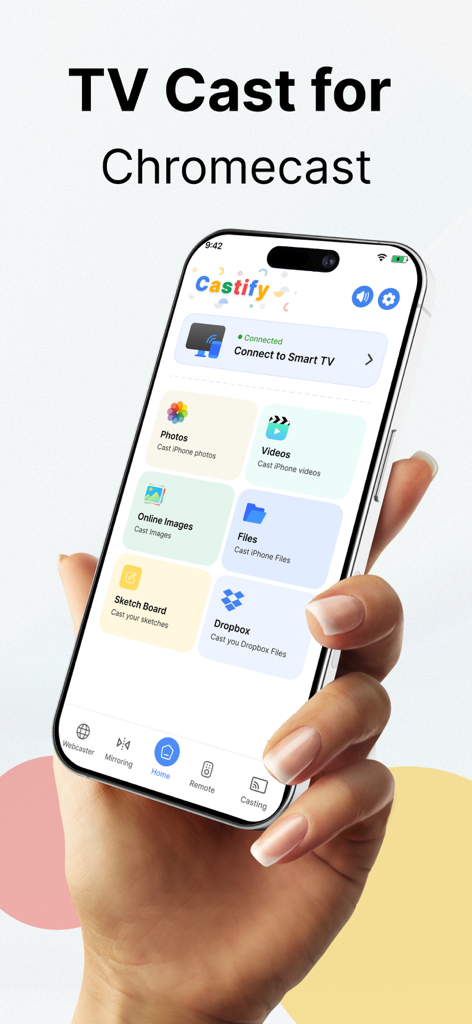
Castify : Screen Mirroring App - Castify画面ミラーリングアプリのインターフェースを表示するiPhone。写真や動画のキャストオプションが表示されている
Castify画面ミラーリングアプリのインターフェースを表示するiPhone。写真や動画のキャストオプションが表示されている

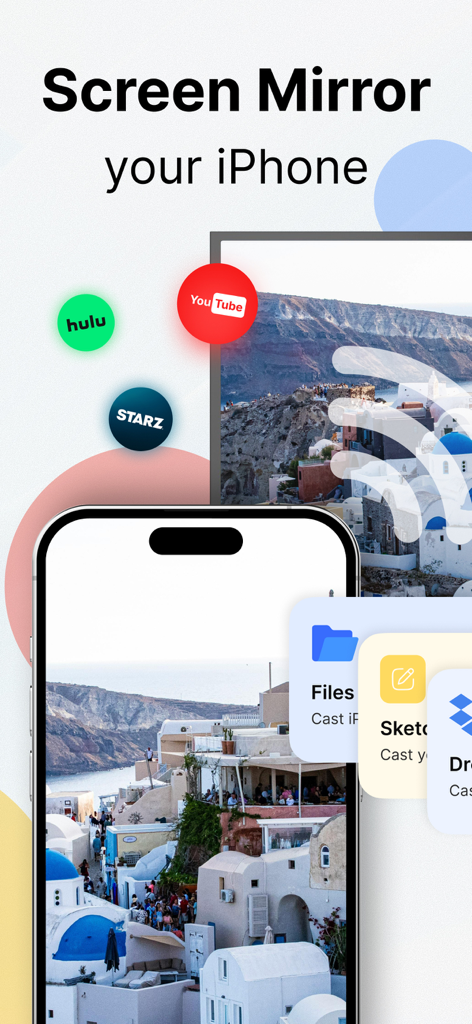
Castify : Screen Mirroring App - Castifyアプリを使用して、iPhoneの写真やYouTube、Huluなどのストリーミングアプリをスマートテレビにミラーリングしている画面
Castifyアプリを使用して、iPhoneの写真やYouTube、Huluなどのストリーミングアプリをスマートテレビにミラーリングしている画面

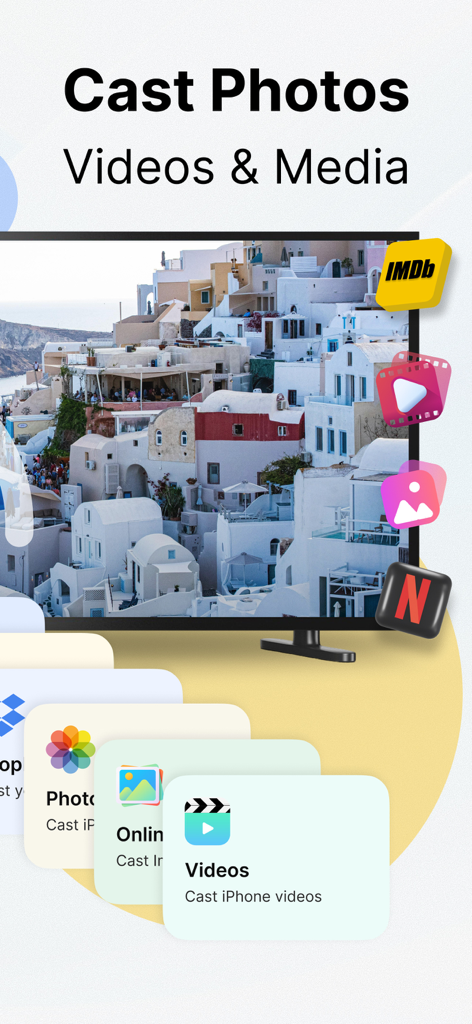
Castify : Screen Mirroring App - Castifyアプリのインターフェースに、iPhoneからテレビへの写真、動画、メディアのキャストオプションが表示されている
Castifyアプリのインターフェースに、iPhoneからテレビへの写真、動画、メディアのキャストオプションが表示されている

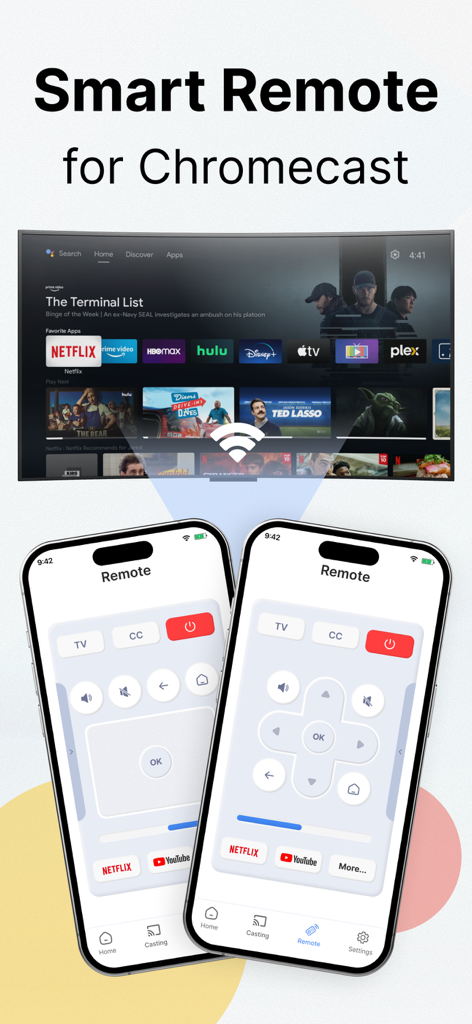
Castify : Screen Mirroring App - CastifyでChromecast TVを制御するためのスマートリモートインターフェースを表示するiPhone
CastifyでChromecast TVを制御するためのスマートリモートインターフェースを表示するiPhone

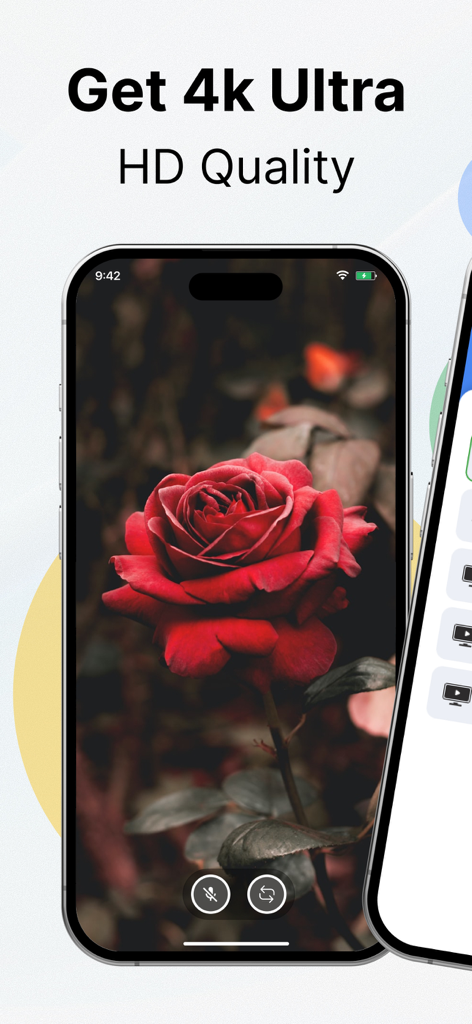
Castify : Screen Mirroring App - 画面ミラーリング用に、赤いバラの高解像度4K画像を表示するスマートフォン

画面ミラーリング用に、赤いバラの高解像度4K画像を表示するスマートフォン

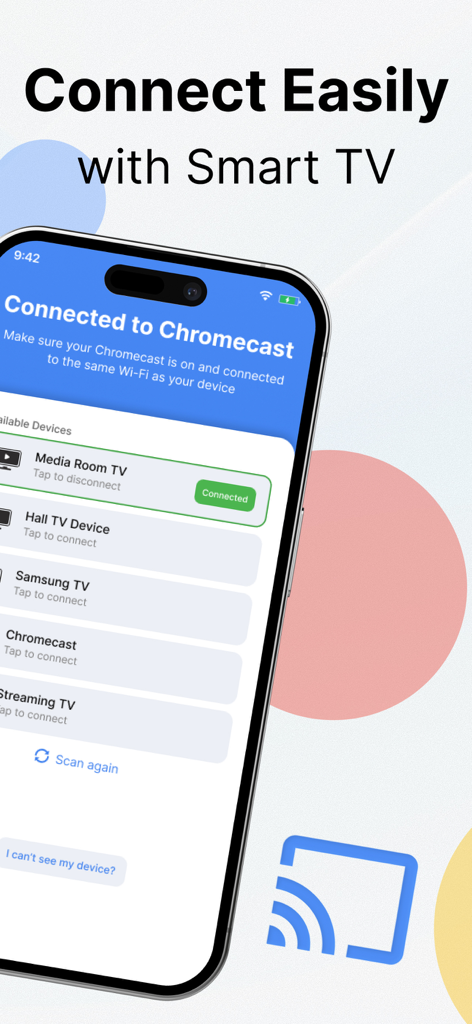
Castify : Screen Mirroring App - 画面ミラーリング用に、利用可能なスマートテレビとChromecastデバイスのリストを表示するCastifyアプリのインターフェース

画面ミラーリング用に、利用可能なスマートテレビとChromecastデバイスのリストを表示するCastifyアプリのインターフェース

説明

Most advanced Screen Casting app on the App Store. Stream any web video, photo, and music directly from your iPhone to your TV. We are introducing the latest advancement in Screen Casting where you do not have to download another app on your TV to cast your favorite videos. Experience anything life-like when you cast anything from your iPhone to your TV. Here are the features this app offers: Ultra High-Quality Streaming Experience No need to install any other Software on your TV Easiest App Controls Full Playback Controls to control your media Live Streaming Cast browser to Smart TV Here is how the app works: Connect your TV device with the app. Launch the browser within the app. Find the video you want to cast. Tap on Cast to TV. You are done. Premium Subscription: This app includes optional auto-renewable subscriptions to access current and future premium categories (price may vary depending on location): - You can avail a monthly or yearly subscription. • Check in the app for exact pricing in your region • Payment will be charged to your iTunes account at confirmation of purchase and will automatically renew (at the duration/price selected) unless auto-renew is turned off at least 24 hours before the end of the current period. • Account will be charged for renewal within 24 hours prior to the end of the current period, and identify the cost of the renewal. • You can manage your subscription and/or turn off auto-renewal by going to your iTunes Account Settings, but refunds will not be given for any unused portion of the term. Disclaimer: This app is not affiliated with Google or any other trademark mentioned here. Subscription terms: https://hanoapps.weebly.com/subscription-terms-chromecast.html Terms & Conditions: https://hanoapps.weebly.com/terms--condition-chromecast.html Privacy Policy: https://hanoapps.weebly.com/privacy-policy-chromecast.html

Download

ダウンロード: App Store

このページはアプリまたはその開発者の公式ページではなく、情報提供および論評を目的として作成された独立した編集出版物です。明示的に別段の記載がない限り、アプリおよびその開発者は、MWM、Apple、Google Play、アプリのパブリッシャー、またはアプリの開発者と提携、承認、後援、認可、またはその他の公式的な関係はなく、このページのいかなる内容も、アプリがMWMのサービスを使用して開発されたことを意味するものではありません。すべての商標、ロゴ、スクリーンショット、その他のコンテンツはそれぞれの所有者の財産です。