TV Cast Pro for LG webOS
ダウンロード: App Store

このページはアプリまたはその開発者の公式ページではなく、情報提供および論評を目的として作成された独立した編集出版物です。明示的に別段の記載がない限り、アプリおよびその開発者は、MWM、Apple、Google Play、アプリのパブリッシャー、またはアプリの開発者と提携、承認、後援、認可、またはその他の公式的な関係はなく、このページのいかなる内容も、アプリがMWMのサービスを使用して開発されたことを意味するものではありません。すべての商標、ロゴ、スクリーンショット、その他のコンテンツはそれぞれの所有者の財産です。

ロゴ: TV Cast Pro for LG webOS
ダウンロード: App Store

TV Cast Pro for LG webOS

コードカッティングの究極の自由を体験。強力な広告ブロック機能と時間制限なしで、オンライン映画、ライブスポーツ、個人用ビデオをLGスマートTVにキャスト。

主要数値

ダウンロード

568K+

ユーザー評価

3.3/5

評価数

4K+

開発元

Kraus und Karnath GbR 2Kit Consulting

カテゴリ

Photo & Video

対応言語

1

最新バージョン

3.7

サイズ

30.8 MB

リリース日

2016年6月23日
機能

LGスマートTVの体験を一変させる

内蔵アプリの制限から解放されましょう。あらゆるウェブ動画、ローカルの思い出、ライブイベントを大画面に直接ストリーミングし、完全にコントロール。

境界のないストリーミング

標準アプリでは利用できないニッチなスポーツ、ウェブ限定の映画、ライブ配信を視聴。ウェブ上にあれば、テレビで見られます。

クリーンで広告のない視聴

煩わしいポップアップやリダイレクトを排除。Pro広告ブロック機能により、雑多なウェブサイトでもスムーズで映画のような体験を保証。

以下のスクリーンショットと説明は、アプリの公式ストアリスティングから直接取得されたものであり、アプリ開発者の所有物です。

アプリストア

スクリーンショット
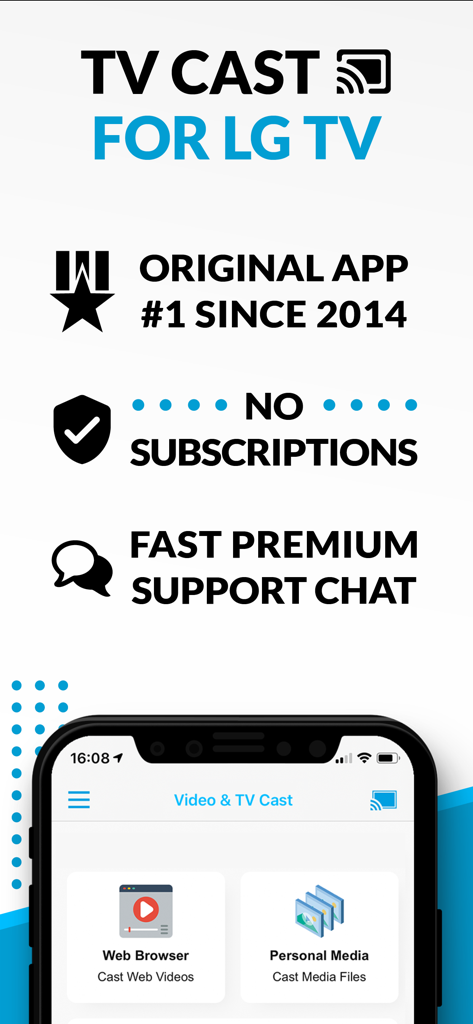
TV Cast Pro for LG webOS - ウェブブラウザのキャストとサブスクリプションなしのモデルを強調したLG TV用TV Castアプリの概要。
ウェブブラウザのキャストとサブスクリプションなしのモデルを強調したLG TV用TV Castアプリの概要。

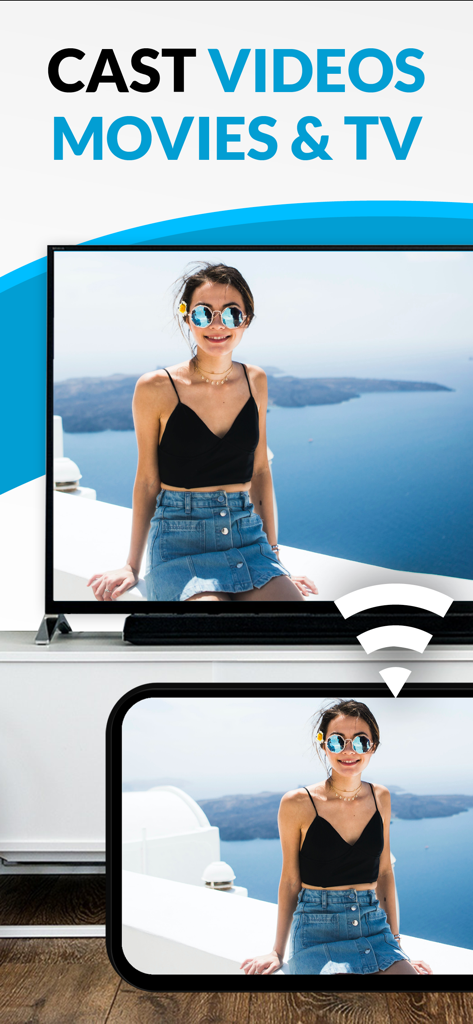
TV Cast Pro for LG webOS - スマートフォンからLGスマートTVの画面へビデオをキャスト中

スマートフォンからLGスマートTVの画面へビデオをキャスト中

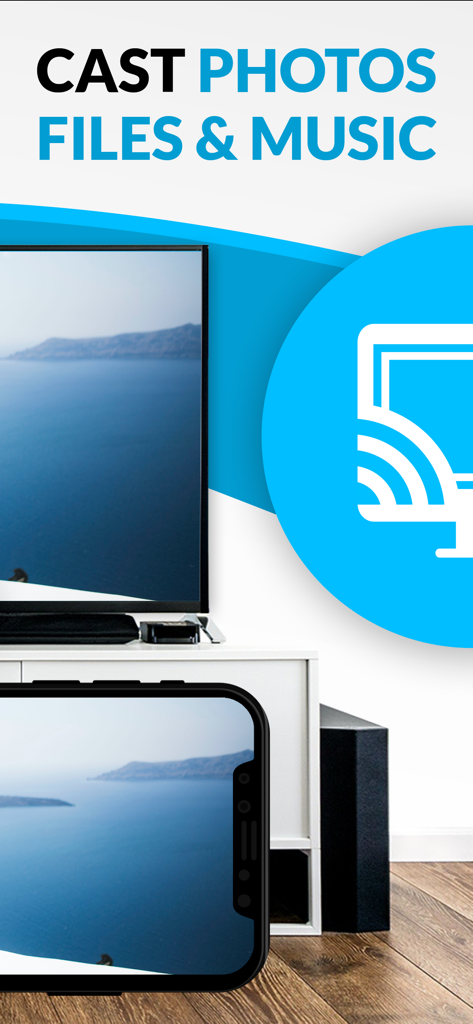
TV Cast Pro for LG webOS - 海の風景の写真をLGスマートTVにキャストしているスマートフォン。

海の風景の写真をLGスマートTVにキャストしているスマートフォン。

説明

Watch any web-video, online movie, livestream or live tv show on your LG Smart TV with webOS and NetCast. Enjoy the show on your big screen with the no#1 web video streamer. With Video & TV Cast for LG Smart TV you can browse the web and stream any web video, online movie, livestream or live tv show you want on your LG Smart TV. Mp4, m3u8, hls livestreams and also video-over-https are supported. There is no time limit at all! You can watch videos of 2 minutes or 2 hours or even more. Just open Video & TV Cast, navigate to a website, wait for link detection and send the video with a single tap to your LG Smart TV. The discovered link will be shown below the browser. A tap on the link will start the show. You don't need to install a big media server like Plex or any other third party software. >>> Important Notes * To enable video casting please open the LG App Store (LG Smart World / LG Content Store) on your TV, search for 'TV Cast' and install the companion app. * Please enter the ip-address of your iPhone/iPad by using the number pad and up/down/left/right keys on your TV Remote or scroll wheel on your Magic Remote. Just enter the numbers, no need to press the enter key. * iTunes movies, Flash video and DRM protected videos like Amazon Prime, Netflix, Hulu, Vudu, DirecTV, Xfinity, HBO now are not supported! * Please test your favorite videos with the free edition before upgrading! * Please use the hardware remote of your LG for controlling the TV app and video playback. * The app streams only the video part of a website and not the whole website content (No screen or tab mirroring!). * Sometimes it is necessary to play the video on your iPad or iPhone first before it gets discovered by the app for streaming. It may also be neccessary to start casting multiple times until it works with specific videos. * If a specific video is not working, please check the FAQ on the app startpage. If that does not help you, please drop us an email before leaving a negative comment on the App Store. We will try to add support for that website as soon as possible. >>> PRO FEATURES * Remote Playbar: Use the Playbar for advanced video control while browsing, including video scrubbing, forward, rewind, play, pause, stop. The playbar works on all LG Smart TVs. * Local Videos: Cast your camera roll videos from an iPhone or iPad. Supports mp4, m4v and mov videos that were saved to the camera roll via Apples SD-Card/USB Adapter, iTunes Desktop Software or third party apps. * Ad-Blocker + No Sponsoring Ads: The Pro app version has no ads and the Ad-Blocker blocks ads & popups on most websites that you visit. You can update, enable/disable ad-blocking at any time in the settings. * Bookmarks: Save unlimited website bookmarks. Synchronize and transfer them between different TV Cast apps and iOS devices by using backup and restore via iCloud. * Desktop Mode: Change the browser user-agent and cloak your iPhone/iPad as a desktop PC to load the desktop website instead of a mobile website. Please note that this will NOT enable video casting on websites that serve Flash videos in desktop mode. * Change Homepage: Set your personal homepage in the settings Disclaimer: This app is not affiliated with LG Electronics or any other trademark mentioned here.

Download

ダウンロード: App Store

このページはアプリまたはその開発者の公式ページではなく、情報提供および論評を目的として作成された独立した編集出版物です。明示的に別段の記載がない限り、アプリおよびその開発者は、MWM、Apple、Google Play、アプリのパブリッシャー、またはアプリの開発者と提携、承認、後援、認可、またはその他の公式的な関係はなく、このページのいかなる内容も、アプリがMWMのサービスを使用して開発されたことを意味するものではありません。すべての商標、ロゴ、スクリーンショット、その他のコンテンツはそれぞれの所有者の財産です。