Circuit Planner
Circuit Planner
ダウンロード: App Store

このページはアプリまたはその開発者の公式ページではなく、情報提供および論評を目的として作成された独立した編集出版物です。明示的に別段の記載がない限り、アプリおよびその開発者は、MWM、Apple、Google Play、アプリのパブリッシャー、またはアプリの開発者と提携、承認、後援、認可、またはその他の公式的な関係はなく、このページのいかなる内容も、アプリがMWMのサービスを使用して開発されたことを意味するものではありません。すべての商標、ロゴ、スクリーンショット、その他のコンテンツはそれぞれの所有者の財産です。

ロゴ: Circuit Planner
ダウンロード: App Store

Circuit Planner

簡単なスケッチと複雑なCADのギャップを埋めます。1,000以上のシンボル、自動接続、完全なオフラインアクセスで、外出先でも正確で高品質な回路図を作成できます。サブスクリプションは不要です。

主要数値

ダウンロード

5K+

ユーザー評価

3.5/5

評価数

0

開発元

Axel Hauschild

カテゴリ

Productivity

対応言語

2

最新バージョン

2.15

サイズ

5.8 MB

リリース日

2024年10月8日
機能

プロフェッショナルな回路図をシンプルに

基本的なスケッチと複雑なCADソフトウェアのギャップを埋めます。モバイルデバイスから直接、高品質なIEC回路図を設計、文書化、エクスポートします。

迅速かつ正確な設計

タッチ操作とApple Pencilのために設計された自動接続システムとグリッドスナップ機能で、より速く図面を作成できます。

1,000以上のIEC標準シンボル

自動化、再生可能エネルギー、制御システム向けの高品質コンポーネントの巨大なライブラリにアクセスできます。すべてが簡単に見つけられるように分類されています。

以下のスクリーンショットと説明は、アプリの公式ストアリスティングから直接取得されたものであり、アプリ開発者の所有物です。

アプリストア

スクリーンショット
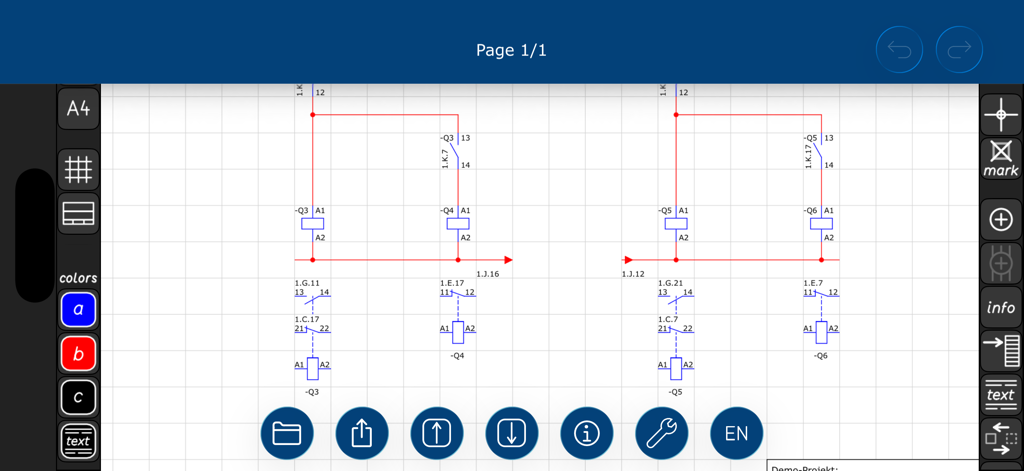
Circuit Planner - 回路プランナーでIECシンボルを使用して設計中の電気工学図

回路プランナーでIECシンボルを使用して設計中の電気工学図

Circuit Planner - 回路プランナーアプリ内のIECシンボル付き電気回路図

回路プランナーアプリ内のIECシンボル付き電気回路図

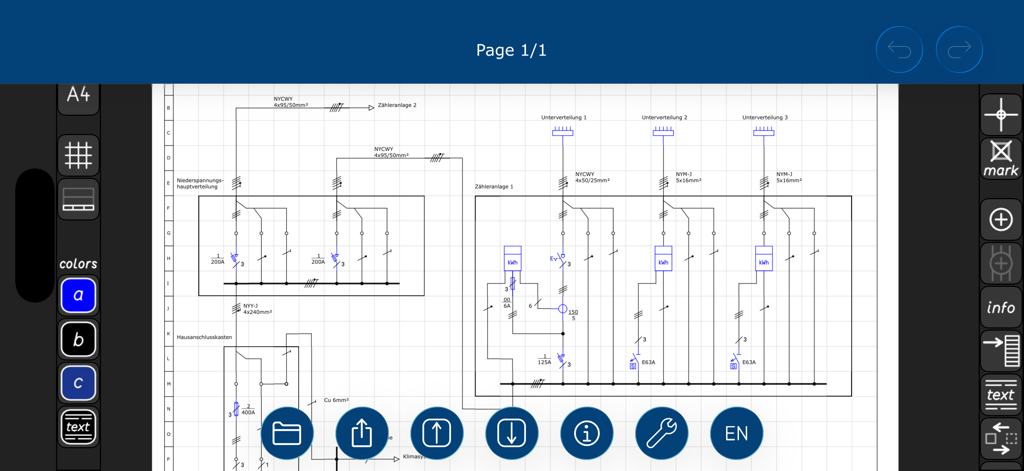
Circuit Planner - 回路プランナーアプリのインターフェースで設計された、IEC標準シンボルと配線付きの詳細な電気回路図
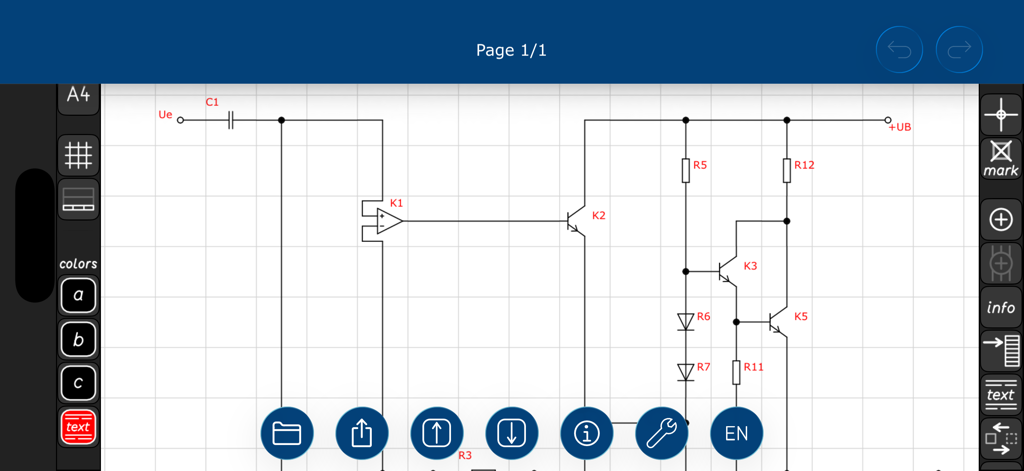
回路プランナーアプリのインターフェースで設計された、IEC標準シンボルと配線付きの詳細な電気回路図

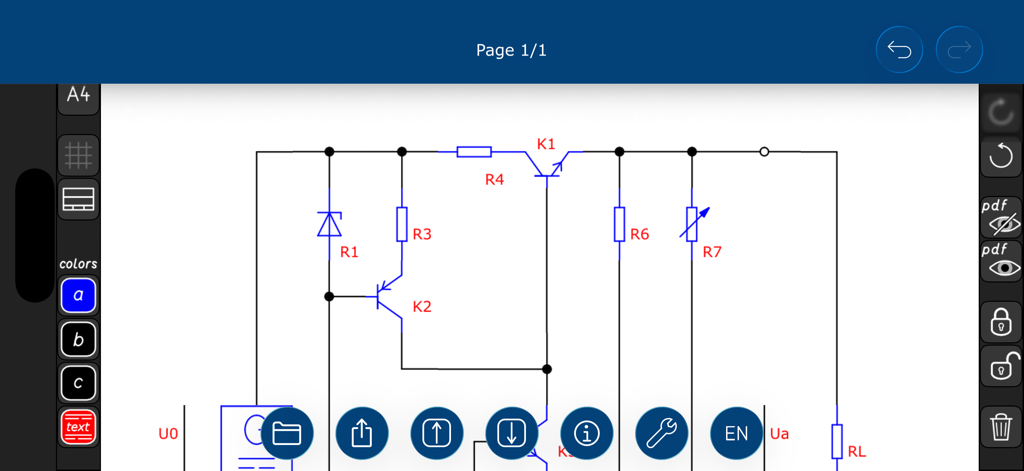
Circuit Planner - 回路プランナーアプリで設計された、トランジスタと抵抗器を備えた電子回路図

回路プランナーアプリで設計された、トランジスタと抵抗器を備えた電子回路図
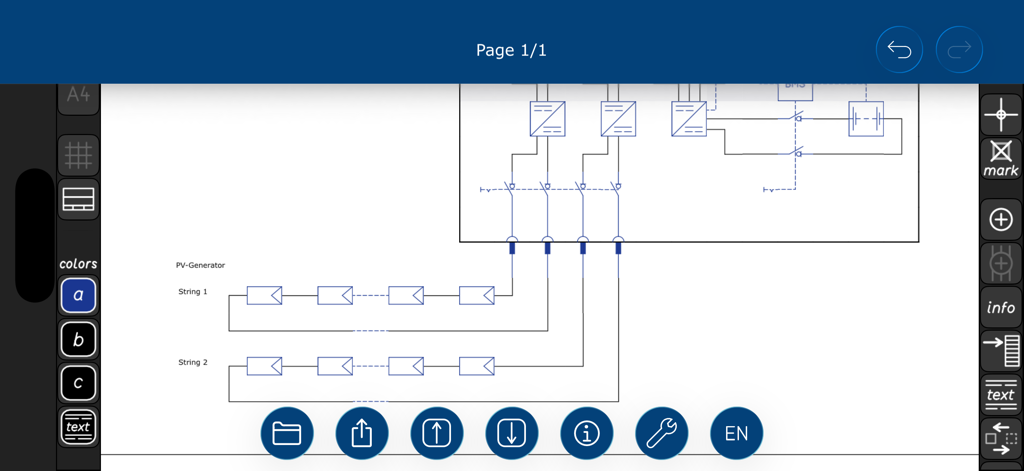
Circuit Planner - 回路プランナーアプリでの太陽光発電ジェネレーター回路図設計

回路プランナーアプリでの太陽光発電ジェネレーター回路図設計

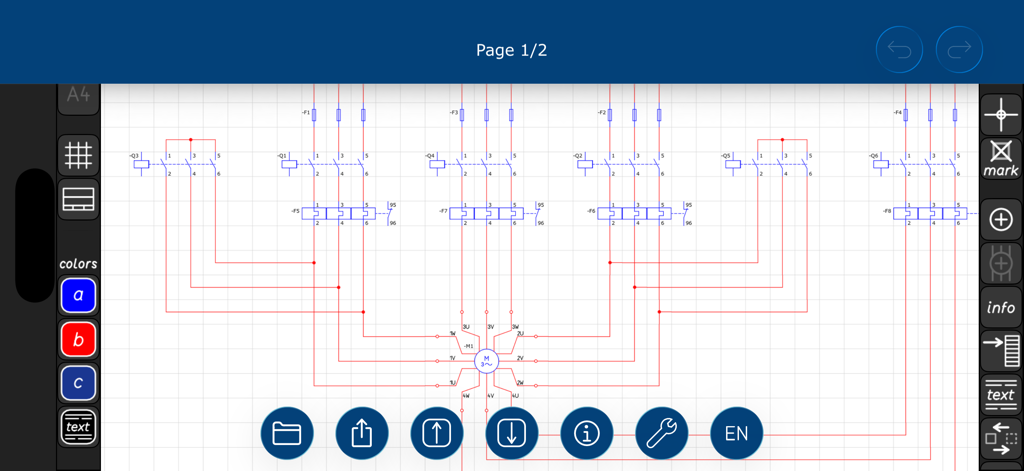
Circuit Planner - 回路プランナーアプリで設計中の詳細な電気回路図、IECシンボルとツールが表示されています
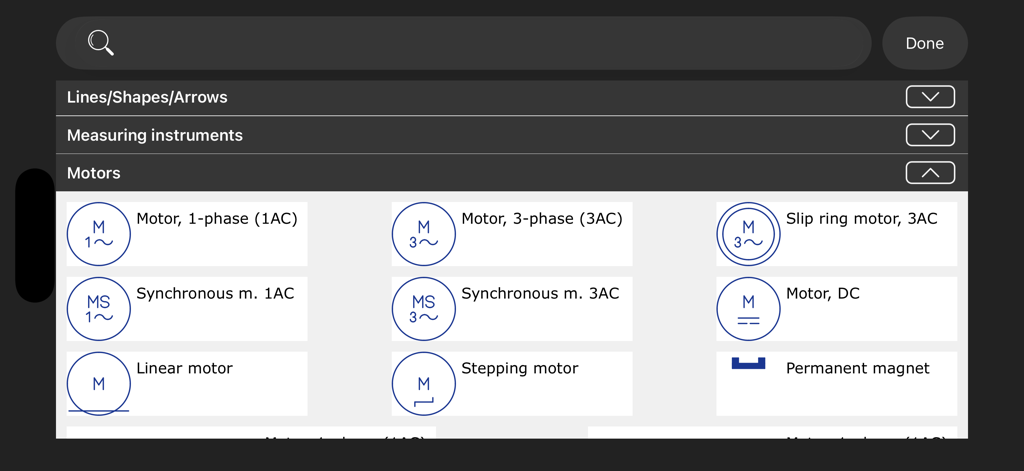
回路プランナーアプリで設計中の詳細な電気回路図、IECシンボルとツールが表示されています

Circuit Planner - 回路プランナーアプリの電気図面用IECモーターシンボルライブラリ

回路プランナーアプリの電気図面用IECモーターシンボルライブラリ

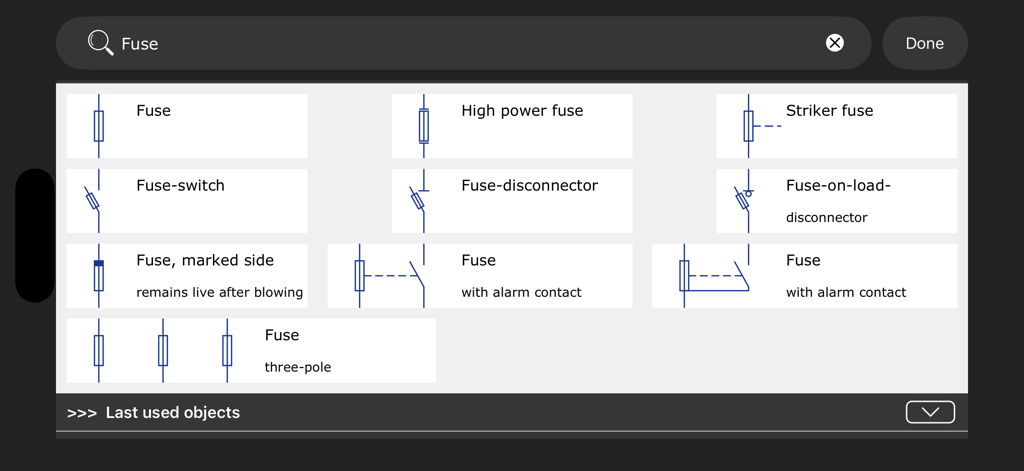
Circuit Planner - 回路プランナーアプリでの検索結果、さまざまなIEC電気ヒューズシンボルとコンポーネントが表示されています
回路プランナーアプリでの検索結果、さまざまなIEC電気ヒューズシンボルとコンポーネントが表示されています

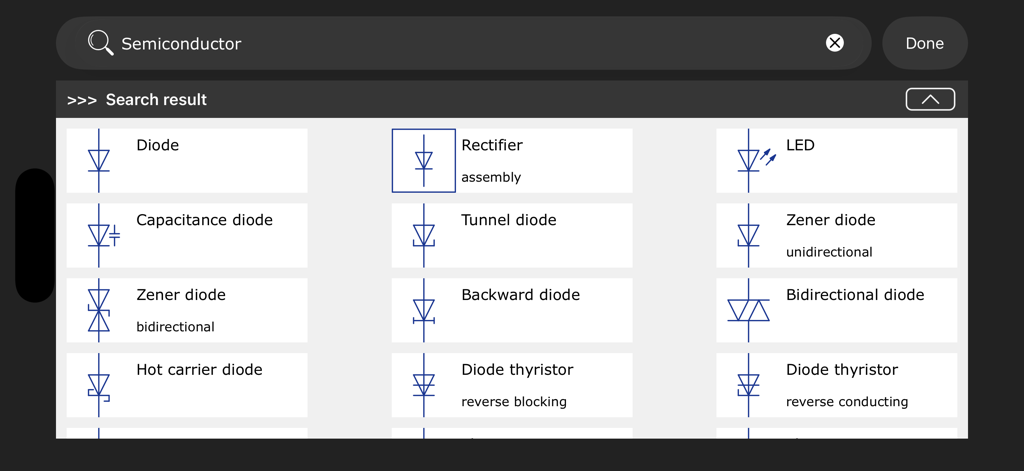
Circuit Planner - 回路プランナーアプリの検索結果グリッド、ダイオードや整流器などのさまざまなIEC半導体シンボルが表示されています

回路プランナーアプリの検索結果グリッド、ダイオードや整流器などのさまざまなIEC半導体シンボルが表示されています

説明

Circuit Planner is the intuitive and creative App to design IEC circuit diagrams for electrical engineering: • Uncomplicated handling and fast results close the gap between conventional drawing programs and complex CAD applications. • Numerous circuit diagram symbols, divided into categories, cover a wide range of applications in absolutely high-quality visualization. • All planning results can be exported in pdf format and printed out if required. The features in detail: • User-friendly, uncomplicated application for creating circuit diagrams for electrical engineering • 1008 integrated objects such as IEC circuit diagram symbols, text fields and geometries • Detailed IEC circuit diagram symbols, stored in categories, such as batteries, brakes, capacitors, conductors/cables, connections/terminals, control technology, converters, cross-references, devices, digital technology, fuses, generators, inductors, installation plans, light sources, measuring instruments, motors, optical fibre cables, overvoltage protection, photovoltaic, plugs/sockets, protective devices, relays/contactors, reporting/signal devices, resistors, semiconductors, starters, switches/contacts, terminal strips, transformers and voltage sources • Reliable snap function for precise arrangement of objects on the drawing sheet • The automatic connection system ensures the correct electrical connection to immediately adjacent circuit diagram symbols at the starting point and end point of conductors • Automatically updated cross-references • Circuit diagrams in A4, A3 and A2 formats, each in landscape or portrait format with up to 20 drawing sheets • Drawing sheets with title block in two sizes for project details, date and name • Drawing sheets with column and row labelling and optional drawing grid • Print and export function for the circuit diagram in pdf format • Export and import options for scpData - project files • Clear and understandable explanations on how to use • Demo projects from the fields of energy technology, control technology and electronics • Save, load and sort function for project files • Automatic backup of project data when closing the application • App language: English and German Circuit Planner - A professional tool without annoying adverts, requires no internet connection and no in-app purchases.

Download

ダウンロード: App Store

このページはアプリまたはその開発者の公式ページではなく、情報提供および論評を目的として作成された独立した編集出版物です。明示的に別段の記載がない限り、アプリおよびその開発者は、MWM、Apple、Google Play、アプリのパブリッシャー、またはアプリの開発者と提携、承認、後援、認可、またはその他の公式的な関係はなく、このページのいかなる内容も、アプリがMWMのサービスを使用して開発されたことを意味するものではありません。すべての商標、ロゴ、スクリーンショット、その他のコンテンツはそれぞれの所有者の財産です。