Clear Scanner

Clear Scanner

ダウンロード: App Store
ロゴ: Clear Scanner

Clear Scanner:スキャン、OCR、電子署名のための強力なモバイルオフィス

学生やプロフェッショナル向けの、100%無料、プライバシー重視のツール。ドキュメントをPDFにスキャンし、OCRでテキストを認識し、契約書に即座に署名できます。すべてデバイスに安全に保存されます。

開発元

Petr Polasek

カテゴリ

Business

ダウンロード

9K+

ユーザー評価

4.5/5

評価数

100

対応言語

3

モバイルオフィスを実際に使ってみよう

このインターフェースを利用する 9K+ 人のユーザー.

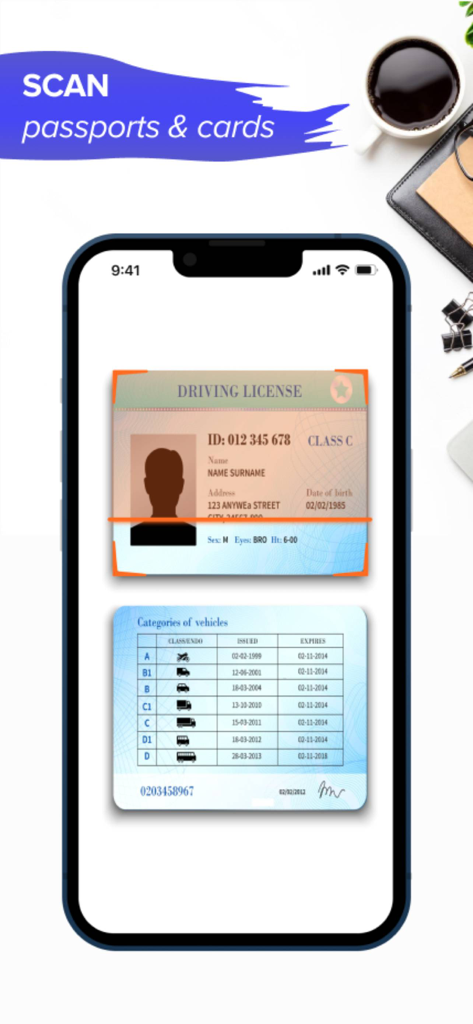
Clear Scannerアプリのインターフェースが運転免許証をスキャンしている様子
Clear Scannerアプリのインターフェースが運転免許証をスキャンしている様子

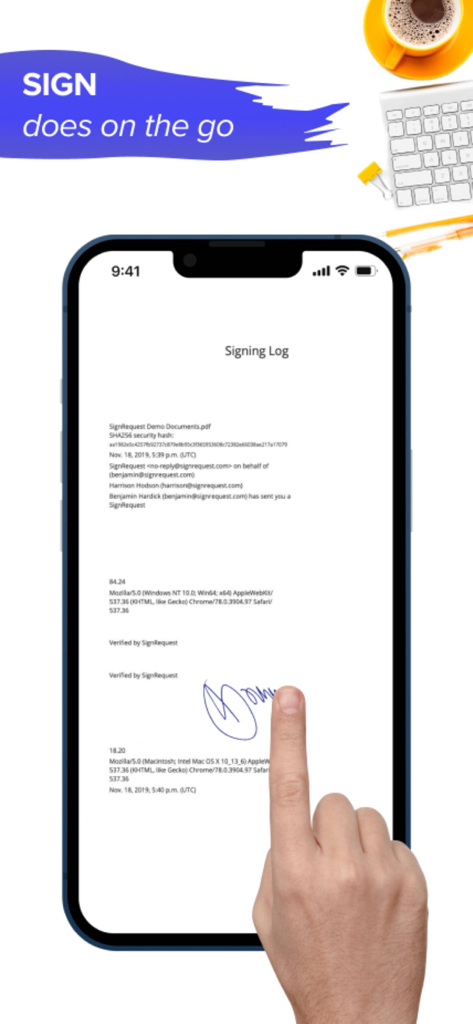
Clear Scannerアプリを使用してスマートフォン画面上のデジタル文書に署名している手
Clear Scannerアプリを使用してスマートフォン画面上のデジタル文書に署名している手

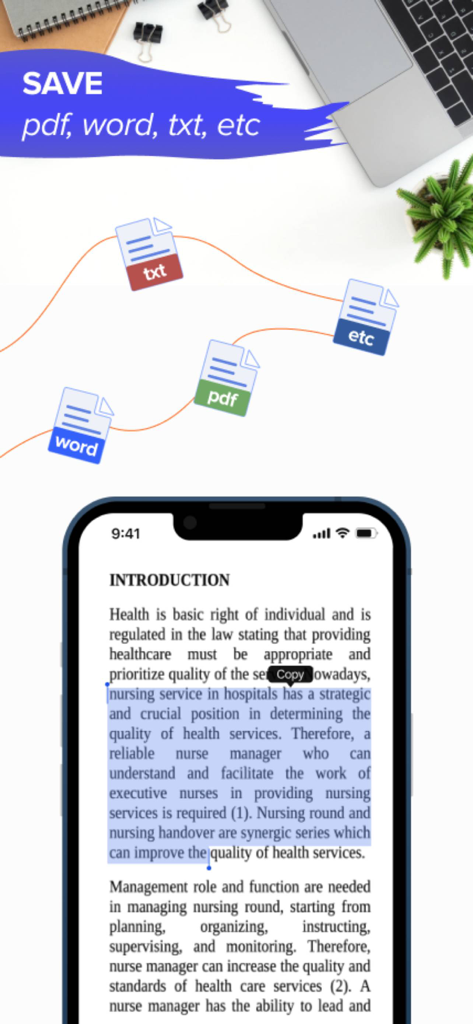
Clear Scannerアプリのインターフェースが、PDF、Word、TXTファイルのエクスポートオプションと文書テキストの選択を表示している様子
Clear Scannerアプリのインターフェースが、PDF、Word、TXTファイルのエクスポートオプションと文書テキストの選択を表示している様子

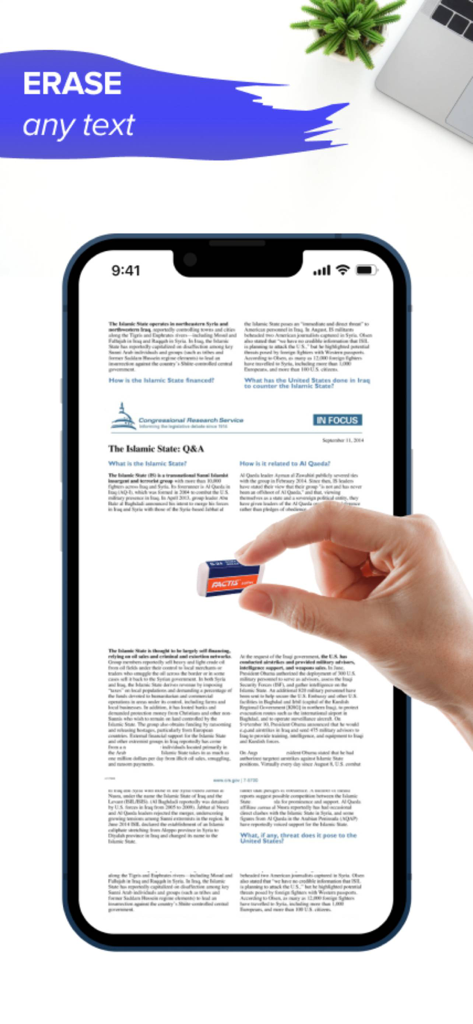
Clear Scannerアプリのインターフェースが、スキャンされた文書からテキストを削除しているユーザーを表示している様子

Clear Scannerアプリのインターフェースが、スキャンされた文書からテキストを削除しているユーザーを表示している様子

オフィス全体をポケットに

このアプリを際立たせるツール、 9K+ 人のユーザーが選択.

📄

スマートスキャンとOCR

高度なOCR技術を使用して、物理的なドキュメント、レシート、メモを検索可能なPDFまたは編集可能なテキストに即座に変換します。

✍️

デジタル署名とマークアップ

指やApple Pencilで、その場で契約書に署名したり、ドキュメントに注釈を付けたりできます。紙なしでプロフェッショナルなワークフローを完了します。

🔒

設計による完全なプライバシー

クラウドなし、トラッカーなし。すべてのドキュメントはデバイスにローカルに保存されるため、機密データに対する完全な制御と銀行レベルのセキュリティが得られます。

アプリについて

について知っておくべきこと Clear Scanner.

説明

Clear Scanner is the best app that you can take anywhere. It is the powerful office which assists you to become more productive in doing your work. This is 100% free scanner app which helps you to save, scan, edit and share documents instantly in PDF, JPG, or TXT formats. FEATURES OF Clear Scanner: This is a must-have scanner app for students, office managers, and anyone who are involved in small businesses You can scan any type of documents including contracts, receipts, paper nots, fax papers, and books. It helps you store your scans as multi-pages and single page PDF or JPEG files. There are lots of features of this Clear Scanner App, some of them are given below; DOCUMENT SCANNER: It is the best app to scan your most important documents that are necessary for you to take anywhere for reviewing or sending to your customers on the move. So, now you can say goodbye to big machines for scanning documents, you can do any type of scan within this Document Scanner app. INNOVATIVE PDF SCANNER – Scan all your documents and photos to PDF, JPG, or TXT – It helps you easily scan important multiple pages into one single document – It also helps in recognizing text from any scan-able object with OCR – The best feature is that you can put your electronic signature on any documents for confirmation - Use your finger or Apple Pencil to e-sign any PDF document - Use Apple Pencil with iPad Pro to improve your precision - Highlight and mark up text with annotation tools EASY DOCUMENT SHARING – Scan important documents now and share them in just a few taps – Print your contracts, invoices, and other imp documents right from this scanning app – Sharing and uploading scanned documents can be managed easily within this Clear Scanner App So, why are you still here reading the description? Download “Clear Scanner: Scanner PDF” now and enjoy scanning and saving your important documents for FREE to save them in your mobile and access them anywhere! Don’t forget to share this PDF Scanner App with your friends and family members! AAll documents are stored locally on your device, they are not available to us, nor to third parties. You can easily share documents using the export option. Privacy Policy: https://www.code4flutter.in/privacy-scan-genius/ Terms of Use: https://www.code4flutter.in/terms-scan-genius/ For any questions or requests, please use our customer support form at: info@code4flutter.in

最新バージョン

1.0.33

サイズ

44.8 MB

リリース日

2021年9月24日

オフィス全体をポケットに

ドキュメントを即座にスキャン、署名、共有する何千人ものプロフェッショナルや学生に加わりましょう。プレミアムスキャナーのスピードを手に入れましょう—100%無料、完全にプライベートです。

ダウンロード: App Store

App information, icons, screenshots, and descriptions displayed on this page are sourced from the Apple App Store and are the property of their respective developers. Download estimates and rankings are based on MWM's proprietary models and may not reflect actual figures. This page is provided for informational and analytical purposes only.

Believe this page infringes your intellectual property? File a dispute