
このページはアプリまたはその開発者の公式ページではなく、情報提供および論評を目的として作成された独立した編集出版物です。明示的に別段の記載がない限り、アプリおよびその開発者は、MWM、Apple、Google Play、アプリのパブリッシャー、またはアプリの開発者と提携、承認、後援、認可、またはその他の公式的な関係はなく、このページのいかなる内容も、アプリがMWMのサービスを使用して開発されたことを意味するものではありません。すべての商標、ロゴ、スクリーンショット、その他のコンテンツはそれぞれの所有者の財産です。


Clip Studio Paint for iPhone
3Dモデルで人体の構造をマスターし、数千種類のプロブラシにアクセスして、外出先でも業界標準のイラストを作成できます。無料で始めて、あなたの傑作をすべてのデバイスで同期しましょう。
ダウンロード
2M+ユーザー評価
評価数
8K+開発元
カテゴリ
Graphics & Design対応言語
11最新バージョン
4.2.5サイズ
539.8 MBリリース日
2019年12月4日あなたのポータブル・プロフェッショナル・スタジオ
iPhoneで業界をリードするペイントエンジンを体験してください。3D資料からベクター線まで、インスピレーションが湧いたときにいつでもポートフォリオレベルのアートを作成できます。
3Dモデルで完璧な人体を
人体の構造に悩む必要はありません。カスタマイズ可能な3Dモデルをポーズさせて、キャンバス上で常に正しい視点とプロポーションを得ましょう。
無限のブラシと素材ライブラリ
コミュニティが作成した数千種類のブラシと素材にアクセスできます。プロレベルのテクスチャで、本物の油絵、インク、水彩の質感を再現しましょう。
よくある質問
について知っておくべきこと Clip Studio Paint for iPhone
Is Clip Studio Paint for iPhone free to use?
はい、Clip Studio Paint for iPhoneは、広告なしで毎月30時間の無料利用が可能です。この期間を過ぎると、キャンバスの保存やデータの書き出しにはプランの購入が必要になります。
What features are available in Clip Studio Paint for iPhone?
Clip Studio Paint for iPhoneは、豊富な描画ツール、無制限のブラシ、影付けアシストなどの彩色機能、3Dモデル参照、アニメーションツール、包括的な漫画制作機能を提供します。
Can I create comics on Clip Studio Paint for iPhone?
はい、Clip Studio Paint for iPhoneは究極の漫画制作アプリです。コマ枠、ふきだし、テキスト、効果線、トーン、複数ページプロジェクト管理などの機能が含まれています。
What are the different plans for Clip Studio Paint for iPhone?
Clip Studio Paint for iPhoneには、FREE(月30時間)、PRO(イラスト・短編アニメーション向け)、EX(PRO機能に加え、複数ページ漫画・無制限アニメフレームに対応)のプランがあります。
How much does Clip Studio Paint PRO for iPhone cost?
Clip Studio Paint PRO for iPhoneプランは、月額0.99米ドルです。年間プランも利用可能で、最大5ヶ月分の割引が適用されます。
Does Clip Studio Paint for iPhone support 3D models for drawing?
はい、Clip Studio Paint for iPhoneは3Dモデルをサポートしています。ユーザーは、人体構造のために3D描画フィギュアを使用したり、キャラクターモデルをカスタマイズしたり、オブジェクトを配置したり、遠近法のために3D形状を使用したりできます。
What happens after the free usage period in Clip Studio Paint for iPhone?
Clip Studio Paint for iPhoneの月間30時間の無料利用期間が終了すると、キャンバスを保存したり、さまざまなファイル形式でデータを書き出したりするには、プランを購入する必要があります。
Can Clip Studio Paint for iPhone help with coloring my art?
はい、Clip Studio Paint for iPhoneは彩色を容易にします。線画の隙間を埋めるマグネティックな選択範囲、透明度ロック、影付けアシスト、画像からのカラーマッチング、さまざまな強化フィルターなどの機能があります。
What are the minimum storage requirements for Clip Studio Paint for iPhone?
Clip Studio Paint for iPhoneには、最低3GBの空き容量が必要で、最適なパフォーマンスのためには4GBが推奨されます。
Can I use Clip Studio Paint for iPhone to create animations?
はい、Clip Studio Paint for iPhoneではプロのアニメーション作成が可能です。アニメスタジオに似たツールや独自のフレーム描画機能を提供し、ベクターデータとして4K解像度での書き出しもサポートしています。
以下のスクリーンショットと説明は、アプリの公式ストアリスティングから直接取得されたものであり、アプリ開発者の所有物です。
アプリストア
スクリーンショット
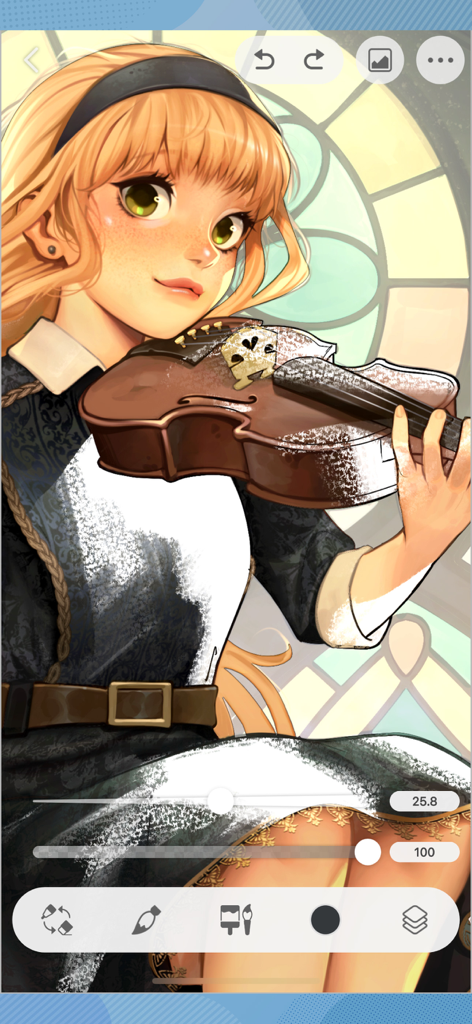
バイオリンを持ったアニメの女の子のデジタルイラスト。CLIP STUDIO PAINT iPhoneアプリのインターフェースが表示されています。
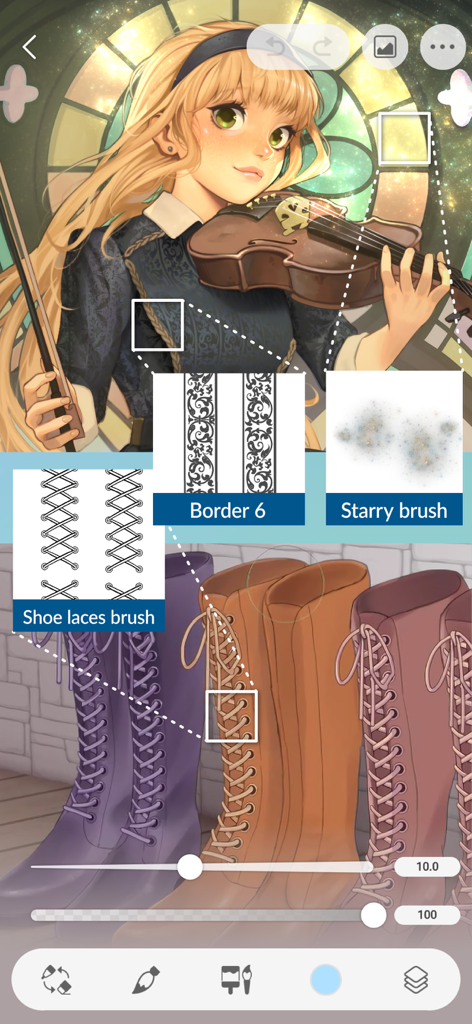
カスタムの靴紐ボーダーブラシと星形ブラシを使用したCLIP STUDIO PAINT for iPhoneのデジタルイラスト。
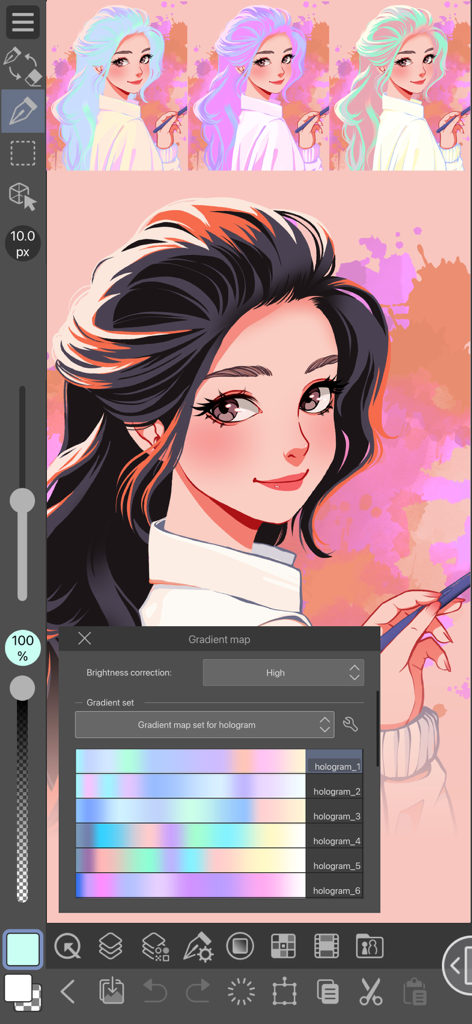
CLIP STUDIO PAINT for iPhoneの女の子のデジタルイラスト。グラデーションマップツールが開いており、さまざまなホログラムカラーセットが表示されています。
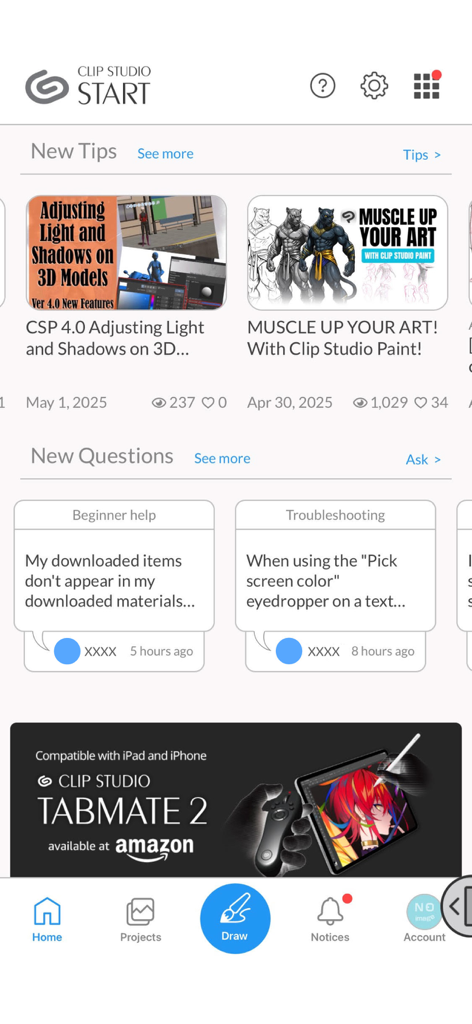
アートチュートリアル、コミュニティQ&A、ナビゲーションバーを表示するCLIP STUDIOスタートホーム画面。
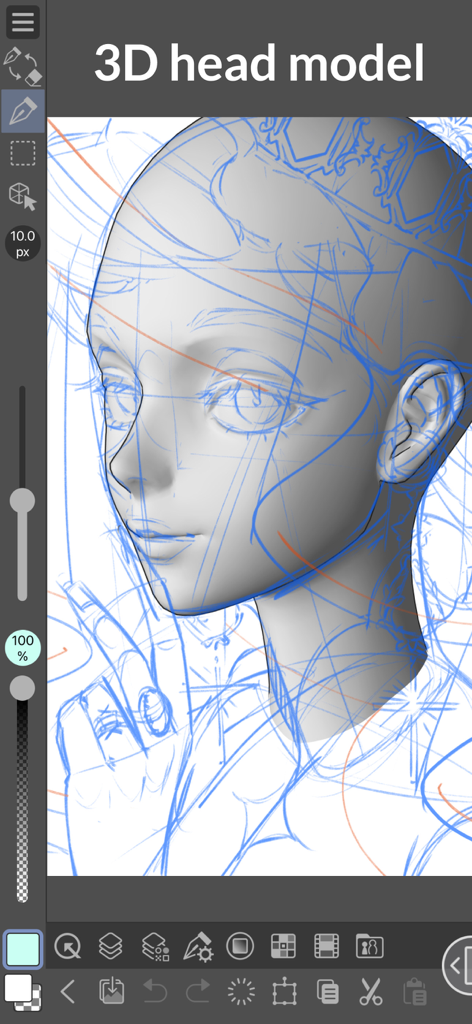
iPhoneのCLIP STUDIO PAINTでの描画に使用される3Dヘッドモデルの資料。
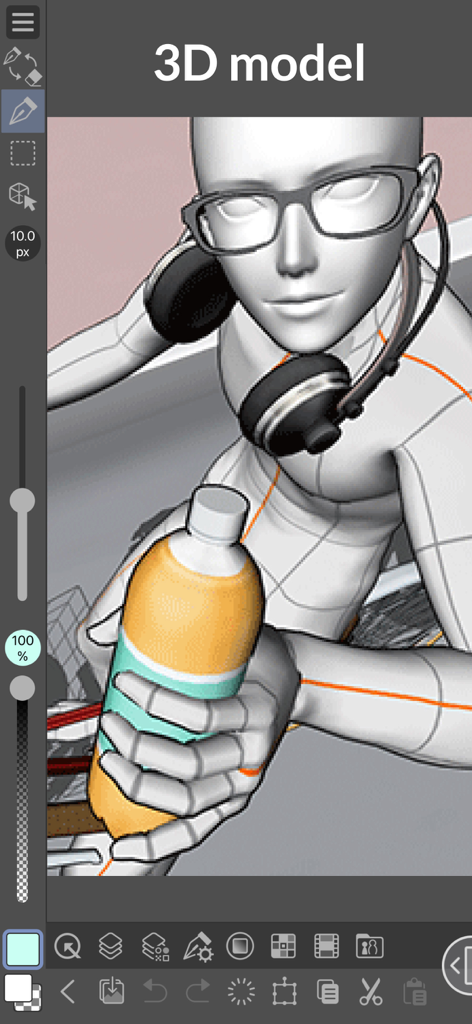
メガネとヘッドホンをかけ、ボトルを持っている3Dキャラクターモデル。CLIP STUDIO PAINT for iPhoneに表示されています。
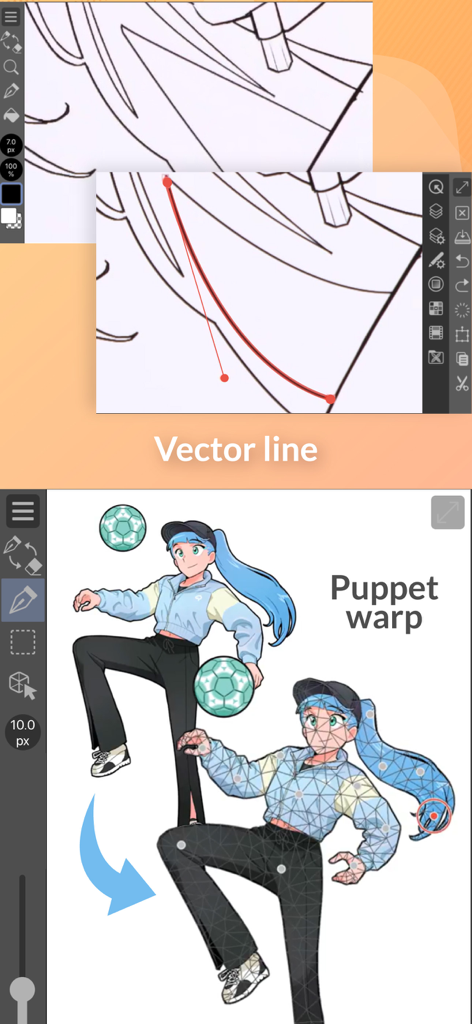
ベクター線編集とパペットワープポーズ機能のデモンストレーション。CLIP STUDIO PAINT for iPhoneのインターフェース。
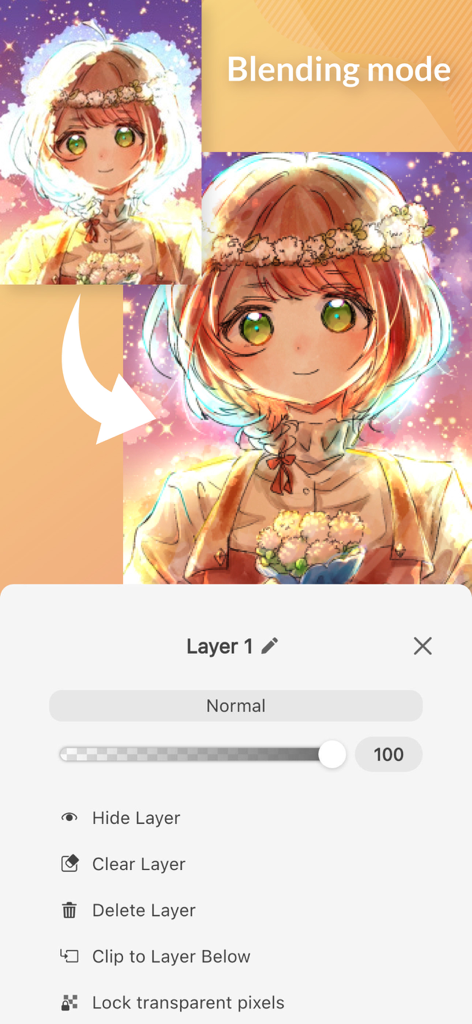
レイヤーのブレンドモード設定とアニメキャラクターのアートを表示するCLIP STUDIO PAINT for iPhoneのインターフェース。
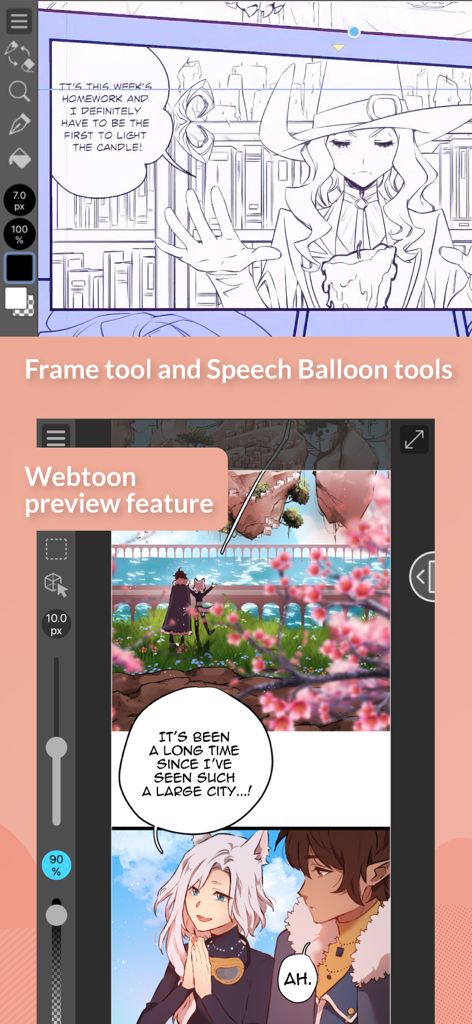
コマ枠ツールとWebtoonプレビューモードを表示するCLIP STUDIO PAINT for iPhone。
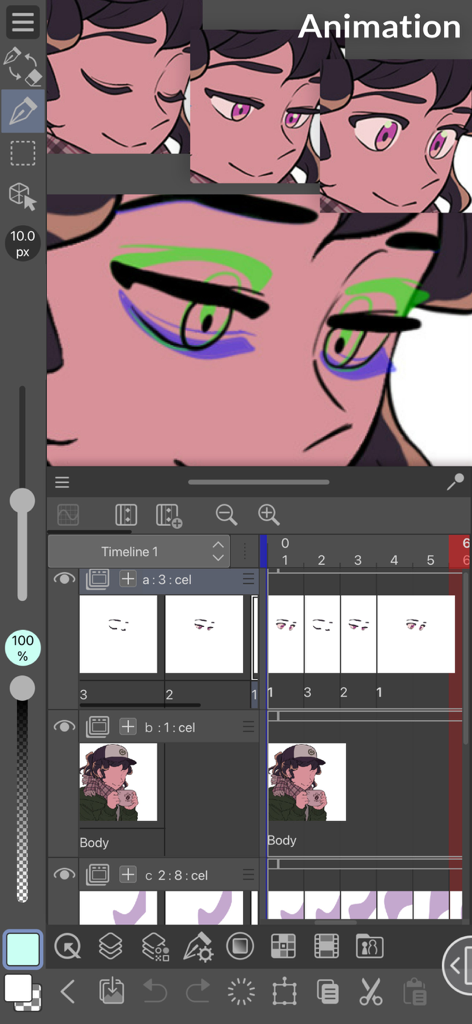
キャラクターとタイムラインを表示するCLIP STUDIO PAINT for iPhoneのアニメーションインターフェース。
説明
Download
類似アプリ
似た機能とユーザー体験を持つアプリ

Sketchbook®
Sketchbook, Inc.

Mental Canvas Draw
Mental Canvas, Inc.

ibis Paint
ibis inc.

ibis Paint X
ibis inc.

Paper: Sketch, Draw & Create
Evernote Corporation

Adobe Fresco: Draw & Paint App
Adobe Inc.

Art Set 4
Lofopi Ltd

MediBang Paint – Drawing & Art
MediBang inc.

Tayasui Sketches
SKETCHES SRL
このページはアプリまたはその開発者の公式ページではなく、情報提供および論評を目的として作成された独立した編集出版物です。明示的に別段の記載がない限り、アプリおよびその開発者は、MWM、Apple、Google Play、アプリのパブリッシャー、またはアプリの開発者と提携、承認、後援、認可、またはその他の公式的な関係はなく、このページのいかなる内容も、アプリがMWMのサービスを使用して開発されたことを意味するものではありません。すべての商標、ロゴ、スクリーンショット、その他のコンテンツはそれぞれの所有者の財産です。