
このページはアプリまたはその開発者の公式ページではなく、情報提供および論評を目的として作成された独立した編集出版物です。明示的に別段の記載がない限り、アプリおよびその開発者は、MWM、Apple、Google Play、アプリのパブリッシャー、またはアプリの開発者と提携、承認、後援、認可、またはその他の公式的な関係はなく、このページのいかなる内容も、アプリがMWMのサービスを使用して開発されたことを意味するものではありません。すべての商標、ロゴ、スクリーンショット、その他のコンテンツはそれぞれの所有者の財産です。

Concepts
柔軟なベクターベースのスケッチブックで、アイデア創出と現実のギャップを埋める。プロフェッショナルなワークフローと技術的な精度に合わせて構築された無限のキャンバスで、スケッチ、調整、スケーリングを行いましょう。
ダウンロード
10M+ユーザー評価
評価数
143K+開発元
カテゴリ
Graphics & Design対応言語
12最新バージョン
6.30.1サイズ
208.1 MBリリース日
2012年10月6日制約のないデザイン
Conceptsは、プロのデザイナー、建築家、ビジュアルシンカーが最大のアイデアを反復、洗練、エクスポートできる高性能なベクターベースのワークスペースを提供します。
無限の創造的自由
ページ境界にぶつかることはもうありません。無限のキャンバスにより、単一の流動的で応答性の高いワークスペースで、無限の反復と複雑なマインドマップを探索できます。
ベクターベースの精度
鉛筆の自然な感触をベクターのパワーで実現。一度も線を再描画することなく、すべてのストロークを個別に選択、調整、編集できます。
よくある質問
について知っておくべきこと Concepts
Conceptsアプリとは何ですか?
Conceptsは、ユーザーがアイデアを考え、計画し、作成できる、柔軟なベクターベースのスケッチブックです。無限のキャンバスでスケッチ、メモ取り、デザインができ、編集可能でスケーラブルなストロークを提供します。
Conceptsアプリは無料で利用できますか?
はい、Conceptsは無限キャンバス、選択された用紙タイプ、基本ツール、完全なCOPIC/RGB/HSLカラーホイール、5つのレイヤー、無制限の描画、JPGエクスポートを含む無料機能を提供しています。
Conceptsで利用できる有料機能は何ですか?
Conceptsは、200以上のブラシ/オブジェクトライブラリ、チーム共有、クロスプラットフォームアクセスをサブスクリプション経由で有料機能として提供しています。買い切り購入には、Essentials(永続ライセンス)、プロフェッショナルブラシ、PDFワークフローが含まれます。
Conceptsに画像やPDFファイルをインポートできますか?
はい、Conceptsアプリでは、画像やPDFファイルをキャンバスにドラッグアンドドロップできます。この機能は、アプリ内でのプロジェクトワークフローとコラボレーションを強化します。
Conceptsはベクターベースのスケッチをサポートしていますか?
はい、Conceptsはベクターベースなので、すべてのストロークが編集可能でスケーラブルです。ユーザーは、Nudge、Slice、Selectなどのツールを使用して、再描画することなくスケッチの要素を簡単に変更できます。
Conceptsはどのようなエクスポート形式をサポートしていますか?
Conceptsは、印刷またはアプリ統合用の画像、ベクターSVG、PDFのエクスポートをサポートしています。無料機能ではJPGエクスポートが可能ですが、有料のEssentialsではPNG、PSD、SVG、DXFが利用可能になります。
Conceptsアプリのサブスクリプションはどのように管理しますか?
ユーザーは、iTunesアカウント設定内でいつでもConceptsサブスクリプションを管理またはキャンセルできます。サブスクリプションは、請求期間終了の24時間前までにキャンセルされない限り、自動的に更新されます。
Conceptsでは異なるカラーホイールが利用できますか?
はい、ConceptsはHSL、RGB、COPICのカラーホイールを提供しています。完全なCOPICカラーパレットは無料バージョンで利用でき、クリエイティブプロジェクトのカラー選択を強化します。
Conceptsはチームコラボレーションに使用できますか?
はい、Conceptsは有料サブスクリプション機能としてチーム共有を提供しています。これにより、オブジェクトライブラリ、カラーパレット、ブラシのライブ共有を含むスムーズなコラボレーションが可能になります。
Concepts Premiumの機能を無料で試すことはできますか?
はい、ユーザーは7日間の無料トライアルでConcepts Premiumを試すことができます。これにより、トライアル期間中はすべてのサブスクリプション機能がクロスプラットフォームで利用可能になります。
以下のスクリーンショットと説明は、アプリの公式ストアリスティングから直接取得されたものであり、アプリ開発者の所有物です。
アプリストア
スクリーンショット
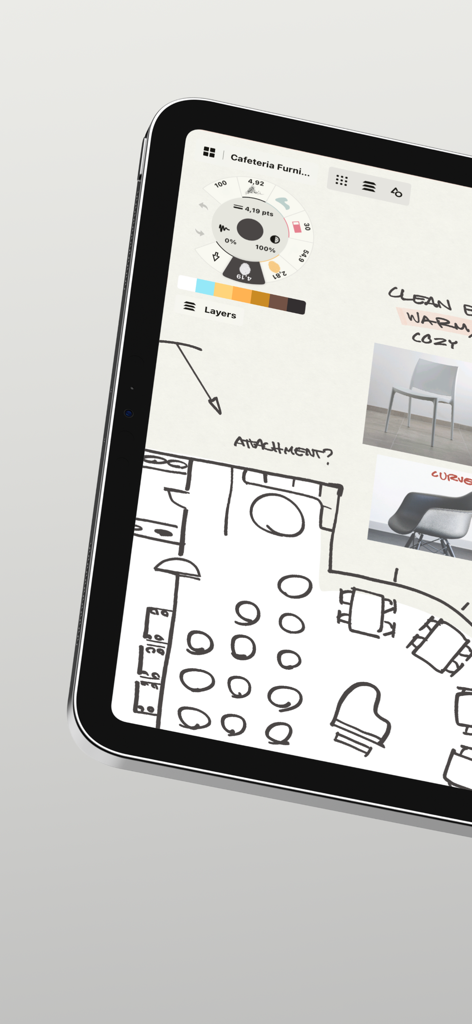
タブレット上のConceptsアプリインターフェイスに表示されたフロアプランのスケッチと家具のムードボード。
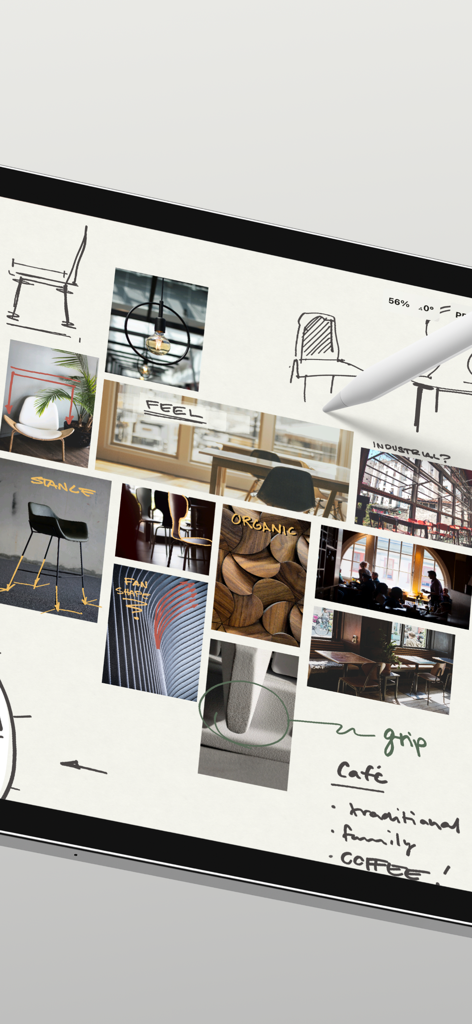
Conceptsアプリでのスケッチと参照画像を含むプロのデザインムードボード。
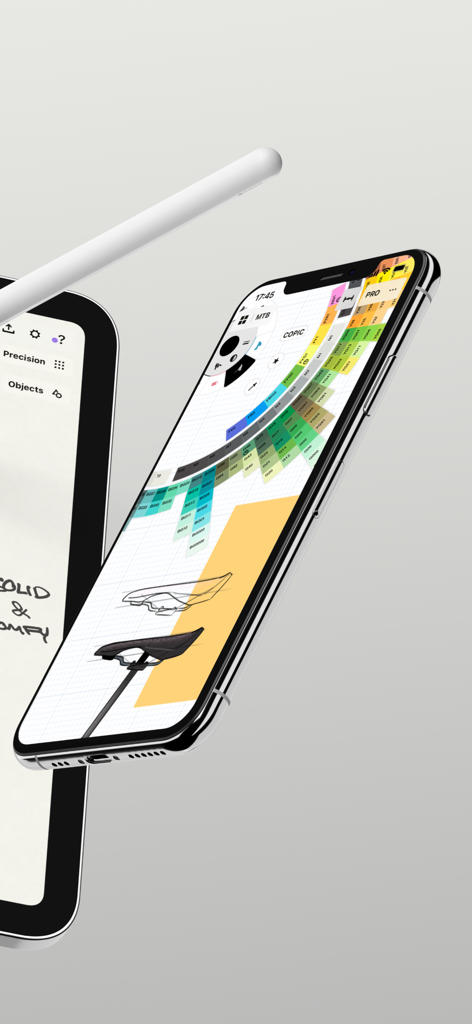
COPICカラーホイールと工業デザインスケッチを備えたConceptsアプリインターフェイスを表示するiPhone。
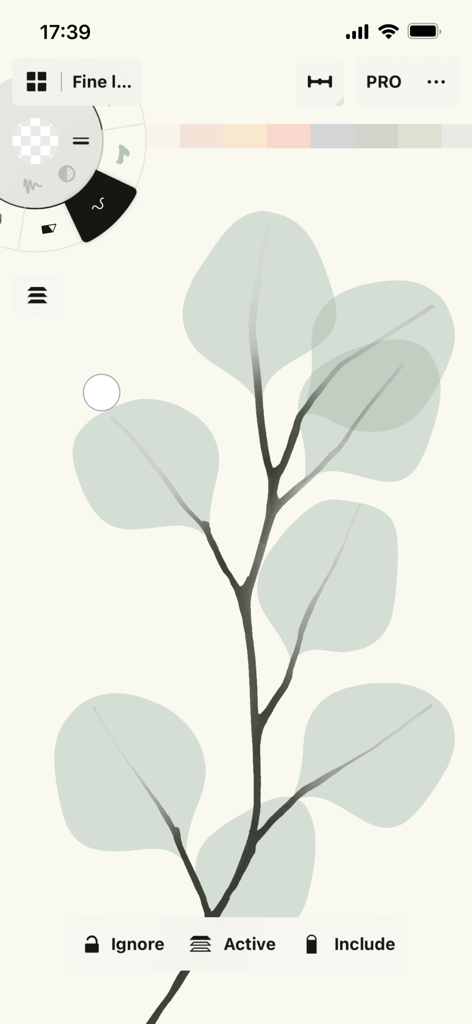
Conceptsアプリのベクター描画インターフェイス上のユーカリの葉のスケッチ。
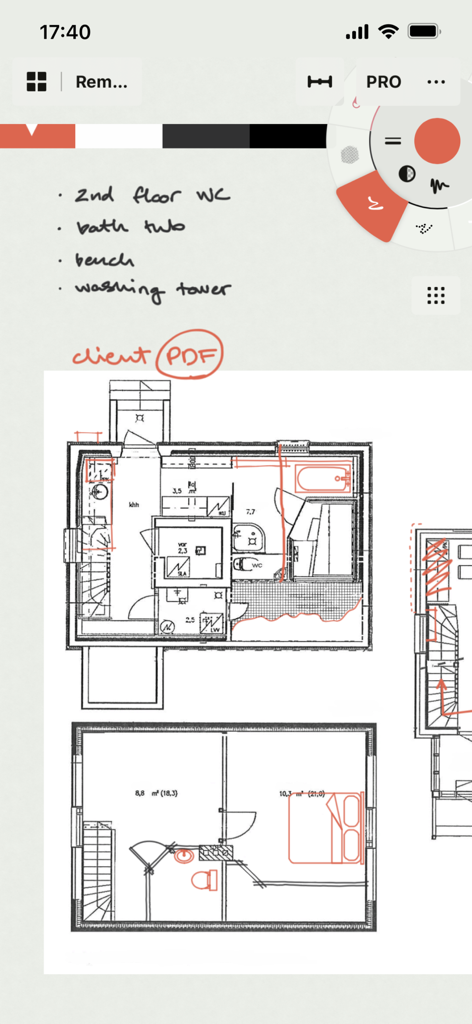
Conceptsアプリインターフェイスでの建築フロアプラン上の手書きメモ。
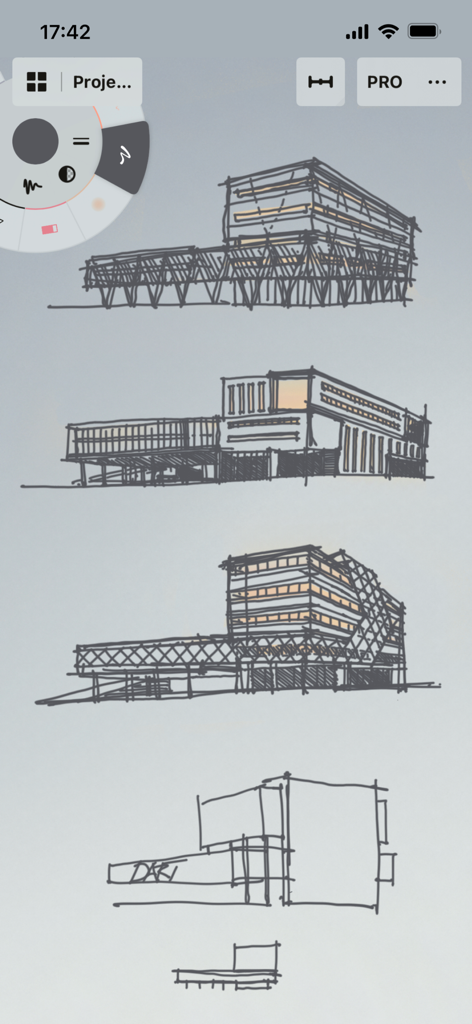
Conceptsアプリインターフェイスでの建築物のスケッチ。
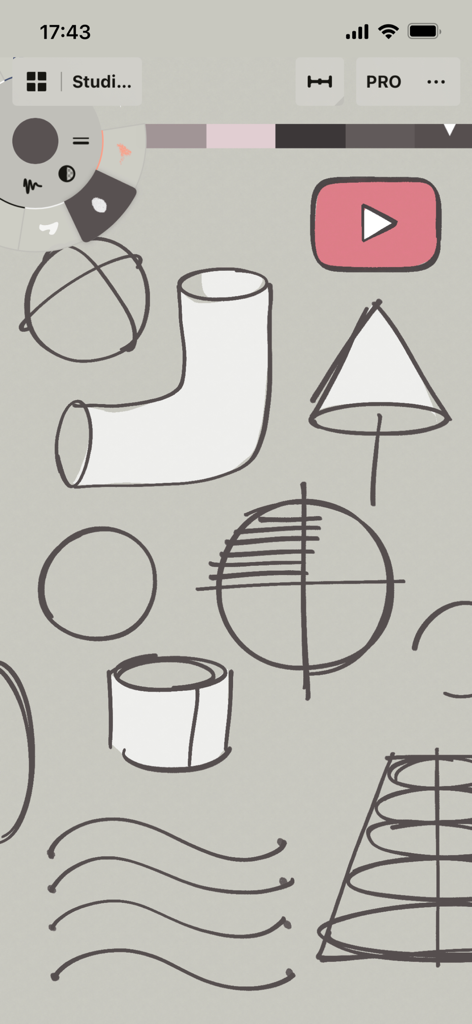
Conceptsアプリ内のテクニカルスケッチとツールホイールインターフェイス。
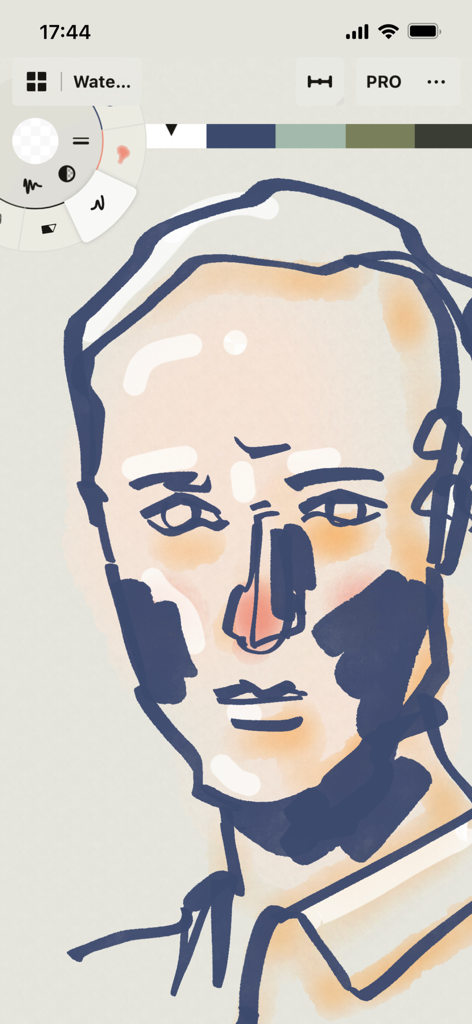
Conceptsアプリでデジタル水彩画とインクツールを使用して作成中の様式化された顔のイラスト。
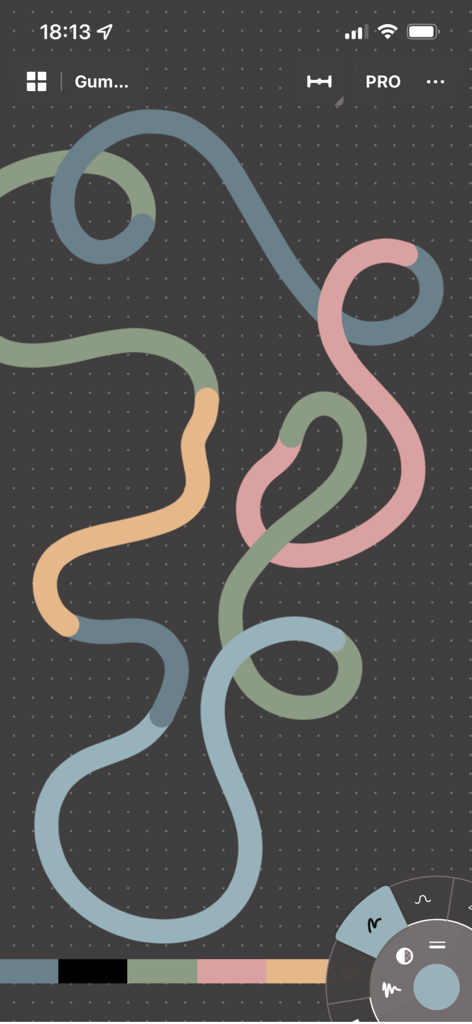
Conceptsアプリのダークグリッドキャンバス上の多色のループベクターライン。
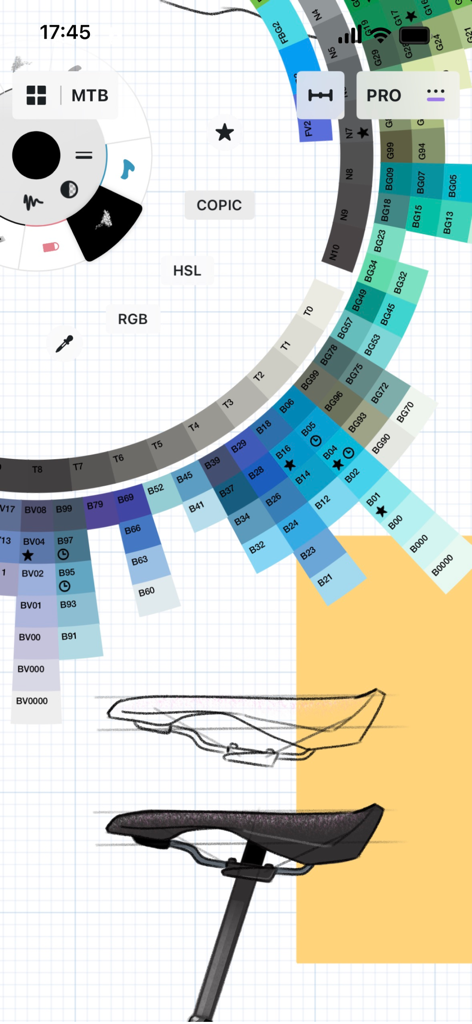
ConceptsアプリのCOPICカラーホイールインターフェイスを備えた自転車サドルの工業デザイン。
説明
Download
類似アプリ
似た機能とユーザー体験を持つアプリ

Sketchbook®
Sketchbook, Inc.

Mental Canvas Draw
Mental Canvas, Inc.

ibis Paint
ibis inc.

ibis Paint X
ibis inc.

Paper: Sketch, Draw & Create
Evernote Corporation

Adobe Fresco: Draw & Paint App
Adobe Inc.

Art Set 4
Lofopi Ltd

MediBang Paint – Drawing & Art
MediBang inc.

Tayasui Sketches
SKETCHES SRL
このページはアプリまたはその開発者の公式ページではなく、情報提供および論評を目的として作成された独立した編集出版物です。明示的に別段の記載がない限り、アプリおよびその開発者は、MWM、Apple、Google Play、アプリのパブリッシャー、またはアプリの開発者と提携、承認、後援、認可、またはその他の公式的な関係はなく、このページのいかなる内容も、アプリがMWMのサービスを使用して開発されたことを意味するものではありません。すべての商標、ロゴ、スクリーンショット、その他のコンテンツはそれぞれの所有者の財産です。