Document Scanner ㅤ
Document Scanner ㅤ
ダウンロード: App Store

このページはアプリまたはその開発者の公式ページではなく、情報提供および論評を目的として作成された独立した編集出版物です。明示的に別段の記載がない限り、アプリおよびその開発者は、MWM、Apple、Google Play、アプリのパブリッシャー、またはアプリの開発者と提携、承認、後援、認可、またはその他の公式的な関係はなく、このページのいかなる内容も、アプリがMWMのサービスを使用して開発されたことを意味するものではありません。すべての商標、ロゴ、スクリーンショット、その他のコンテンツはそれぞれの所有者の財産です。


ロゴ: Document Scanner ㅤ
ダウンロード: App Store

Document Scanner ㅤ

iPhoneを高精細なモバイルオフィスに。レシートのスキャン、契約書への署名、高度な画像処理とパスワード暗号化による機密ファイルの保護を実現します。

主要数値

ダウンロード

596K+

ユーザー評価

4.6/5

評価数

2K+

開発元

Sofiia Koval

カテゴリ

Business

対応言語

6

最新バージョン

3.0.3

サイズ

75.2 MB

リリース日

2015年8月21日
機能

あなただけのプロフェッショナル・ポケットオフィス

iPhoneを強力なワークステーションに。現代のプロフェッショナルなワークフローに合わせて設計されており、書類のスキャン、署名、保護を正確かつ簡単に行えます。

スタジオ品質のスキャン

自動境界検出と影の除去により、外出先でのスキャンでもプロのように鮮明に仕上げます。

その場ですぐに署名・編集

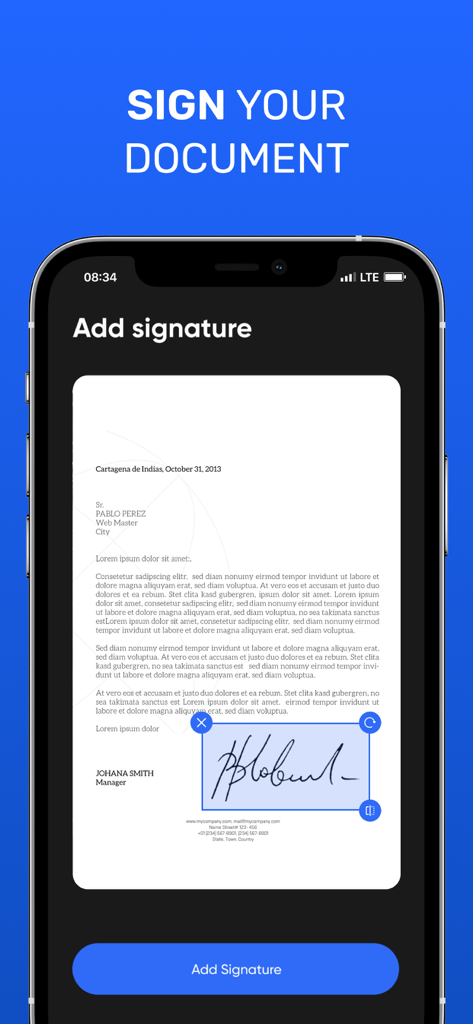
数秒以内にPDFやJPEGへ直接署名、透かし、注釈を追加できるため、成約までのスピードが上がります。

以下のスクリーンショットと説明は、アプリの公式ストアリスティングから直接取得されたものであり、アプリ開発者の所有物です。

アプリストア

スクリーンショット
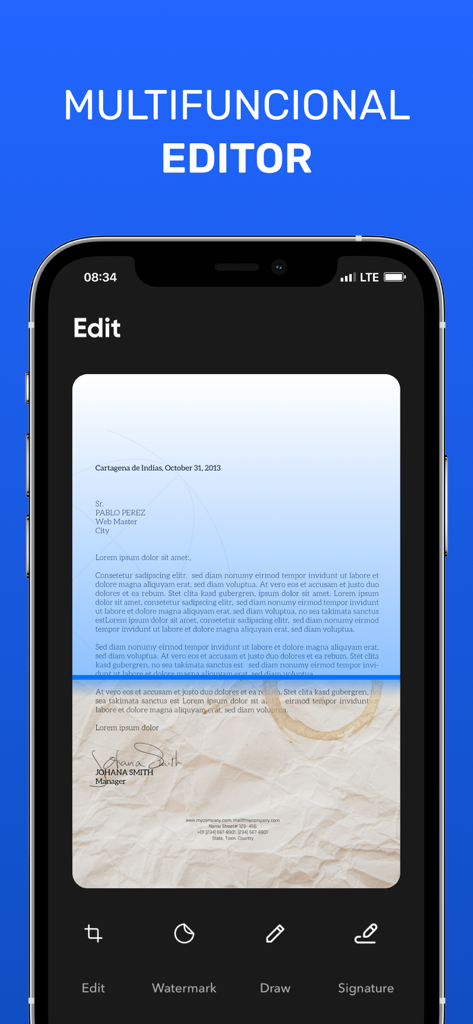
Document Scanner ㅤ - 多機能編集ツールを表示しているドキュメントスキャナー・モバイルアプリのインターフェース
多機能編集ツールを表示しているドキュメントスキャナー・モバイルアプリのインターフェース

Document Scanner ㅤ - スキャンした書類に電子署名を追加する機能を表示しているスマートフォンの画面
スキャンした書類に電子署名を追加する機能を表示しているスマートフォンの画面

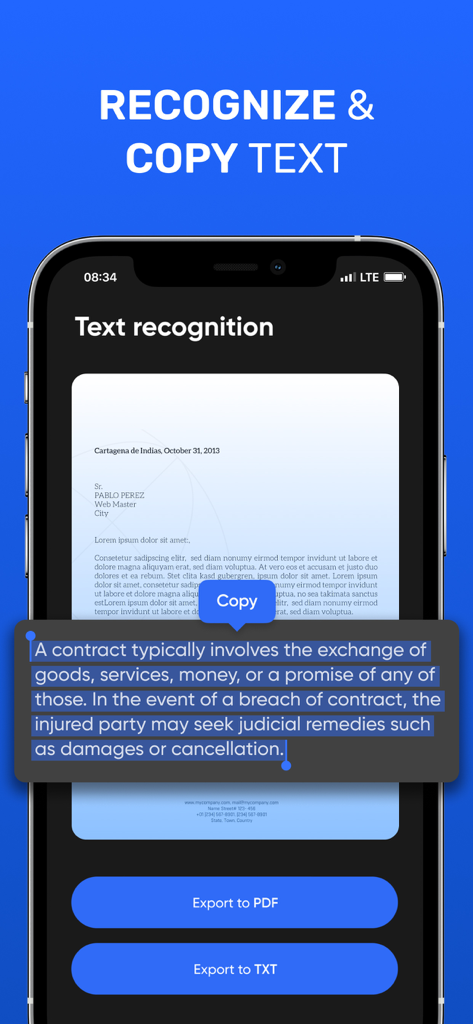
Document Scanner ㅤ - スキャンした書類のテキスト認識およびコピー機能を表示しているモバイルアプリのインターフェース
スキャンした書類のテキスト認識およびコピー機能を表示しているモバイルアプリのインターフェース

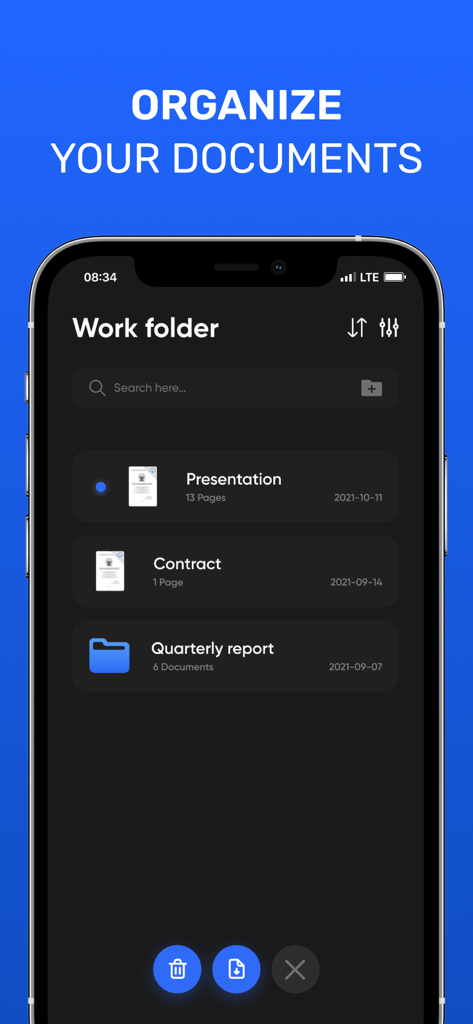
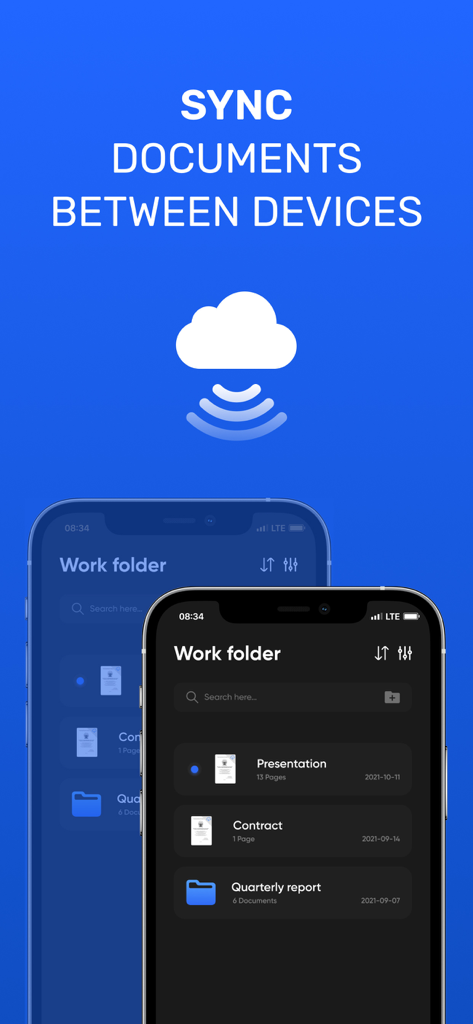
Document Scanner ㅤ - 「プレゼンテーション」や「契約書」などの整理された書類やフォルダを表示しているドキュメントスキャナー・アプリのインターフェース
「プレゼンテーション」や「契約書」などの整理された書類やフォルダを表示しているドキュメントスキャナー・アプリのインターフェース

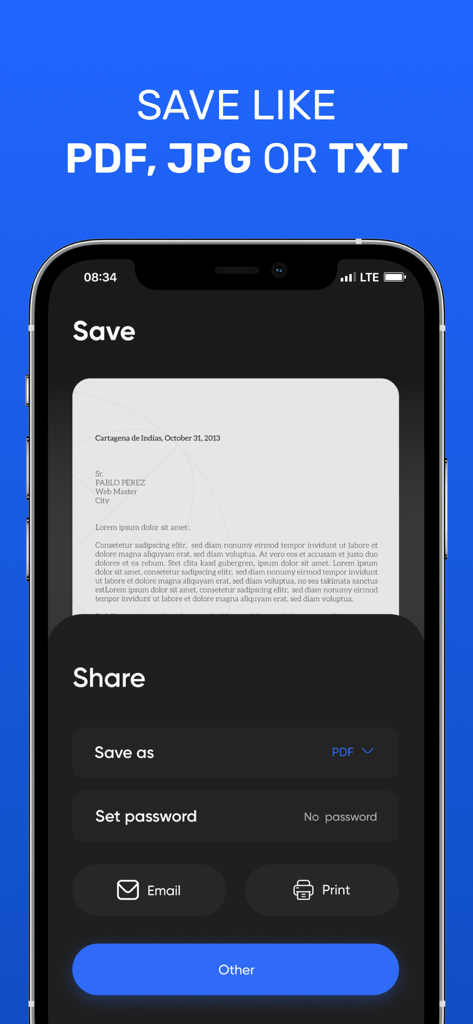
Document Scanner ㅤ - パスワード保護や共有ツールを備えた、PDF、JPG、またはTXT形式での保存オプションを表示しているドキュメントスキャナー・アプリのインターフェース

パスワード保護や共有ツールを備えた、PDF、JPG、またはTXT形式での保存オプションを表示しているドキュメントスキャナー・アプリのインターフェース
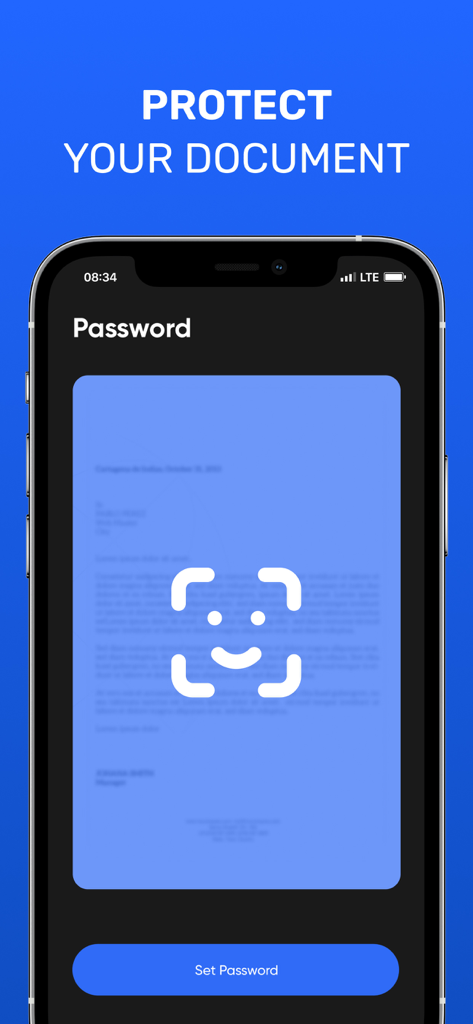
Document Scanner ㅤ - パスワード保護とドキュメントセキュリティ機能を表示しているモバイルアプリの画面
パスワード保護とドキュメントセキュリティ機能を表示しているモバイルアプリの画面

Document Scanner ㅤ - クラウド経由でデバイス間のドキュメント同期を表示しているドキュメントスキャナー・アプリのインターフェース

クラウド経由でデバイス間のドキュメント同期を表示しているドキュメントスキャナー・アプリのインターフェース

説明

Document scanner is the best scanner app for iPhone. Scan documents, receipts, driver's licenses, books, etc. with your device and convert them to PDF / JPG / TXT files. Store and share files securely. Scan your documents in seconds. The advanced image processing in our scanner will automatically detect borders, correct perspective and distortion, remove shadows and noise, so your scans will look professional and clear. Share your scans via email or in any other way convenient for you. A functional editor, the ability to sign your documents, overlay watermarks, protect your files with a password and many other useful features. Ease of use. __________________ • Subscription gives you full access to the application. • Monthly subscription: $ 4.99
• Annual subscription: $ 25.99 • All prices are subject to change without notice. Sometimes we use promotional prices as incentives or limited time opportunities for qualified purchases made during the advertising period. Due to the time sensitivity and advertising nature of these events, we cannot offer price protection or retroactive discounts or refunds for previous purchases in the event of a price reduction or promotional offer. • Payment will be charged to iTunes Account at confirmation of purchase. • Subscription automatically renews unless auto-renew is turned off at least 24 hours before the end of the current period. • The account will be charged for renewal within 24 hours before the end of the current period, as well as to determine the cost of renewal • Subscriptions can be managed by the user, and auto-renewal can be turned off by going to the user account settings after purchase. • Any unused portion of the free trial period, if one is offered, will be canceled when the user acquires a subscription to this publication, where applicable. Have any feedback or comments? We’d love to hear from you at johhanneskoval@gmail.com Privacy Policy: https://bit.ly/3Ce07OJ Terms of Service: https://bit.ly/3chgv6g

Download

ダウンロード: App Store

このページはアプリまたはその開発者の公式ページではなく、情報提供および論評を目的として作成された独立した編集出版物です。明示的に別段の記載がない限り、アプリおよびその開発者は、MWM、Apple、Google Play、アプリのパブリッシャー、またはアプリの開発者と提携、承認、後援、認可、またはその他の公式的な関係はなく、このページのいかなる内容も、アプリがMWMのサービスを使用して開発されたことを意味するものではありません。すべての商標、ロゴ、スクリーンショット、その他のコンテンツはそれぞれの所有者の財産です。








