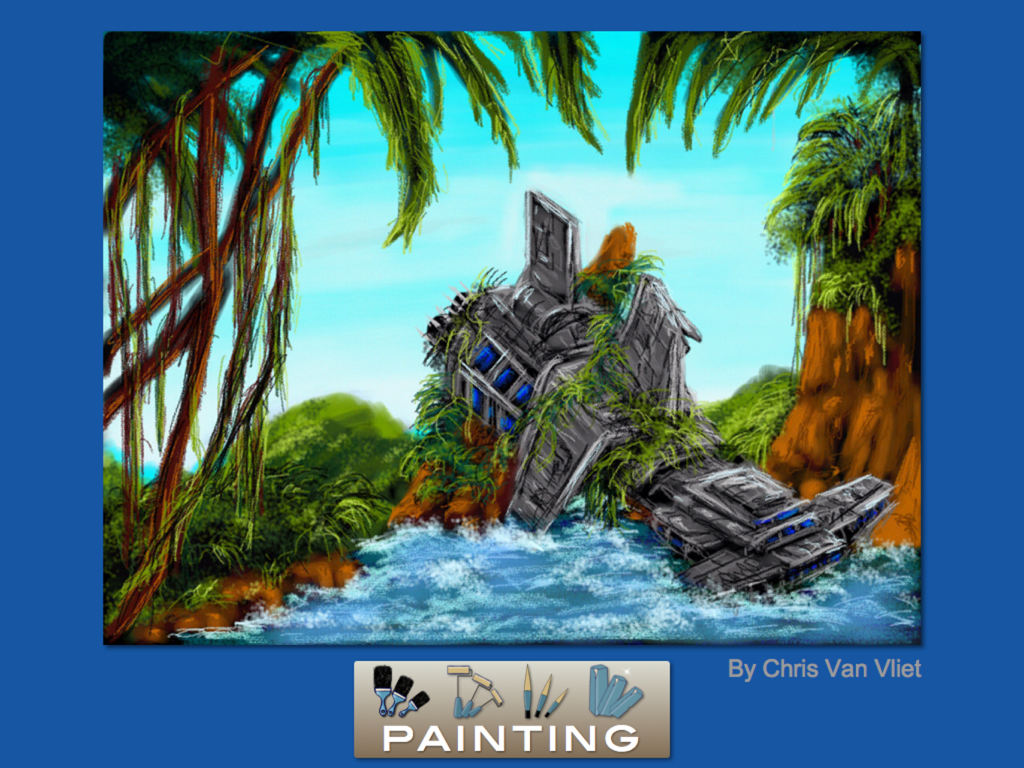
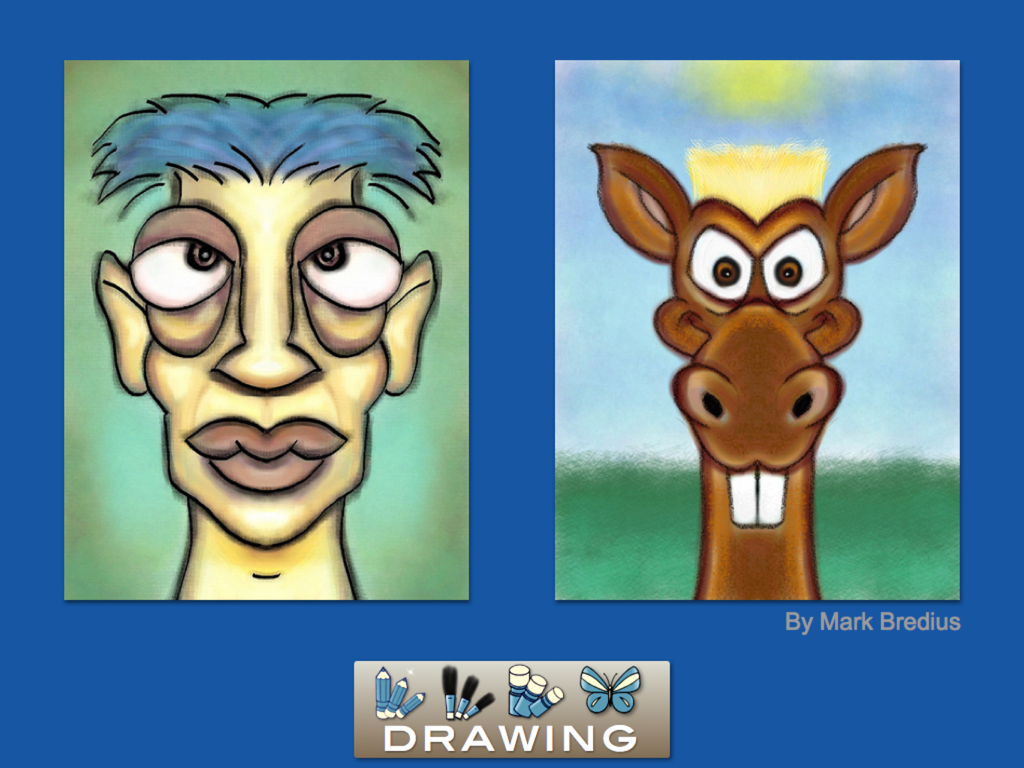
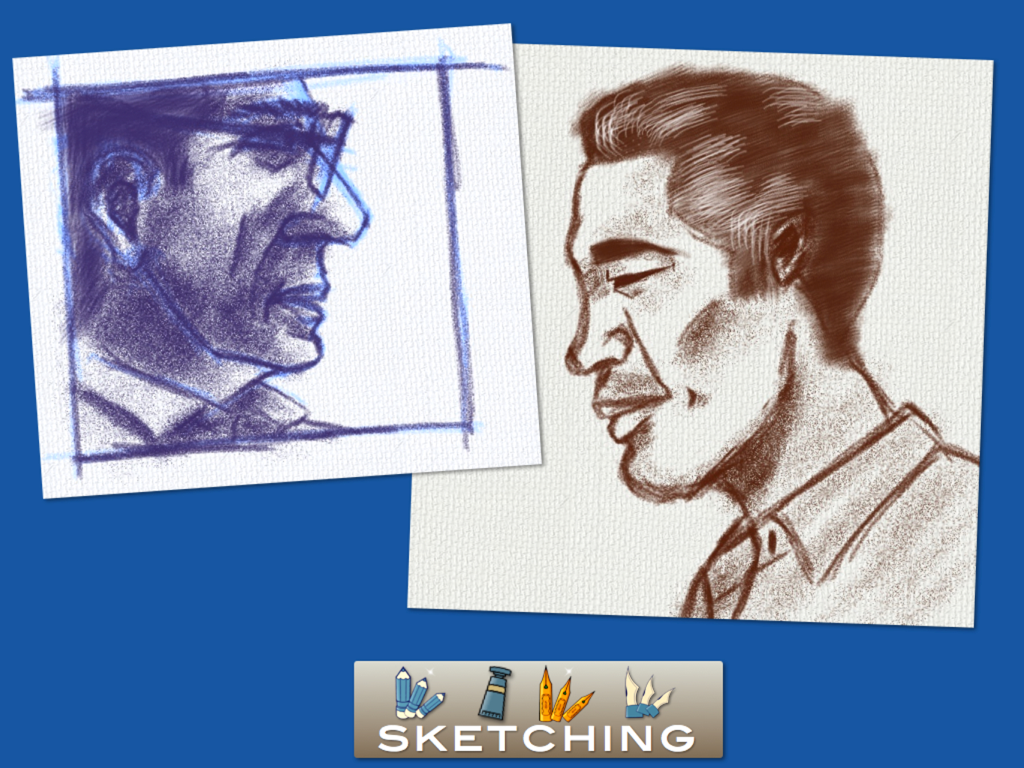
Drawing Box is recommended by schools for their students for its creativity tools and recreational features. Bring a painting studio in your pocket, and enjoy unlimited painting activities.
1/ Creativity: painting tools are amazingly funny to use. Discover dozens of hidden features for drawing and painting. More than only painting with your device, you can automatically send a movie of your artwork. Drawing Box also includes a white board for tutorial and pitch recording. Eight symmetry and duplication painting modes will create drawings you never can only imagine.
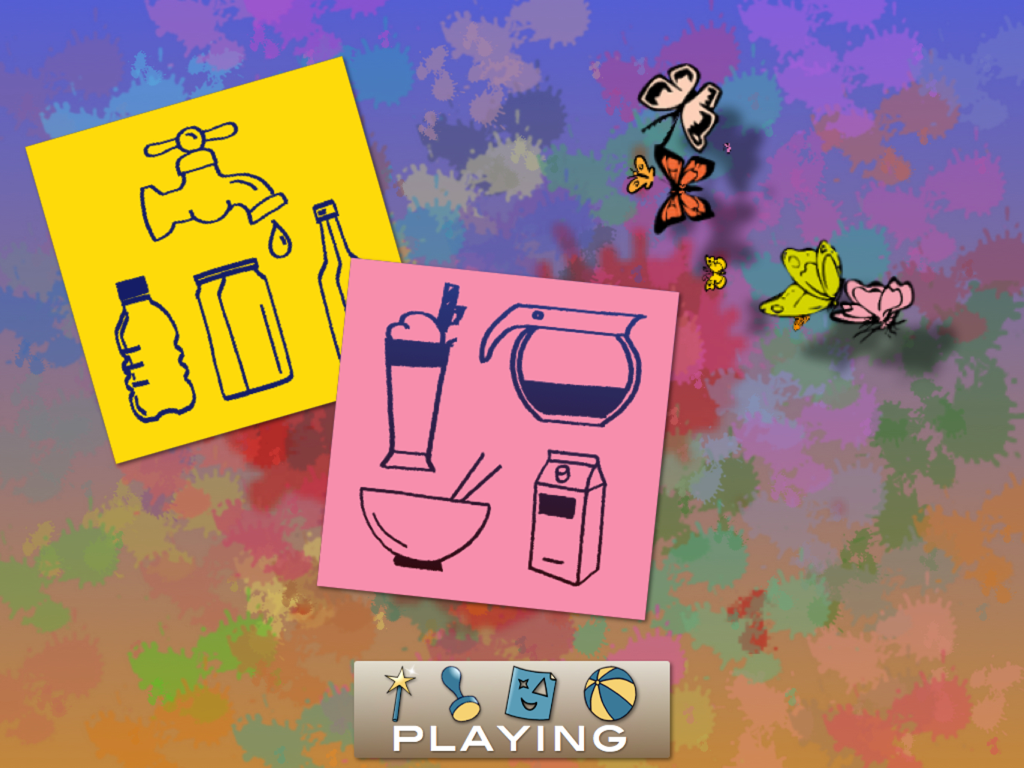
2/ Leisure: practice painting with fun and pleasure. With a large choice of incredible magic pens and 3D clay pens, free your imagination. Stencils, stickers and other icons let you enjoy long quiet moments of recreational activities.
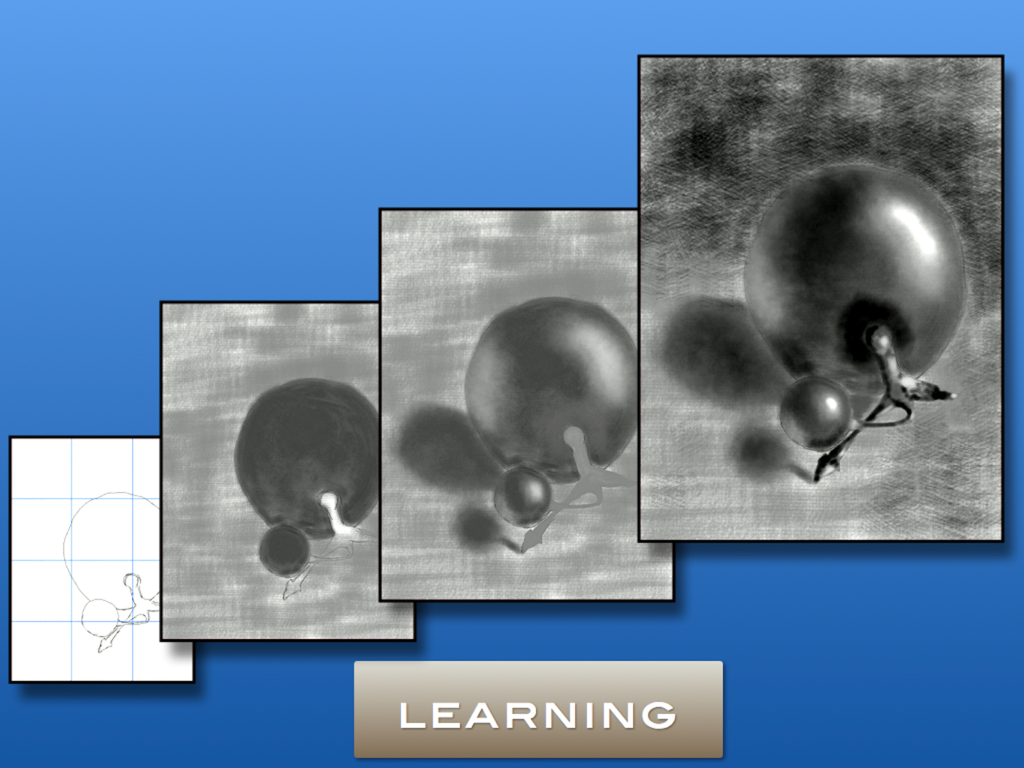
3/ Training: besides drawing lessons, you can use the color mixer to create your personal palette. The “crop and move” tool help you to resize properly your work. Apply photo effects to your creations.
4/ Share: save and send your artwork with or without background. Share a movie of your painting on social networks.
What you will find:
• Drawing tools: pencils, chalks, ink pens, Chinese brush, harmony pens, erasers.
• Painting: air brush, watercolor, hair brushes, blending brushes, sand brush, grid paint roller, pattern paint roller, cloud paint roller, hair and cloud paint roller, splash paint roller, dry smudge, fill bucket, rainbow pens and brushes, light effect, single color brush.
• Colors: 10 color palettes (pastel, oil, cool, warm, night, sky and earth, fire and water, skin), color wheel, light and dark color adjustment. Real color mixer for creation of personal color palette.
• Magic pens: autumn leaves, spring leaves, color splash, animal foot prints, lips, cartoon drawings, bubbles, butterflies, random squares, diamonds, candies, planets, musical signs, flowers, snow flakes, numbers, random circles, 3 pens, flashing stars, local symmetry, alternated colors, 3D clay pens, 3D sand pens, 3D noodle pens.
• Clip arts, decorative patterns.
• Text editor
• Stencils
• Background selection from the photo library, camera, preset models (wood, wall, concrete, textile, wallpaper, colors, grids, music lines, post card.
• Leisure: coloring pages, mazes, sudoku.
• Photography: import image, puzzles, photo effects (gray, sepia, fax, tonal, vignette, lemo, radial)
• White board tool: talk, draw and record your presentation.
• Drawing lessons.
• Symmetrical painting: horizontal, vertical, 4 corners symmetry,
• Duplication: simultaneously duplicate all your strokes to 3 or 4 directions.
• Auto record your work as a movie. Replay and send movies.
• Other functions: baby mode, toolbar customization, full page zooming, crop image, hide toolbar, export paintings with or without background, small painting views, multi painting deletions, quick navigation in the paintings gallery, painting rotation in the gallery.
============================================================
* Fall 2012 Mobile Apps: winner of a Parents’ Choice Silver Honor (www.parents-choice.org)
* Reviewed and rated 5 stars by the Multimedia Educational Resource for Learning and Online Teaching (www.merlot.org)
* Rankings: France #1 Overall, China #2 Overall and #1 in Entertainment, Netherlands, Belgium and Luxembourg #1 in Entertainment
* Top10 Entertainment in 12 countries