
このページはアプリまたはその開発者の公式ページではなく、情報提供および論評を目的として作成された独立した編集出版物です。明示的に別段の記載がない限り、アプリおよびその開発者は、MWM、Apple、Google Play、アプリのパブリッシャー、またはアプリの開発者と提携、承認、後援、認可、またはその他の公式的な関係はなく、このページのいかなる内容も、アプリがMWMのサービスを使用して開発されたことを意味するものではありません。すべての商標、ロゴ、スクリーンショット、その他のコンテンツはそれぞれの所有者の財産です。


Forma: PDF Document Editor
紙の煩わしさから解放される。Formaは、あなたの指先ひとつで書類を支配する。
ダウンロード
2.5M+ユーザー評価
評価数
62.5K開発元
カテゴリ
Productivity対応言語
20最新バージョン
1.35サイズ
198.4 MBリリース日
2023年2月7日AIを駆使したモバイルファーストPDF編集ソリューションの主要機能評価
Forma: PDF Document Editorの機能分析
高度なAIアシスタント
本ツールは、AIアシスタントを通じて、契約書の要約、テキストの書き換え、コンテンツの生成、メールの推敲、データの簡素化、文法・論理ミスの修正など、多岐にわたるタスクを効率化します。
直感的PDF直接編集
ユーザーは、PDF内のテキストを直接編集し、フォントの自動マッチング機能によりレイアウトを維持できます。また、重要な情報のハイライト、メモの追加、画像の挿入、複数のファイルの結合、ページの再編成も可能です。
効率的なフォーム入力と電子署名
アプリ内で直接、税務書類や契約書などのフォームへの入力が可能です。オートフィル機能により繰り返し入力の手間が省け、手書きまたはタイピングで作成した署名を安全に保存し、任意の文書に適用できます。
高性能OCRスキャナー
このアプリは、内蔵OCR機能により、紙の文書を鮮明で検索可能な編集可能なPDFに変換します。ユーザーは、スナップするだけで物理的な文書をデジタル化できます。
幅広いファイル形式変換
PDFをWord、Excel、PowerPoint、JPG、TXT形式に変換できるほか、これらのファイル形式から高品質なPDFを作成することも可能です。これにより、幅広いドキュメントワークフローに対応します。
文書の安全な管理と同期
ファイルは安全なクラウドストレージに保存され、iPhoneおよびiPad間でアクセスできます。機密情報のぼかし処理や透かしの追加、PINによるフォルダロック機能により、ユーザーの文書を保護します。
AIを活用した履歴書作成
AI履歴書ビルダーを使用することで、ユーザーは目標に合わせた洗練された履歴書を簡単に作成できます。デザインスキルがなくても、詳細を入力するだけでプロフェッショナルな履歴書を生成可能です。
請求書作成・送付機能
ユーザーは外出先からでも、プロフェッショナルな請求書を作成、編集、送信できます。項目、税金、支払い条件などを追加し、エクスポートまたはリンクで共有することが可能です。
よくある質問
について知っておくべきこと Forma: PDF Document Editor
What is Forma?
Forma is a complete PDF reader and editor app with an AI assistant. It manages, converts, modifies, signs, and protects documents.
What devices does the Forma app support?
Forma supports Apple devices including iPhone, iPad, and MacBook. Users can securely access their files across all these devices.
Does Forma offer cloud storage for documents?
Yes, Forma allows users to securely store their files in the cloud. They can access these documents across all their Apple devices.
Can I edit text and images in PDF documents using Forma?
Yes, Forma allows users to add and modify text, insert photos, and apply custom watermarks to PDF documents.
Can Forma merge multiple PDF files?
Yes, Forma can merge multiple PDF files. Users can also add, rearrange, or insert blank pages within their documents.
How do I e-sign documents in Forma?
Forma allows users to create electronic signatures by typing or drawing them. These signatures can then be applied to contracts and forms directly within the app.
What file formats can Forma convert PDFs to?
Forma can convert PDF files into JPG, DOC, TXT, XLS, and PPT formats. It also transforms images into PDF documents.
Can Forma generate and share invoices?
Yes, Forma generates personalized invoices, allowing users to add items, prices, terms, and taxes. It also supports editing and quick sharing of invoices.
Does Forma include an AI assistant for document tasks?
Yes, Forma features an AI assistant that summarizes, annotates, rewrites, and simplifies text in PDF documents. It also checks grammar and logic.
Can Forma's AI assistant help generate content like emails or CVs?
Yes, Forma's AI assistant uses built-in templates to generate text, compose email messages, and create CVs in PDF format.
Can I fill out PDF forms using the Forma app?
Yes, Forma allows users to fill out forms and surveys directly within the app. It includes an autofill feature for various documents like tax forms or applications.
How does Forma assist with creating CVs?
Forma includes an AI resume builder that helps create tailored CVs for users' experience and career goals.
How does Forma protect confidential PDF files?
Forma protects confidential PDF files by allowing users to add PINs to folders and documents, apply custom watermarks, and hide or blur sensitive information.
How do Forma subscriptions work?
Forma subscriptions auto-renew 24 hours before expiration. Users are charged after purchase confirmation and can manage subscriptions in App Store account settings.
Does Forma offer a premium version?
Yes, Forma PRO provides access to all features. It is a subscription service with charges applied after purchase confirmation.
Where can I find the privacy policy for Forma?
The privacy policy for the Forma app is available at http://bpmob.com/forma/privacy/en/.
How can I contact support for the Forma app?
Users can contact support for the Forma app by visiting http://bpmob.com/forma/support for any questions or inquiries.
以下のスクリーンショットと説明は、アプリの公式ストアリスティングから直接取得されたものであり、アプリ開発者の所有物です。
アプリストア
スクリーンショット
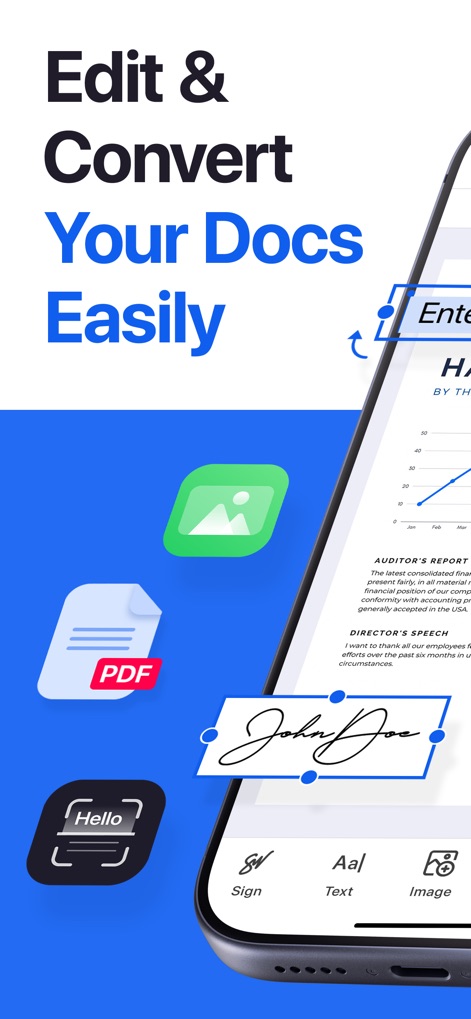
このアプリは、ユーザーがテキストや画像を簡単に編集できる直感的なインターフェースを提供し、PDF文書への署名機能も搭載しています。
ドキュメントを簡単編集
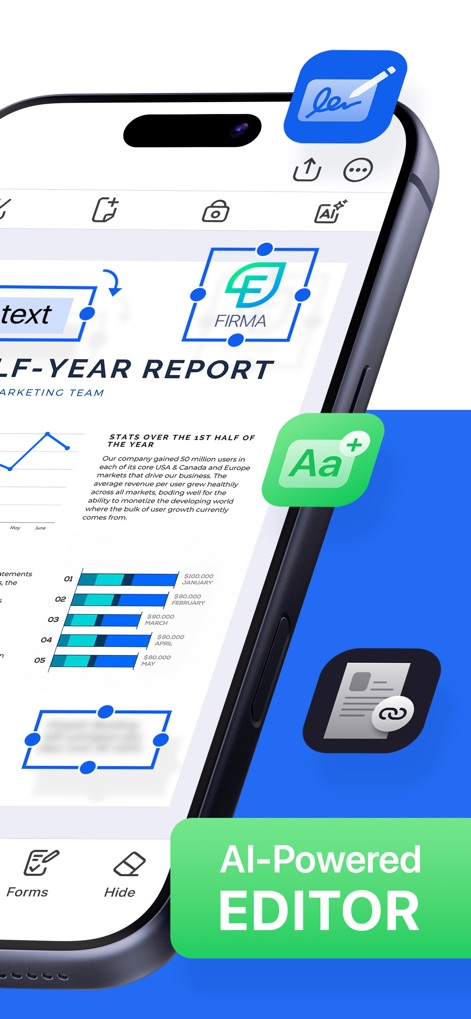
AIを活用したスマートな編集機能により、文書内のテキスト調整やロゴの追加が可能となり、作業効率が大幅に向上します。
AI搭載スマート編集
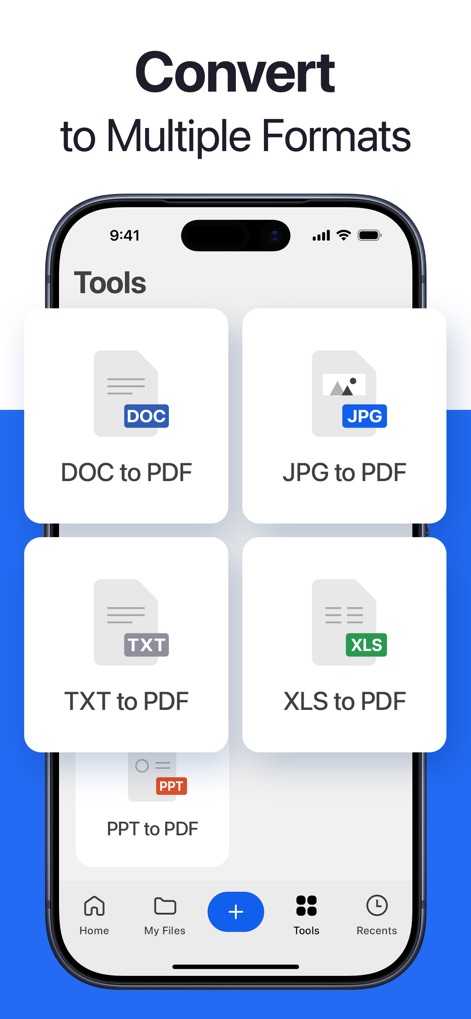
WordやExcelなどの一般ファイル形式からPDFへの変換、またはその逆の変換をサポートし、文書管理を効率化します。
多様な形式へ変換
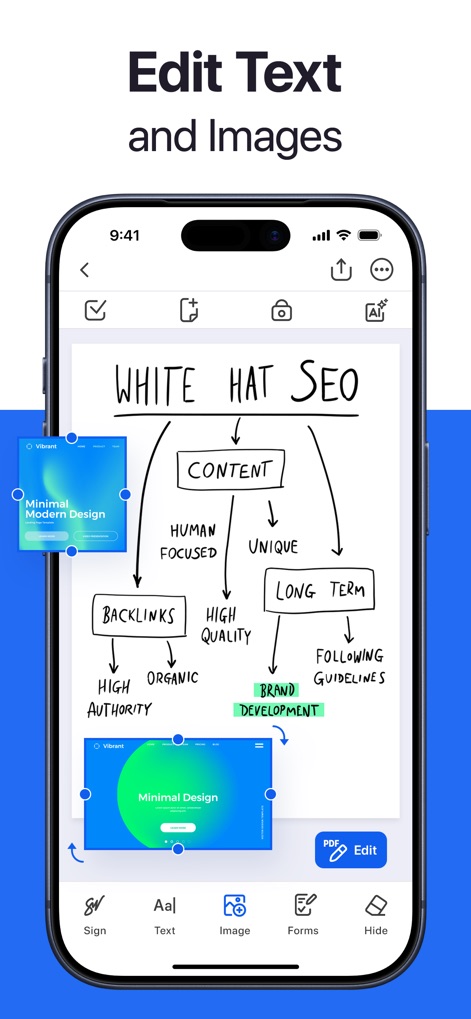
ユーザーは、既存のテキストを直接編集したり、関連する画像を文書に挿入したりすることで、視覚的に魅力的な資料を作成できます。
テキスト&画像編集
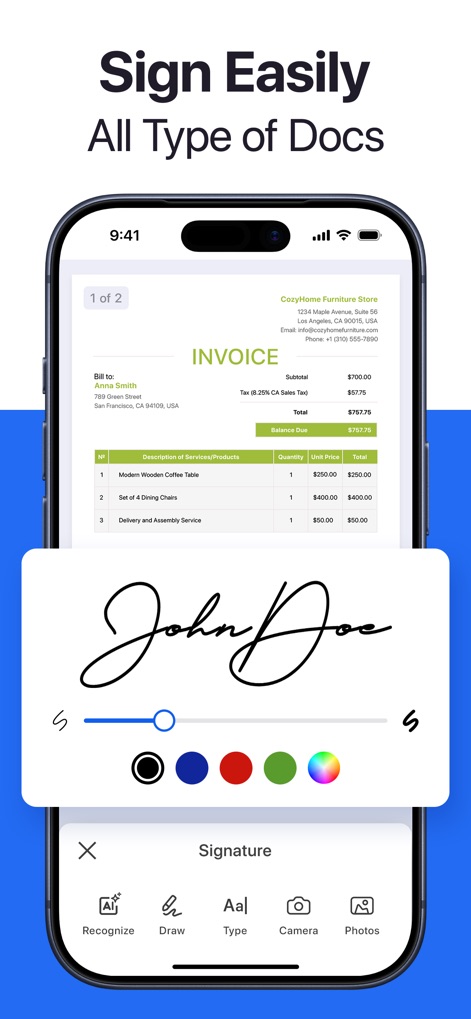
このアプリでは、ユーザーは指やスタイラスで直接署名を作成・保存できるため、契約書や請求書などの文書に迅速に電子署名できます。
あらゆる書類に署名

ユーザーは、PDFフォームの各フィールドに直接入力でき、自動入力機能により、繰り返しの多い情報の入力時間を短縮します。
PDFフォーム入力
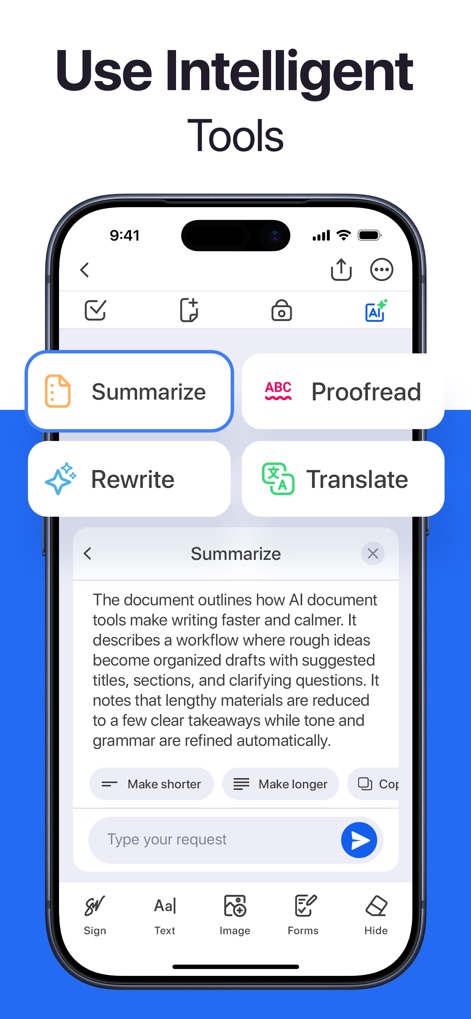
AIアシスタントは、長文の契約書を要約したり、テキストを校正したりすることで、ユーザーの文書作成と管理を強力に支援します。
インテリジェントツール
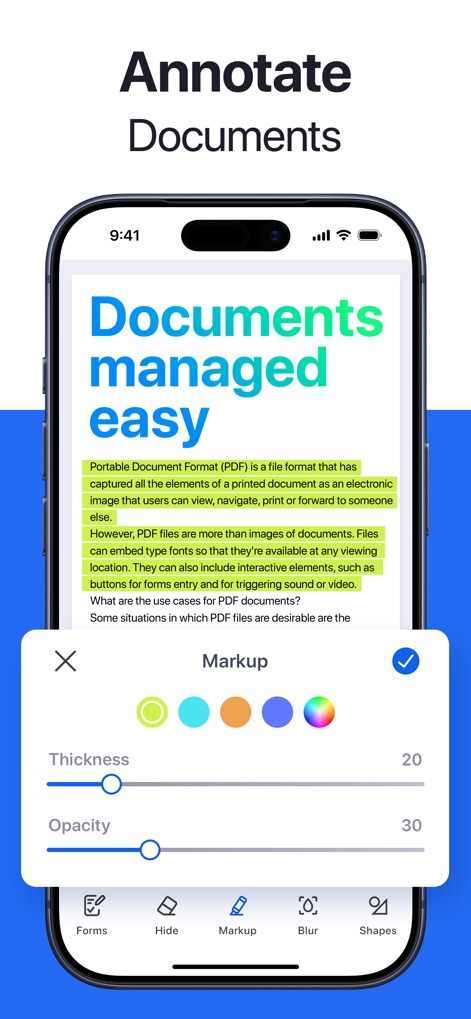
ユーザーは、文書の重要な箇所をハイライト表示できるだけでなく、注釈の太さや透明度を調整して、情報を視覚的に整理できます。
ドキュメントに注釈
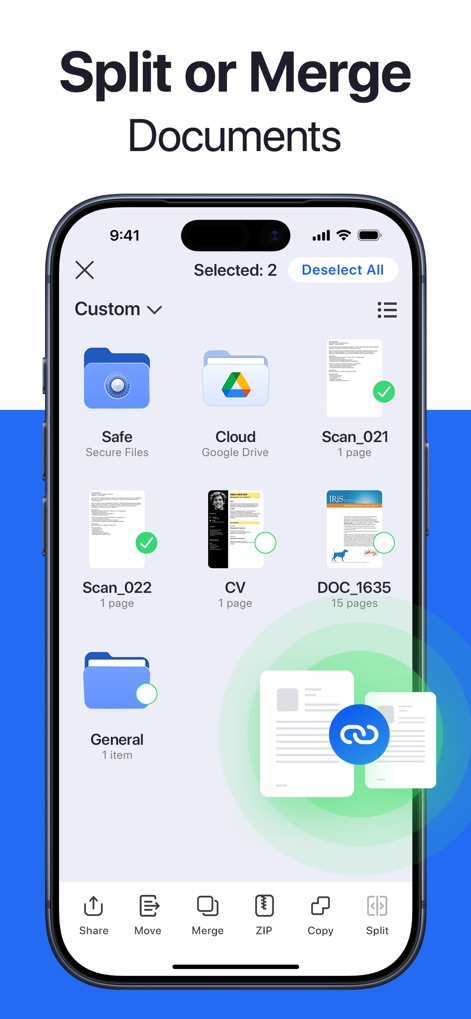
この機能により、ユーザーは複数のPDFファイルを簡単に結合したり、大規模な文書を必要な部分に分割したりして、効率的なファイル整理を実現します。
文書を分割・結合
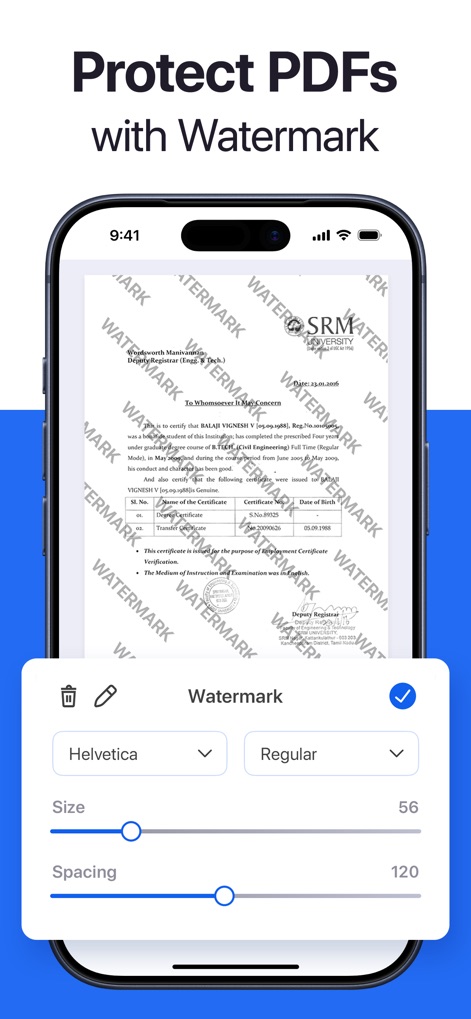
ユーザーは、独自の透かしを文書に追加することで著作権を保護でき、フォントの種類やサイズも自由に設定してカスタマイズ可能です。
透かしでPDF保護
説明
Download
類似アプリ
似た機能とユーザー体験を持つアプリ

PDF PRO Scan Image & Documents
Balzo srl

The PDF Scanner, PDF editor HQ
NEXT K.U.M. LTD

CamScanner - PDF Scanner App
INTSIG Information Co., Ltd

Adobe Scan: PDF & OCR Scanner
Adobe Inc.

WPS Office: PDF, Docs, Sheets
KINGSOFT OFFICE SOFTWARE CORPORATION LIMITED

iLovePDF - PDF Editor & Scan
ILOVEPDF S.L.

Scanner App: Genius Scan
The Grizzly Labs

Microsoft Lens: PDF Scanner
Microsoft Corporation

Clear Scan: Doc Scanner App
INDY MOBILE APP COMPANY LIMITED
このページはアプリまたはその開発者の公式ページではなく、情報提供および論評を目的として作成された独立した編集出版物です。明示的に別段の記載がない限り、アプリおよびその開発者は、MWM、Apple、Google Play、アプリのパブリッシャー、またはアプリの開発者と提携、承認、後援、認可、またはその他の公式的な関係はなく、このページのいかなる内容も、アプリがMWMのサービスを使用して開発されたことを意味するものではありません。すべての商標、ロゴ、スクリーンショット、その他のコンテンツはそれぞれの所有者の財産です。