Genius Scan Enterprise - PDF
ダウンロード: App Store

このページはアプリまたはその開発者の公式ページではなく、情報提供および論評を目的として作成された独立した編集出版物です。明示的に別段の記載がない限り、アプリおよびその開発者は、MWM、Apple、Google Play、アプリのパブリッシャー、またはアプリの開発者と提携、承認、後援、認可、またはその他の公式的な関係はなく、このページのいかなる内容も、アプリがMWMのサービスを使用して開発されたことを意味するものではありません。すべての商標、ロゴ、スクリーンショット、その他のコンテンツはそれぞれの所有者の財産です。


ロゴ: Genius Scan Enterprise - PDF
ダウンロード: App Store

Genius Scan Enterprise - PDF

モバイルデバイスを高性能ドキュメントスキャナーに変革。高度なMDM設定、オンデバイス処理、シームレスなクラウド連携により、組織全体でペーパーレスワークフローを実現します。

主要数値

ダウンロード

374K+

ユーザー評価

4.9/5

評価数

18K+

開発元

The Grizzly Labs

カテゴリ

Business

対応言語

20

最新バージョン

8.7

サイズ

107.3 MB

リリース日

2010年12月16日
機能

エンタープライズの卓越性を実現するプロフェッショナルスキャン

規制産業や自動化されたワークフロー向けに設計された、セキュアで高性能なスキャンフリートへとチームのモバイルデバイスを変革します。

セキュリティとデータ主権

オンデバイス処理、Face IDロック、PDF暗号化により、機密性の高いプロフェッショナルドキュメントをプライベートかつ安全に保ち、完全なコンプライアンスを確保します。

自動化されたビジネスワークフロー

Box、OneDrive、Google Driveなどのプラットフォームへのバッチスキャンとバックグラウンド自動エクスポートにより、管理上の手間を排除します。

以下のスクリーンショットと説明は、アプリの公式ストアリスティングから直接取得されたものであり、アプリ開発者の所有物です。

アプリストア

スクリーンショット
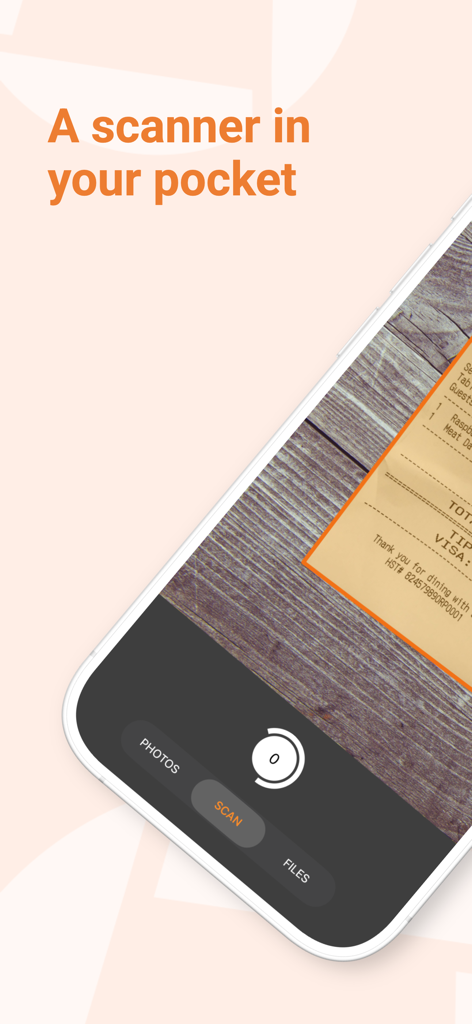
Genius Scan Enterprise - PDF - Genius Scan Enterpriseアプリのインターフェース。スマートフォンがレシートの高品質スキャンを自動ドキュメント検出でキャプチャしている様子を表示
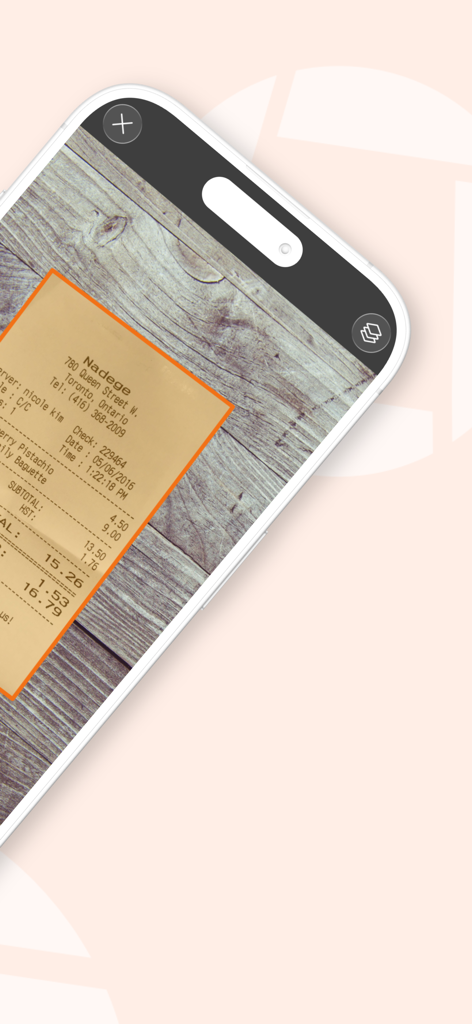
Genius Scan Enterpriseアプリのインターフェース。スマートフォンがレシートの高品質スキャンを自動ドキュメント検出でキャプチャしている様子を表示

Genius Scan Enterprise - PDF - Genius Scan Enterpriseを使用するiPhoneが、木製テーブル上の紙のレシートを自動検出およびスキャン
Genius Scan Enterpriseを使用するiPhoneが、木製テーブル上の紙のレシートを自動検出およびスキャン

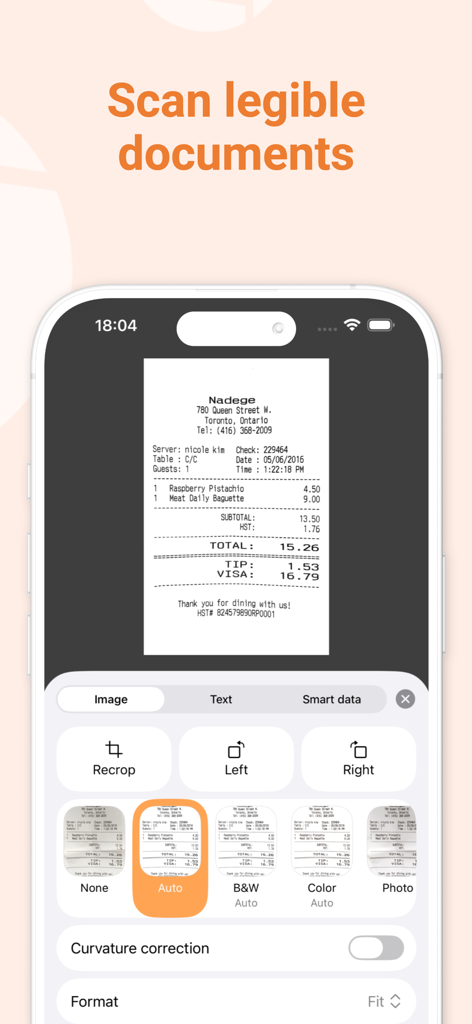
Genius Scan Enterprise - PDF - Genius Scan Enterpriseモバイルアプリのインターフェース。スキャンされたレシートにプロフェッショナルフィルターと編集オプションが表示されている様子を表示
Genius Scan Enterpriseモバイルアプリのインターフェース。スキャンされたレシートにプロフェッショナルフィルターと編集オプションが表示されている様子を表示

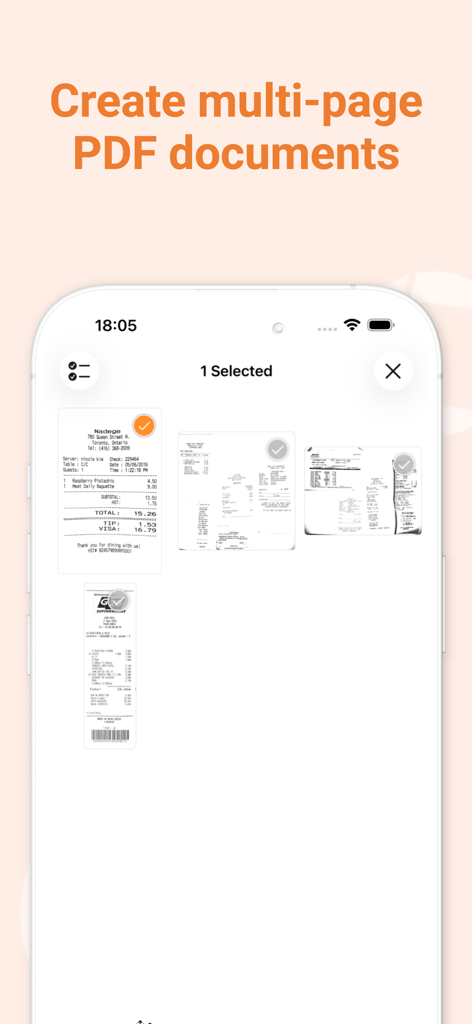
Genius Scan Enterprise - PDF - Genius Scan Enterpriseアプリのインターフェース。複数のスキャンされたレシートを選択してマルチページPDFドキュメントを作成する様子を表示
Genius Scan Enterpriseアプリのインターフェース。複数のスキャンされたレシートを選択してマルチページPDFドキュメントを作成する様子を表示

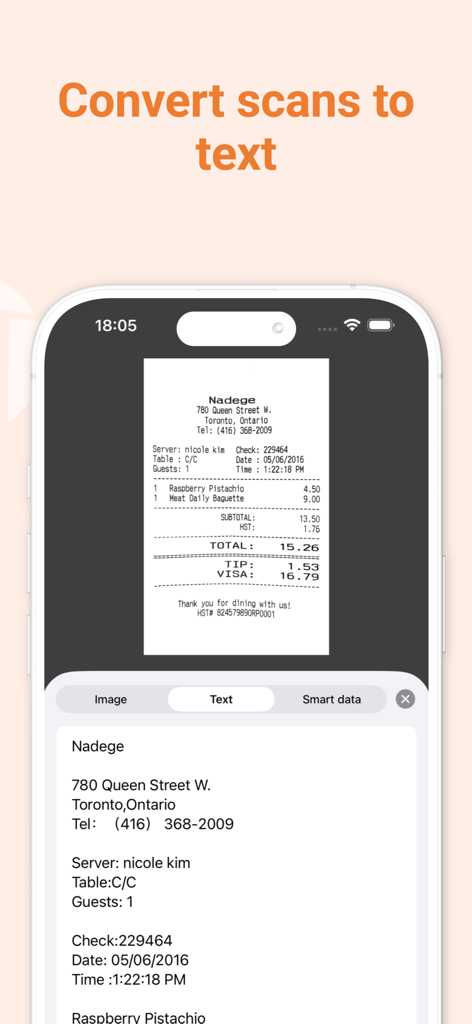
Genius Scan Enterprise - PDF - モバイルアプリのインターフェース。スキャンされたレシートが編集可能なデジタルテキストに変換される様子を表示
モバイルアプリのインターフェース。スキャンされたレシートが編集可能なデジタルテキストに変換される様子を表示

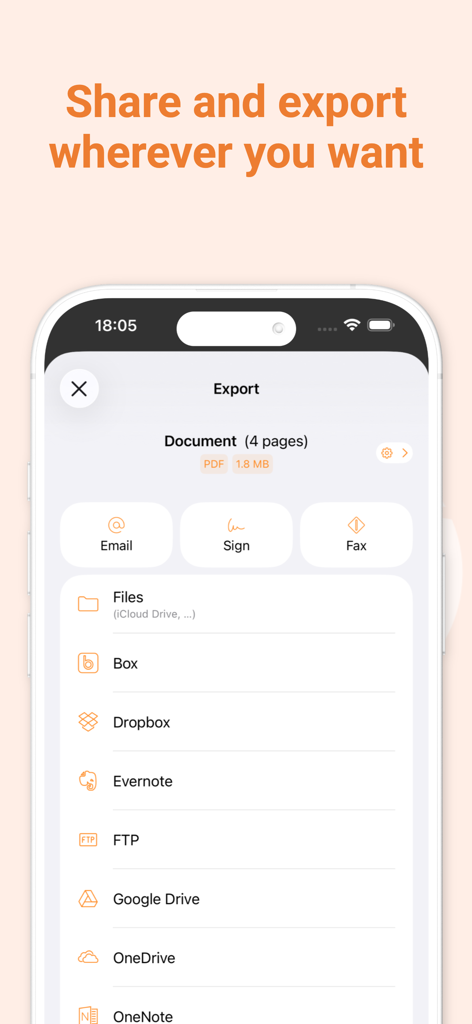
Genius Scan Enterprise - PDF - Genius Scan Enterpriseのエクスポート画面。DropboxやGoogle Driveなどのクラウドストレージオプションを表示
Genius Scan Enterpriseのエクスポート画面。DropboxやGoogle Driveなどのクラウドストレージオプションを表示

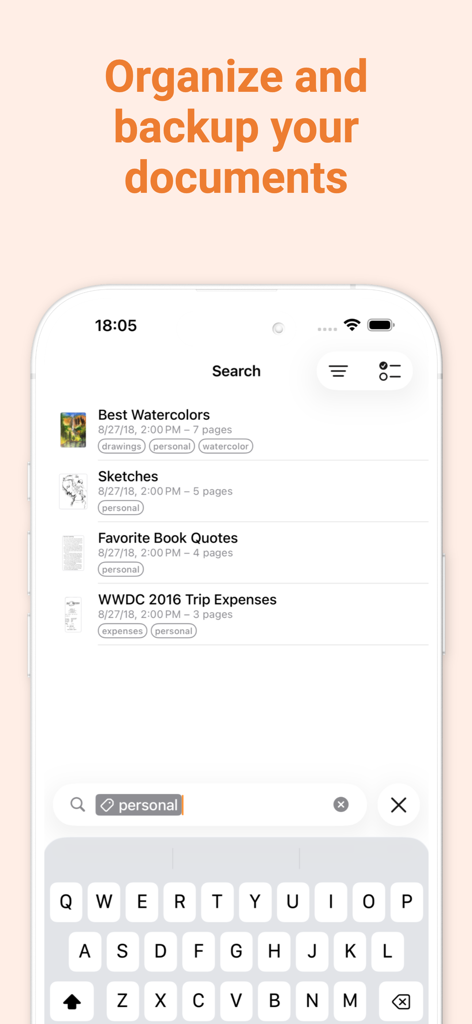
Genius Scan Enterprise - PDF - Genius Scan Enterpriseのインターフェース。タグと検索機能によるドキュメント整理を表示

Genius Scan Enterpriseのインターフェース。タグと検索機能によるドキュメント整理を表示

Genius Scan Enterprise - PDF - Genius Scan Enterpriseのプロモーション画面。フランス製、高速、プライベート、セキュアなドキュメントスキャンを強調

Genius Scan Enterpriseのプロモーション画面。フランス製、高速、プライベート、セキュアなドキュメントスキャンを強調

説明

Genius Scan is a document scanner app in your pocket. Quickly scan your paper documents on the go and export them as multi-page PDF files. *** Apple App of the Week *** 20+ million users *** 1000s of small businesses *** Place any document in front of your device’s camera: our scanner app automatically recognizes the paper against the background, crops it, and cleans up the result. You obtain a crisp, legible scan. Batch scanning lets you scan dozens of pages in a matter of seconds. Powerful tools help you organize, share, or archive your documents. “Next time you plan to hit the road, don’t forget to download Genius Scan to make life easier for yourself and your accounting department.” - AppPicker.com “Camera apps aren’t designed for close-up text scanning, but Genius Scan is.” - The Guardian == ENTERPRISE EDITION == Genius Scan Plus Premium Plan: - All the premium features of the Genius Scan Plus Premium Plan (denoted with + below), out of the box (no upgrade needed). Managed Configuration: - Deployment to fleets of devices managed by a MDM tool - Pre-configuration of app settings on a per-user basis (eg. set default email address, WebDAV/FTP credentials) - Control of which apps and services users can export documents to - No ads == KEY FEATURES == Smart Scanning: - Document detection & background removal - Distortion correction - Shadow removal and defect cleanup - Filters (black & white, whiteboard, photo) - Batch scanning PDF Creation & Editing: - Document merging & splitting - Multiple page PDF creation - Photos and PDF import Security & Privacy: - On-device document processing + Face ID locking + PDF password encryption Document Organization: - Document tagging - Metadata and content search + Smart document renaming (custom templates, …) + Backup and multi-device sync with Genius Cloud (separate subscription) Export: - Email + Box, Dropbox, Evernote, Expensify, Google Drive, iCloud Drive, OneDrive, OneNote, FTP, SugarSync, WebDAV. + Any WebDAV compatible service such as Citrix ShareFile, NextCloud, ownCloud, Synology, Yandex. + Automatic background auto-export OCR (Text Recognition): + Text extraction + Searchable PDF creation + Business card scanning & contact creation == ABOUT US == It’s in the heart of Paris, France that The Grizzly Labs develops Genius Scan. We take pride in crafting apps that help millions of users throughout the world and hold ourselves to the highest standards in terms of quality and privacy. Get in touch with us @thegrizzlylabs if you have any questions. == PRICING & LEGAL == You can subscribe to Genius Cloud for backup & synchronization. In that case, Genius Scan’s store displays the duration and price of each subscription, updated at the time of purchase. Payment will be charged to iTunes account when the order is confirmed. Subscriptions automatically renew unless auto-renew is turned off no later than 24 hours before the end of the current period. Manage subscriptions, disable auto-renewal in the iTunes account settings. https://www.thegrizzlylabs.com/genius-scan/cloud/terms

Download

ダウンロード: App Store

このページはアプリまたはその開発者の公式ページではなく、情報提供および論評を目的として作成された独立した編集出版物です。明示的に別段の記載がない限り、アプリおよびその開発者は、MWM、Apple、Google Play、アプリのパブリッシャー、またはアプリの開発者と提携、承認、後援、認可、またはその他の公式的な関係はなく、このページのいかなる内容も、アプリがMWMのサービスを使用して開発されたことを意味するものではありません。すべての商標、ロゴ、スクリーンショット、その他のコンテンツはそれぞれの所有者の財産です。








