HDMI Monitor - Orion

HDMI Monitor - Orion

ダウンロード: App Store
ロゴ: HDMI Monitor - Orion

HDMIモニター - Orion:すでに所有しているプロ仕様のポータブルディスプレイ。

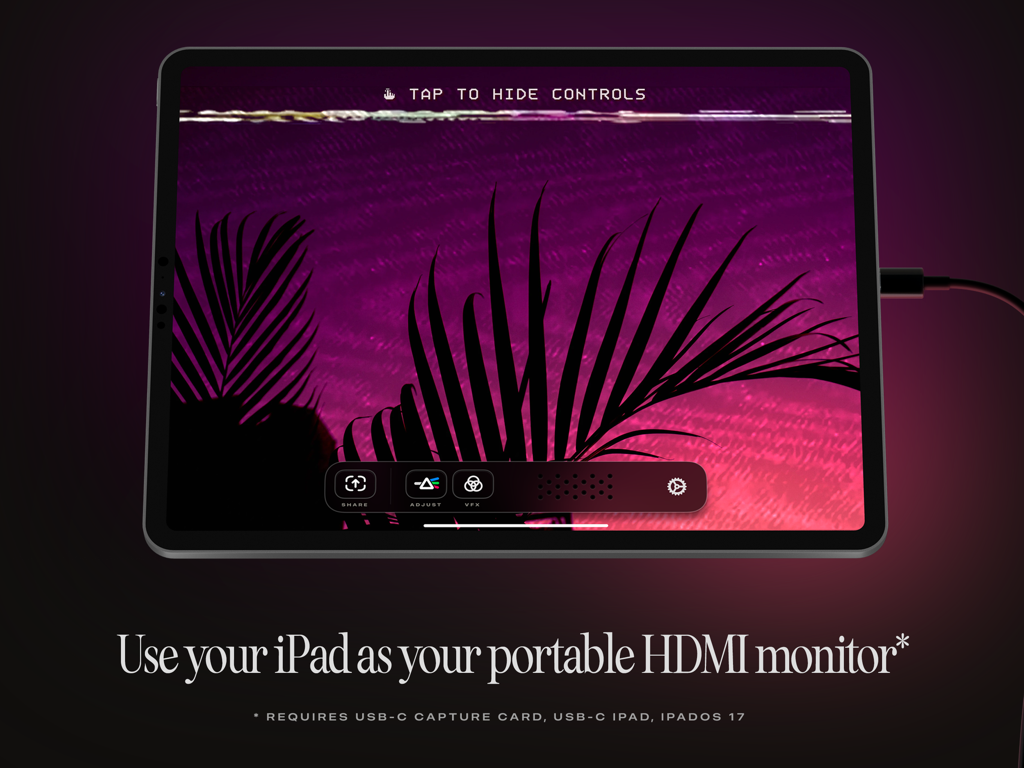
iPadをカメラ用の高性能フィールドモニター、ゲーム機用のモバイル画面、Mac用のセカンドディスプレイにしましょう。広告もトラッキングもなく、世界最高のモバイル画面で純粋なユーティリティを提供します。

開発元

Lux Optics Incorporated

カテゴリ

Utilities

ダウンロード

312K+

ユーザー評価

4.1/5

評価数

2K+

対応言語

1

あなたのiPadを、さらに進化させる

このインターフェースを利用する 312K+ 人のユーザー.

iPadには、紫色の風景が表示されており、Orionアプリを使用してポータブルHDMIモニターとして使用されています。

iPadには、紫色の風景が表示されており、Orionアプリを使用してポータブルHDMIモニターとして使用されています。

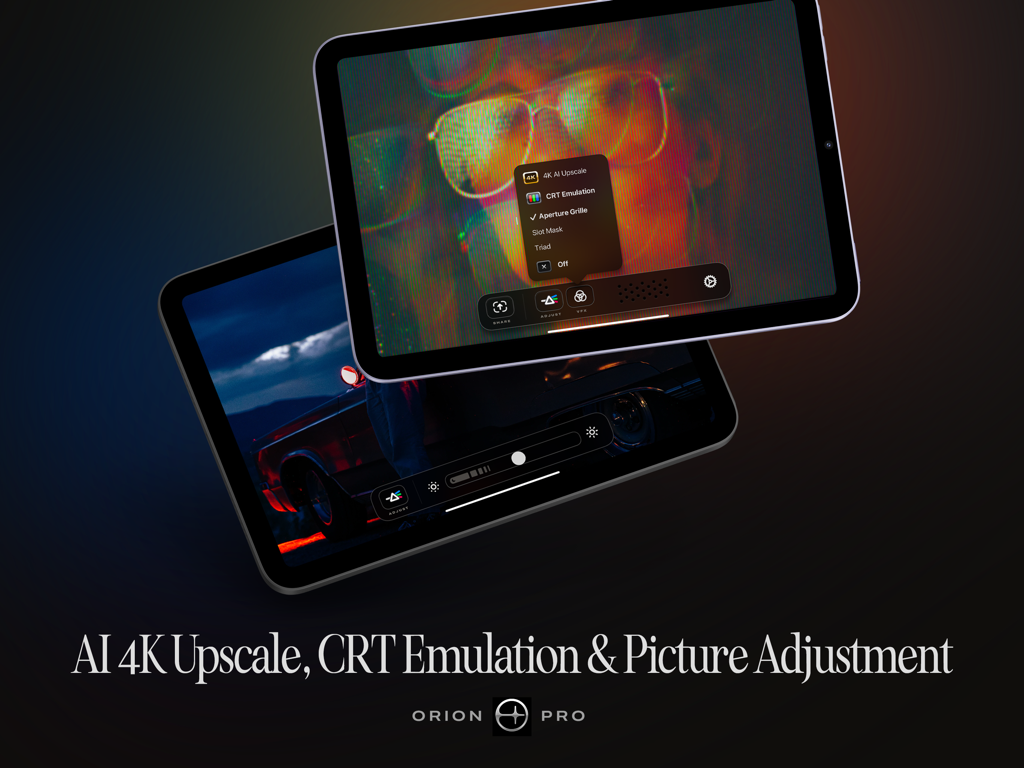
AI 4KアップスケールやCRTエミュレーションなどのOrion ProのiPadでの機能

AI 4KアップスケールやCRTエミュレーションなどのOrion ProのiPadでの機能

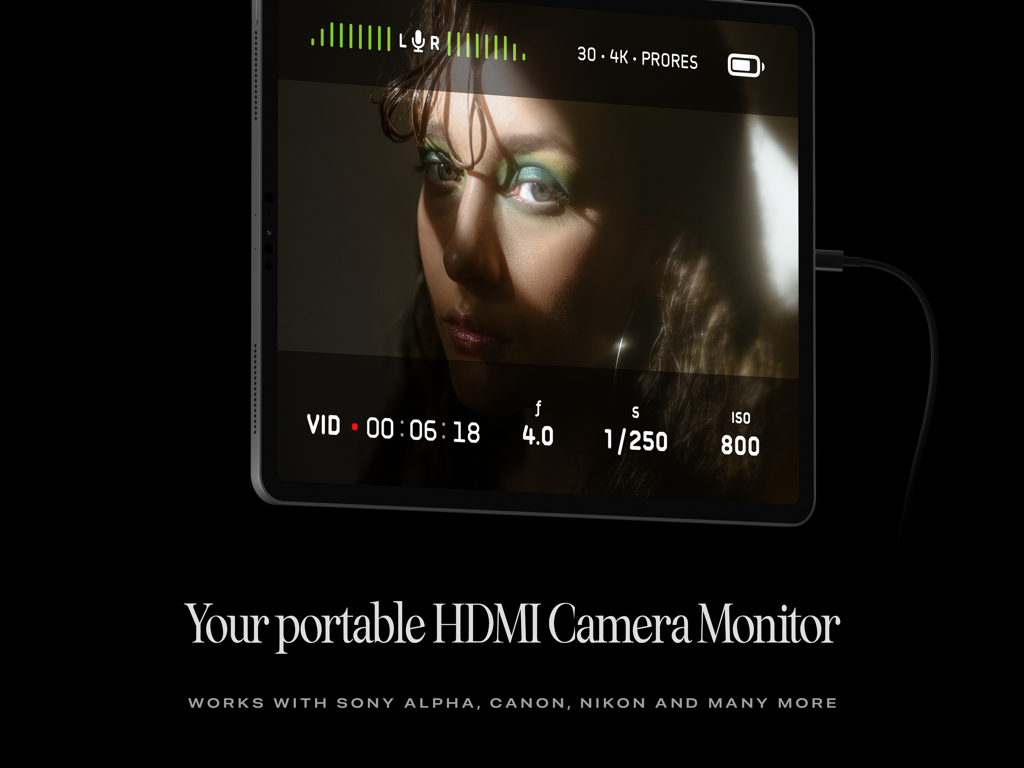
iPadは、ビデオフィードと録画設定を表示するOrionアプリを使用して、ポータブルHDMIカメラモニターとして使用されています。

iPadは、ビデオフィードと録画設定を表示するOrionアプリを使用して、ポータブルHDMIカメラモニターとして使用されています。

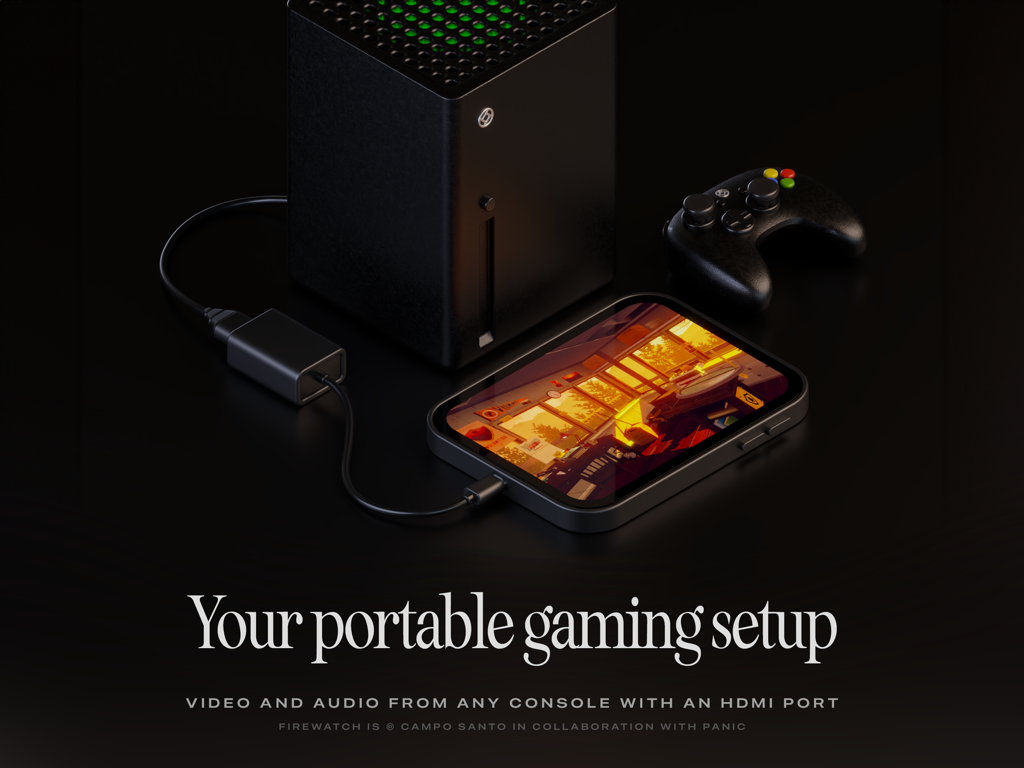
iPadは、Orionアプリを使用してゲーム機用のポータブルゲーミングモニターとして使用されています

iPadは、Orionアプリを使用してゲーム機用のポータブルゲーミングモニターとして使用されています

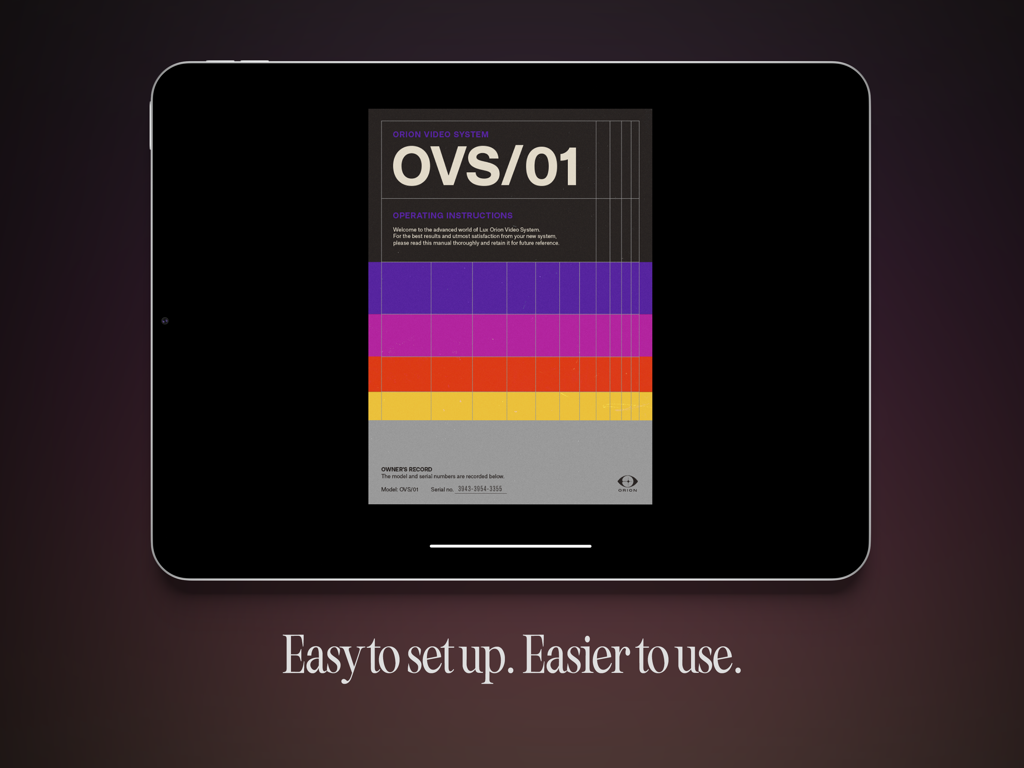
Orion HDMIモニターアプリが表示されたiPadには、レトロな操作手順と簡単なセットアップテキストが表示されています。

Orion HDMIモニターアプリが表示されたiPadには、レトロな操作手順と簡単なセットアップテキストが表示されています。

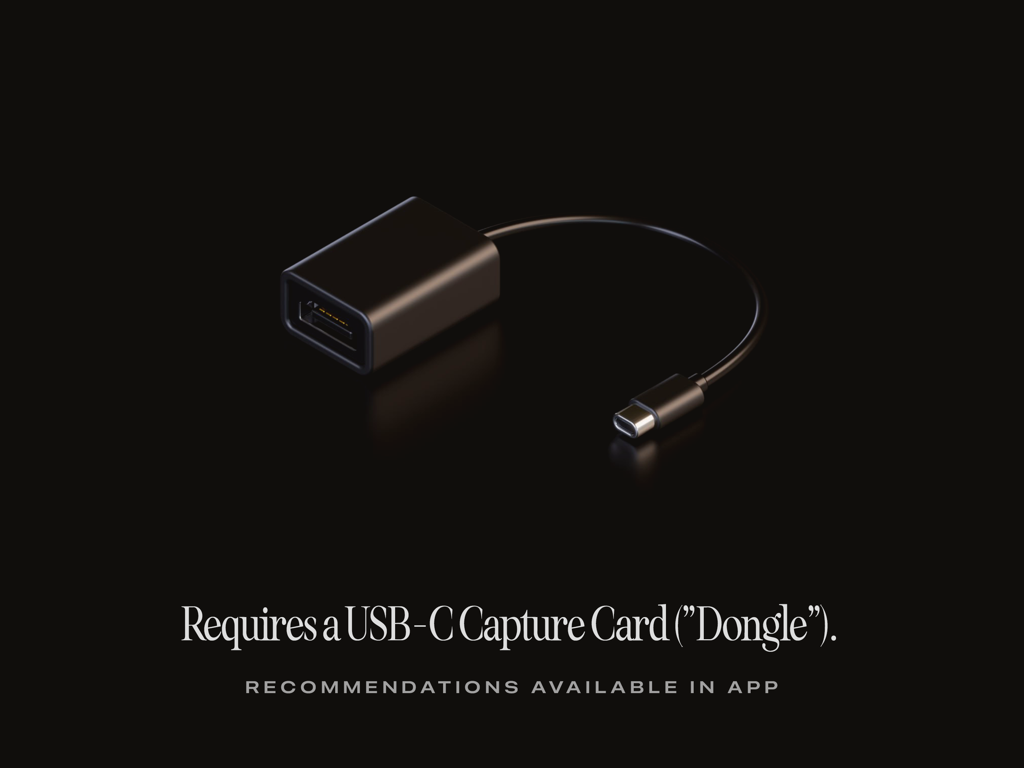
黒い背景に黒いUSB-Cビデオキャプチャカードドングルがあり、Orionアプリに必要であるというテキストが表示されています

黒い背景に黒いUSB-Cビデオキャプチャカードドングルがあり、Orionアプリに必要であるというテキストが表示されています

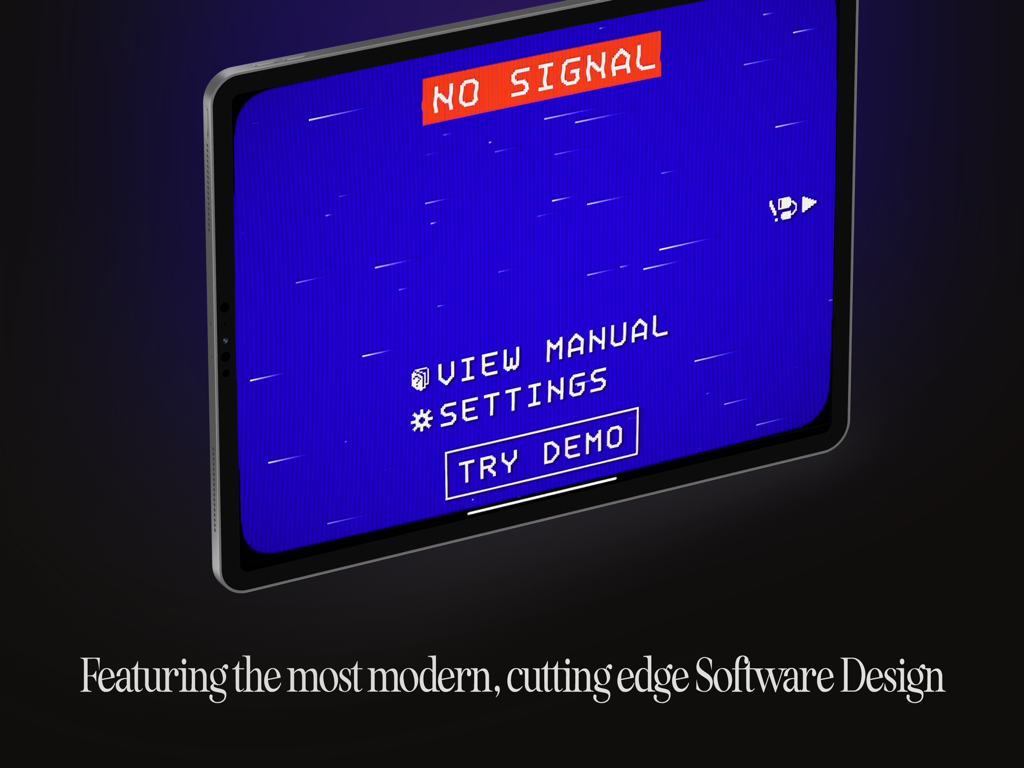
iPadには、Orion HDMIモニターアプリでレトロなピクセル化された「信号なし」画面が表示されています

iPadには、Orion HDMIモニターアプリでレトロなピクセル化された「信号なし」画面が表示されています

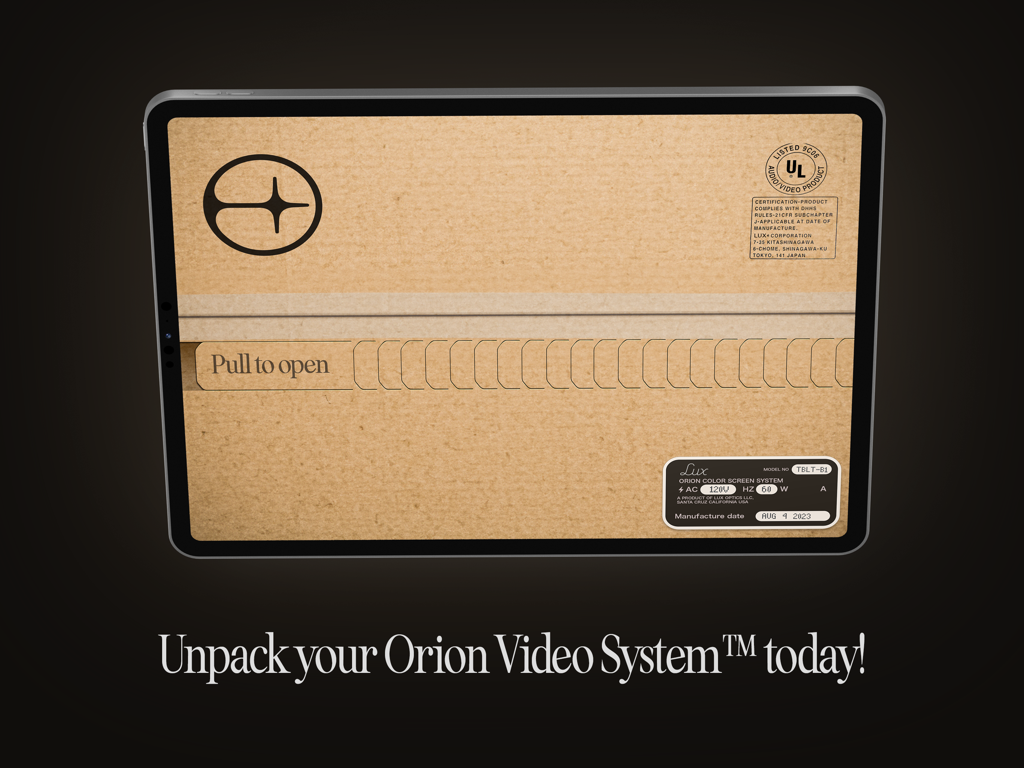
iPadの画面には、Orion Video Systemの「開ける」タブが付いたクリエイティブな開梱グラフィックが表示されています。

iPadの画面には、Orion Video Systemの「開ける」タブが付いたクリエイティブな開梱グラフィックが表示されています。

iPadの可能性を最大限に引き出す

このアプリを際立たせるツール、 312K+ 人のユーザーが選択.

🎥

プロ仕様のフィールドモニター

iPadの鮮やかなLiquid Retinaディスプレイを使用して、プロフェッショナルなツールと明るさコントロールでフォーカスとフレーミングを確認できます。

🎮

究極のゲーミングスクリーン

SwitchやSteam Deckを接続して、4K AIアップスケーリングとノスタルジックなCRTエミュレーションで最高のモバイルゲーム体験をお楽しみください。

🛡️

信頼できるプライバシー

Halideの受賞歴のあるチームによって開発され、データトラッキングゼロ、広告なし、サブスクリプションなし。真に無料で利用できます。

レビュー分析

ユーザーレビューの分析.

感情スコア

34%
ネガティブ

概要

The Orion app receives mixed feedback, with a significant number of users reporting fundamental issues such as a complete lack of functionality, no signal, black screens, and frequent crashing, often even with recommended hardware. While many praise the app's ease of setup, low latency, and ability to display consoles like the Nintendo Switch and PS5, others criticize its inconsistent reliability, poor video quality, and ineffective 4K upscaling. Several version-specific bugs are highlighted, including lag on iPadOS 26, audio problems on iPadOS 18.6, and general incompatibility with iPad Pro 2023 and M3 iPad Air models, alongside a reported lack of responsive customer support.

主なテーマ

Functionality(11)
App Design(5)
Compatibility(4)
Low Latency(3)
Ease of Setup(3)
Pricing Model(1)
Video Quality / Upscaling(1)

アプリについて

について知っておくべきこと HDMI Monitor - Orion.

説明

TVs and Computer Monitors are large, cumbersome devices. Wouldn’t it be a treat if you could use the portable screen you already have with you as an HDMI monitor for cameras, game consoles, computers or other devices? Say “Hello” to the Orion Video System, a software application from Lux Entertainment and Optics Inc. With a simple USB-C Capture Card, or “dongle” and the free Orion Video System application, getting a big screen is never a big hassle*. *Requires iOS 17, an iPad with USB-C, and a USB-C Video Capture Card. WHAT TO USE ORION FOR Orion is perfect for turning your iPad into a portable display for your camera, so you can check your framing, focus, color and more when taking video or stills. Or connect Orion to a game console for gaming on the go or when needing a quick, fantastic monitor and set of speakers. You can also hook Orion up to a Mac, PC or other HDMI capable devices to get an extra screen to output video to. FEATURES Orion is jam packed with amazing features. From the simple things like sharing a quick screenshot of your video feed to a quick, convenient set of controls and intuitive user manual, Orion makes your iPad an excellent external HDMI monitor. With Orion Pro — a one time upgrade — you can also adjust the video brightness (from regular brightness to darker than the system brightness), upscale HD video or games with our AI powered 4K upscaler, or enjoy a retro movie or game with the 3-way retro CRT Emulation system. In addition to this, Orion collects and shares ZERO data. Free is truly free: no ads, no tracking, no nonsense. Other great features include full audio passthrough for playing HDMI device connected audio directly to AirPods or other connected devices; sharing full videos from your device with iPadOS Screen Recording, and more. ABOUT Orion is a Fun Project developed by the minds of Lux Entertainment and Optics Incorporated. Our collaboration team includes Anton Heestand, Jelmar Geertsma, Jonathan Hollander, Cabel Sasser, Louie Mantia and of course our families who so lovingly support our silly and loving work on apps. Also check out Halide, Spectre and Skylight — our other apps, and please leave us a review if you like our app.

最新バージョン

1.1.0

サイズ

19.3 MB

リリース日

2023年9月20日

Liquid Retinaディスプレイを仕事に活用しましょう

30万人以上のクリエイターやゲーマーに加わり、iPadをプロ仕様のHDMIモニターに変えましょう。広告、トラッキング、サブスクリプションなし—これまでで最高の画面です。

ダウンロード: App Store
FAQ

よくある質問

について知っておくべきこと HDMI Monitor - Orion

HDMI Monitor - Orion アプリとは何ですか?

HDMI Monitor - Orionは、Lux Entertainment and Optics Inc.によって開発されたソフトウェアアプリケーションです。USB-C対応のiPadを、様々なデバイス用のポータブルHDMIモニターに変換します。

HDMIモニターとしてOrionに接続できるデバイスは何ですか?

Orionは、カメラ(Sony Alpha、Canon、Nikon)、ゲーム機(Xbox)、コンピューター(Mac、PC)など、様々なHDMI対応デバイスやその他のHDMI出力ソースをサポートしています。

Orion Video Systemを使用するための最小要件は何ですか?

はい、Orionを使用するには、iOS 17、USB-C搭載のiPad、およびUSB-Cビデオキャプチャカード(「ドングル」とも呼ばれる)が必要です。

Orion Video Systemはユーザーデータを収集したり、広告を含んだりしますか?

はい、Orion Video Systemはプライバシーを優先しています。一切のデータを収集・共有せず、無料版には広告、トラッキング、その他の不要なものは一切含まれていません。

Orion Proが提供する高度な機能は何ですか?

一度限りのアップグレードであるOrion Proには、ビデオ輝度調整、HDビデオ用のAI搭載4Kアップスケーリング、およびビジュアルエフェクトのための3ウェイレトロCRTエミュレーションシステムが含まれています。

OrionはHDMIデバイスからのオーディオをAirPodsに出力できますか?

はい、Orionは完全なオーディオパススルー機能を備えています。これにより、HDMIデバイスのオーディオをAirPodsやその他の接続されたオーディオデバイスから直接再生できます。

Orion Video Systemのユーザーマニュアルにアクセスするにはどうすればよいですか?

はい、ユーザーはOrion Video Systemアプリ内で直接操作説明マニュアルにアクセスできます。「NO SIGNAL」画面に「VIEW MANUAL」オプションが表示されます。

Orionのビデオフィードからスクリーンショットを共有できますか?

はい、Orionアプリを使用すると、アプリ内のコントロールを使用してビデオフィードの簡単なスクリーンショットを簡単に共有できます。

Orionはフレーミングとフォーカスのためのカメラモニターとして使用できますか?

はい、Orionはカメラのモニタリングに最適です。iPadをポータブルカメラモニターとして使用することで、ビデオや静止画を撮影する際のフレーミング、フォーカス、カラーを確認できます。

Orion Video Systemアプリケーションは無料で使用できますか?

はい、基本的なOrion Video Systemアプリケーションは無料です。コア機能を提供し、高度な機能は一度限りの「Orion Pro」アップグレードを通じて利用できます。

App information, icons, screenshots, and descriptions displayed on this page are sourced from the Apple App Store and are the property of their respective developers. Download estimates and rankings are based on MWM's proprietary models and may not reflect actual figures. This page is provided for informational and analytical purposes only.

Believe this page infringes your intellectual property? File a dispute