
このページはアプリまたはその開発者の公式ページではなく、情報提供および論評を目的として作成された独立した編集出版物です。明示的に別段の記載がない限り、アプリおよびその開発者は、MWM、Apple、Google Play、アプリのパブリッシャー、またはアプリの開発者と提携、承認、後援、認可、またはその他の公式的な関係はなく、このページのいかなる内容も、アプリがMWMのサービスを使用して開発されたことを意味するものではありません。すべての商標、ロゴ、スクリーンショット、その他のコンテンツはそれぞれの所有者の財産です。
ダウンロード
120K+ユーザー評価
評価数
0開発元
カテゴリ
Utilities対応言語
4最新バージョン
1.5.2サイズ
7.3 MBリリース日
2023年9月19日iPadの隠れた可能性を解き放つ
Genki Studioは、iPadとプロ仕様のギアの間のギャップを埋め、ゲーム、コンテンツ作成、ライブプレゼンテーションのための汎用性の高いハブに変身させます。
究極のポータブルディスプレイ
Nintendo Switch、Steam Deck、またはPCを接続して、所有する最高の画面で、プレミアムで遅延のないゲーム体験をお楽しみください。テレビは不要です。
プロレベルのビデオキャプチャ
プロ仕様のグリッドオーバーレイでカメラフィードを監視し、シームレスなワークフローのためにiPadまたは外部SSDに直接高品質の映像を録画します。
よくある質問
について知っておくべきこと Genki Studio
Genki Studioとは何ですか?
Genki Studioは、iPadをポータブルモニターおよび高度なビデオキャプチャ・プレゼンテーションデバイスに変えます。Genki ShadowCastなどのUVC入力デバイスに接続して、さまざまなソースからのビデオを表示および録画できます。
Genki Studioはビデオ入力を録画できますか?
はい、Genki Studioはオーディオを含むUVC入力を最高品質で録画します。メディアファイルはiPadのストレージまたは外部SSDに直接保存できます。
Genki Studioを使用して、どのデバイスをiPadに接続できますか?
Genki Studioは、Genki ShadowCastまたは互換性のあるUSB UVC入力デバイスに接続します。これには、キャプチャカード、プロフェッショナルカメラ、顕微鏡、ゲーム機、PC、小型ボードコンピューターなどが含まれます。
Genki Studioは外部モニターをサポートしていますか?
はい、Genki Studioは外部モニターをサポートしています。iPadは、録画がiPad上で続行している間でも、AirPlayまたはUSB-CからHDMI/DisplayPortアダプター経由でフルスクリーンのコンテンツを出力できます。
Genki StudioはApple Pencilをサポートしていますか?
はい、Genki StudioはApple Pencilをサポートしています。ユーザーは画面にマークアップや落書きができ、iPadをポータブルノートパッドに変えるミラーリングモードを有効にして、プレゼンテーションに使用できます。
UVC入力に対応しているGenki StudioのiPadモデルは何ですか?
Genki Studioは、USB-Cポートを備えたiPadでUVC入力をサポートしています。これには、iPad Pro、iPad Air、iPad mini(第6世代およびA17 Pro)、iPad(第10世代およびA16)のさまざまな世代が含まれます。
Genki StudioはStage Managerなどのマルチタスク機能と連携できますか?
はい、Genki StudioはiPadのStage Managerおよびマルチタスク機能と完全に互換性があります。ユーザーは、アプリを同時に使用しながら、音楽を聴いたりビデオガイドを視聴したりできます。
クリーンビデオ出力でGenki ShadowCast以外のデバイスを使用した場合、ウォーターマークは表示されますか?
はい、Genki ShadowCast以外のキャプチャ製品を使用すると、クリーンビデオ出力画像にGenkiロゴのウォーターマークが表示されます。
Genki Studioでの録画の保存オプションは何ですか?
Genki Studioでは、録画をiPadの内部ストレージまたはポータブルSSDなどの外部ストレージデバイスに直接保存できます。
Genki Studioはプレゼンテーションに使用できますか?
はい、Genki Studioはプレゼンテーションをサポートしています。ユーザーはミラーモードとApple Pencilのマークアップ機能を利用して、iPadをポータブルノートパッドに変え、ライブイベントに最適化できます。
以下のスクリーンショットと説明は、アプリの公式ストアリスティングから直接取得されたものであり、アプリ開発者の所有物です。
アプリストア
スクリーンショット
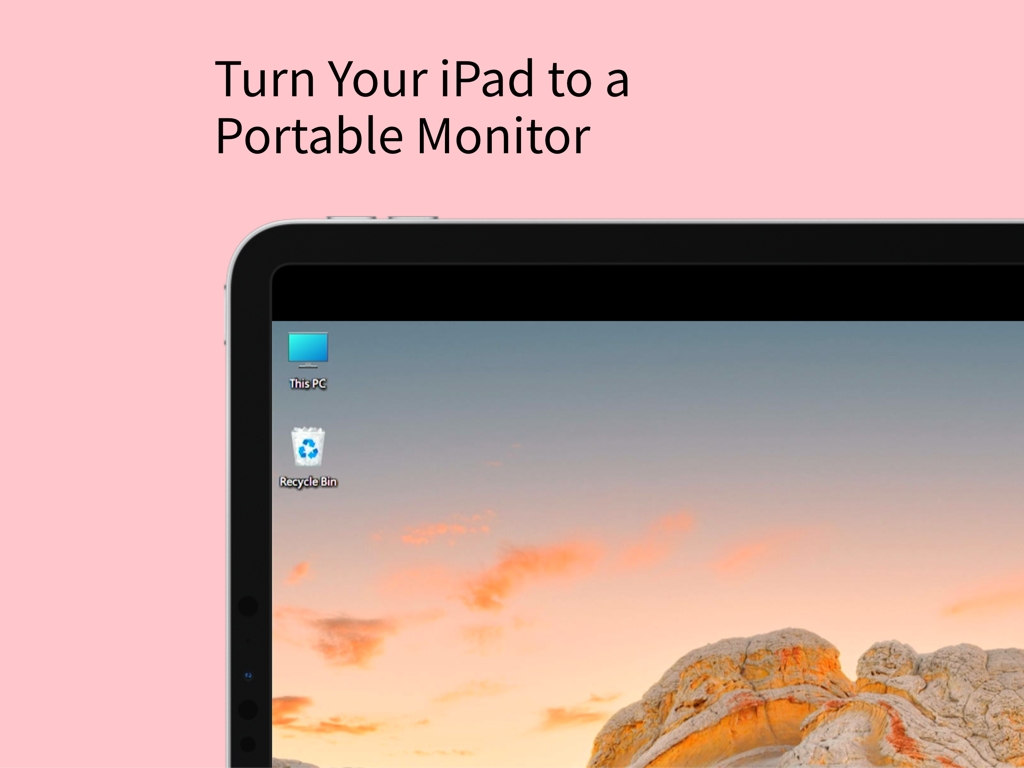
Windowsデスクトップをポータブルモニターとして表示するiPad画面
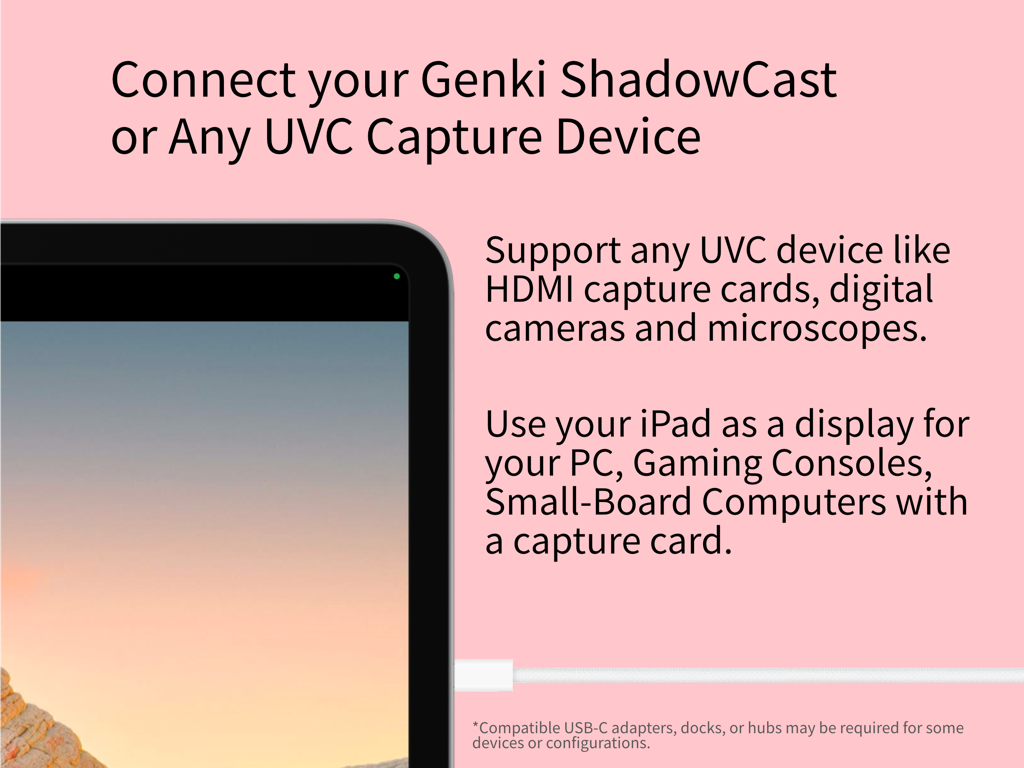
ゲームとプロユースのためのUVCキャプチャデバイスに接続されたiPadディスプレイ
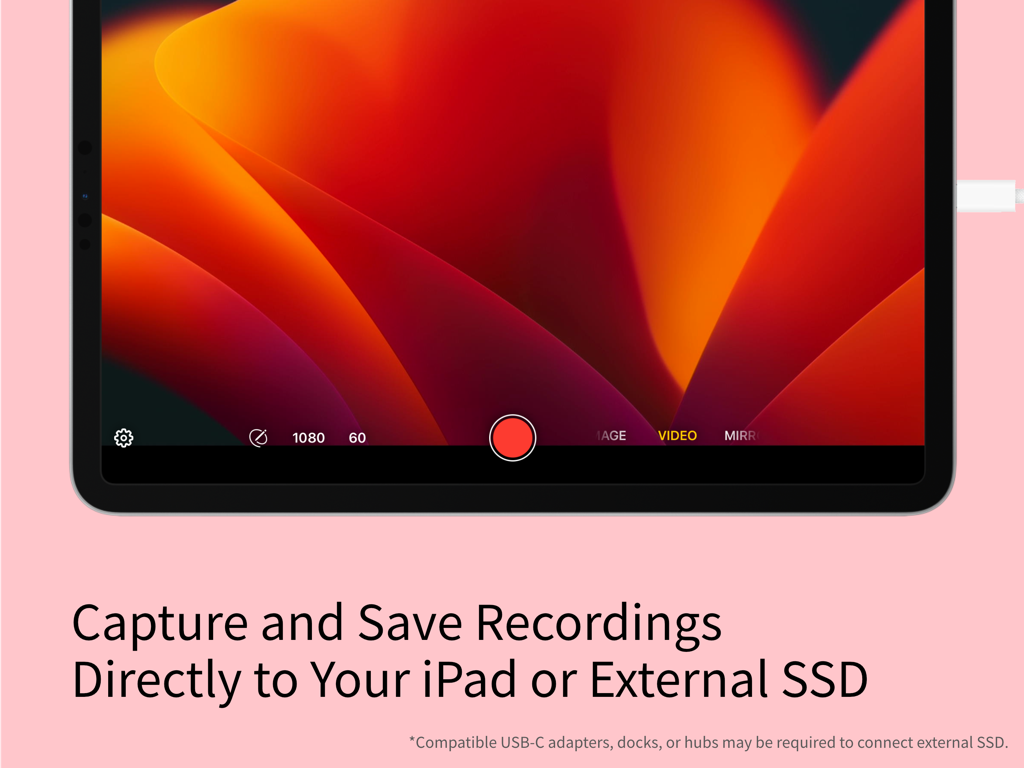
ビデオ録画機能と外部ストレージオプションを表示するiPad上のGenki Studioアプリインターフェース。
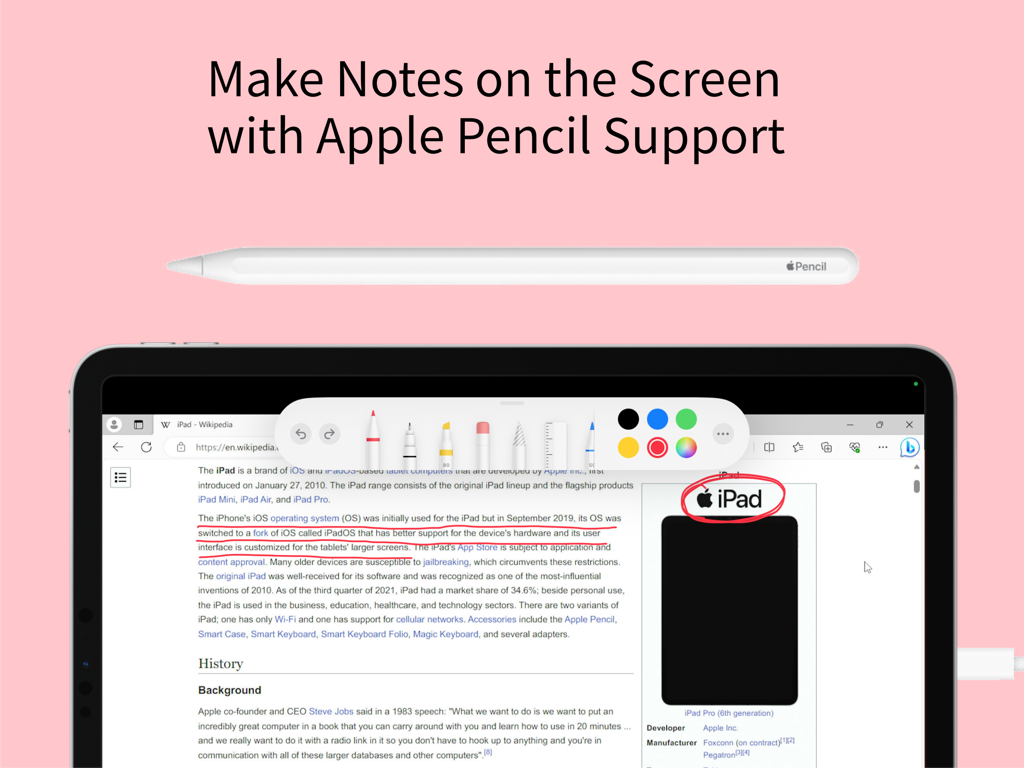
Genki Studioアプリでメモや注釈を作成するためにApple Pencilサポートを表示するiPad画面
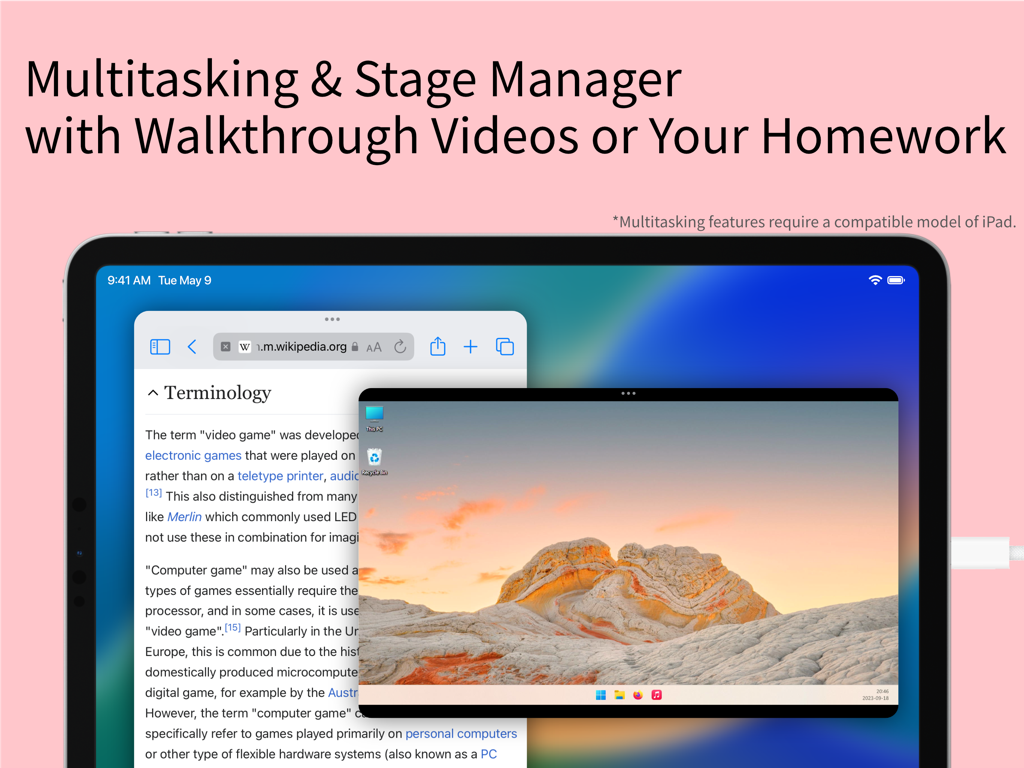
Wikipedia記事とリモートPCデスクトップビデオフィードとのマルチタスクに使用するステージマネージャーを備えたiPad画面
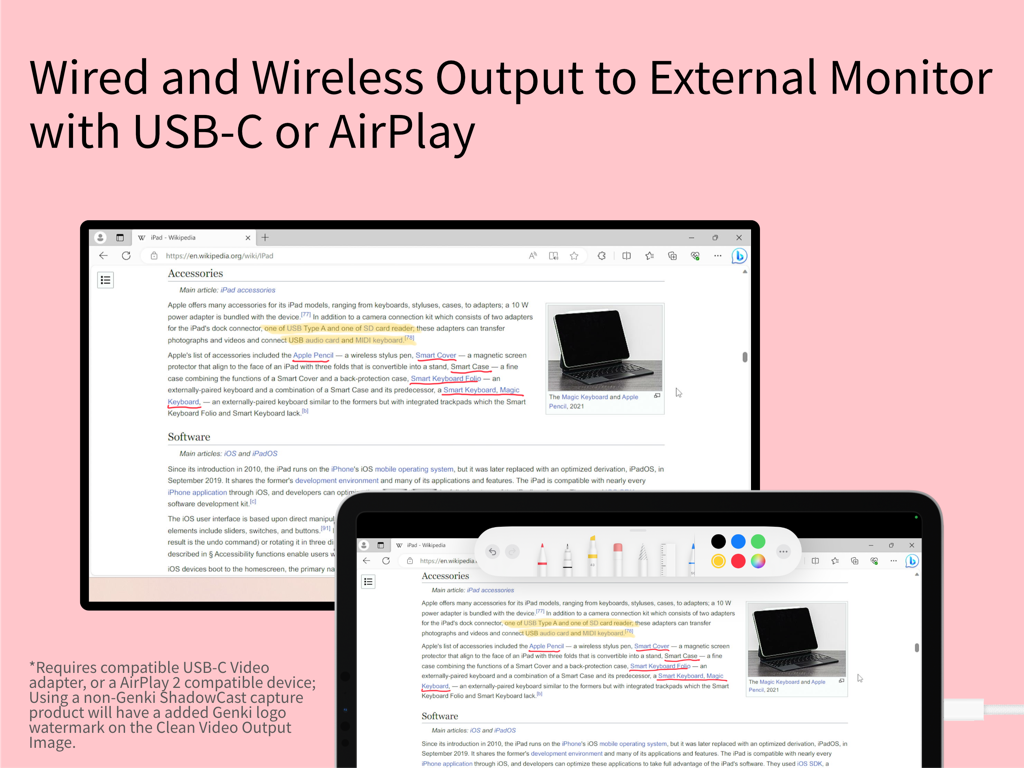
注釈ツールとともに外部モニターにミラーリングされたiPad画面
説明
Download

類似アプリ
似た機能とユーザー体験を持つアプリ

Mouse · Keyboard
Remote Sunrise LTD

Camo Camera
Reincubate Ltd

DroidCam Webcam & OBS Camera
DEV47 APPS LTD.

spacedesk - USB Display for PC
datronicsoft Technology GmbH

iVCam Webcam
俊红 柴

Remote Mouse
耀 阮

CamX - USB Camera
Touchbits Inc.

Astropad Studio Drawing Tablet
Astro HQ LLC

Remote Mouse & Keyboard
horhe dor
このページはアプリまたはその開発者の公式ページではなく、情報提供および論評を目的として作成された独立した編集出版物です。明示的に別段の記載がない限り、アプリおよびその開発者は、MWM、Apple、Google Play、アプリのパブリッシャー、またはアプリの開発者と提携、承認、後援、認可、またはその他の公式的な関係はなく、このページのいかなる内容も、アプリがMWMのサービスを使用して開発されたことを意味するものではありません。すべての商標、ロゴ、スクリーンショット、その他のコンテンツはそれぞれの所有者の財産です。