
このページはアプリまたはその開発者の公式ページではなく、情報提供および論評を目的として作成された独立した編集出版物です。明示的に別段の記載がない限り、アプリおよびその開発者は、MWM、Apple、Google Play、アプリのパブリッシャー、またはアプリの開発者と提携、承認、後援、認可、またはその他の公式的な関係はなく、このページのいかなる内容も、アプリがMWMのサービスを使用して開発されたことを意味するものではありません。すべての商標、ロゴ、スクリーンショット、その他のコンテンツはそれぞれの所有者の財産です。


DroidCam Webcam & OBS Camera
ぼやけたラップトップカメラに我慢するのはもうやめましょう。すでに所有しているハイエンドハードウェアを使用して、ストリーミングとリモートワークのセットアップをアップグレードしましょう。高速、効率的、そしてZoom、Discord、OBS Studioで何百万人ものユーザーに信頼されています。
ダウンロード
2M+ユーザー評価
評価数
8K+開発元
カテゴリ
Utilities対応言語
6最新バージョン
8.2サイズ
25.6 MBリリース日
2020年4月29日プロ価格なしでプロ仕様のビデオ
すでに所有しているスマートフォンを高解像度ウェブカメラに変えましょう。ハードウェア費用を大幅に節約し、すべての通話とストリームで最高の自分を見せましょう。
驚異的なHD&4Kの鮮明さ
ぼやけたラップトップレンズはもう不要です。スマートフォンの高度な光学性能を活用して、Zoom、Teams、Discord向けの鮮明でプロフェッショナルなビデオを提供します。
プログレードのOBS統合
専用のDroidCamプラグインは、超低遅延と直接統合を提供し、ストリーマーにとって究極の高性能ソリューションとなります。
よくある質問
について知っておくべきこと DroidCam Webcam & OBS Camera
DroidCam Webcam & OBS Cameraとは何ですか?
DroidCamは、お使いの携帯電話を高画質のウェブカメラとしてコンピューターに接続し、PCウェブカメラ機能とOBS Studioへの直接統合の両方をサポートします。様々なアプリケーションに映像と音声を提供します。
DroidCamは無料で使えますか?
はい、DroidCamは標準解像度(640x480)で無制限の無料利用が可能です。このアプリは、基本的な機能については時間制限なしで無料で使用できます。
DroidCamはどのようなビデオ解像度をサポートしていますか?
PCウェブカメラとして使用する場合、DroidCamは最大1080pのフルHDビデオをサポートします。OBSカメラとして統合する場合は、最大4K UHD解像度をサポートします。
DroidCamのクライアントとプラグインはどのオペレーティングシステムをサポートしていますか?
DroidCam PCクライアントは、WindowsおよびLinuxシステムで利用可能です。DroidCam OBSプラグインは、Windows、Mac、およびLinux(Flatpak)システムをサポートしています。
DroidCamはOBS Studioと統合できますか?
はい、DroidCamはDroidCam OBSプラグインを通じてOBS Studioとの直接統合を提供します。これにより、お使いの携帯電話のカメラをOBSセットアップにシームレスに統合できます。
DroidCamは物理的なウェブカメラの代わりになりますか?
はい、DroidCamは従来のウェブカメラやキャプチャカードの代わりになります。最適化された電力使用量と低遅延のビデオ転送を提供し、ユーザーのコストを節約します。
DroidCamはコンピューターにどのように接続しますか?
DroidCamは、WiFi接続とUSB接続の両方で携帯電話をコンピューターに接続できます。USB接続は、最適な機能のために追加の設定が必要な場合があります。
DroidCam Proにアップグレードする利点は何ですか?
DroidCam Proへのアップグレードには、ウォーターマークなしのHDビデオ、iPhone 11以降の超広角および望遠レンズサポート、リモートカメラ調整、広告の削除が含まれます。
DroidCamはPCウェブカメラとしてどのプログラムと互換性がありますか?
PCウェブカメラとして使用する場合、DroidCamはZoom、Skype、Discord、およびその他のほとんどのチャットプログラムで動作します。OBS仮想カメラ機能により、これらのアプリケーションとの統合も可能になります。
DroidCam PCクライアントまたはOBSプラグインをダウンロードするにはどうすればよいですか?
DroidCam PCクライアントをダウンロードするには、コンピューターでdroidcam.appにアクセスしてください。DroidCam OBSプラグインについては、コンピューターでdroidcam.app/obsにアクセスしてダウンロードおよびインストールしてください。
以下のスクリーンショットと説明は、アプリの公式ストアリスティングから直接取得されたものであり、アプリ開発者の所有物です。
アプリストア
スクリーンショット
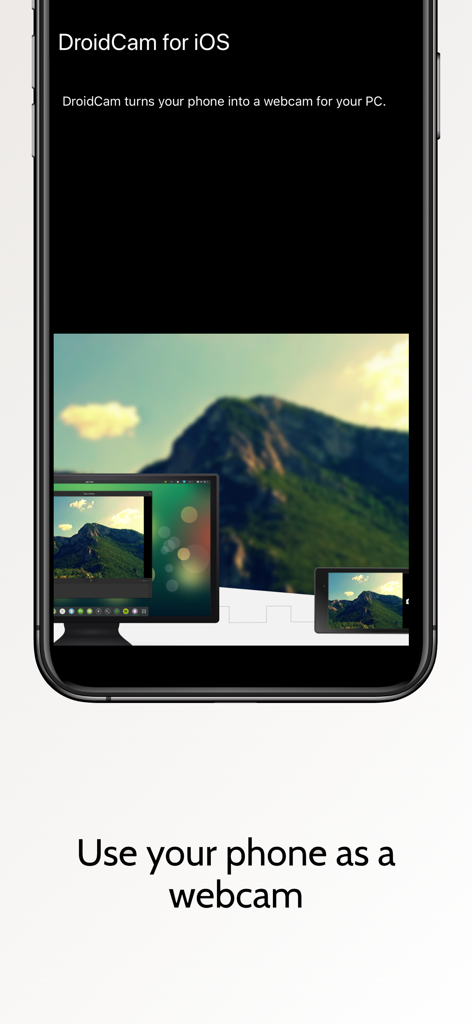
DroidCamアプリがiPhoneに表示され、スマートフォンがコンピューターデスクトップのウェブカメラとして使用されている様子
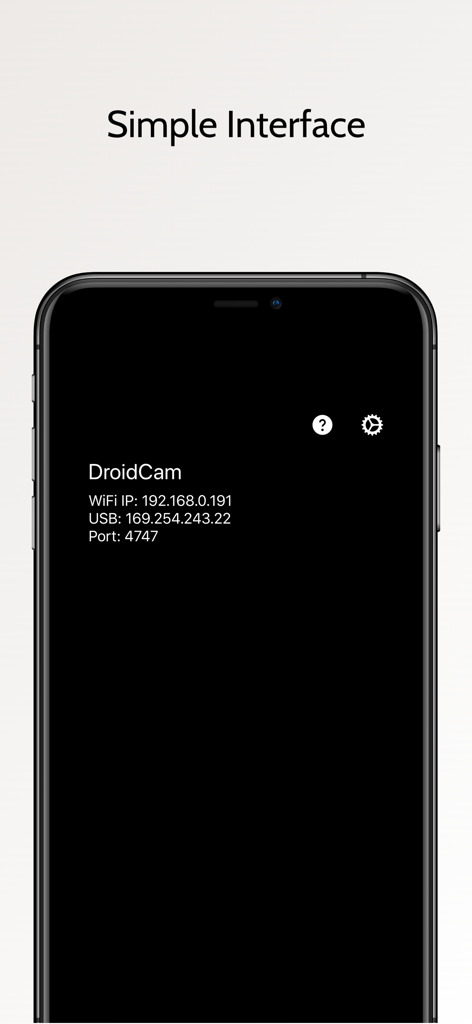
DroidCamモバイルアプリのスクリーンショット。Wi-FiおよびUSB接続情報が表示されているシンプルなインターフェース
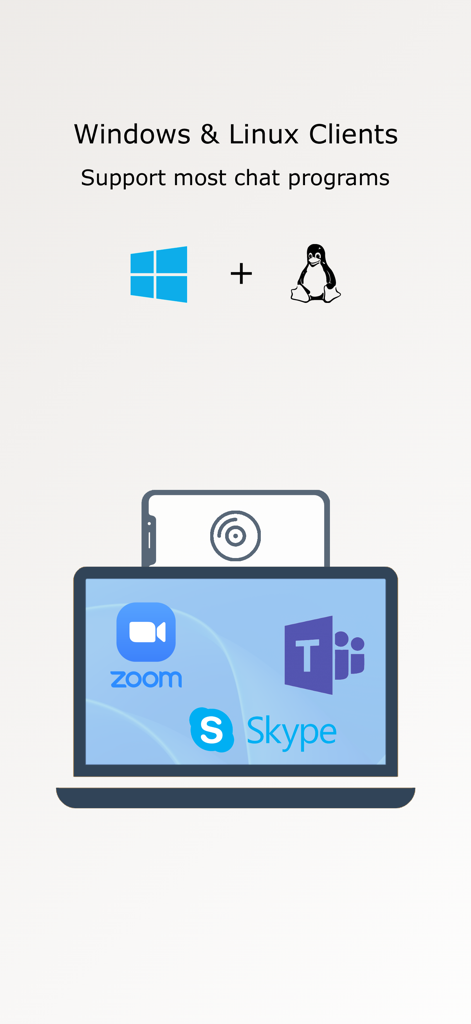
DroidCamがZoom、Microsoft Teams、Skypeなどのチャットアプリに対応していることを示すインフォグラフィック
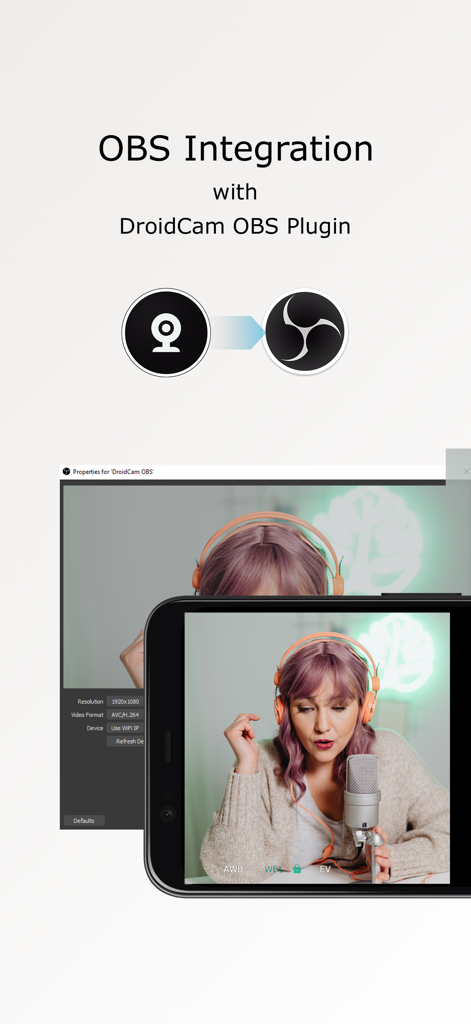
DroidCamプラグインを使用して、OBS Studioソースとして使用されているスマートフォンのカメラ
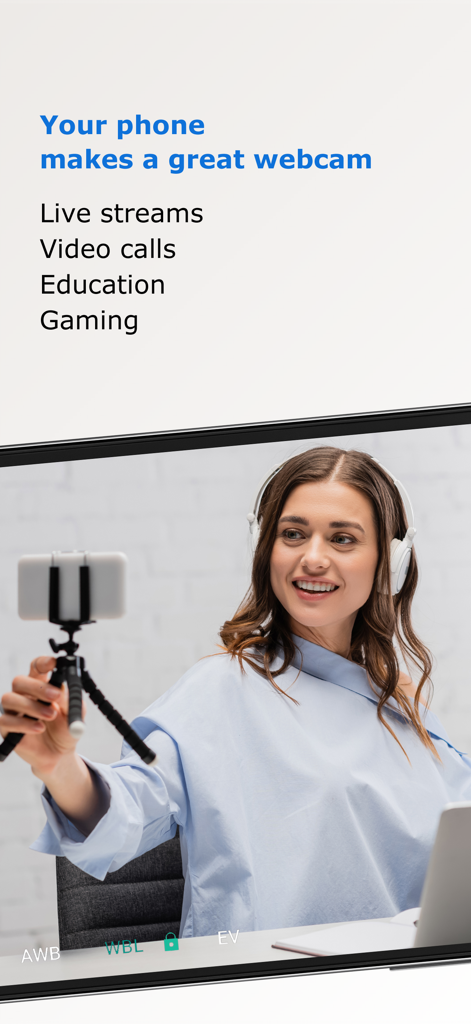
ライブストリーム中にラップトップの高品質ウェブカメラとしてスマートフォンを使用している女性
説明
Download
類似アプリ
似た機能とユーザー体験を持つアプリ

Mouse · Keyboard
Remote Sunrise LTD

Camo Camera
Reincubate Ltd

spacedesk - USB Display for PC
datronicsoft Technology GmbH

iVCam Webcam
俊红 柴

Remote Mouse
耀 阮

CamX - USB Camera
Touchbits Inc.

Genki Studio
Human Things, Inc

Astropad Studio Drawing Tablet
Astro HQ LLC

Remote Mouse & Keyboard
horhe dor
このページはアプリまたはその開発者の公式ページではなく、情報提供および論評を目的として作成された独立した編集出版物です。明示的に別段の記載がない限り、アプリおよびその開発者は、MWM、Apple、Google Play、アプリのパブリッシャー、またはアプリの開発者と提携、承認、後援、認可、またはその他の公式的な関係はなく、このページのいかなる内容も、アプリがMWMのサービスを使用して開発されたことを意味するものではありません。すべての商標、ロゴ、スクリーンショット、その他のコンテンツはそれぞれの所有者の財産です。