
このページはアプリまたはその開発者の公式ページではなく、情報提供および論評を目的として作成された独立した編集出版物です。明示的に別段の記載がない限り、アプリおよびその開発者は、MWM、Apple、Google Play、アプリのパブリッシャー、またはアプリの開発者と提携、承認、後援、認可、またはその他の公式的な関係はなく、このページのいかなる内容も、アプリがMWMのサービスを使用して開発されたことを意味するものではありません。すべての商標、ロゴ、スクリーンショット、その他のコンテンツはそれぞれの所有者の財産です。
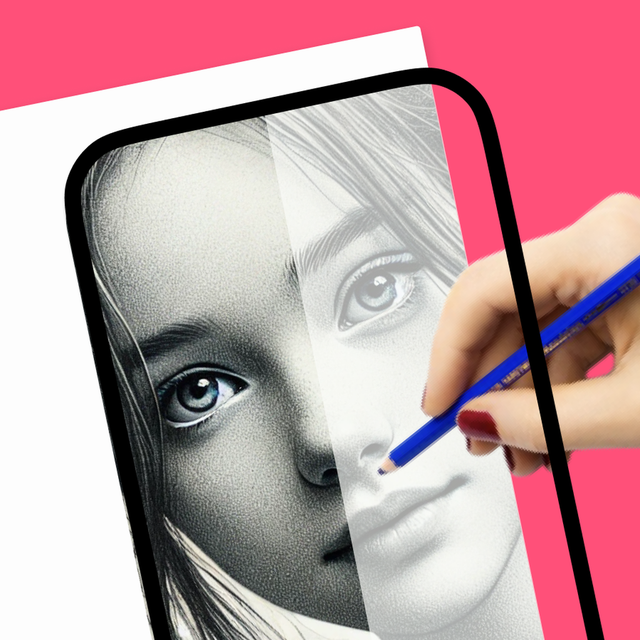

How to Draw, Step by step
創作の究極の近道で、白紙の恐怖を乗り越えよう。スマホをARプロジェクターとして使い、トレースしたり、AIで写真をカスタムステッカーにしたり、傑作の満足感あふれる動画を録画してSNSで共有しよう。
ダウンロード
60K+ユーザー評価
評価数
2K+開発元
カテゴリ
Education対応言語
12最新バージョン
1.4.5サイズ
190.1 MBリリース日
2024年3月9日AIであなたの内なるアーティストを解き放つ
ARとAIを使って想像力をプロ級のアートに変える6万人以上のクリエイターに加わろう。経験は一切不要—スマホと創造性のひらめきがあれば大丈夫。
AI搭載スケッチジェネレーター
白紙のページとにらめっこするのはやめよう。アイデアを説明するだけで、AIがトレースしてマスターできるカスタム描画テンプレートを生成します。
ARトレースプロジェクター
スマホをデジタルプロジェクターに変えよう。カメラを使ってどんな画像でも紙に重ねて、常に完璧な比率で描こう。
SNS対応の作品制作
進捗の満足感あふれるタイムラプス動画を録画し、お気に入りの絵をカスタムステッカーにして、TikTokやInstagramで共有しよう。
AIによる描画テンプレート
AIが作成した描画テンプレートで、アニメ、動物、神話など、さまざまなカテゴリーの描画を簡単にマスターできます。
簡単カラーリングブック
描画した絵に色を塗って、デジタルカラーリングブックで作品を完成させましょう。
カスタムアート&レタリング
ユニークなフォントスタイルで、お気に入りの引用や名前をスタイリッシュなカリグラフィーアートに変換しましょう。
よくある質問
について知っておくべきこと How to Draw, Step by step
How to Draw アプリの主な機能は何ですか?
How to Draw アプリは、スマートフォンのカメラをプロジェクターとして使用することで、ユーザーが絵を描くことを学べるように支援します。あらゆるレベルの描画スキルを向上させるためのさまざまなツールとAI搭載機能を提供しています。
How to Draw アプリでスマートフォンのカメラを使って絵を描くことはできますか?
はい、How to Draw アプリでは、ユーザーはスマートフォンのカメラをプロジェクターとして利用して絵を描くことができます。この機能により、画像を紙にトレースすることが容易になります。
How to Draw アプリにはAI機能が含まれていますか?
はい、How to Draw アプリには、Sticker Maker、Photo to Sketch、Background Remover、Enhance Old Photos、AI-Powered Drawing Sketches などのAI搭載機能が含まれています。
Ar Drawing アプリでAIを使用して描画スケッチを生成するにはどうすればよいですか?
Ar Drawing アプリのAI搭載スケッチジェネレーターは、テキストの説明から描画を作成します。ユーザーが描きたいものを説明すると、AIが一致するスケッチを提供します。
Ar Drawing アプリで描画に色を塗ることはできますか?
はい、Ar Drawing アプリには「Coloring Book Category」があります。ユーザーは既製の描画に色を塗ったり、カスタムカラーパレットを作成したり、作品をパーソナライズしたりできます。
How to Draw アプリは段階的な描画ガイドを提供していますか?
はい、How to Draw アプリにはライトボックスとプロジェクター機能があり、ユーザーは既製のスケッチで段階的な描画をたどることができます。
How to Draw アプリでのサブスクリプションはどのように機能しますか?
How to Draw アプリは自動更新サブスクリプションを提供しています。期間終了の24時間前までにオフにしない限り更新されます。ユーザーはアカウント設定でサブスクリプションを管理できます。
How to Draw アプリのプライバシーポリシーはどこで見つけられますか?
How to Draw アプリのプライバシーポリシーは、次のURLで入手できます: https://draw.findbluapp.com/privacy-policy。
How to Draw アプリでは描画セッションを録画できますか?
はい、How to Draw アプリでは、ユーザーは描画中にリアルタイムで作品のビデオを録画できます。この機能は進捗状況を追跡するのに役立ちます。
ユーザーはAr Drawing アプリから自分の作品を共有できますか?
はい、Ar Drawing アプリでは、ユーザーは完成した作品を保存し、アプリから直接さまざまなソーシャルメディアプラットフォームで共有できます。
How to Draw アプリには無料の描画テンプレートがありますか?
はい、How to Draw アプリには、アニメ、動物、車、花などのカテゴリに1000以上の無料テンプレートがあり、ユーザーはそれらを描くことができます。
How to Draw アプリでテキストアートを作成できますか?
はい、How to Draw アプリには「TEXT ART」機能があり、ユーザーはさまざまなフォントスタイルを使用して派手なテキストを描くことができます。
以下のスクリーンショットと説明は、アプリの公式ストアリスティングから直接取得されたものであり、アプリ開発者の所有物です。
アプリストア
スクリーンショット
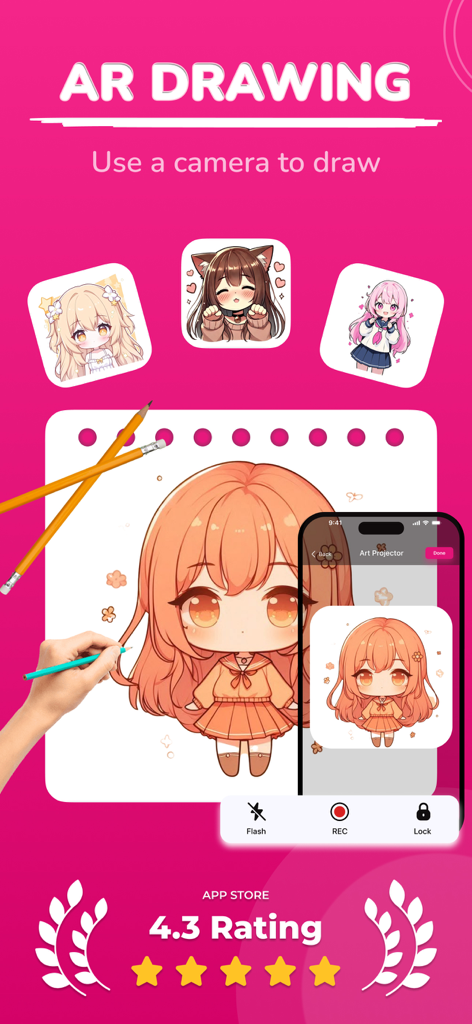
AR描画アプリが、紙にトレースするためにアニメキャラクターを投影しています
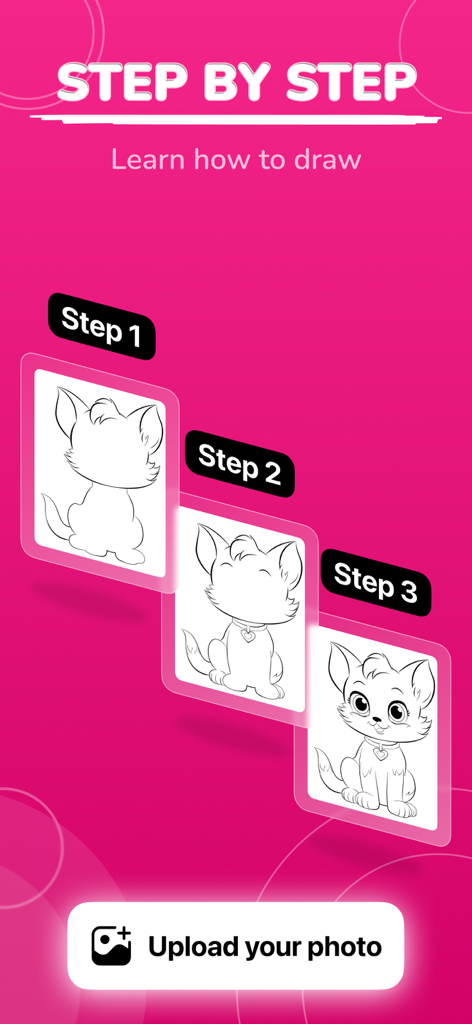
明るいピンクの背景にイラストの3つの段階を示す、ステップバイステップの猫の描画チュートリアル
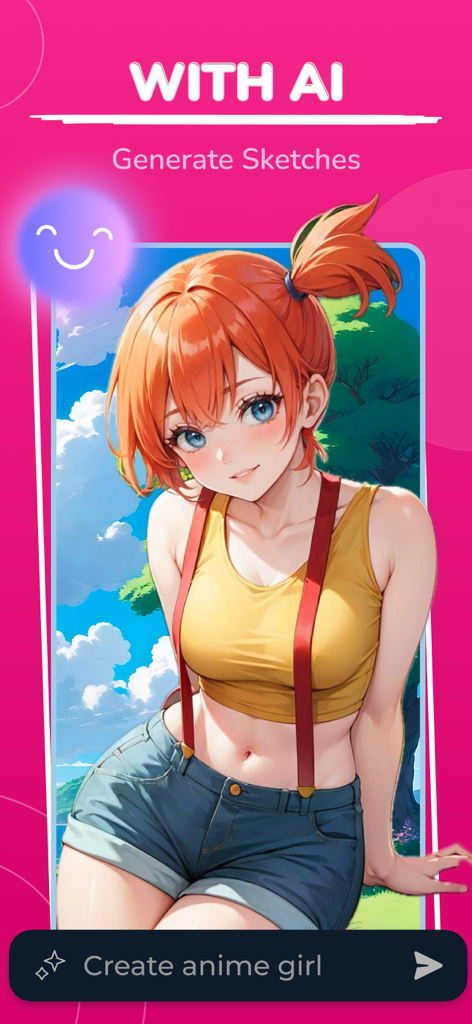
テキストプロンプトから作成されたアニメの女の子を示すAI描画アプリ
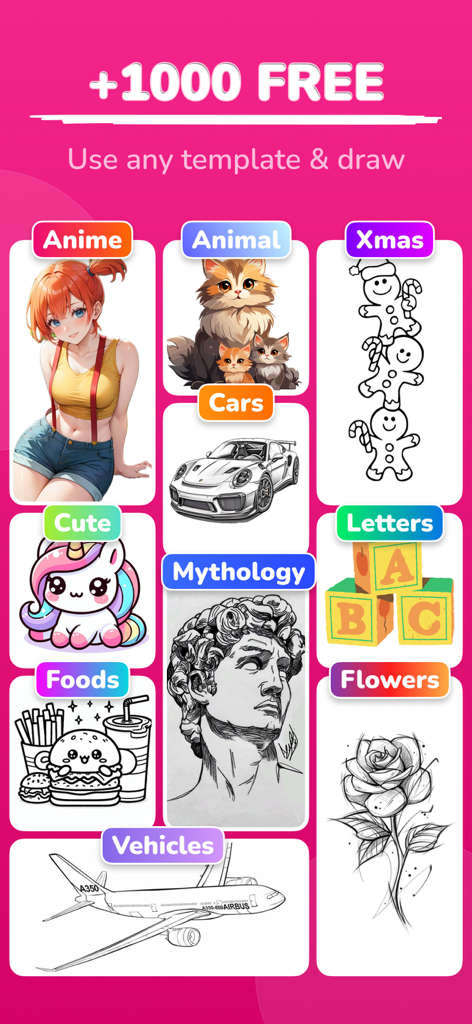
アニメ、動物、神話などのカテゴリーの描画テンプレートのコレクション
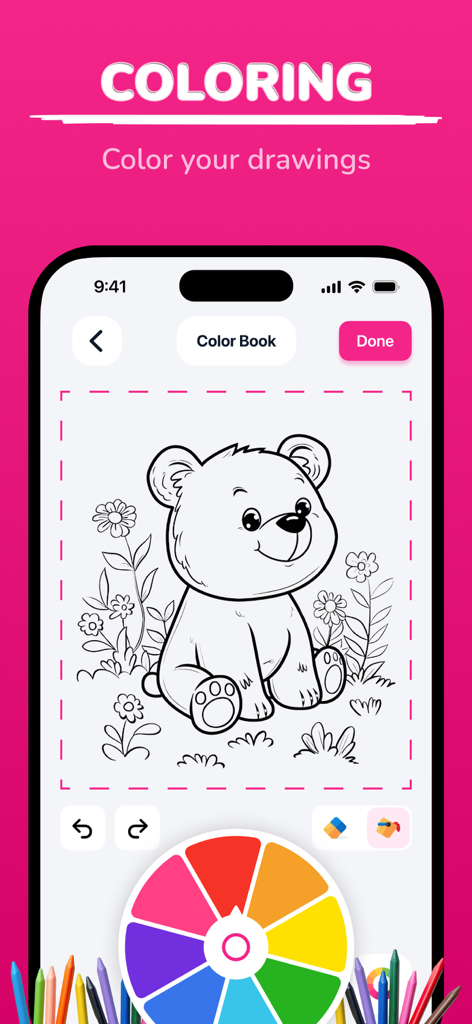
線画のクマのスケッチと鮮やかなカラーホイールを備えたデジタル塗り絵インターフェース
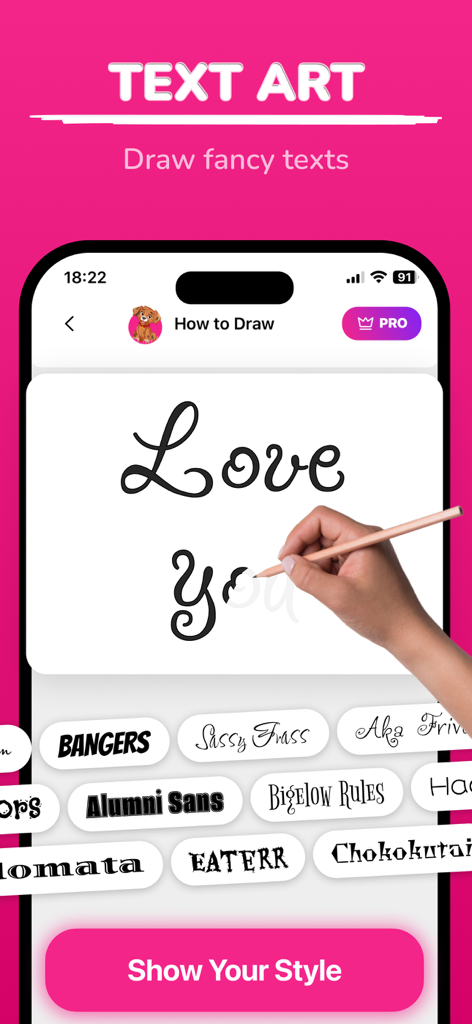
以下のさまざまなフォントスタイルで、ファンシーカリグラフィーテキストのトレースガイドを示すモバイルアプリインターフェース
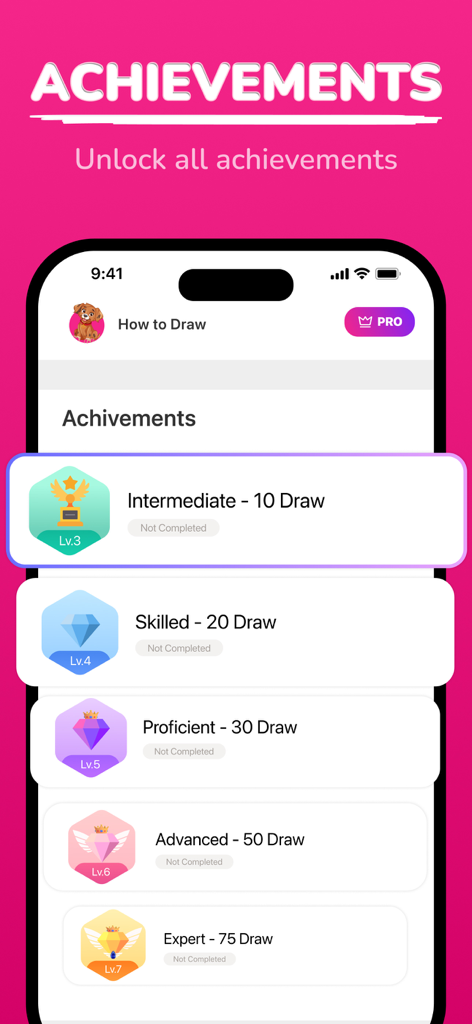
中間からエキスパートレベルまでの描画アチーブメントを表示する画面
説明
Download
類似アプリ
似た機能とユーザー体験を持つアプリ

AR Drawing Paint Sketch Trace
DROIDFUN LIMITED

Camera Lucida™: AR Drawing
Big Idea Design LLC

AR Drawing Sketch App: ArtEasy
SMDA GROUP SP Z O O SP KOMANDYTOWA

PicTrace: AR Drawing & Sketch
ANDROID VIETNAM TECHNOLOGY CORPORATION

AR Draw: Sketching & Painting
EIGEN SOFTWARE LIMITED

AR Drawing How to Draw Sketch
Magomed Dzhamalov

Da Vinci Eye: AR Trace & Draw
Da Vinci Eye LLC

AR Drawing - AR Sketch
Ketanbhai Khokhani

HEY CLAY®
HEY CLAY LTD
このページはアプリまたはその開発者の公式ページではなく、情報提供および論評を目的として作成された独立した編集出版物です。明示的に別段の記載がない限り、アプリおよびその開発者は、MWM、Apple、Google Play、アプリのパブリッシャー、またはアプリの開発者と提携、承認、後援、認可、またはその他の公式的な関係はなく、このページのいかなる内容も、アプリがMWMのサービスを使用して開発されたことを意味するものではありません。すべての商標、ロゴ、スクリーンショット、その他のコンテンツはそれぞれの所有者の財産です。