iPastels
iPastels
ダウンロード: App Store

このページはアプリまたはその開発者の公式ページではなく、情報提供および論評を目的として作成された独立した編集出版物です。明示的に別段の記載がない限り、アプリおよびその開発者は、MWM、Apple、Google Play、アプリのパブリッシャー、またはアプリの開発者と提携、承認、後援、認可、またはその他の公式的な関係はなく、このページのいかなる内容も、アプリがMWMのサービスを使用して開発されたことを意味するものではありません。すべての商標、ロゴ、スクリーンショット、その他のコンテンツはそれぞれの所有者の財産です。

ロゴ: iPastels
ダウンロード: App Store

iPastels

画材の散らかりやコストなしに、ソフトパステルとオイルパステルの触感的な美しさを体験してください。限りなく本物に近いぼかしから本格的な紙のテクスチャまで、Apple Pencilと指先のためにデザインされたプロフェッショナルツールで、インスピレーションの閃きをすべて捉えましょう。

主要数値

ダウンロード

567K+

ユーザー評価

4.6/5

評価数

2K+

開発元

Norbyte

カテゴリ

Graphics & Design

対応言語

1

最新バージョン

5.6.3

サイズ

24.2 MB

リリース日

2011年12月17日
機能

どこでもパステルアートをマスター

iPastelsは、リアリズムと利便性を重視するアーティストのために特別にデザインされた、伝統的なメディアの触感的な美しさとデジタルイノベーションの力を組み合わせています。

リアルなメディアシミュレーション

当社のMetalパワーエンジンは、ソフトパステルとオイルスティックを驚くほど正確に模倣する、リアルタイム計算されたブラシを提供します。

自然なぼかしと混色

Apple Pencilで精密に、指先でぼかし、物理的な紙やキャンバスで行うのと同じように色を混ぜ合わせることができます。

後片付け不要のスタジオ

高価な画材のコストや後片付けの手間なしに、無限のテクスチャと構成を探求しましょう。

以下のスクリーンショットと説明は、アプリの公式ストアリスティングから直接取得されたものであり、アプリ開発者の所有物です。

アプリストア

スクリーンショット
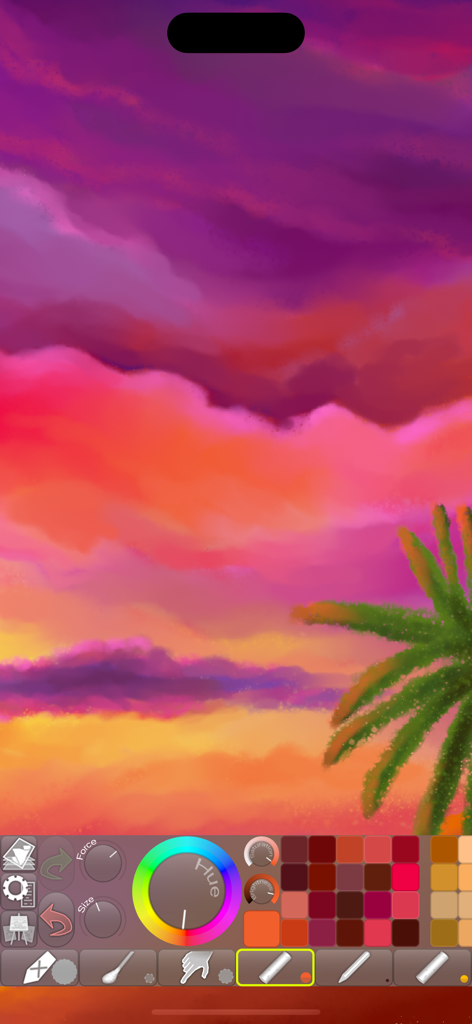
iPastels - iPastelsアプリの描画ツールとカラーパレットを使用した、夕日とヤシの木を描いたデジタルパステル画。
iPastelsアプリの描画ツールとカラーパレットを使用した、夕日とヤシの木を描いたデジタルパステル画。

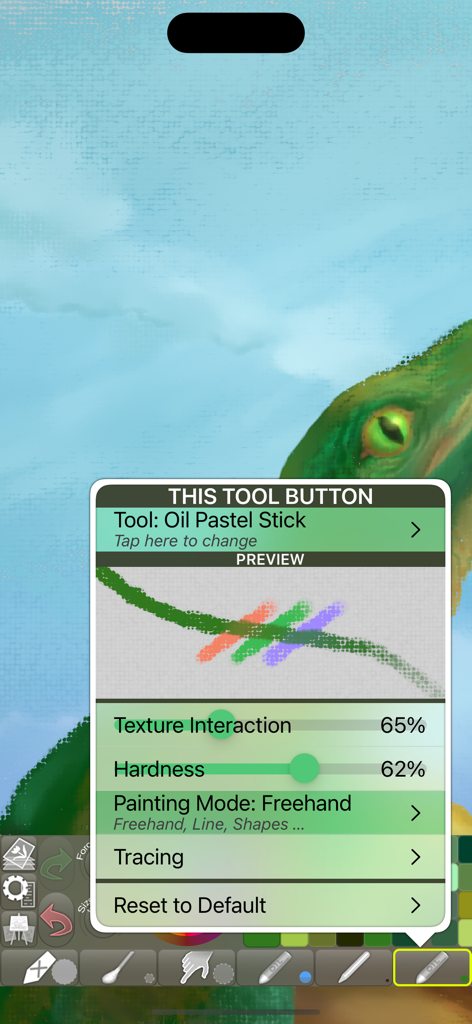
iPastels - iPastelsアプリのインターフェースに、テクスチャと硬さの調整が表示されたオイルパステルスティックツールの設定が表示されています。
iPastelsアプリのインターフェースに、テクスチャと硬さの調整が表示されたオイルパステルスティックツールの設定が表示されています。

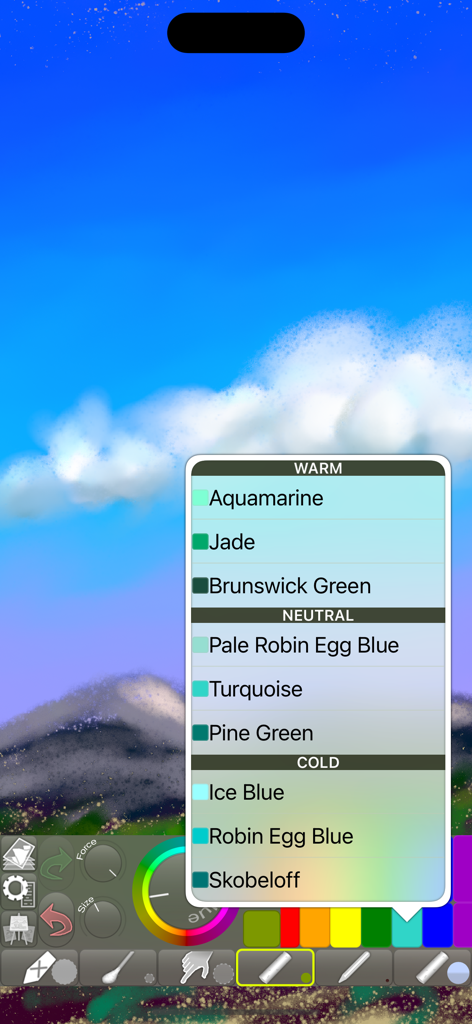
iPastels - iPastelsデジタルペインティングインターフェースに、空と山のある風景スケッチの上にカラー選択メニューが表示されています。
iPastelsデジタルペインティングインターフェースに、空と山のある風景スケッチの上にカラー選択メニューが表示されています。

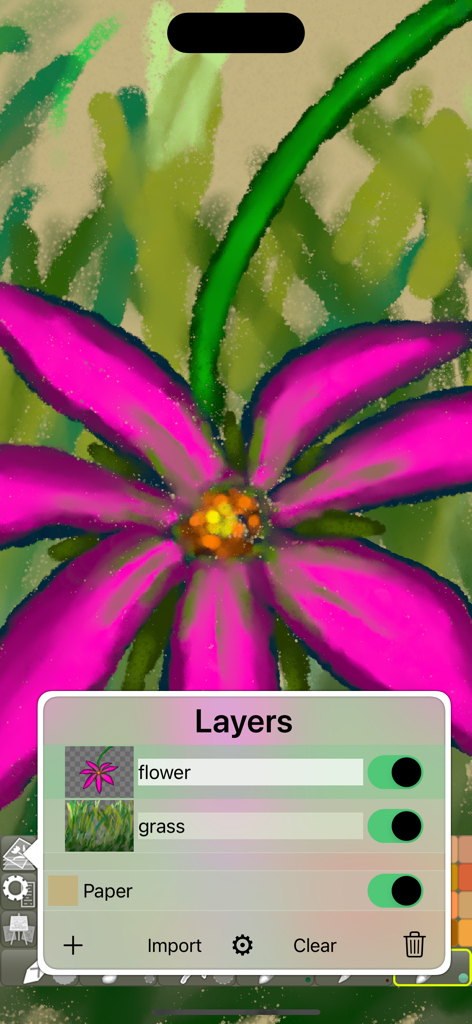
iPastels - iPastelsアプリのインターフェースに、レイヤーメニューが開いた状態で、花を描いたデジタルパステル画が表示されています。
iPastelsアプリのインターフェースに、レイヤーメニューが開いた状態で、花を描いたデジタルパステル画が表示されています。

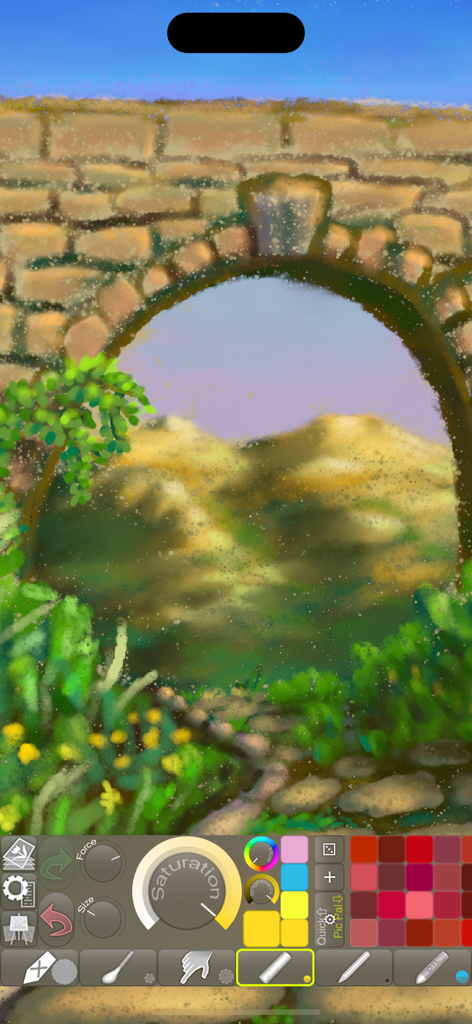
iPastels - iPastelsアプリのインターフェース内にある、石のアーチと山々を描いたデジタルパステル画。
iPastelsアプリのインターフェース内にある、石のアーチと山々を描いたデジタルパステル画。

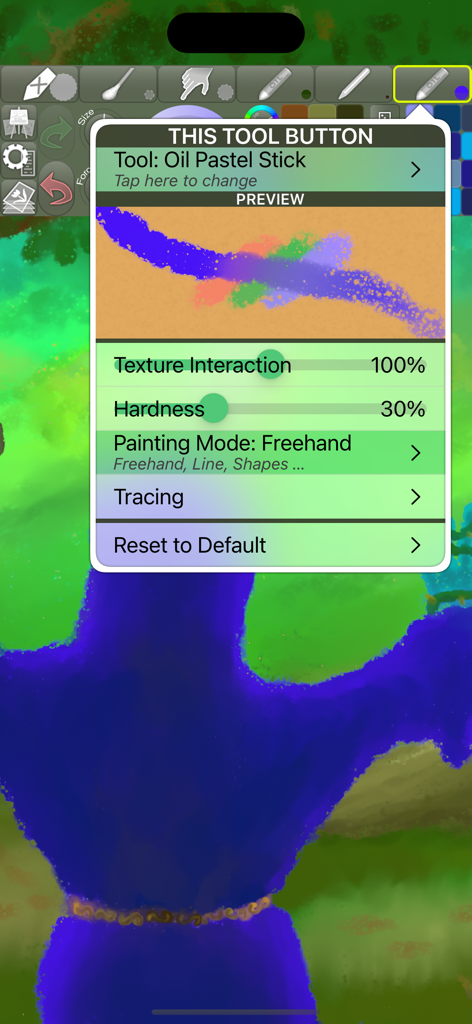
iPastels - iPastelsアプリのオイルパステルスティックツール設定メニューに、テクスチャと硬さの調整が表示されています。
iPastelsアプリのオイルパステルスティックツール設定メニューに、テクスチャと硬さの調整が表示されています。

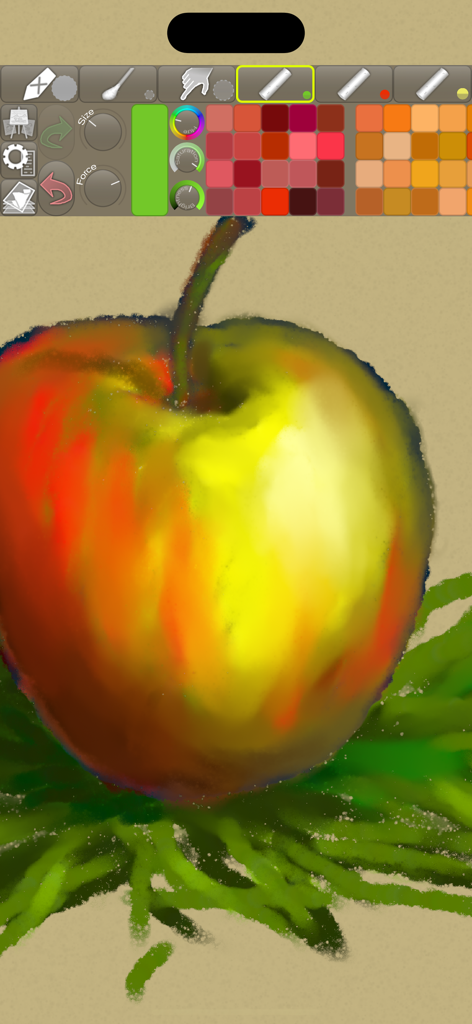
iPastels - iPastelsアプリのツールバーに様々な描画ツールとカラーパレットが表示されている状態で、リンゴを描いたデジタルパステル画。
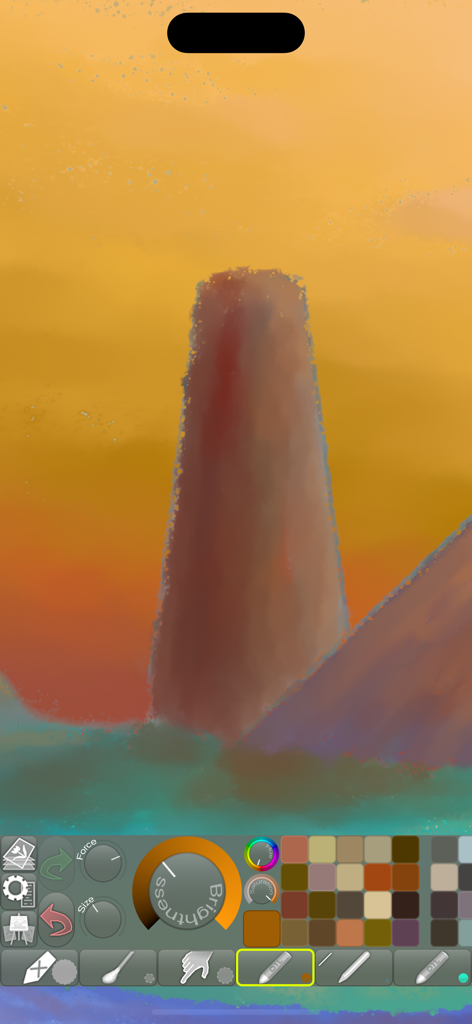
iPastelsアプリのツールバーに様々な描画ツールとカラーパレットが表示されている状態で、リンゴを描いたデジタルパステル画。

iPastels - iPastelsアプリのインターフェースにあるデジタル風景画とアーティストツール。
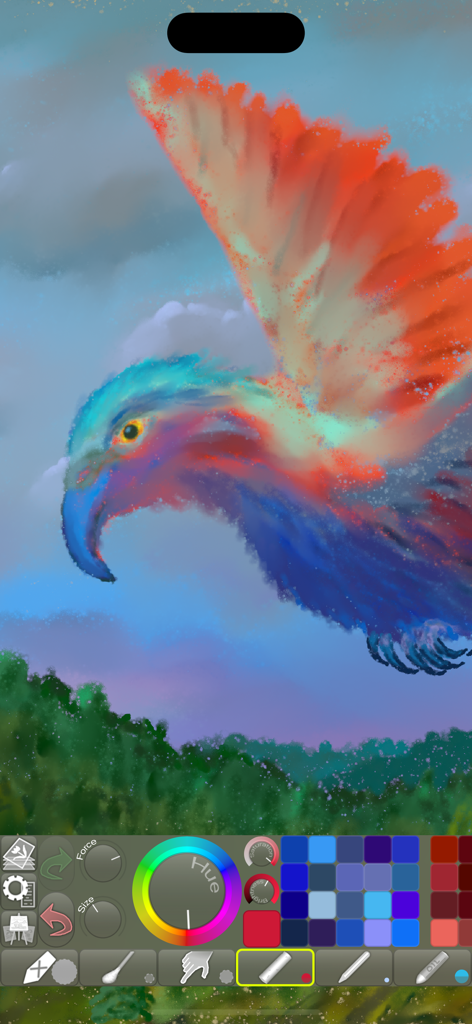
iPastelsアプリのインターフェースにあるデジタル風景画とアーティストツール。

iPastels - iPastelsデジタルアートツールとカラーパレットで作成されたカラフルな鳥の絵。
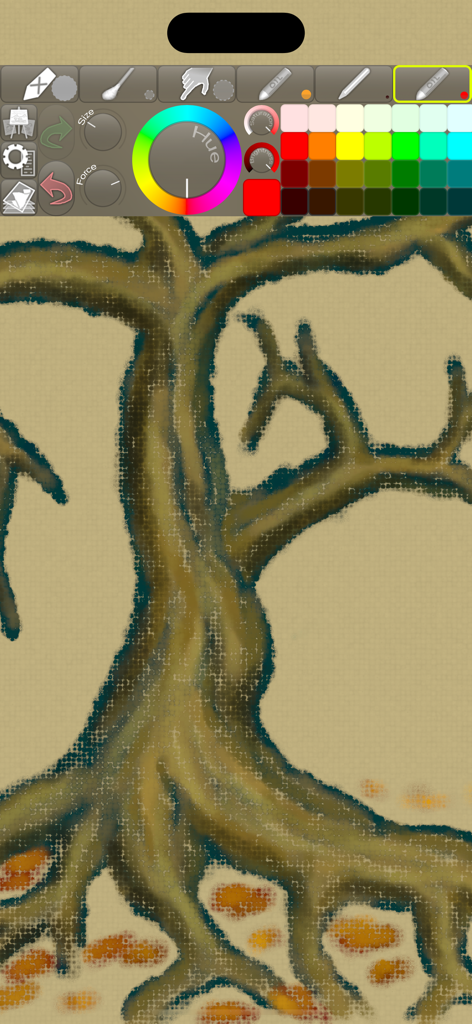
iPastelsデジタルアートツールとカラーパレットで作成されたカラフルな鳥の絵。

iPastels - iPastelsアプリのインターフェースに、パステル描画ツールとカラーホイールを備えた、質感のあるデジタルの木の絵が表示されています。

iPastelsアプリのインターフェースに、パステル描画ツールとカラーホイールを備えた、質感のあるデジタルの木の絵が表示されています。

説明

A painting app for all artists, whether you’re experienced or just starting out. Perfect for creating beautiful works of art or a quick sketch whenever and wherever you have a burst of inspiration. You can also try out ideas and compositions before starting on a new painting in real life, or practise and refine your skills, all without the added cost of art supplies. • LIFELIKE PASTEL SIMULATION • The app features live-calculated brushes and strokes, making a realistic pastel simulation possible. Painting tools include soft pastels, oil pastels, pastel pencils, smudge tool, and more. • REALISTIC PAPER/CANVAS TEXTURES • When creating a new picture, a unique, non-repeating paper texture is generated that will interact in real-time with the live-calculated strokes you paint. You can change the default-generated texture to, for example, canvas, which goes great with oil pastels! • PRECISE COLOR BLENDING • When painting, especially with soft pastels, use Smudge or the Cotton Swab to blend and smoothen the colors right on the paper, as you would in real life. With oil pastels, in addition to smudging, the blending is often done by the pastel sticks themselves (for best results, reduce the force or use a similar or lighter color). If you use an Apple Pencil, it will feel incredibly realistic if you use the stylus to draw and use your finger to Smudge (assigned as a 2nd tool)! • FINGERTIP = STROKE SIZE • When you paint, the app measures how much of your finger is touching the screen and changes the stroke size accordingly. Apply just the corner of your fingertip for a thin line, or the whole fingerprint area for a broad stroke. A 2nd tool assigned to your finger will still use this feature, so don’t ignore it just because you have an Apple Pencil! • LEFT-HANDED? • Just swipe the toolbar over to the other side! • PARAMETERS CAN BE CHANGED LIVE • Use any buttons or controls to change/adjust color, size, force, simultaneously while painting. • UNIVERSAL PURCHASE • If you choose to buy the Pro upgrade, this one-time in-app purchase will unlock all Pro features in the app on all available platforms (iPad-iPhone-Mac)! • METAL • The engine is based on Metal, with 128-bit color and floating-point arithmetic. • SWIFT • The app was developed entirely using Swift (earlier versions used C++). • APPLE PENCIL SUPPORT • FULL SCREEN PAINTING • SEAMLESS PATTERN EDITING MODE • • DARK MODE • LANDSCAPE • PORTRAIT • WIDE COLOR • • MULTIPLE LAYERS • PHOTO TRACING MODE (Pro feature) •

Download

ダウンロード: App Store

このページはアプリまたはその開発者の公式ページではなく、情報提供および論評を目的として作成された独立した編集出版物です。明示的に別段の記載がない限り、アプリおよびその開発者は、MWM、Apple、Google Play、アプリのパブリッシャー、またはアプリの開発者と提携、承認、後援、認可、またはその他の公式的な関係はなく、このページのいかなる内容も、アプリがMWMのサービスを使用して開発されたことを意味するものではありません。すべての商標、ロゴ、スクリーンショット、その他のコンテンツはそれぞれの所有者の財産です。







