iPocket Draw
iPocket Draw
ダウンロード: App Store

このページはアプリまたはその開発者の公式ページではなく、情報提供および論評を目的として作成された独立した編集出版物です。明示的に別段の記載がない限り、アプリおよびその開発者は、MWM、Apple、Google Play、アプリのパブリッシャー、またはアプリの開発者と提携、承認、後援、認可、またはその他の公式的な関係はなく、このページのいかなる内容も、アプリがMWMのサービスを使用して開発されたことを意味するものではありません。すべての商標、ロゴ、スクリーンショット、その他のコンテンツはそれぞれの所有者の財産です。


ロゴ: iPocket Draw
ダウンロード: App Store

iPocket Draw

請負業者、建築家、デザイナー向けの究極のベクター描画ツール。プロフェッショナルなワークフローのために、完全なDXFエクスポートを備えた正確なフロアプラン、技術スケッチ、寸法付きレイアウトを作成します。

主要数値

ダウンロード

177K+

ユーザー評価

3.5/5

評価数

200

開発元

Eric POUSSE

カテゴリ

Productivity

対応言語

3

最新バージョン

4.14

サイズ

9.2 MB

リリース日

2009年4月18日
機能

ポケットにデスクトップクラスのCADツール

数学的な精度とシームレスな業界標準の互換性を要求するプロフェッショナル向けに設計された包括的な2Dベクターエンジンで、現場作業を強化します。

スマートスナップ&精度

プロフェッショナルグレードの技術図面のために、交差、中心、オブジェクトの端にスナップする高度なアトラクションツールで絶対的な精度を確保します。

自動寸法

正確な測定値を生成し、デザインを瞬時にスケールアップして、建設、許可、または製造の準備ができたスケッチにします。

以下のスクリーンショットと説明は、アプリの公式ストアリスティングから直接取得されたものであり、アプリ開発者の所有物です。

アプリストア

スクリーンショット
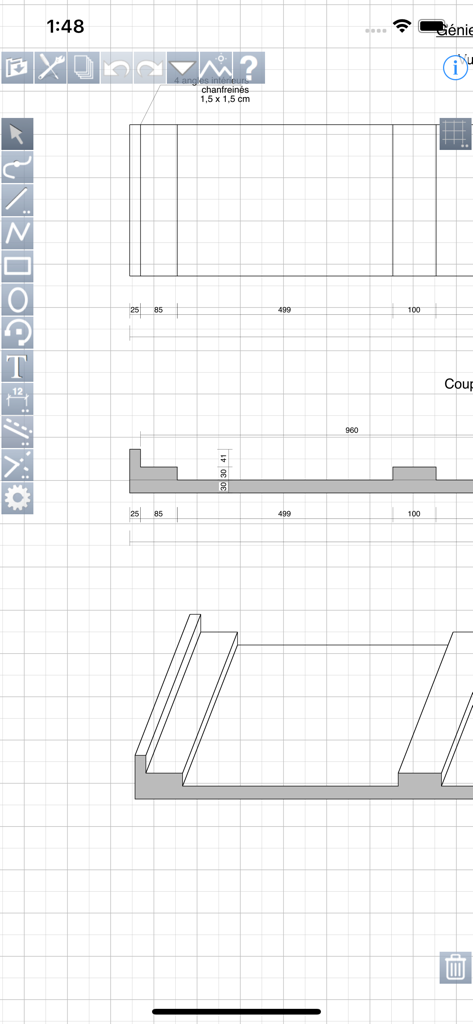
iPocket Draw - iPocket Drawアプリのインターフェイス。寸法ツールとグリッドの背景を持つ2D技術CAD描画が表示されています。
iPocket Drawアプリのインターフェイス。寸法ツールとグリッドの背景を持つ2D技術CAD描画が表示されています。

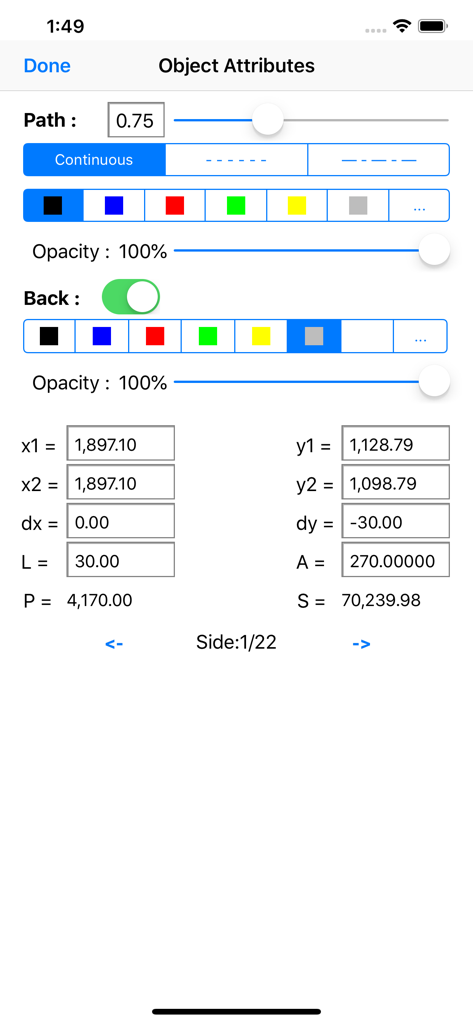
iPocket Draw - iPocket Drawのインターフェイス。オブジェクト属性設定と技術座標が表示されています。
iPocket Drawのインターフェイス。オブジェクト属性設定と技術座標が表示されています。

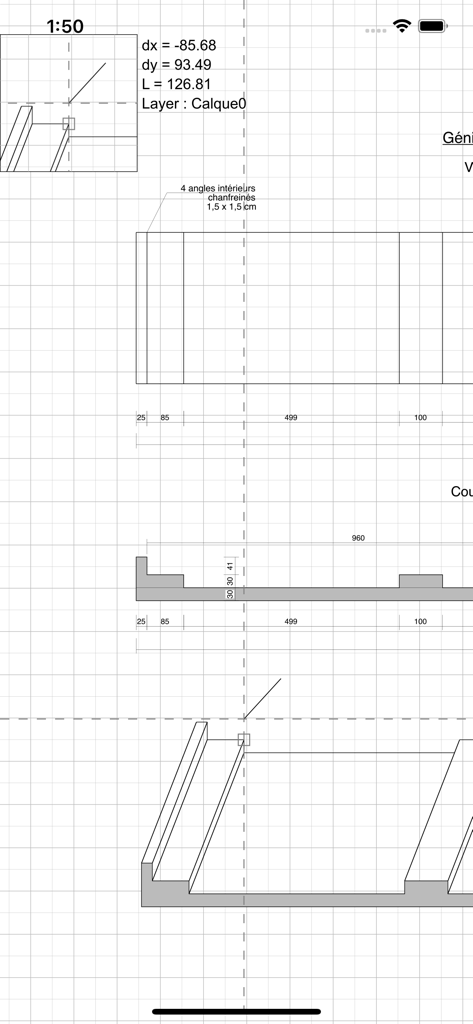
iPocket Draw - iPocket Drawモバイルアプリでの寸法とスケールを備えた詳細な2D CAD技術描画。
iPocket Drawモバイルアプリでの寸法とスケールを備えた詳細な2D CAD技術描画。

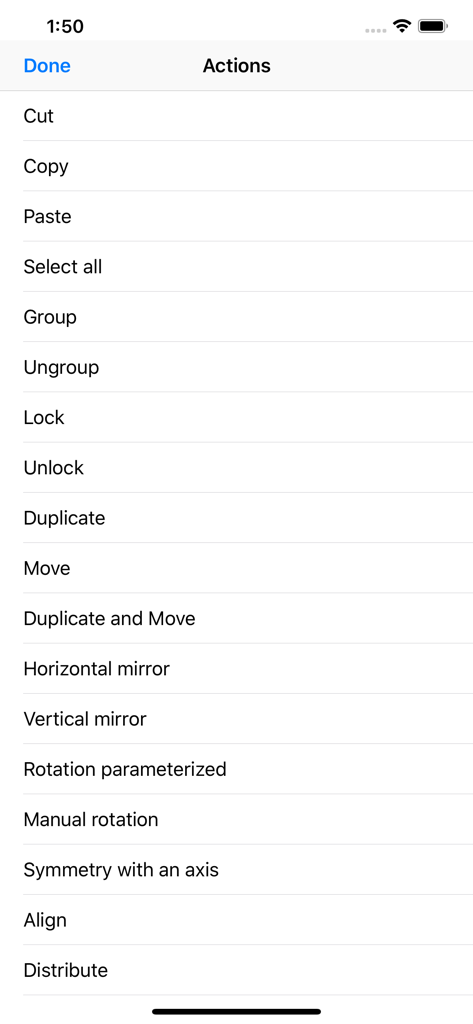
iPocket Draw - iPocket Drawのアクションメニュー。グループ化、ミラーリング、配置などのプロフェッショナルCAD編集ツールが表示されています。
iPocket Drawのアクションメニュー。グループ化、ミラーリング、配置などのプロフェッショナルCAD編集ツールが表示されています。

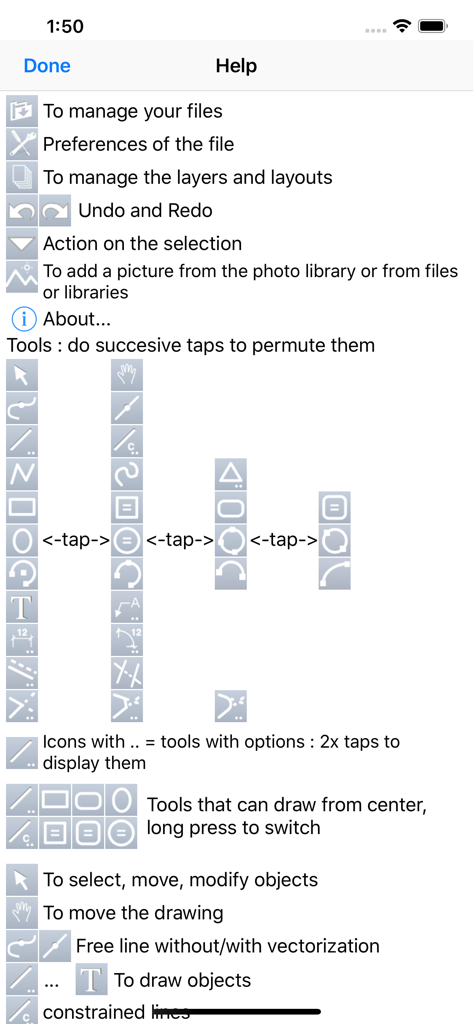
iPocket Draw - iPocket Drawヘルプ画面。2D CAD描画ツールとアイコンについて説明しています。

iPocket Drawヘルプ画面。2D CAD描画ツールとアイコンについて説明しています。

説明

** look at the video tutorials put online on our site ** iPocket Draw is a vector drawing program comprehensive (CAD 2D), which offers to you total control over your drawing. Of course all the simple drawing tools are available: line, rectangle, oval, arc, polygon, text. But also tools of free line with vectorization option (recognition of simple shapes), spline, regular polygon. All attributes of each object can be edited and changed: line color, line thickness, background color, dotted, arrow, font ... But also the coordinates of each object because iPocket Draw lets you draw with a scale chosen and modified. iPocket Draw also has a cotation tool simple and multiple. And functions of attraction powerful and accurate on the ends of objects but also the centers and on the intersections between all object types. The drawing area is not limited. The number of objects either. The zoom in and out either. The number of undo either. You can draw on several layers and create configurations of layers. You have an object library that you can complete as you want. A comprehensive menu command allows you to: select all, copy, cut, paste, group, ungroup, lock, unlock, duplicate, move, mirror horizontally or vertically, rotate, align, distribute, create parallel, divide, change the scale, converting in lines, polygon, send back, put in front of. You can insert photos or images or pdf files in your drawings. iPocket Draw has a file manager from which you can send your drawings by e-mail format iPocket Draw (RealCADD) or DXF or pdf or jpg image. But also to export in a photo album. And also print. Because we are not afraid of your judgments, you can try iPocket Draw with the Lite version which includes only a limitation on the number of objects (50) by drawing. If you have problems, please contact us by mail (see information window of iPocket Draw: i button). Thanks.

Download

ダウンロード: App Store

このページはアプリまたはその開発者の公式ページではなく、情報提供および論評を目的として作成された独立した編集出版物です。明示的に別段の記載がない限り、アプリおよびその開発者は、MWM、Apple、Google Play、アプリのパブリッシャー、またはアプリの開発者と提携、承認、後援、認可、またはその他の公式的な関係はなく、このページのいかなる内容も、アプリがMWMのサービスを使用して開発されたことを意味するものではありません。すべての商標、ロゴ、スクリーンショット、その他のコンテンツはそれぞれの所有者の財産です。








