
このページはアプリまたはその開発者の公式ページではなく、情報提供および論評を目的として作成された独立した編集出版物です。明示的に別段の記載がない限り、アプリおよびその開発者は、MWM、Apple、Google Play、アプリのパブリッシャー、またはアプリの開発者と提携、承認、後援、認可、またはその他の公式的な関係はなく、このページのいかなる内容も、アプリがMWMのサービスを使用して開発されたことを意味するものではありません。すべての商標、ロゴ、スクリーンショット、その他のコンテンツはそれぞれの所有者の財産です。

Microsoft Whiteboard
どこからでもチームがアイデアを出し、デザインし、計画を立てることを可能にします。インテリジェントなインクと40以上のカスタマイズ可能なテンプレートで、スケッチをプロフェッショナルなワークフローに変えましょう。
ダウンロード
4M+ユーザー評価
評価数
51K+開発元
カテゴリ
Productivity対応言語
60最新バージョン
25.11204.0.9201サイズ
32.1 MBリリース日
2018年9月25日チームの創造性を解き放つ
シームレスな共同作業、プロフェッショナルグレードの図作成、あらゆるデバイスでの高速な生産性のために設計された、無限のインテリジェントキャンバスを体験してください。
リアルタイムで共同作成
同じボード上でチームとアイデアを出し合うことで、リモートワークとオフィスワークのギャップを埋め、すべてのカーソルと編集がリアルタイムで表示されます。
スマートインキングテクノロジー
インクから図形への変換ツールとApple Scribbleのサポートにより、手書きを瞬時にテキストに変換し、大まかなスケッチを洗練された図に変換します。
よくある質問
について知っておくべきこと Microsoft Whiteboard
Microsoft Whiteboardとは何ですか?
Microsoft Whiteboardは、個人やチームがクラウド経由でアイデアを出し、視覚的に作成・共同作業を行うための自由形式のインテリジェントキャンバスです。多様な操作のために、タッチ、タイピング、ペンの入力をサポートします。
Microsoft Whiteboardで他のユーザーと共同作業できますか?
はい、Microsoft Whiteboardではリアルタイムの共同作業が可能です。チームメンバー全員がどのデバイスからでも同時にキャンバスを編集でき、チームメンバーの操作を確認しながら、即時の協力を促進できます。
Microsoft Whiteboardは私の作業を自動的に保存しますか?
はい、Microsoft Whiteboardはすべてのブレインストーミングセッションと作業を自動的にMicrosoftクラウドに直接保存します。これにより、どの場所やデバイスからでもシームレスに作業を再開できます。
Microsoft Whiteboardはどのような入力方法をサポートしていますか?
Microsoft Whiteboardは、タッチ、タイピング、ペンの入力をサポートしています。ユーザーは、書き込み、インクで描画、テキストの入力、付箋やグリッドの追加ができます。インターフェイスは、キーボードの制約からアイデアを解放します。
Microsoft Whiteboardにはテンプレートがありますか?
はい、Microsoft Whiteboardには、共同作業、ブレインストーミング、アイデア出しの迅速な開始を支援する40以上のカスタマイズ可能なテンプレートが用意されています。広範な図形ライブラリは、フローチャートの描画もサポートします。
Microsoft Whiteboardでインクをテキストに変換できますか?
はい、Microsoft Whiteboardは、Apple Pencilを搭載したiPadでApple Scribble機能を提供します。ユーザーはテキストボックスや付箋にインクで書き込むことができ、そのインクは魔法のようにテキストに変換されます。
ユーザーはMicrosoft Whiteboardでどのように視覚的にコミュニケーションできますか?
ユーザーは、付箋、ノートグリッドを追加し、リアクションを使用することで、Microsoft Whiteboardで視覚的にコミュニケーションできます。広範な図形ライブラリとインク矢印も、詳細な視覚的表現と図解を容易にします。
Microsoft Whiteboardにはどのような最近の改善がありましたか?
Microsoft Whiteboardは、アプリのパフォーマンスが向上し、クラッシュが減少し、モダンな外観になりました。合理化されたUI、作成ギャラリー、強化されたインタラクティブコンテンツとインキング機能が含まれています。
以下のスクリーンショットと説明は、アプリの公式ストアリスティングから直接取得されたものであり、アプリ開発者の所有物です。
アプリストア
スクリーンショット
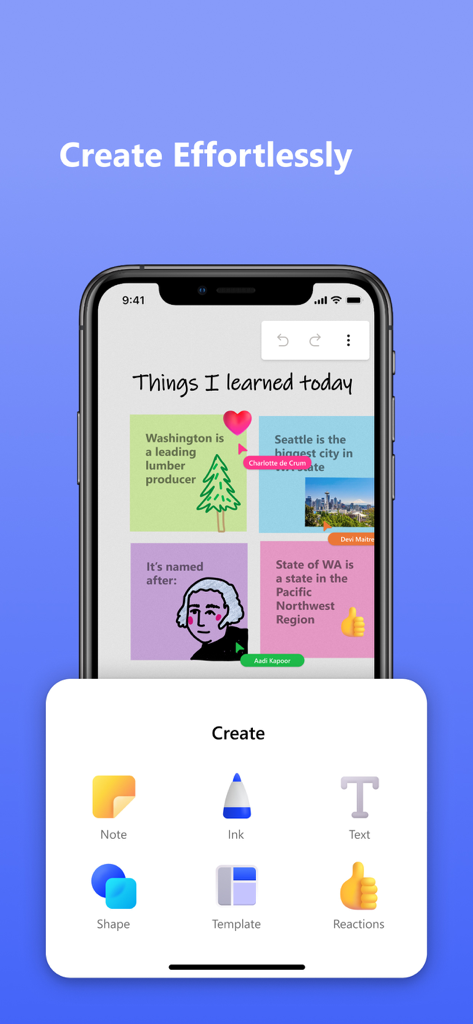
Microsoft Whiteboardアプリが、メモ、インク、テキスト、図形を追加するための作成メニューとともに表示されているスマートフォンの画面。
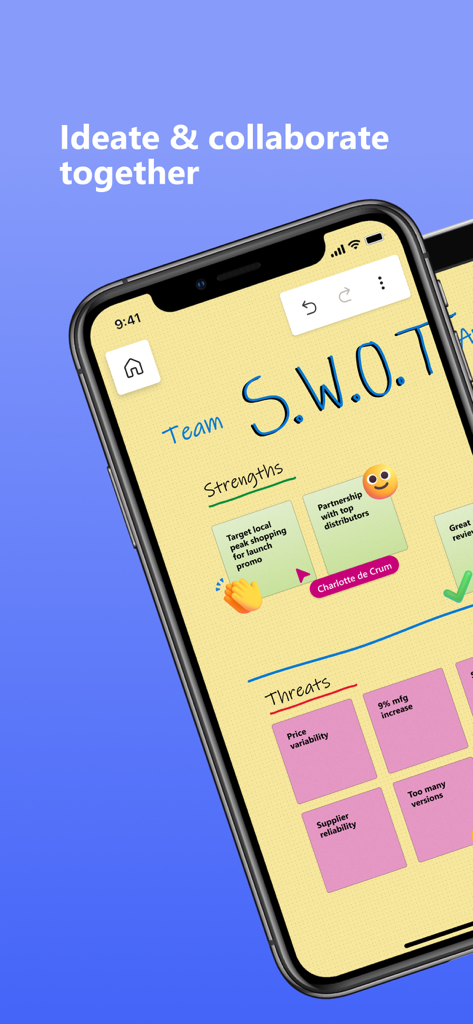
デジタル付箋が付いたMicrosoft Whiteboardでの共同SWOT分析を表示するスマートフォンの画面。
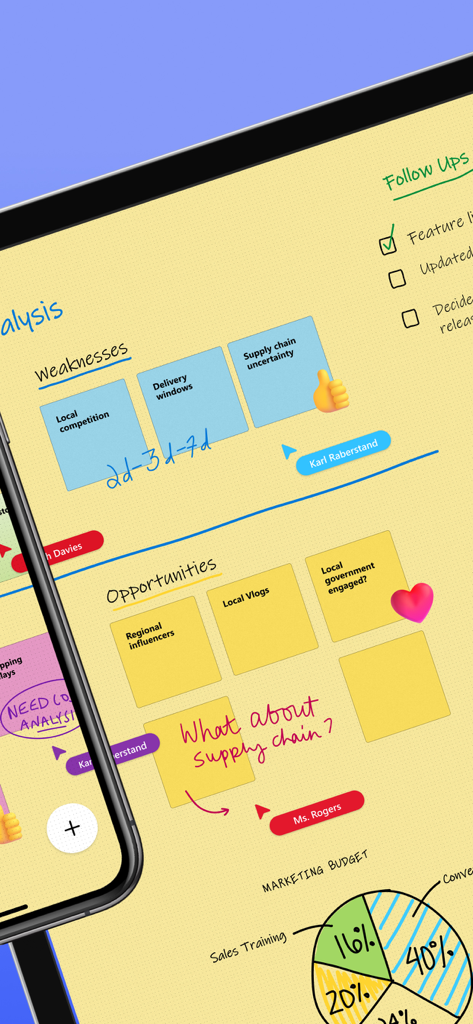
付箋、手書きテキスト、リアルタイムチームカーソルを備えたMicrosoft Whiteboardでの共同デジタルホワイトボードセッション。
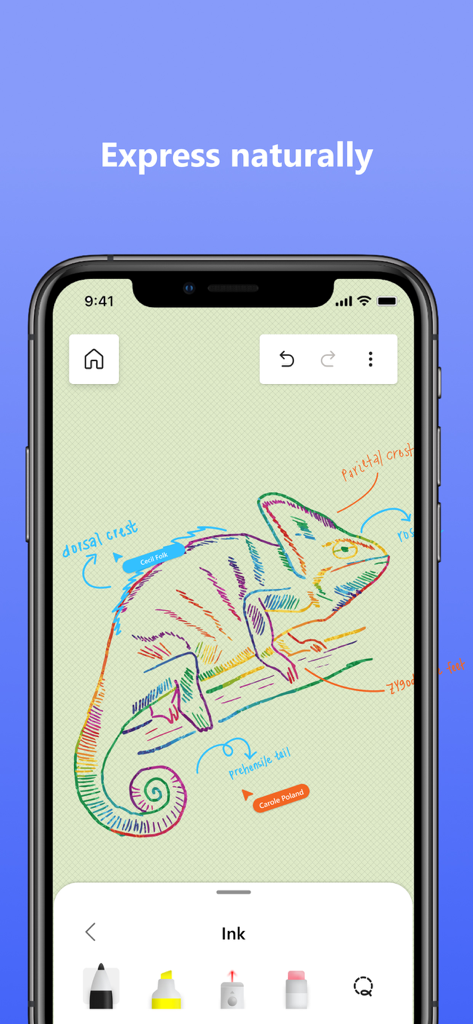
インクツールとラベルが表示されたMicrosoft Whiteboardのカラフルなカメレオンの絵。
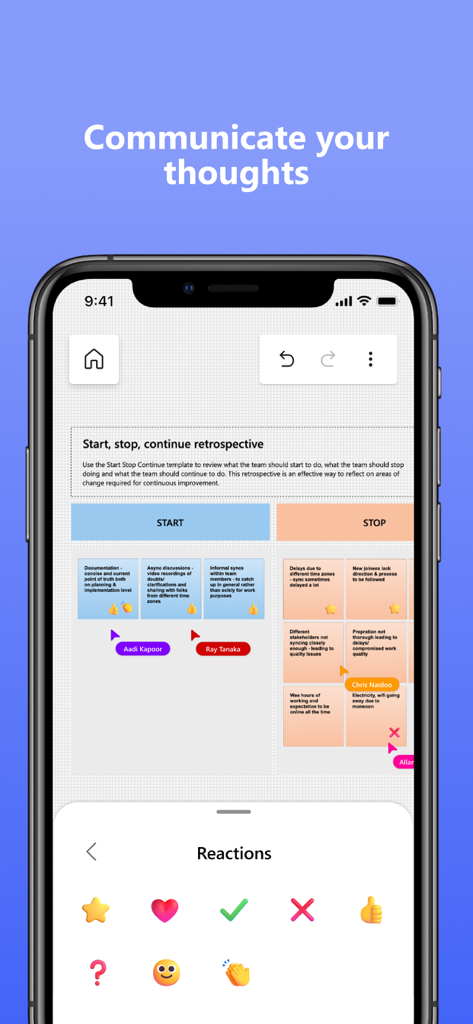
付箋とリアクション選択メニューがある共同レトロスペクティブボードを表示するMicrosoft Whiteboardアプリのインターフェース。
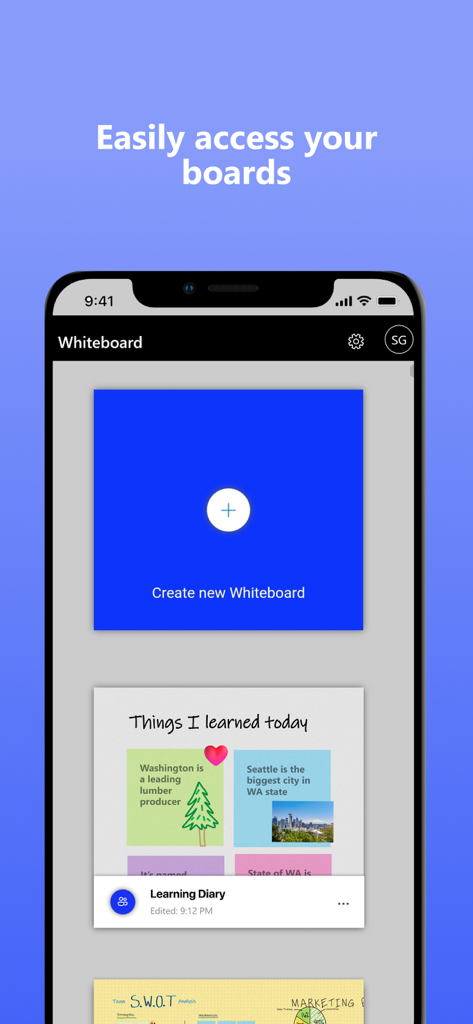
ボードギャラリーと新しいホワイトボードを作成するボタンが表示されたMicrosoft Whiteboardのモバイルインターフェース。
説明
Download
類似アプリ
似た機能とユーザー体験を持つアプリ

Xmind - Mind Map & Brainstorm
Xmind Ltd.

Smartsheet: Projects & Teams
Smartsheet Inc.

Miro: your visual workspace
Realtimeboard Inc.

Padlet
Wallwisher, Inc.

Asana: Work Management
Asana, Inc.

Microsoft Planner
Microsoft Corporation

Microsoft Loop
Microsoft Corporation

Nola: Story Planner & Writing
indent Inc.

MeisterTask - Task Management
MeisterLabs
このページはアプリまたはその開発者の公式ページではなく、情報提供および論評を目的として作成された独立した編集出版物です。明示的に別段の記載がない限り、アプリおよびその開発者は、MWM、Apple、Google Play、アプリのパブリッシャー、またはアプリの開発者と提携、承認、後援、認可、またはその他の公式的な関係はなく、このページのいかなる内容も、アプリがMWMのサービスを使用して開発されたことを意味するものではありません。すべての商標、ロゴ、スクリーンショット、その他のコンテンツはそれぞれの所有者の財産です。