
このページはアプリまたはその開発者の公式ページではなく、情報提供および論評を目的として作成された独立した編集出版物です。明示的に別段の記載がない限り、アプリおよびその開発者は、MWM、Apple、Google Play、アプリのパブリッシャー、またはアプリの開発者と提携、承認、後援、認可、またはその他の公式的な関係はなく、このページのいかなる内容も、アプリがMWMのサービスを使用して開発されたことを意味するものではありません。すべての商標、ロゴ、スクリーンショット、その他のコンテンツはそれぞれの所有者の財産です。


Miro: your visual workspace
無限のキャンバスで最高のアイデアを形にしましょう。Apple Pencilを使ってiPadでブレインストーミングをしたり、外出先でアジャイルワークフローを管理したり。どこからでもチームとシームレスにコラボレーションできます。
ダウンロード
6M+ユーザー評価
評価数
26K+開発元
カテゴリ
Productivity対応言語
8最新バージョン
3.25.30240969サイズ
47.2 MBリリース日
2017年1月3日現代のチームのためのビジュアルコラボレーション
Miroのインテリジェントキャンバスは、分散したチームに、製品の未来を共に描き、デザインし、構築するための統合されたスペースを提供します。
Apple Pencilでスケッチ
インテリジェントな図形認識とスタイラスの最適化により、手書きのコンセプトを瞬時にプロフェッショナルな図表に変換します。
付箋のインスタントデジタル化
タップひとつで紙のメモを編集可能なオブジェクトとしてスキャンし、物理的なワークショップとデジタルボードの橋渡しをします。
よくある質問
について知っておくべきこと Miro: your visual workspace
Miroとは何ですか?
Miroは、分散されたチームが共に夢を描き、デザインし、構築することを可能にする、イノベーションのためのビジュアルワークスペースです。コンセプト、アイデア、ソリューションを視覚化するためのインテリジェントキャンバス™を提供します。
Miroはチームコラボレーションに使用できますか?
はい、Miroはチームコラボレーションのために構築されており、分散されたチームが並んで作業することを可能にします。リアルタイムのフィードバックをサポートし、ボード上で複数の共同作業者を許可します。
Miroは手書きのメモをデジタル化できますか?
はい、Miroのモバイルアプリを使用すると、紙のポストイットメモをスキャンして編集可能なデジタルメモに変換できます。この機能は、物理的なアイデアをデジタルで整理するのに役立ちます。
iPadまたはiPhoneでMiroを使用できますか?
はい、MiroはiPadとiPhoneの両方のアプリとして利用可能で、モバイルデバイスからボードと共同作業し、プロジェクトを管理するためのツールを提供します。
モバイルユーザー向けのMiroの主な機能は何ですか?
Miroのモバイル機能には、ボードの作成、表示、編集、外出先でのアイデアのキャプチャ、ボードの共有、さまざまなメディアのアップロード、コメントのレビュー/解決が含まれます。
Miroアプリ内で直接ドキュメントを編集できますか?
はい、Miroアプリを使用すると、ドキュメントやPDFを直接編集、注釈付け、マークアップできます。これには、外出先でのさまざまなドキュメントタイプの作業が含まれます。
Miroはボード用の既製のテンプレートを提供していますか?
はい、Miroは、より迅速かつ効率的なボード作成を促進するために、200以上の既製のテンプレートを提供しています。これらのテンプレートは、さまざまなユースケースとワークフローをサポートします。
Miroはマインドマッピングに使用できますか?
はい、タブレットでは、Miroを使用してマインドマップを作成し、アイデアを視覚化できます。この機能は、思考と複雑な情報を視覚的に整理するのに役立ちます。
Miroは重要な更新または変更の通知をユーザーに送信しますか?
はい、Miroは、ユーザーがボード上の重要な更新または変更を見逃さないように通知を提供します。これにより、チームメンバーはリアルタイムで情報を把握できます。
タブレットでMiroにApple Pencilを使用できますか?
はい、タブレットでは、MiroはApple Pencilをサポートしており、コンセプトを描画したり、新しいデザインアイデアをスケッチしたり、デジタルノートを取ったりできます。描画を図形に変換することもできます。
以下のスクリーンショットと説明は、アプリの公式ストアリスティングから直接取得されたものであり、アプリ開発者の所有物です。
アプリストア
スクリーンショット
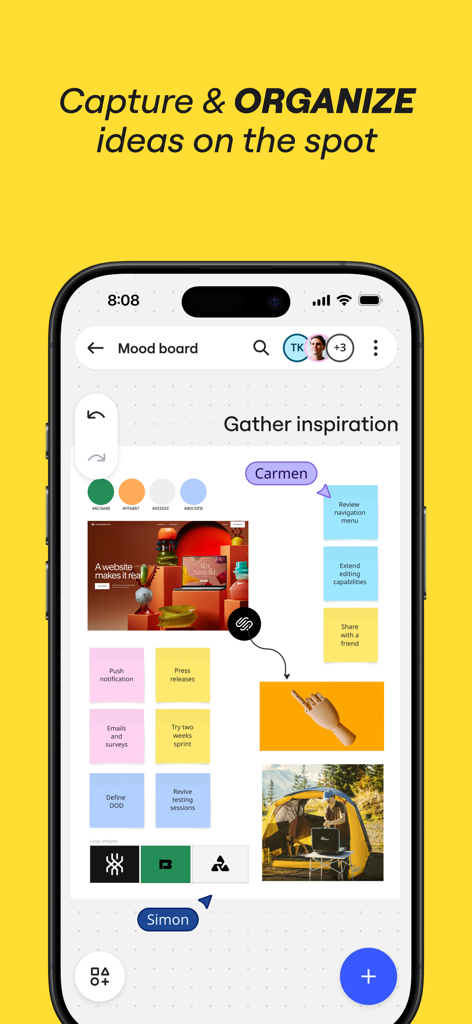
付箋や画像を使ってアイデアを整理する共同ムードボードを表示したMiroモバイルアプリのインターフェース。
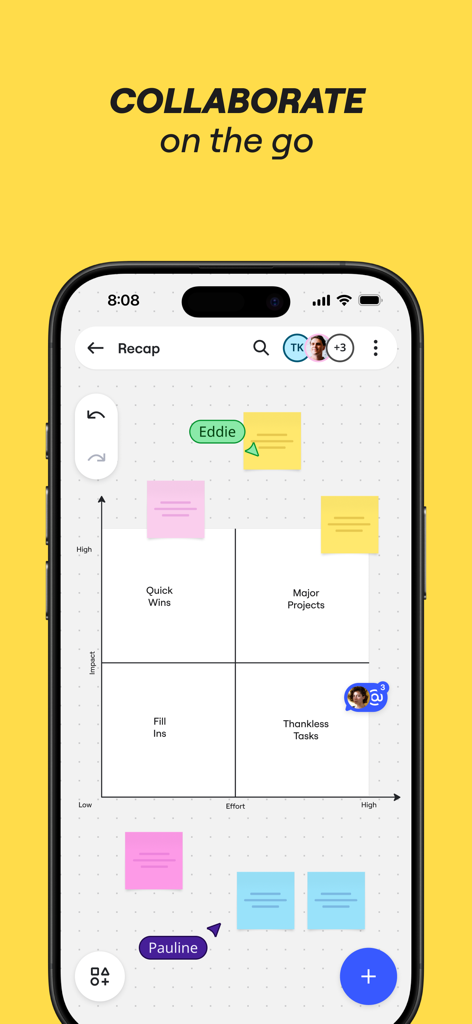
カラフルなデジタル付箋を使用した、インパクト対エフォート(労力)のマトリックスを表示したMiroモバイルアプリ。
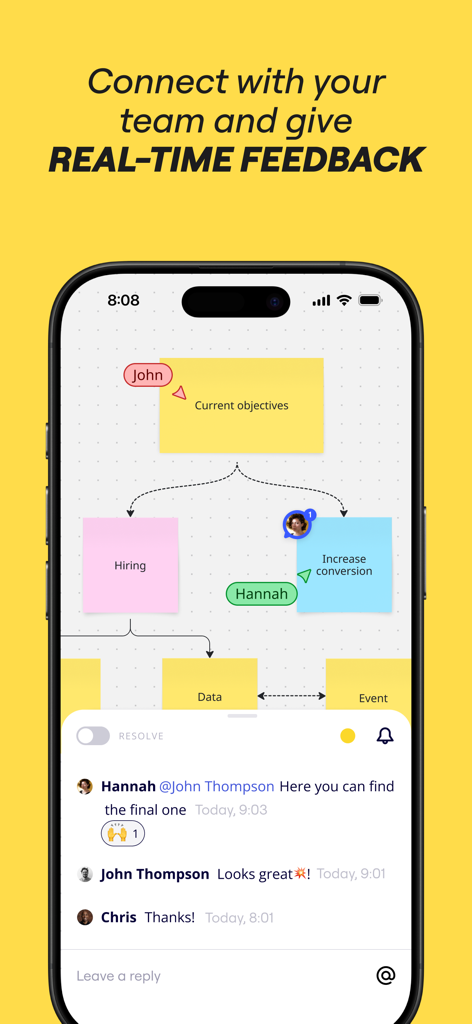
付箋とリアルタイムのチームコメントスレッドを表示した、共同ビジュアルボードを表示するMiroモバイルアプリ。
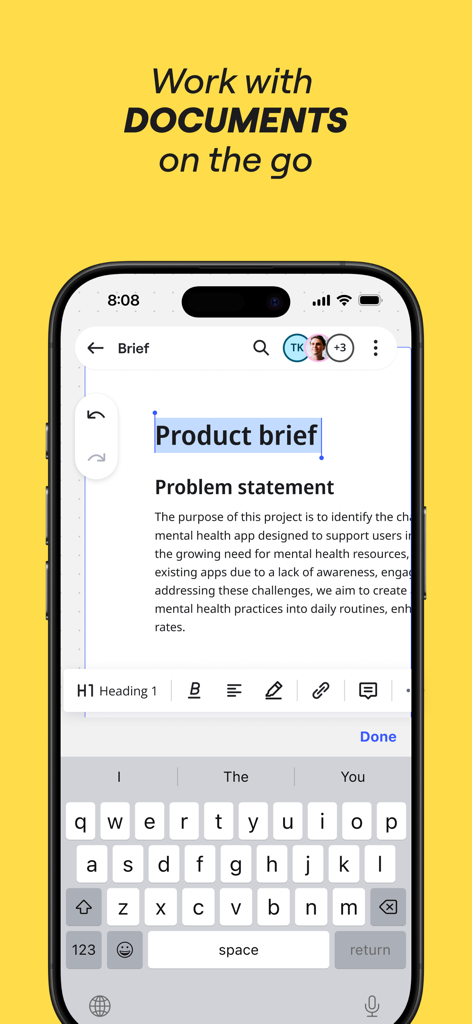
iPhoneで製品概要を編集しているMiroモバイルアプリのインターフェース。
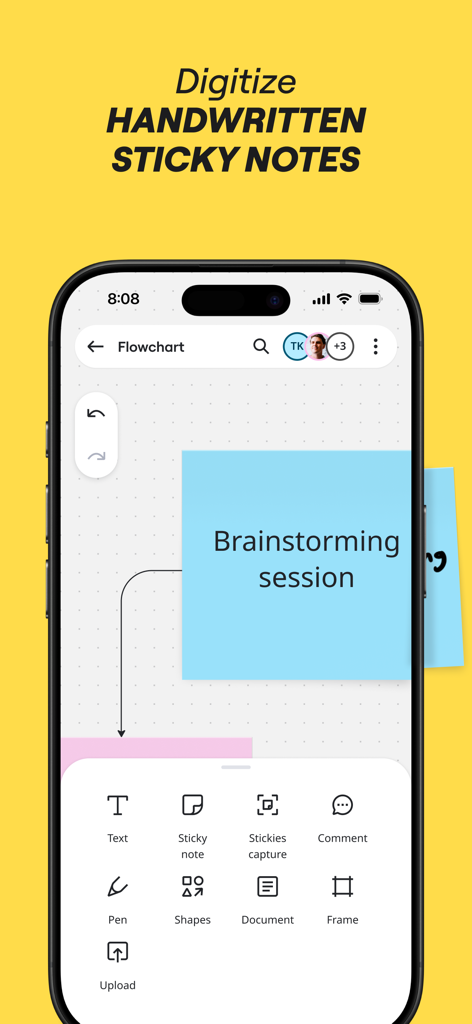
ブレインストーミング用に手書きのメモをキャプチャしてデジタル化するオプションと、デジタルの青い付箋を表示したiPhone上のMiroアプリ。
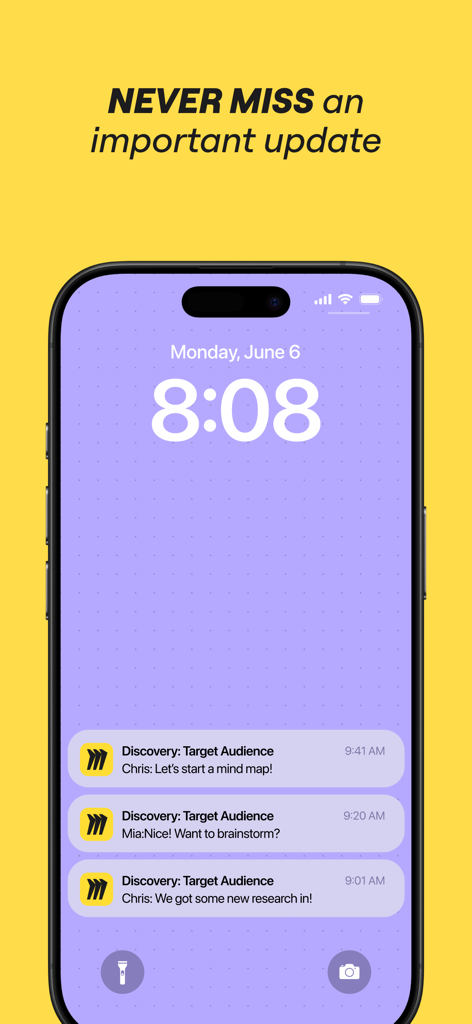
リアルタイムのチームコラボレーションの更新を表示する、iPhoneロック画面上のMiroモバイルアプリの通知。
説明
Download
類似アプリ
似た機能とユーザー体験を持つアプリ

Xmind - Mind Map & Brainstorm
Xmind Ltd.

Smartsheet: Projects & Teams
Smartsheet Inc.

Padlet
Wallwisher, Inc.

Asana: Work Management
Asana, Inc.

Microsoft Planner
Microsoft Corporation

Microsoft Loop
Microsoft Corporation

Microsoft Whiteboard
Microsoft Corporation

Nola: Story Planner & Writing
indent Inc.

MeisterTask - Task Management
MeisterLabs
このページはアプリまたはその開発者の公式ページではなく、情報提供および論評を目的として作成された独立した編集出版物です。明示的に別段の記載がない限り、アプリおよびその開発者は、MWM、Apple、Google Play、アプリのパブリッシャー、またはアプリの開発者と提携、承認、後援、認可、またはその他の公式的な関係はなく、このページのいかなる内容も、アプリがMWMのサービスを使用して開発されたことを意味するものではありません。すべての商標、ロゴ、スクリーンショット、その他のコンテンツはそれぞれの所有者の財産です。