Motion Ninja provides FREE multi-layer editing, 3D camera & 3D scene building, and fully custom keyframe & curves editing.
Motion Ninja is a must-have app for AMV, MAD, and fan edits creators! You can enjoy creation with custom keyframe & curves control, 500+ effects & keyframe presets, 10+ advanced edit tools like smooth slowmo, motion blur, 3d camera tracking and more.
Features Highlight:
● Keyframe Animation
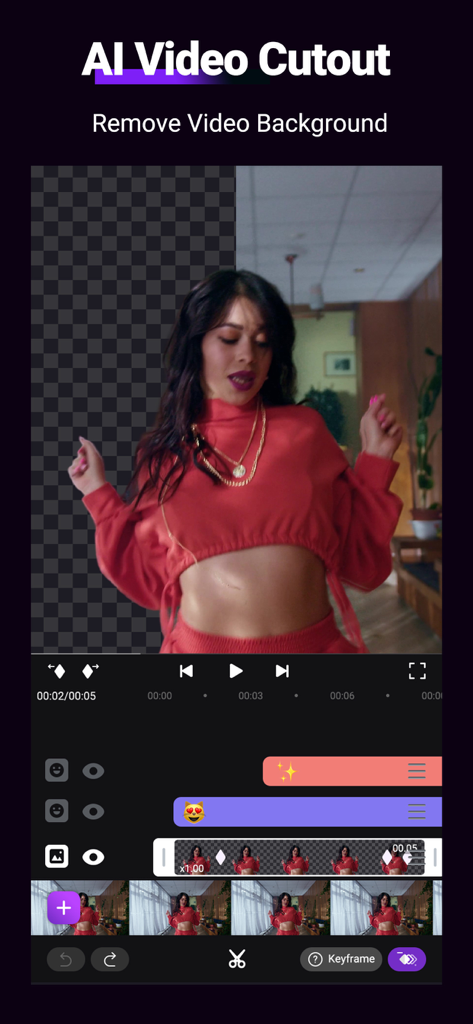
Support keyframe editing for all features, including size, position, rotate, mask, border, blending, effect, adjustment.
FREE curves (graphs) editing, including 5 different curves -- bezier, bounce, step, loop, random
Separate keyframe track control for different features.
● Keyframe Effects Library
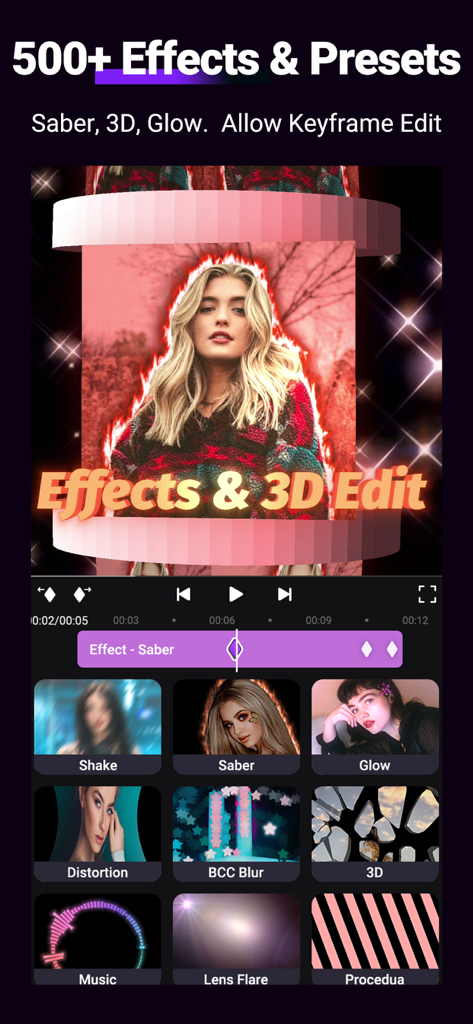
500+ Effects that include diverse types like Shake, 3D, Glow, Blur, VHS, Distortion, Lens Flare, Particles, Music Visualizer and more updating.
Keyframe Preset: provides presets with keyframes added, helping you edit faster.
●3D Camera Edit and Comprehensive Editing Tools
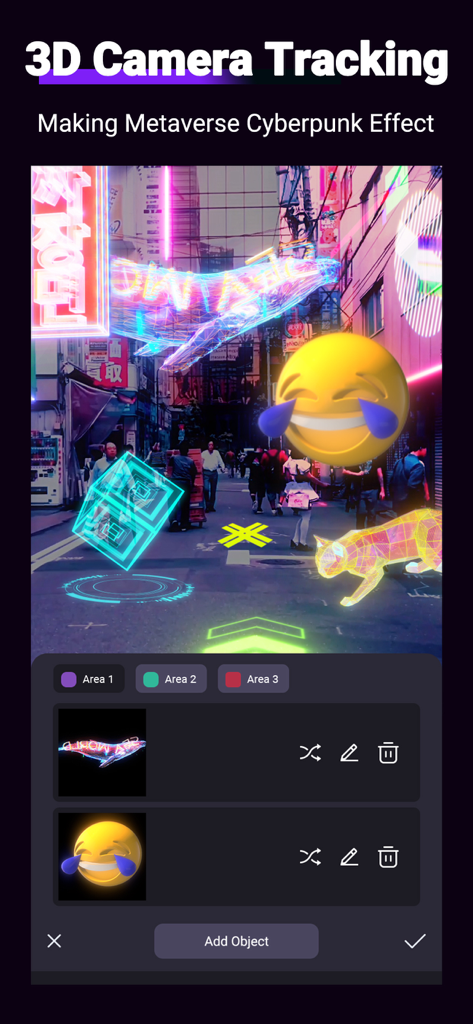
Build your 3D Scene and Camera edits with tools like: 3D Text; 3D Models; 3D Particles; 3D camera setting and focus blur; Parenting and Null Object.
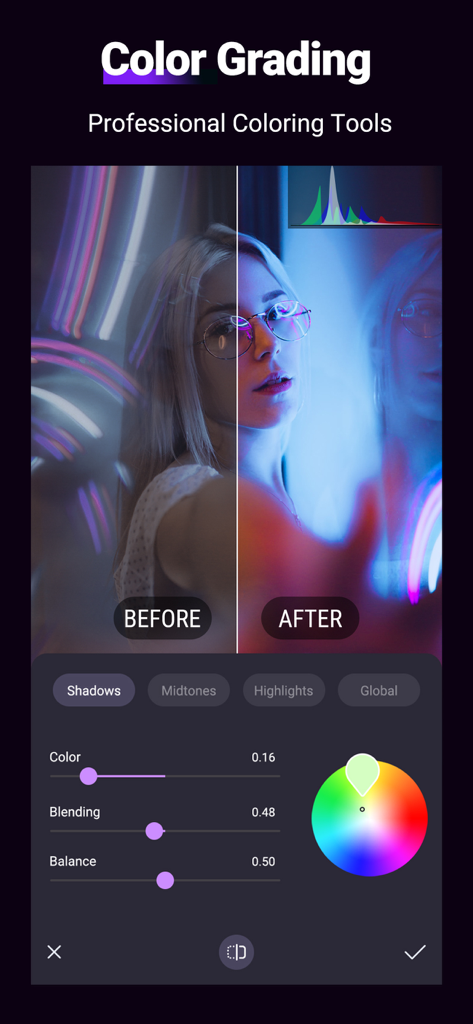
Powerful grouping & masking, color adjustment, blending, chroma, clipboard, border&shadow.
●Pro Toolbox
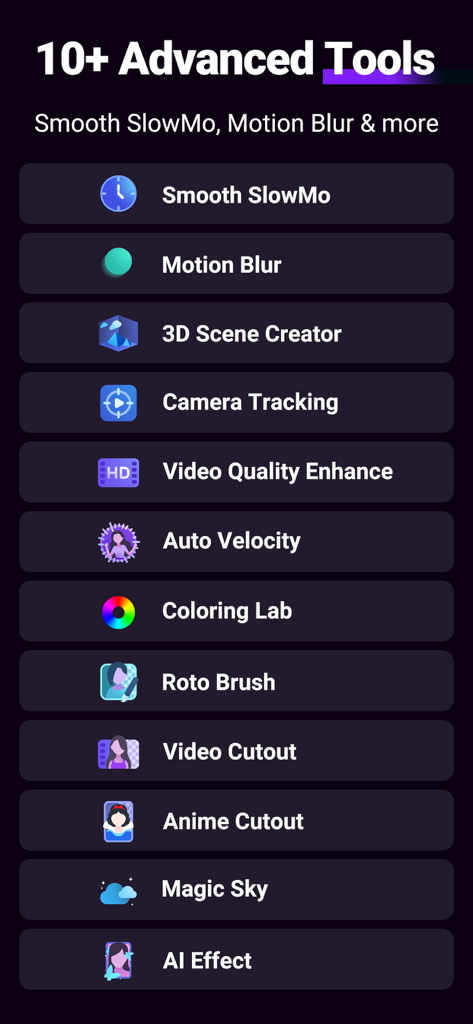
Super powerful toolbox: offer 10+ AE-like advanced editing tools and more will be updated.
Tools include:
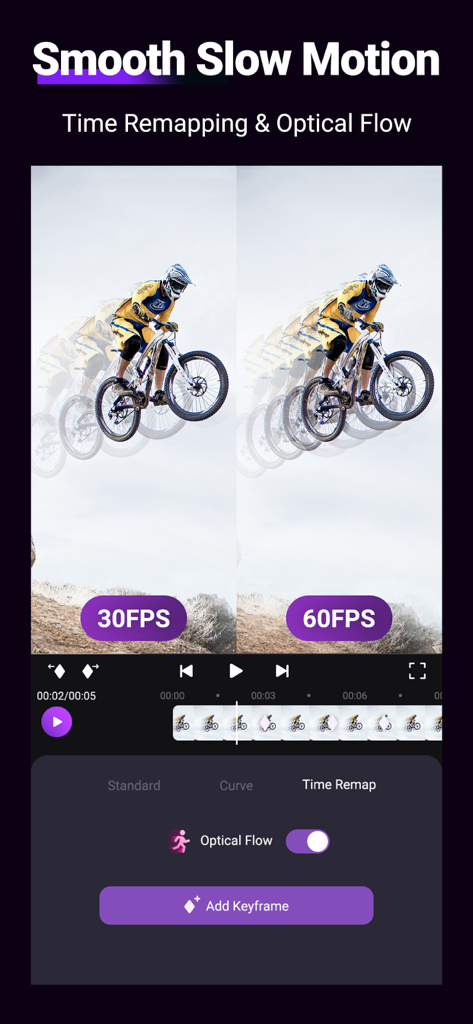
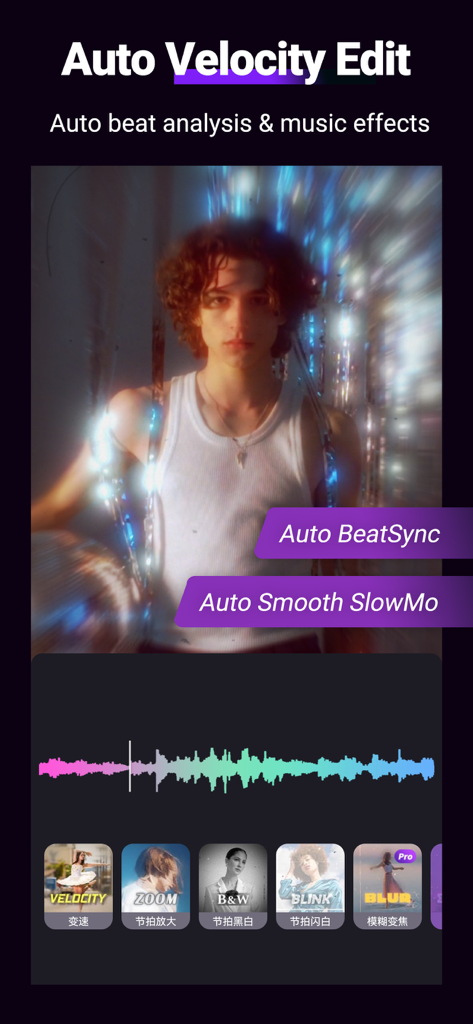
Smooth Slow Motion with Optical Fow; Frame Rate Changer; Motion Blur; Photo & Video Quality Enhancer; Color Lab; 3D Camera Tracking; Auto Velocity Edit; Moving Picture Editor; AI Effects; Video Magic Sky Replacement and more!
●Preset & Templates
You can save or share presets with QR code, or apply presets in the menu directly. Update popular templates that allow you not only to apply in one click but also to enter and edit the project.
● Save and Share
Support exporting MP4 video and converting GIF animation. Custom export resolution and frame rate including 1080p,2k&4k. Save videos from this Motion Ninja video maker & upload to YouTube, TikTok, Facebook, WhatsApp, Instagram.
● Subscription option:
$3.99 per month, $17.99 per year. Subscribe for unlimited access to all features and content offered for purchase within the app. Payment will be charged to iTunes Account at confirmation of purchase. Subscription automatically renews unless auto-renew is turned off at least 24-hours before the end of the current period. Account will be charged for renewal within 24-hours prior to the end of the current period, and identify the cost of the renewal. Subscriptions may be managed by the user and auto-renewal may be turned off by going to the user's Account Settings after purchase. Any unused portion of a free trial period, if offered, will be forfeited when the user purchases a subscription to that publication, where applicable. Pricing in other countries may vary and actual charges may be converted to your local currency depending on the country of residence.
● Privacy policy:
https://www.floatcamellia.com/privacy.html
● Terms of use:
https://www.floatcamellia.com/agreement.html
If you have any questions, please email us at floatcamellia@163.com.
App information, icons, screenshots, and descriptions displayed on this page are sourced from the Apple App Store and are the property of their respective developers. Download estimates and rankings are based on MWM's proprietary models and may not reflect actual figures. This page is provided for informational and analytical purposes only.
Believe this page infringes your intellectual property? File a dispute