
このページはアプリまたはその開発者の公式ページではなく、情報提供および論評を目的として作成された独立した編集出版物です。明示的に別段の記載がない限り、アプリおよびその開発者は、MWM、Apple、Google Play、アプリのパブリッシャー、またはアプリの開発者と提携、承認、後援、認可、またはその他の公式的な関係はなく、このページのいかなる内容も、アプリがMWMのサービスを使用して開発されたことを意味するものではありません。すべての商標、ロゴ、スクリーンショット、その他のコンテンツはそれぞれの所有者の財産です。


MP3 Converter - Audio Trimmer
退屈な音源を個人的なマスターピースに変える能力。このアプリは、ユーザーにデジタルの素材を自在に操る力を与える。
ダウンロード
500k+ユーザー評価
評価数
28.1K開発元
カテゴリ
Music対応言語
22最新バージョン
1.3.6サイズ
131.8 MBリリース日
2024年12月13日モバイルメディアパーソナライゼーションと管理のための包括的ツール
「MP3 Converter - Audio Trimmer」の主要機能分析
カスタム着信音作成
ソーシャルメディアの動画から音声を抽出し、パーソナライズされた着信音や通知音を作成できます。お気に入りの曲をトリミングして独自のスタイルに合わせることも可能です。
汎用MP3変換
あらゆるオーディオまたはビデオファイルを高品質のMP3形式に簡単に変換できます。ビットレートやサンプルレートなど、ニーズに合わせて様々なカスタマイズオプションを提供します。
オフライン音楽再生
インターネット接続がない場所でも、ダウンロードした音楽を中断なく楽しむことができます。移動中やWi-Fiがない環境でも、音楽体験を継続できます。
動画からMP3への変換
MP4、AVI、MOVなどの動画ファイルから簡単に音声を抽出し、MP3オーディオに変換できます。ユーザーはお気に入りのクリップを動画を視聴せずに聞くことが可能です。
無料音楽アクセス
購読料や隠れた費用なしで、幅広い無料音楽トラックにアクセスできます。ユーザーは様々なジャンルを閲覧し、気分に合わせた新しい曲を発見できます。
MP3カッター・トリマー
MP3ファイルを簡単にカットおよびトリミングし、カスタム着信音、アラーム、音楽クリップを作成できます。開始点と終了点の調整、フェードイン/アウト効果、オーディオ品質のカスタマイズが可能です。
高度なオーディオ編集
音量調整、セクションのトリミング、フィルター適用に加えて、ピッチやテンポの調整、エフェクトの適用、複数のトラックの結合など、音楽ファイルを詳細に編集し洗練させることができます。
楽曲検索・発見
世界中の音楽、ポッドキャスト、オーディオブックを無料で検索、発見、再生できます。
よくある質問
について知っておくべきこと MP3 Converter - Audio Trimmer
What is the MP3 Converter - Audio Trimmer app?
The MP3 Converter - Audio Trimmer is an all-in-one audio tool for converting MP3s, creating custom ringtones, and editing audio. It efficiently manages various audio and video files.
What audio formats does the MP3 Converter - Audio Trimmer app support for conversion?
The MP3 Converter - Audio Trimmer app supports conversion from formats like AAC, MP2, AC3, OGV, FLAC, WAV, WMA, MAV, OGG, and M4A to MP3.
Can users convert video files to MP3 format using the MP3 Converter - Audio Trimmer app?
Yes, the MP3 Converter - Audio Trimmer app converts video files to MP3 audio. It supports MP4, AVI, and MOV video formats for audio extraction.
How does the MP3 Converter - Audio Trimmer app facilitate ringtone creation?
The MP3 Converter - Audio Trimmer app allows users to extract audio from videos or trim favorite songs to create custom ringtones. Users can refine exact parts for ringtones.
Does the MP3 Converter - Audio Trimmer app provide access to free music tracks?
Yes, the MP3 Converter - Audio Trimmer app offers access to a wide range of free music tracks without subscriptions or hidden fees. Users can browse various genres.
Does the MP3 Converter - Audio Trimmer app include audio editing capabilities?
Yes, the MP3 Converter - Audio Trimmer app includes an advanced audio editor. Users can adjust volume, trim sections, apply filters, and combine multiple tracks.
Is offline music playback supported by MP3 Converter - Audio Trimmer?
Yes, the MP3 Converter - Audio Trimmer app supports offline music playback. Users can download tracks and listen without an internet connection.
Can users cut or trim MP3 files using the MP3 Converter - Audio Trimmer app?
Yes, the MP3 Converter - Audio Trimmer app functions as an MP3 cutter and trimmer. It allows users to extract segments and create custom clips with adjustable start/end points.
What types of video files can MP3 Converter - Audio Trimmer convert to MP3?
The MP3 Converter - Audio Trimmer app converts MP4, AVI, and MOV video files into MP3 audio. This allows users to extract audio from their favorite video clips.
Where is the Privacy Policy located for the MP3 Converter - Audio Trimmer app?
The Privacy Policy for the MP3 Converter - Audio Trimmer app is available at http://markwatermark.com/mp3_privacy.html.
以下のスクリーンショットと説明は、アプリの公式ストアリスティングから直接取得されたものであり、アプリ開発者の所有物です。
アプリストア
スクリーンショット

このアプリは、AACやFLACなどの多様な入力形式からMP3への変換を迅速に行い、画面下部には動画再生のUIと「Best of the Year」の評価が表示されています。
MP3変換の力
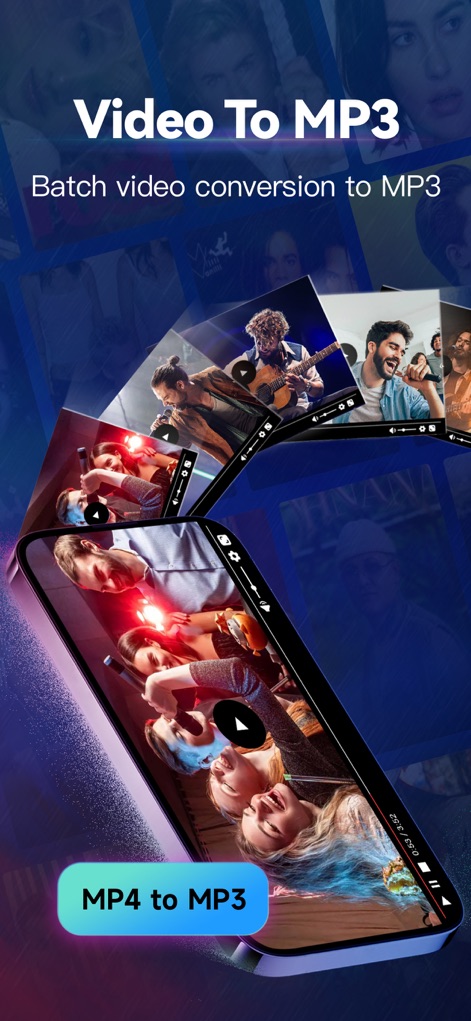
スマートフォンを斜めに配置したダイナミックな構成で、複数の動画ファイルからMP3への一括変換機能を視覚的に表現しており、変換ボタン「MP4 to MP3」が強調されています。
動画をMP3へ
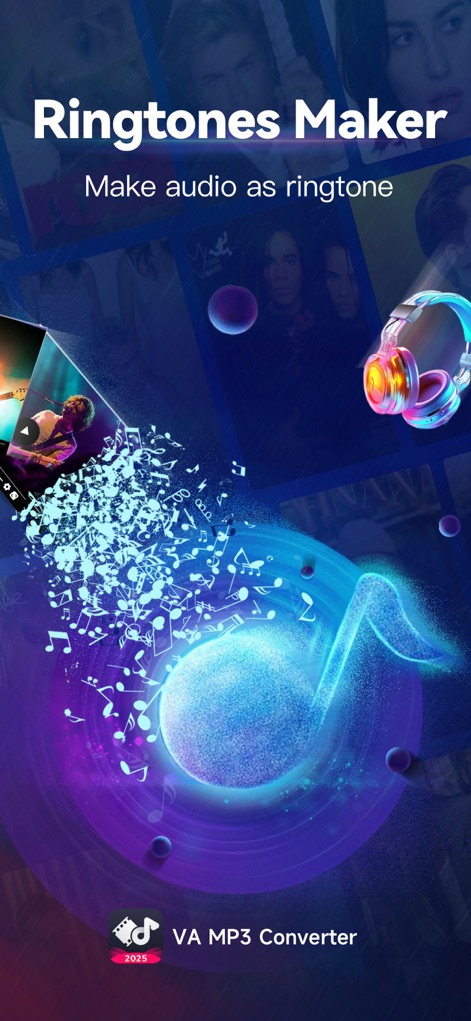
TikTokやInstagramのロゴが表示され、ソーシャルメディアの動画からオーディオを抽出し、魅力的な音符のアニメーションとともに着信音を作成できることが示されています。
着信音メーカー
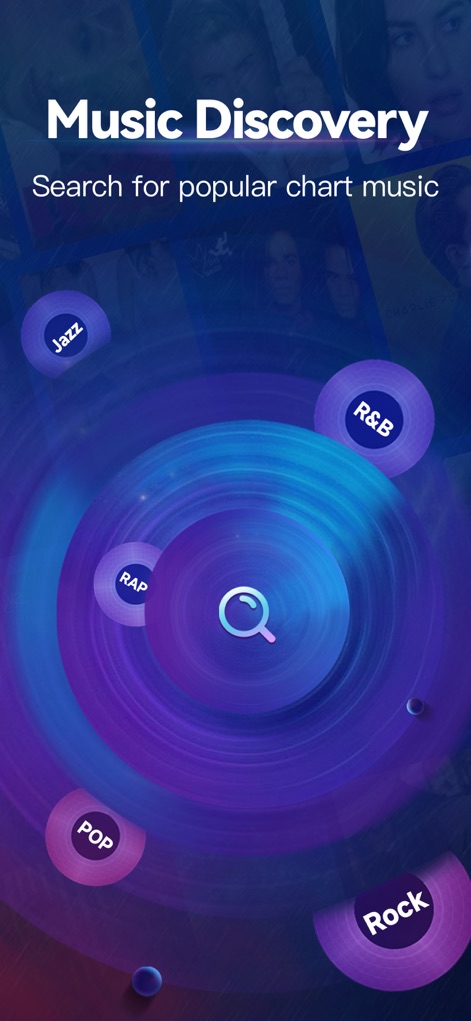
この画面では、JazzやRock、Popといったジャンル別に音楽を探索できる検索機能が中央の拡大鏡アイコンで示され、多様なジャンルの中から新しい音楽を発見できるユーザー体験が強調されています。
音楽を発見する
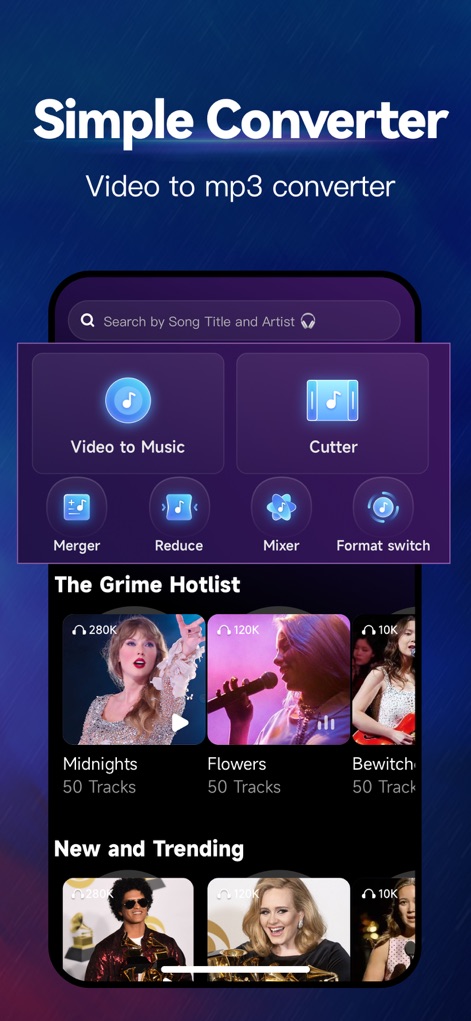
検索バー「Search by Song Title and Artist」と「Video to Music」「Cutter」などの主要機能ボタンが明確に配置され、ユーザーが曲名やアーティストで検索し、動画から音楽への変換やカットが簡単に実行できるインターフェースが特徴です。
簡単な変換ツール
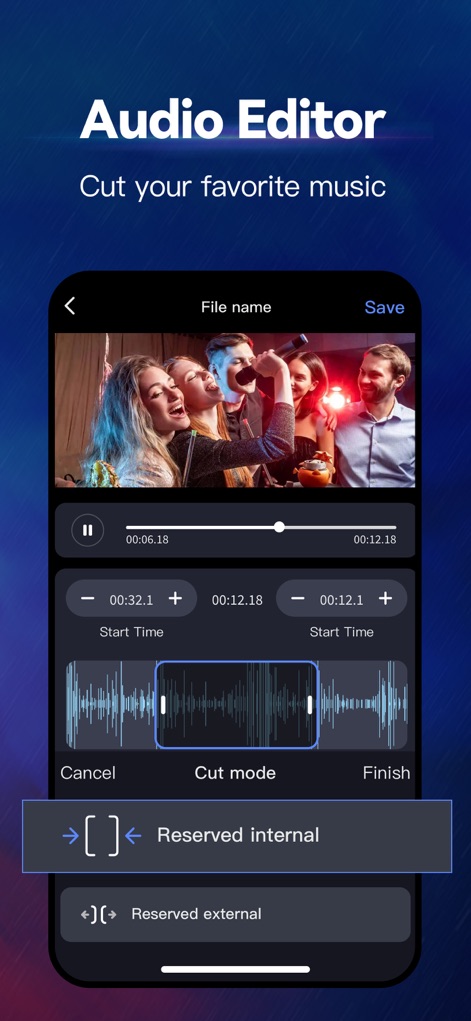
タイムライン上にオーディオ波形が表示され、トリミング範囲を視覚的に調整できる機能が強調されており、「Cut mode」と「Reserved internal/external」の選択肢によって、ユーザーは精密なオーディオ編集を行えます。
高機能オーディオ編集
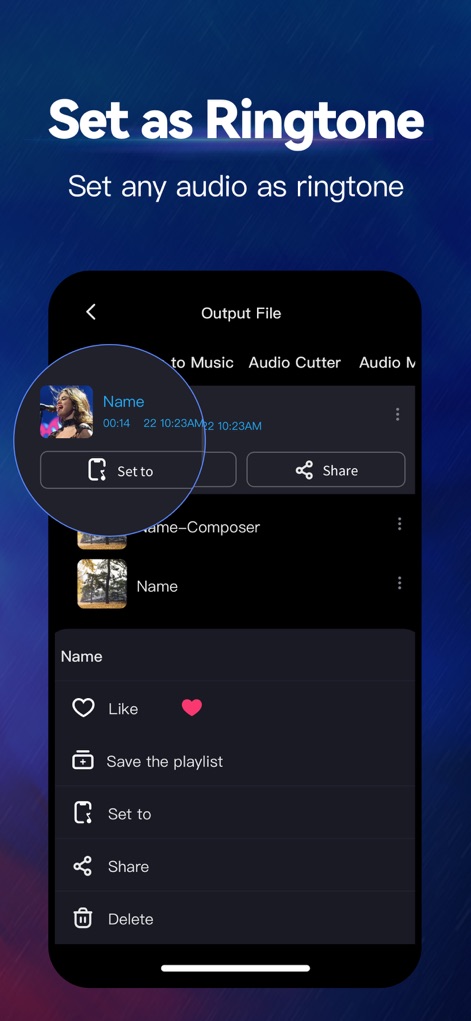
出力ファイルのリストが表示され、特定のオーディオファイルを簡単に着信音として設定できる「Set to」ボタンが円形でハイライトされており、ユーザーは作成したカスタムサウンドをすぐに活用できます。
着信音に設定
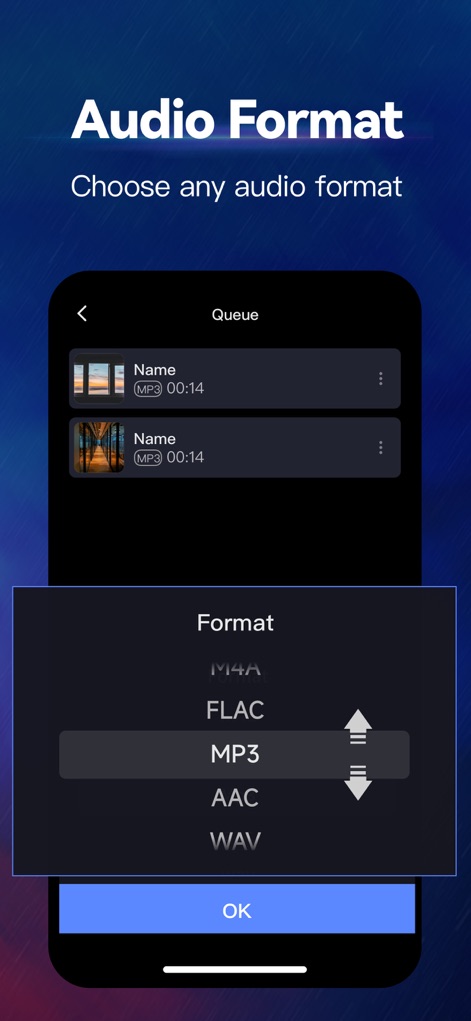
この画面では、M4A、FLAC、MP3、AAC、WAVなど、多様な出力オーディオフォーマットの選択肢が表示されており、ユーザーが自分のニーズに合わせて最適な形式を選べる自由度と、視覚的に強調された「MP3」形式の選択が示されています。
オーディオ形式選択
説明
Download
類似アプリ
似た機能とユーザー体験を持つアプリ

MP3 Converter -Audio Extractor
妍 岳

Audio Editor - Music Mixer
妍 岳

MP3 Converter: Video to Audio
Fitness Labs SRL

Audio Editor: MP3 Converter
ZHN Co., Ltd.

MP3 Converter - video2mp3
ZHN Co., Ltd.

EZAudioCut - Audio Editor Lite
龙刚 李

Audio Extractor-Audio Editing
正军 刘

Audio Editor & Music Mixer
Wuhan Net Power Technology Co., Ltd

Audio Converter&Ringtone Maker
俊鹏 位
このページはアプリまたはその開発者の公式ページではなく、情報提供および論評を目的として作成された独立した編集出版物です。明示的に別段の記載がない限り、アプリおよびその開発者は、MWM、Apple、Google Play、アプリのパブリッシャー、またはアプリの開発者と提携、承認、後援、認可、またはその他の公式的な関係はなく、このページのいかなる内容も、アプリがMWMのサービスを使用して開発されたことを意味するものではありません。すべての商標、ロゴ、スクリーンショット、その他のコンテンツはそれぞれの所有者の財産です。