
This page is not an official page of the app or its developer, but an independent editorial publication created for informational and commentary purposes. Unless expressly stated otherwise, neither the app nor its developer is affiliated with, endorsed by, sponsored by, authorized by, or otherwise officially connected with MWM, Apple, Google Play, the app publisher, or the app's developer, and nothing on this page implies that the app was developed using MWM's services. Any trademarks, logos, screenshots, and other content remain the property of their respective owners.


Muse Pro
Bridge the gap between manual artistry and generative power. Experience 120 fps precision brushes and GPT-4 driven AI generation, crafted exclusively for the iPad and Apple Pencil.
Downloads
0User Rating
Total Ratings
0Publisher
Category
Graphics & DesignLocales
1Latest Version
1.1.5Size
219.0 MBFirst Released
Mar 7, 2024Supercharge Your Creative Workflow
Muse Pro merges professional-grade digital painting with real-time AI, giving you the power to create, refine, and upscale high-definition art faster than ever on your iPad.
Real-Time AI Generation
Watch your brushstrokes evolve instantly at 30 fps. No waiting or queues—just pure creative flow as the AI responds to your every move.
Pro-Grade Precision
Experience lag-free 120 fps drawing with hundreds of custom brushes and an advanced layering system built specifically for the Apple Pencil.
The following screenshots and description are sourced directly from the app's official store listing and are the property of the app developer.
App Store
Screenshots
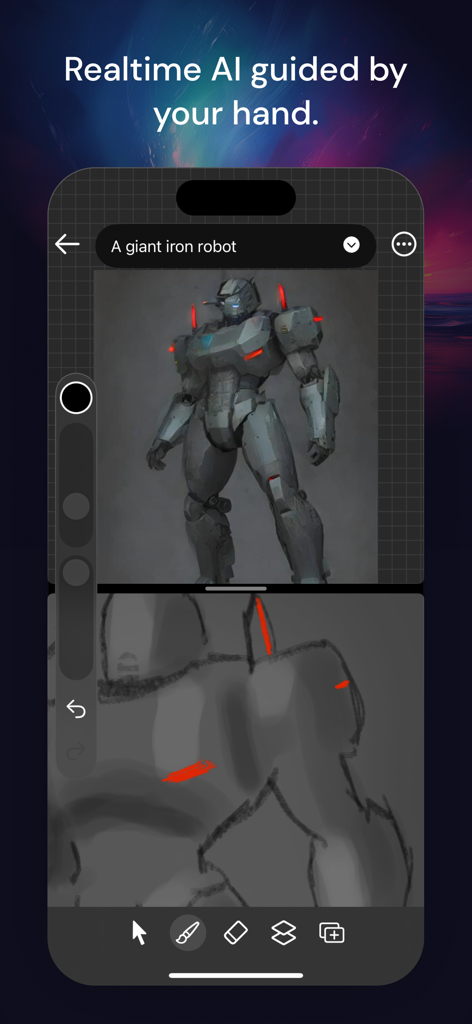
Muse Pro app interface showing real-time AI generation of a giant iron robot guided by a hand-drawn sketch.
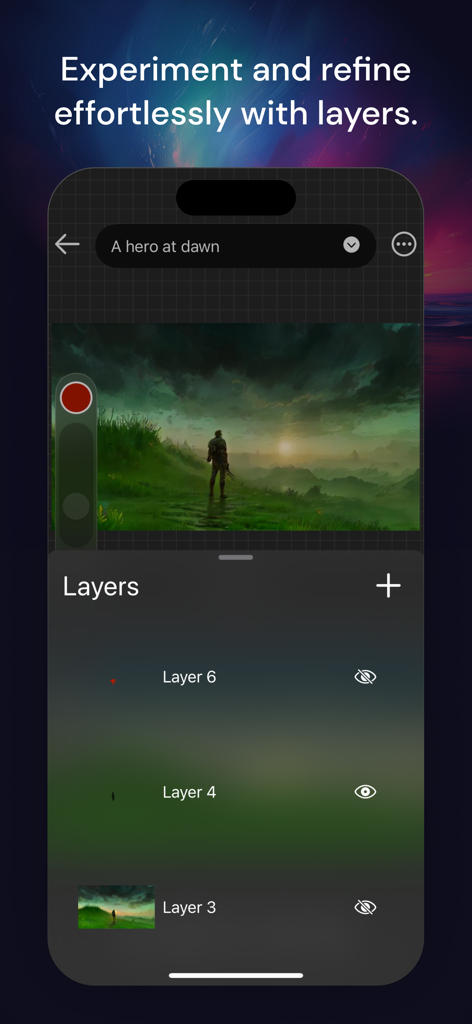
Muse Pro digital art app showing the layers management interface and an illustration of a hero at dawn.
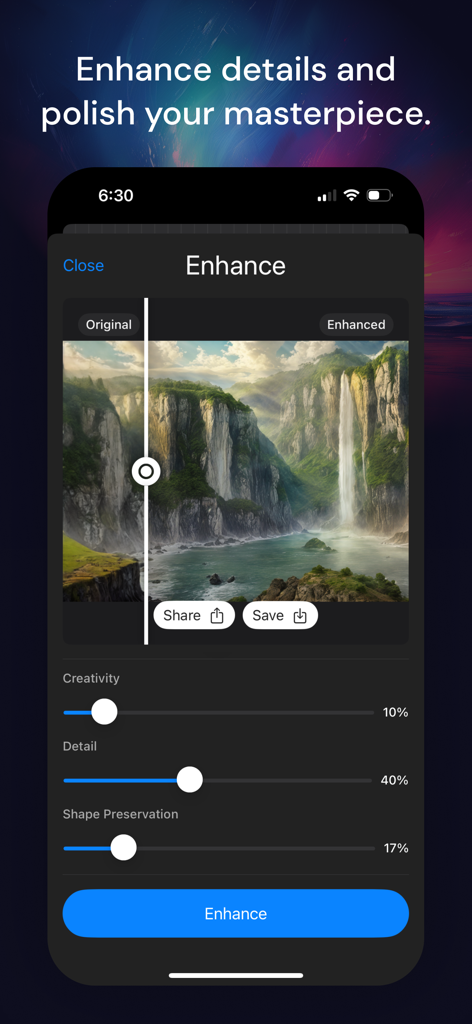
Muse Pro AI enhancement tool showing a before and after comparison of a landscape illustration.
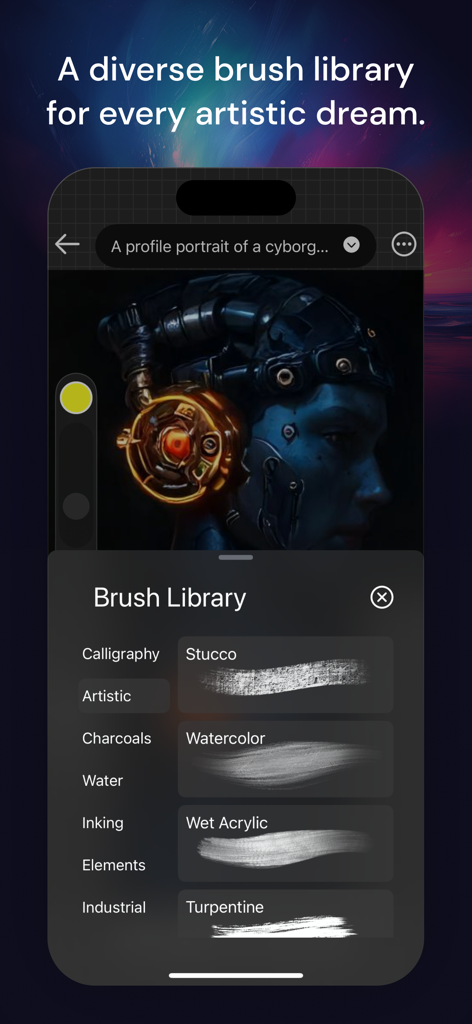
Muse Pro app brush library menu showing various artistic painting tools over a cyborg portrait
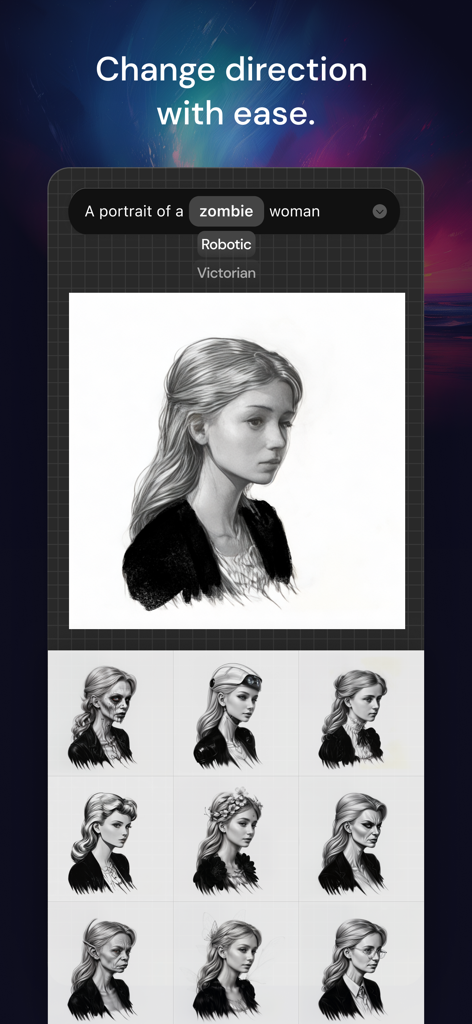
A interface of the Muse Pro app showing an AI-generated portrait of a woman with selectable prompt tags like zombie and robotic to change artistic styles.
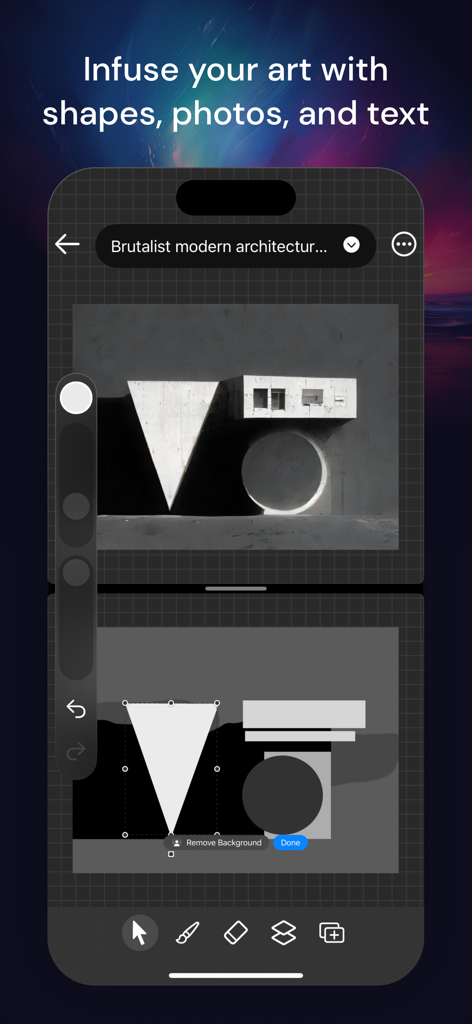
Muse Pro app interface displaying a brutalist architecture design created by converting geometric shapes into a realistic image using AI
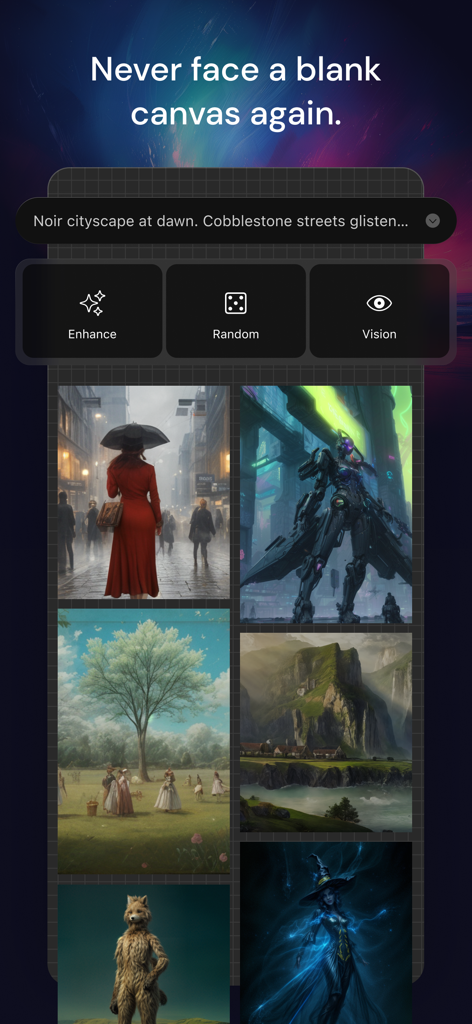
Muse Pro app interface showing AI art generation from text prompts and creative tools like Enhance and Vision
Description
Download
More Like This
Top-ranked apps in the same category

iScreen - Widgets & Wallpaper
Xiamen ShenZhuo Information Technology Co., Ltd.

Kling AI: AI Image&Video Maker
LOHAS GAMES PTE. LTD.

Home AI - AI Interior Design
HUBX YAZILIM HIZMETLERI ANONIM SIRKETI

ibis Paint X
ibis inc.

Themie: Wallpapers & Theme
BEE LAB JOINT STOCK COMPANY

Layout - Photo Collage Maker
Fitness Labs SRL

RoboNeo
Xiamen Meitu Technology Co., Ltd.

Themify - Widget & Icon Themes
AIBY Incorporated

Sketchbook®
Sketchbook, Inc.
This page is not an official page of the app or its developer, but an independent editorial publication created for informational and commentary purposes. Unless expressly stated otherwise, neither the app nor its developer is affiliated with, endorsed by, sponsored by, authorized by, or otherwise officially connected with MWM, Apple, Google Play, the app publisher, or the app's developer, and nothing on this page implies that the app was developed using MWM's services. Any trademarks, logos, screenshots, and other content remain the property of their respective owners.