Fully optimized for iPad Pro and Apple Pencil!
Notepad+ is pen and paper right on your iPad exactly when you need them. Take notes, draw, make sketches, annotate PDFs, create lists and memos, export your notes, and discover other great features. From now on you can be more productive than ever!
CREATE & ANNOTATE
- Take notes in lectures, seminars, business meetings, and conferences
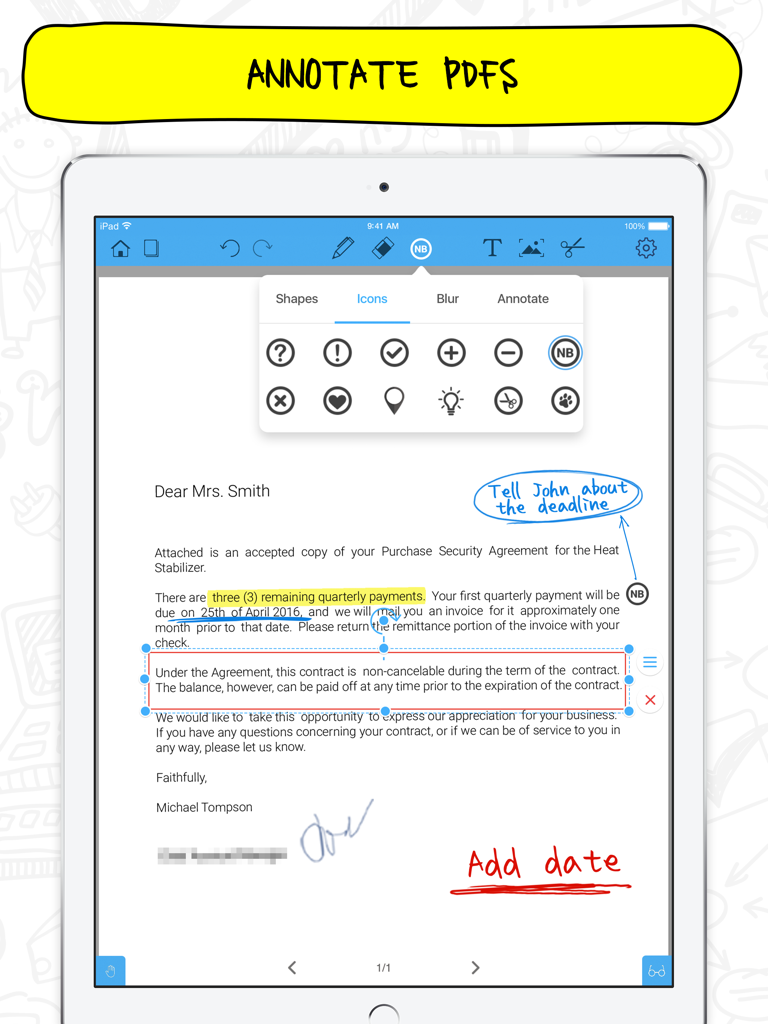
- Аnotate and edit files in various formats: PDF, Excel, Keynote, Numbers and more
- Organize notes on a virtual board
- Quickly assign a unique title to each note
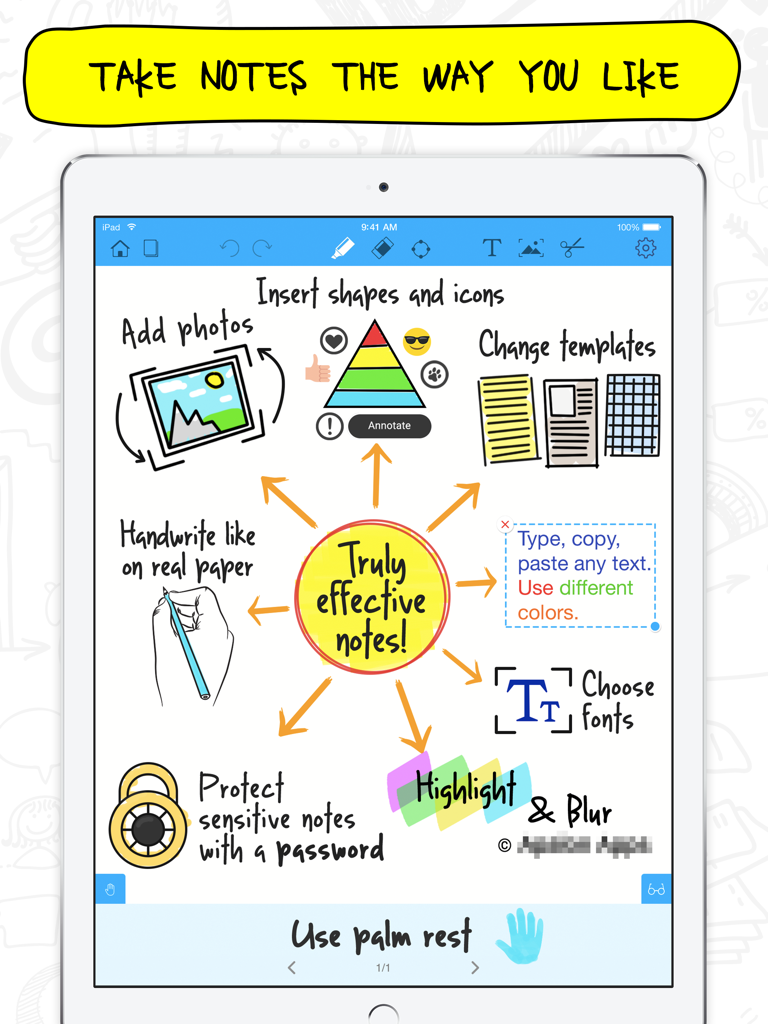
- Change the template of any note in seconds
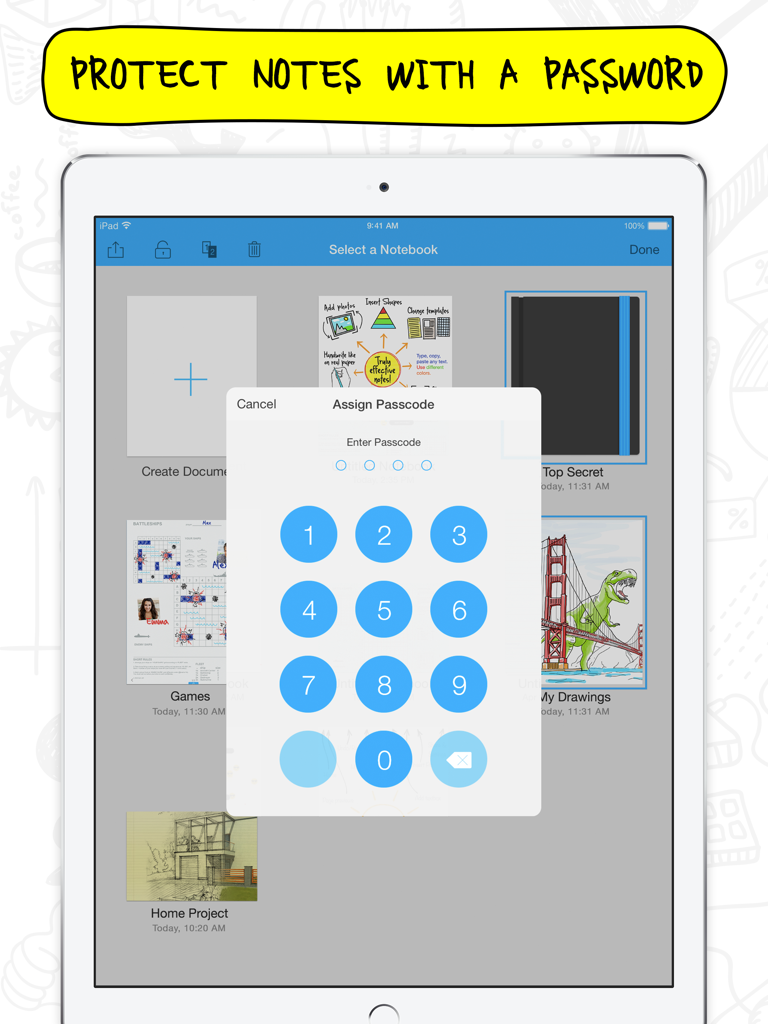
- Protect sensitive notes with a password
- Always pick up where you left off with the autosave feature
CUSTOMIZE & EDIT
- Move images easily from other apps using iOS 11 Drag and Drop
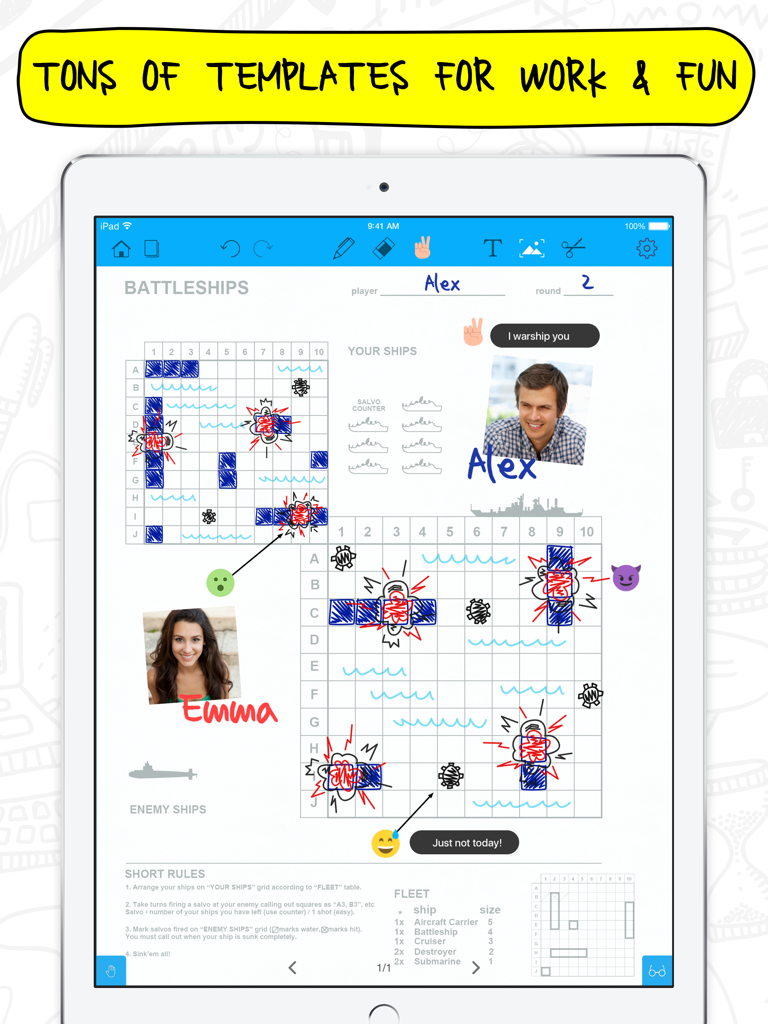
- Choose your template from 8 template galleries (Basic, Education, Lifestyle, Business, Sports, Games, Photo Frames, Music)
- Enjoy the editing options you're used to: easily cut, copy and paste any content
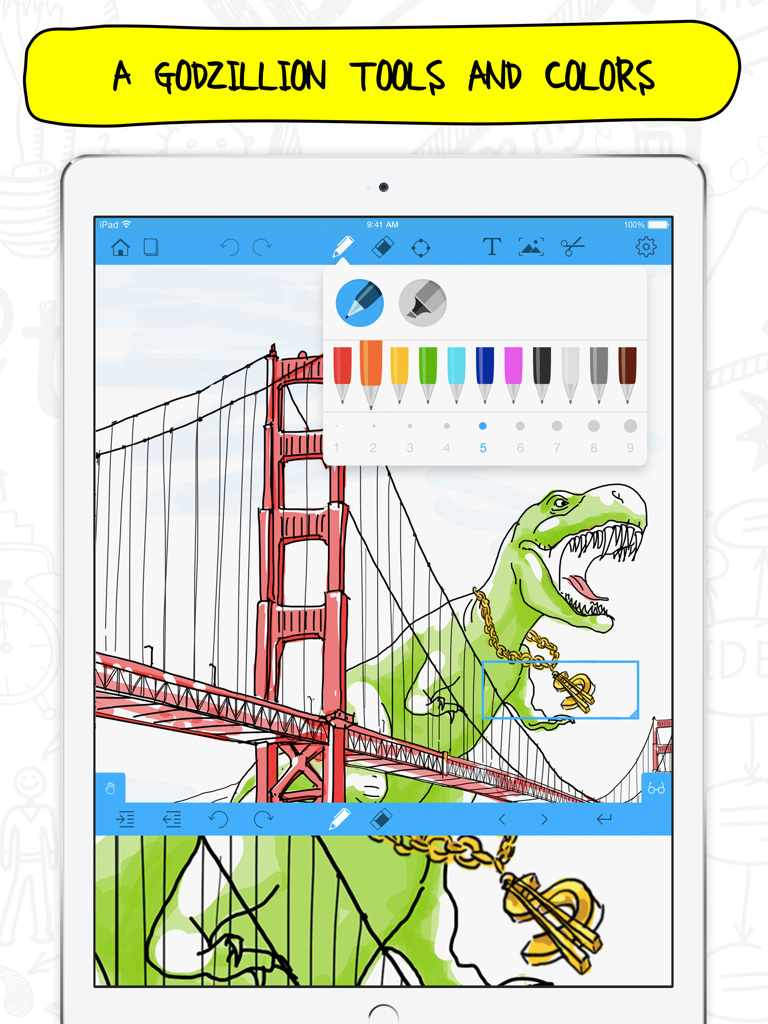
- Make the most of ink pens, highlighters and colors for true handwriting experience
- Enlarge parts on your screen to better see words and images with Magnification Tool
- Zoom in and out to pay attention to details while sketching or drawing
- Add photos to make your notes more visually appealing
- Use helpful Icons, funny smileys and add text next to them to make your notes more catchy and emotional
- Hide sensitive content with a single tap using Blur
- Reorganize your notes with a drag-and-drop gesture, sort them by date created or modified
- Use the iPad keyboard to type your notes
- Experience all the advantages of maximum portability when using Smart Keyboard for iPad Pro
- Use your finger or stylus when writing or drawing
- Use Apple Pencil to create sketches or take notes without accidental marks or blots applying palm rejection function
- Adjust the palm rest to prevent marks
- Photo extension: mark up images right in your iPad's Photos app, use pens and highlighters to add notes and captions easily.
- Create notes by importing and editing files in numerous formats: Excel (.xls), Keynote (.key), Numbers (.numbers), Pages (.pages), PDF (.pdf), Powerpoint (.ppt), Word (.doc), Rich Text Format (.rtf), Rich Text Format Directory (.rtfd), Keynote ’09 (.key), Numbers ‘09 (.numbers), Pages ‘09 (.pages)
EXPORT & SHARE
- Share a page or the whole notebook
- Select a format (PDF or image) for better manageability
- Email, print, save to Photos or iTunes
- Use the Quick Search to find important notes in an instance
GET 24/7 SUPPORT
- Ask questions about the app and get immediate help with managing your notes - just contact us at support@apalon.com
Notepad+ gives you the best of a digital notebook, all in one place.
AdChoices: http://www.apalon.com/privacy_policy.html#4
For complete access to all Notepad+ features, you will need to allow access to the following:
*Photos – so you can import your snapshots, mark them up, and save them.
*Camera – so you can take photos and edit them within the app.
*Contacts – so you can add them to documents and email your notes.