
このページはアプリまたはその開発者の公式ページではなく、情報提供および論評を目的として作成された独立した編集出版物です。明示的に別段の記載がない限り、アプリおよびその開発者は、MWM、Apple、Google Play、アプリのパブリッシャー、またはアプリの開発者と提携、承認、後援、認可、またはその他の公式的な関係はなく、このページのいかなる内容も、アプリがMWMのサービスを使用して開発されたことを意味するものではありません。すべての商標、ロゴ、スクリーンショット、その他のコンテンツはそれぞれの所有者の財産です。

Office Suite-Word, Sheets, PPT
学生やプロフェッショナル向けの究極の360°生産性ツール。iPhoneやiPadで、ドキュメント、スプレッドシート、プレゼンテーションを簡単に作成、編集、スキャンできます。
ダウンロード
172K+ユーザー評価
評価数
100開発元
カテゴリ
Productivity対応言語
19最新バージョン
1.0.23サイズ
213.0 MBリリース日
2023年3月30日どこでもワークフローをマスター
俊敏なプロフェッショナルや学生向けの完全なモバイルオフィス。強力で統一された1つのアプリから、ドキュメント、スプレッドシート、プレゼンテーションをシームレスに作成、編集、共有できます。
1つのアプリ、制限なし
Word、Sheets、PPT用の統合スイートで、アプリ疲れを解消しましょう。アプリを切り替えることなく、1つの高性能ワークスペースですべての重要なプロジェクトを管理できます。
瞬時にスキャン&変換
カメラを使って手書きのメモや契約書をデジタル化し、数秒でプロフェッショナルなPDFファイルに変換できます。外出中のペーパーレス プロフェッショナルに最適です。
よくある質問
について知っておくべきこと Office Suite-Word, Sheets, PPT
Office Suite-Word, Sheets, PPTとは何ですか?
Office Suite-Word, Sheets, PPTは、iPhoneおよびiPad向けの包括的な生産性向上アプリで、ドキュメント、スプレッドシート、プレゼンテーションの作成と編集に必要なツールを組み合わせています。使いやすいインターフェースを提供します。
iPhoneでOffice Suite-Word, Sheets, PPTを使ってドキュメントを編集できますか?
はい、Office Suite-Word, Sheets, PPTを使用すると、iPhoneおよびiPadでドキュメント、スプレッドシート、プレゼンテーションを作成および編集できます。さまざまな編集タスクに対応する包括的なワードプロセッサが含まれています。
Office Suite-Word, Sheets, PPTにはPDFコンバーターが含まれていますか?
はい、Office Suite-Word, Sheets, PPTにはPDFコンバーターが含まれています。この機能により、ユーザーはドキュメント、スプレッドシート、プレゼンテーションをPDF形式に変換して、一貫した共有が可能です。
Office Suite-Word, Sheets, PPTアプリでドキュメントをスキャンするにはどうすればよいですか?
Office Suite-Word, Sheets, PPTにはドキュメントスキャナー機能が搭載されています。ユーザーはiPhoneまたはiPadのカメラを使用してドキュメントをスキャンし、PDFまたは画像ファイルとして保存できます。
Office Suite-Word, Sheets, PPTアプリではどのような種類のファイルを管理できますか?
Office Suite-Word, Sheets, PPTアプリでは、Wordドキュメント(DOCX)、Excelスプレッドシート(XLSX)、PowerPointプレゼンテーション(PPT)、PDFファイルを、作成、編集、管理できます。画像ファイルも扱えます。
Office Suite-Word, Sheets, PPTはサブスクリプションベースのアプリですか?
はい、Office Suite-Word, Sheets, PPTはサブスクリプションモデルで運営されています。現在の期間が終了する少なくとも24時間前にキャンセルされない限り、サブスクリプションは自動的に更新されます。
Office Suite-Word, Sheets, PPTのサブスクリプションを管理するにはどうすればよいですか?
ユーザーは、購入後にApp Storeの「アカウント設定」でOffice Suite-Word, Sheets, PPTのサブスクリプションを管理できます。これにより、自動更新を制御できます。
Office Suite-Word, Sheets, PPTでスプレッドシートにグラフや図を作成できますか?
はい、Office Suite-Word, Sheets, PPTのスプレッドシートエディタには、グラフや図を作成する機能が備わっています。これにより、データを視覚化し、スプレッドシートのプレゼンテーション能力を高めることができます。
Office Suite-Word, Sheets, PPTはプレゼンテーション編集機能を提供していますか?
はい、Office Suite-Word, Sheets, PPTにはプレゼンテーションビルダーが含まれています。ユーザーはスライドに画像、動画、アニメーション、スピーカーノートを追加して、魅力的なプレゼンテーションを作成できます。
Office Suite-Word, Sheets, PPTのプライバシーポリシーはどこで見つけられますか?
Office Suite-Word, Sheets, PPTのプライバシーポリシーは、https://blog.a1apps.co/privacy-policy-a1office-suite-word-sheets-ppt/ でご覧いただけます。このリンクには、データ処理に関する詳細情報が記載されています。
以下のスクリーンショットと説明は、アプリの公式ストアリスティングから直接取得されたものであり、アプリ開発者の所有物です。
アプリストア
スクリーンショット
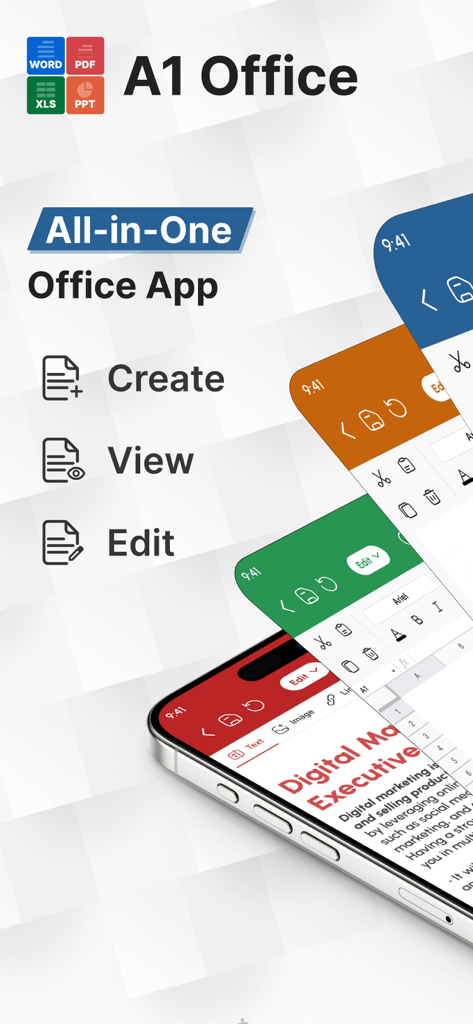
A1 Officeモバイルアプリ、Word、Sheets、PPTの作成ビューと編集機能を表示
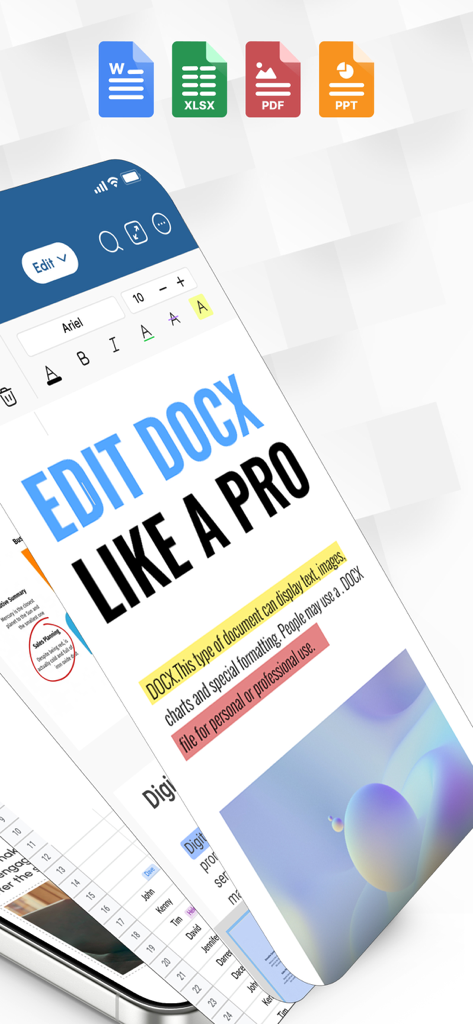
Word、Excel、PDF、PowerPointのアイコンが表示されたWordドキュメント編集インターフェースを表示するスマートフォン
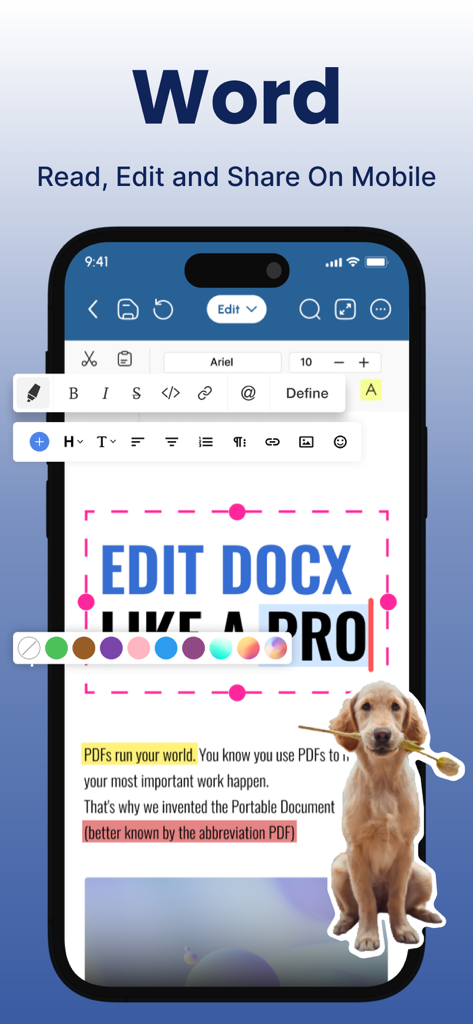
テキストフォーマットツールを表示するモバイルデバイス上のWordドキュメントエディタインターフェース
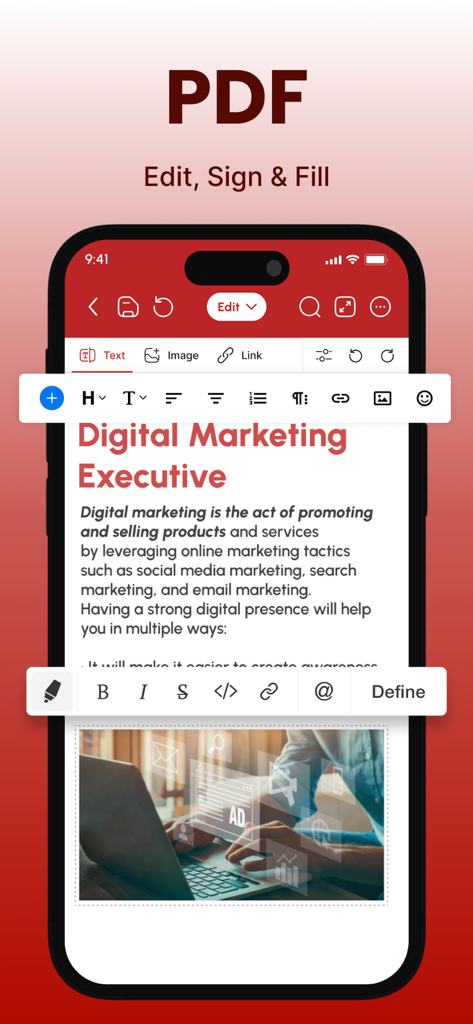
Office Suiteアプリ内のテキストおよび画像修正ツールを備えたPDF編集インターフェースを表示するiPhone画面
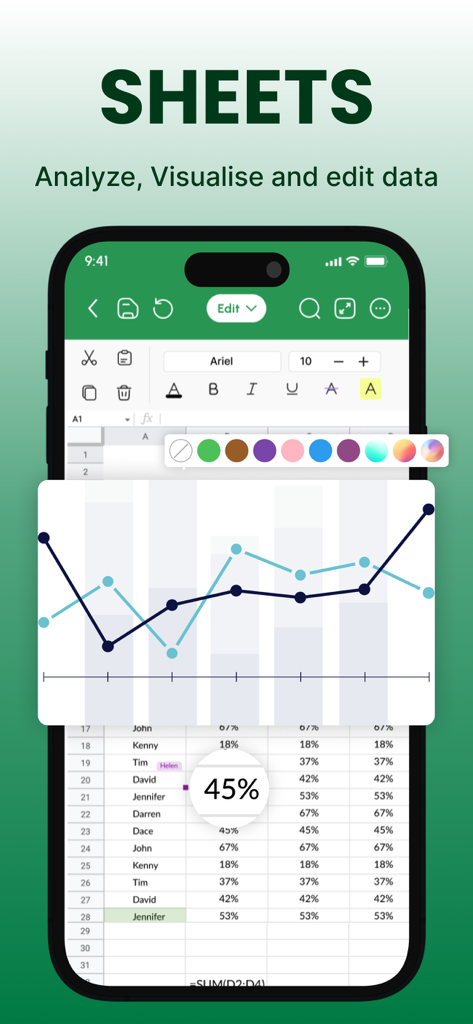
データ視覚化と折れ線グラフを表示するモバイルスプレッドシートエディタ
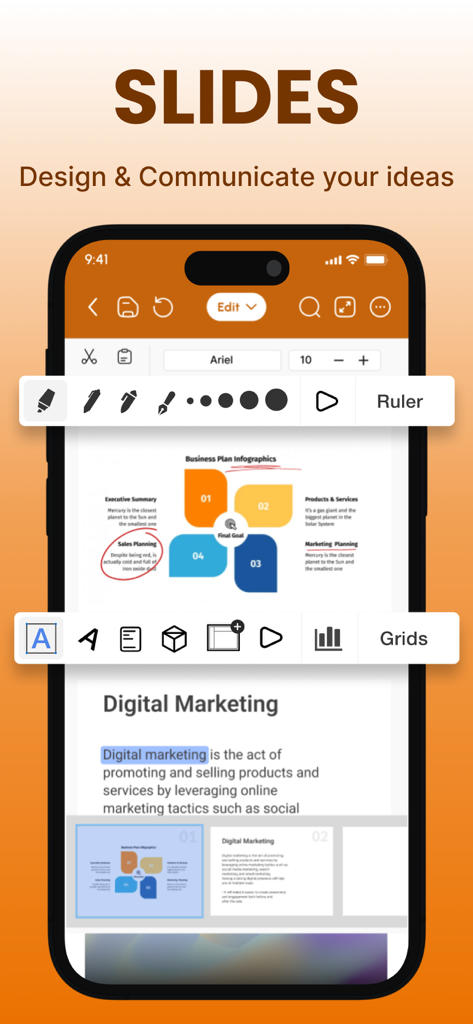
ビジネスプランのインフォグラフィックを表示するプレゼンテーションスライドエディタのモバイルインターフェース
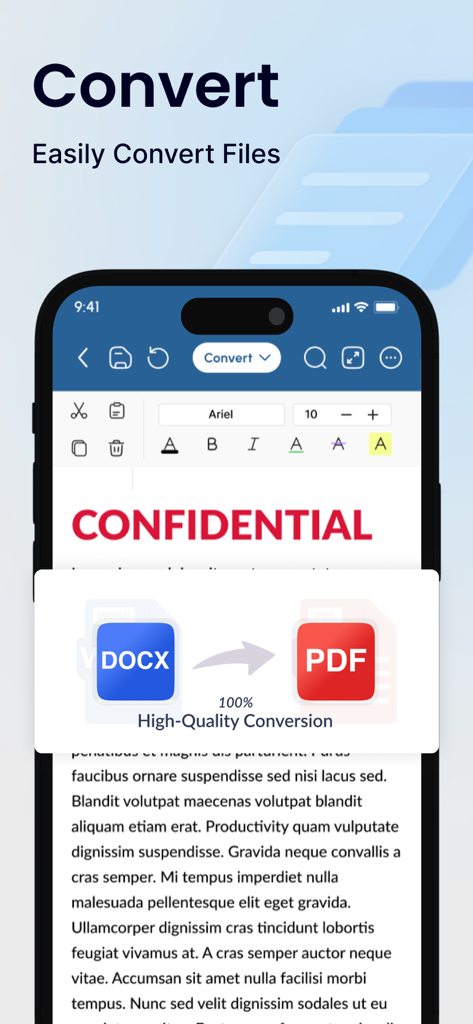
高品質なDOCXからPDFへの変換を示すモバイルオフィススイートインターフェース
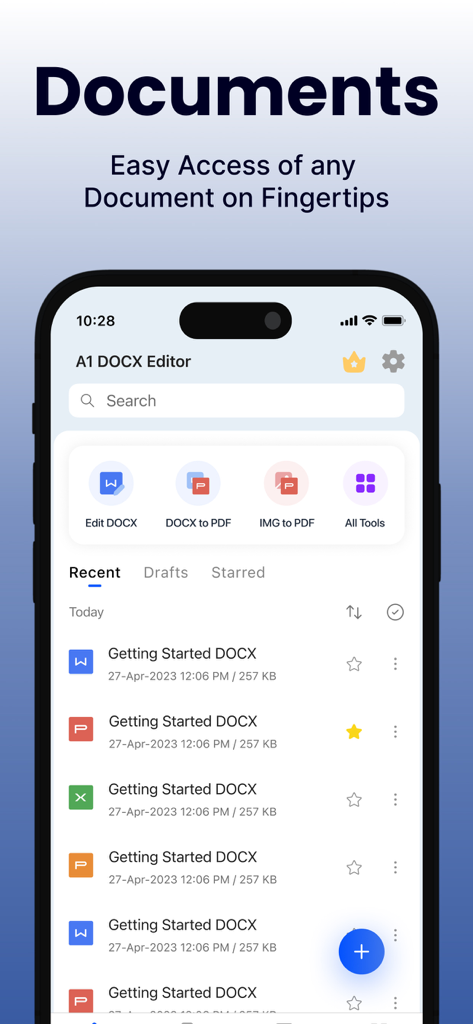
ファイル編集および変換ツールを備えたOffice Suiteアプリのドキュメントダッシュボードを表示するスマートフォン画面
説明
Download
類似アプリ
似た機能とユーザー体験を持つアプリ

PDF PRO Scan Image & Documents
Balzo srl

The PDF Scanner, PDF editor HQ
NEXT K.U.M. LTD

CamScanner - PDF Scanner App
INTSIG Information Co., Ltd

Adobe Scan: PDF & OCR Scanner
Adobe Inc.

WPS Office: PDF, Docs, Sheets
KINGSOFT OFFICE SOFTWARE CORPORATION LIMITED

iLovePDF - PDF Editor & Scan
ILOVEPDF S.L.

Scanner App: Genius Scan
The Grizzly Labs

Microsoft Lens: PDF Scanner
Microsoft Corporation

Clear Scan: Doc Scanner App
INDY MOBILE APP COMPANY LIMITED
このページはアプリまたはその開発者の公式ページではなく、情報提供および論評を目的として作成された独立した編集出版物です。明示的に別段の記載がない限り、アプリおよびその開発者は、MWM、Apple、Google Play、アプリのパブリッシャー、またはアプリの開発者と提携、承認、後援、認可、またはその他の公式的な関係はなく、このページのいかなる内容も、アプリがMWMのサービスを使用して開発されたことを意味するものではありません。すべての商標、ロゴ、スクリーンショット、その他のコンテンツはそれぞれの所有者の財産です。