Opus One: Digital Planner
ダウンロード: App Store

このページはアプリまたはその開発者の公式ページではなく、情報提供および論評を目的として作成された独立した編集出版物です。明示的に別段の記載がない限り、アプリおよびその開発者は、MWM、Apple、Google Play、アプリのパブリッシャー、またはアプリの開発者と提携、承認、後援、認可、またはその他の公式的な関係はなく、このページのいかなる内容も、アプリがMWMのサービスを使用して開発されたことを意味するものではありません。すべての商標、ロゴ、スクリーンショット、その他のコンテンツはそれぞれの所有者の財産です。

ロゴ: Opus One: Digital Planner
ダウンロード: App Store

Opus One: Digital Planner

Appleエコシステムのために設計された洗練されたデジタルプランナー。クラシックな紙のような整理術とモダンな生産性ツールを組み合わせた構造化されたワークスペースを使用して、日々のタスクを長期的な目標と連携させます。

主要数値

ダウンロード

100K+

ユーザー評価

4.5/5

評価数

900

開発元

PISO 13, Inc.

カテゴリ

Productivity

対応言語

4

最新バージョン

2.8.4

サイズ

231.3 MB

リリース日

2016年9月14日
機能

タスクだけでなく、人生をマスターする

Opus Oneは、クラシックな紙のプランニングとモダンなデジタル効率のギャップを埋め、ミッションに専念する高成果者のためのプロフェッショナルなコマンドセンターを提供します。

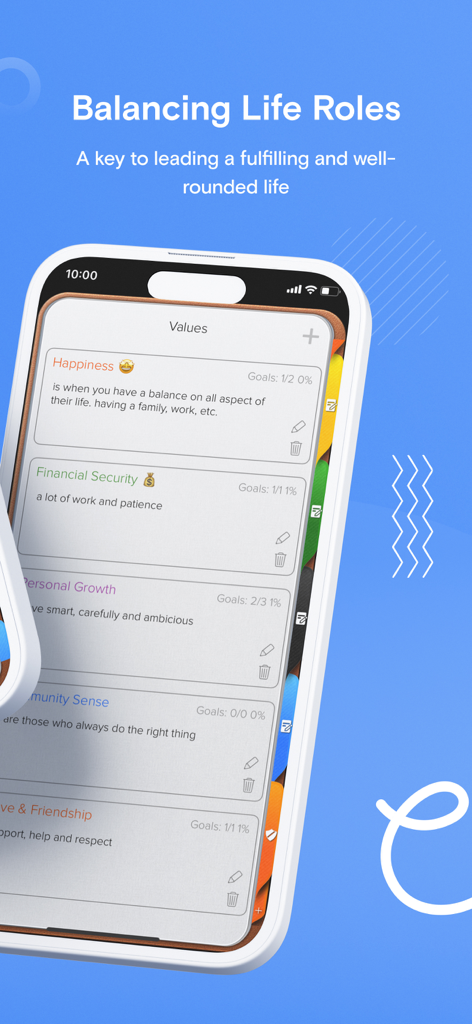
バリュー主導の生産性

単純なToDoリストを超えましょう。日々のスケジュールをコアバリューと長期目標と連携させて、すべての行動が人生の使命をサポートするようにします。

シームレスなApple連携

iPhone、iPad、Mac、Watch全体で統合されたワークフローを体験してください。パワーユーザー向けに設計された強力なウィジェットとSiri連携で、コントロールを維持しましょう。

以下のスクリーンショットと説明は、アプリの公式ストアリスティングから直接取得されたものであり、アプリ開発者の所有物です。

アプリストア

スクリーンショット
Opus One: Digital Planner -

Opus One: Digital Planner -

Opus One: Digital Planner -

Opus One: Digital Planner -

Opus One: Digital Planner -

Opus One: Digital Planner -

説明

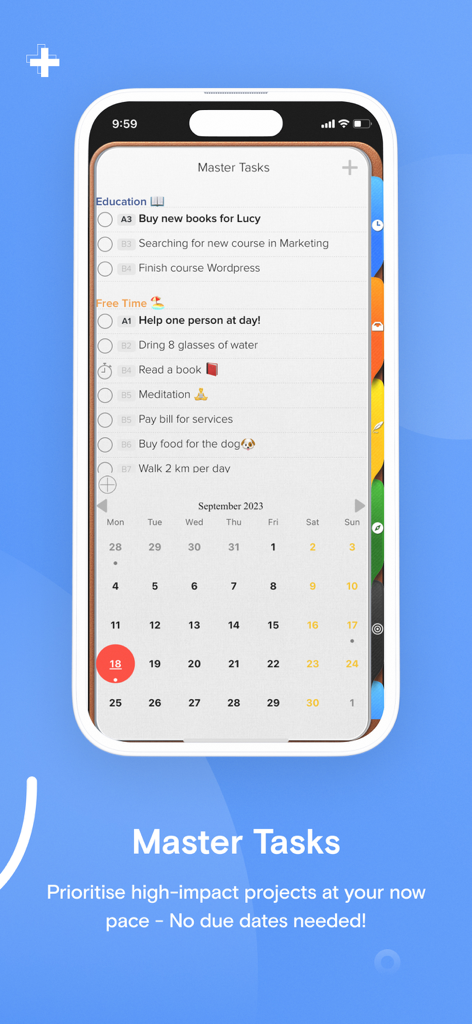
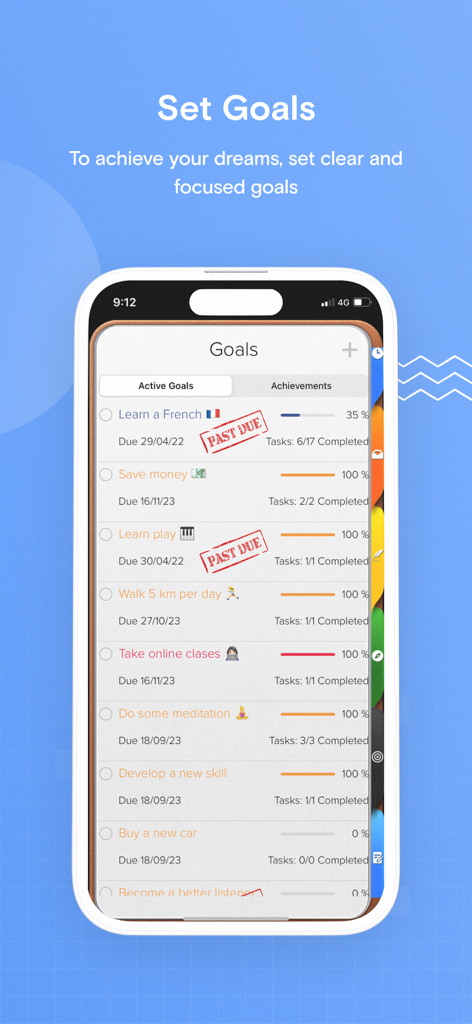
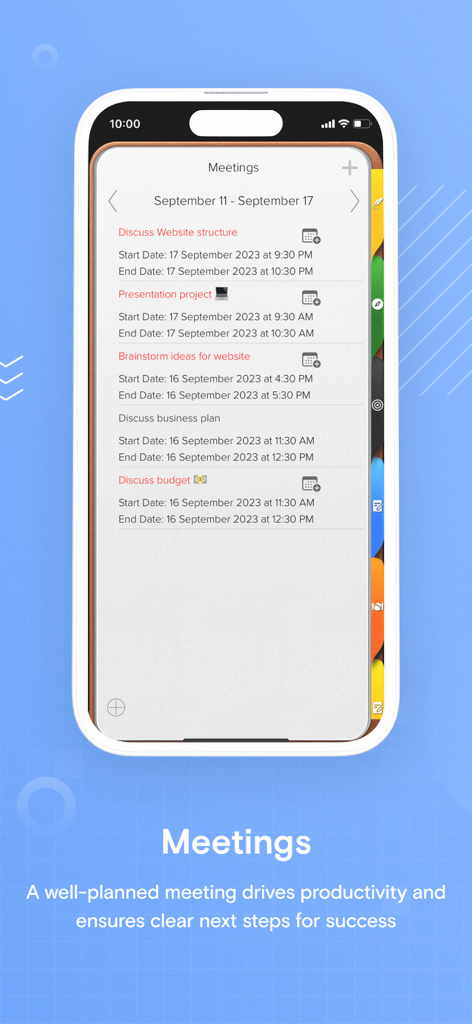
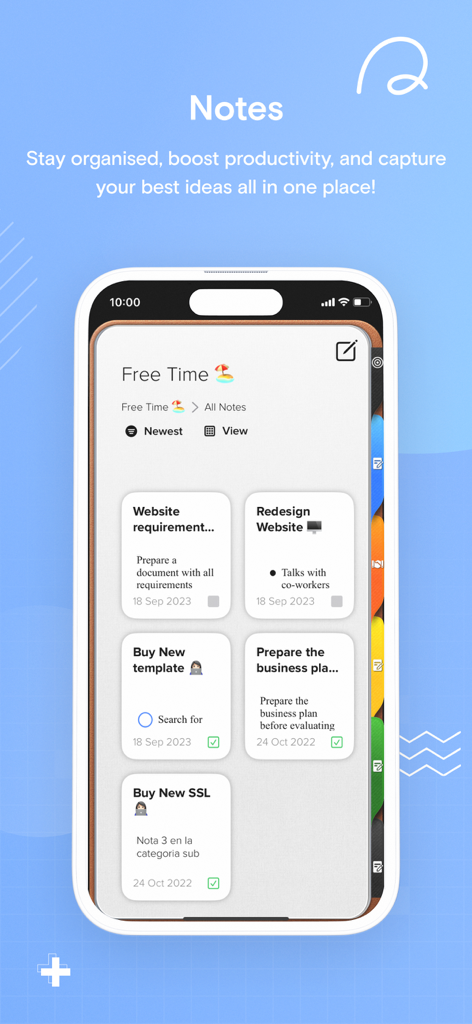
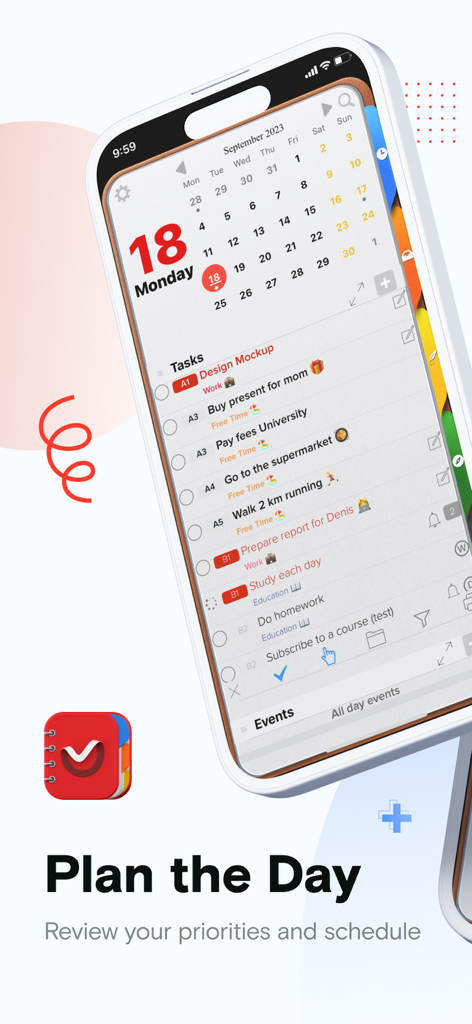
An effective to do manager. Use our Master Task section to get everything off your mind, easily glance at your day or week on the Planner, move from the list to the schedule. Finally drag and drop to reorder, prioritize or reschedule tasks & events. Our powerful tools include: 1. Daily Task lists with status, priority and notes 2. Daily Schedule and Event integration with Calendar 3. Daily Notes with Motivational Quotes and the ability to include text and maps. 4. Master Task list with side Planner Views. 5. Task Alarms synced through out devices. 6. New Daily Notes section that allow you to change font, size and color for a specific text, phrase or paragraph. 7. Daily Quotes Widgets. 8. New Widgets for Daily Tasks and events at a glance, Mission statement, Values & Principles. 9. Planner Themes. 10. The new notes section will allow you to change font at any point in the note, Change font size up or down and Change font color. 11. Meeting Planner section The Universal Subscription includes: 1. Cloud synchronization across other iOS Devices and MacOS. 2. Weather Information including Current Weather, 10 Day Weather forecast with automatic city location. 3. Images, PDF's, checklists, maps & audio notes. 4. Sketch drawing canvas optimized for Apple Pencil 5. Color Coded Categories 6. Repeating Rules with advanced customization 7. Goals. 8. Add tasks using Siri. 9. Planner Themes. 10. The new notes section will allow you to change font at any point in the note, Change font size up or down and Change font color. Our auto renewable Universal Subscription is available on a Yearly or Monthly basis. One subscription will give you access to Opus One for iOS devices (iPhone and iPad) and MacOS Information About our Universal Subscription: - Payment will be charged to iTunes Account at confirmation of purchase - Subscription automatically renews unless auto-renew is turned off at least 24-hours before the end of the current period - Account will be charged for renewal within 24-hours prior to the end of the current period, and identify the cost of the renewal - Subscriptions may be managed by the user and auto-renewal may be turned off by going to the user's Account Settings after purchase - No cancellation of the current subscription is allowed during active subscription period - One subscription is valid for all Apple devices (iPhone, iPad and Mac) that have the same iCloud account. Privacy Policy: https://piso13.com/privacy-policy-2/ Terms of Service: https://piso13.com/terms-of-service/

Download

ダウンロード: App Store

このページはアプリまたはその開発者の公式ページではなく、情報提供および論評を目的として作成された独立した編集出版物です。明示的に別段の記載がない限り、アプリおよびその開発者は、MWM、Apple、Google Play、アプリのパブリッシャー、またはアプリの開発者と提携、承認、後援、認可、またはその他の公式的な関係はなく、このページのいかなる内容も、アプリがMWMのサービスを使用して開発されたことを意味するものではありません。すべての商標、ロゴ、スクリーンショット、その他のコンテンツはそれぞれの所有者の財産です。