PDF App: Convert, Create, Sign

PDF App: Convert, Create, Sign

ダウンロード: App Store
ロゴ: PDF App: Convert, Create, Sign

PDF App: 変換、作成、署名 — オールインワンのプロフェッショナルモバイルオフィス

外出先でドキュメントを最速で作成、編集、署名できます。現代の機敏なプロフェッショナルのために設計された強力なツールでワークフローを効率化しましょう。

ダウンロード: App Store

開発元

Minimodev Technologies LTD

カテゴリ

Productivity

ダウンロード

57K+

ユーザー評価

4.7/5

評価数

800

対応言語

1

効率を一目で確認

このインターフェースを利用する 57K+ 人のユーザー.

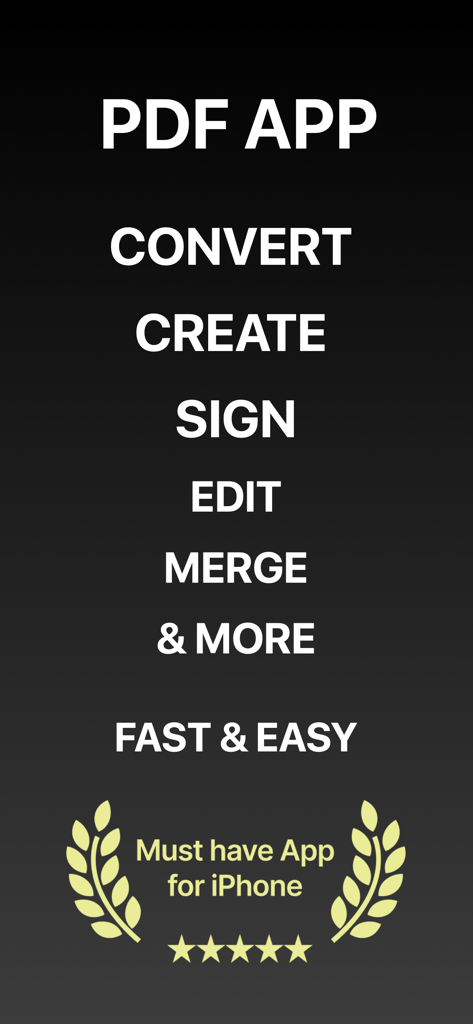
PDF Appのスクリーンショットで、変換、作成、署名、編集、マージなどの機能と、iPhoneの5つ星評価が表示されています
PDF Appのスクリーンショットで、変換、作成、署名、編集、マージなどの機能と、iPhoneの5つ星評価が表示されています

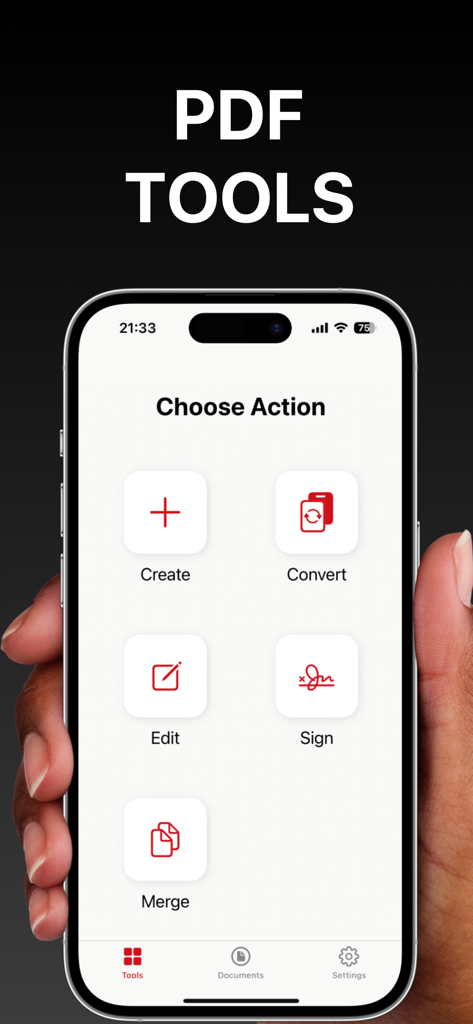
PDF Appのメインダッシュボードを表示するiPhone画面。作成、変換、編集、署名、ドキュメントのマージなどのオプションがあります
PDF Appのメインダッシュボードを表示するiPhone画面。作成、変換、編集、署名、ドキュメントのマージなどのオプションがあります

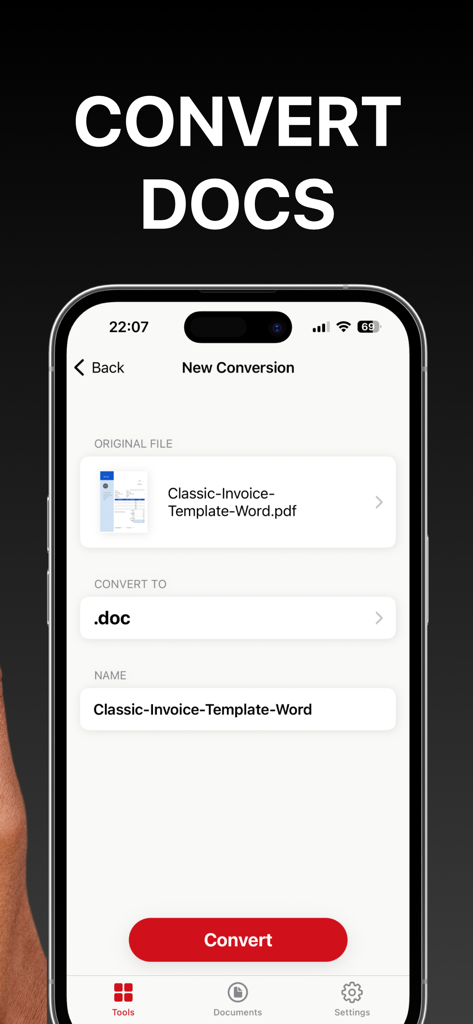
PDFドキュメントをWordファイルに変換するためのモバイルアプリインターフェース
PDFドキュメントをWordファイルに変換するためのモバイルアプリインターフェース

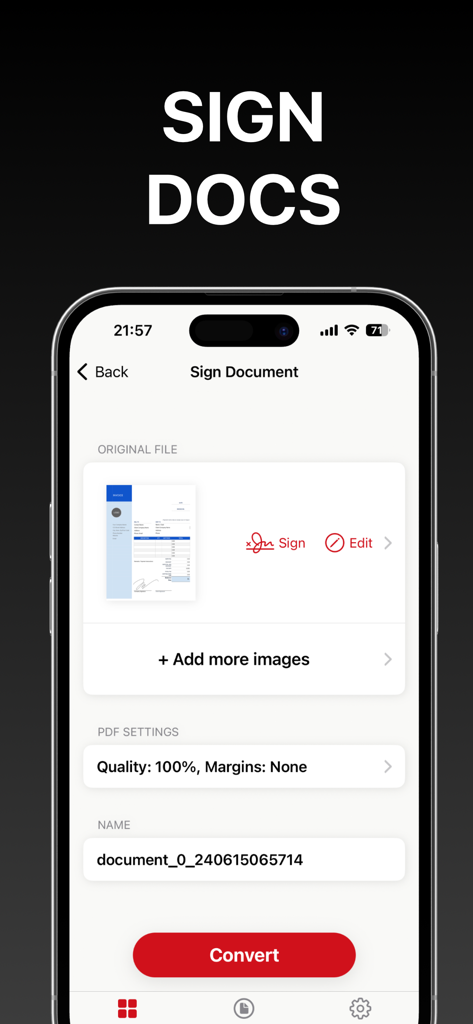
iPhoneでPDFドキュメントに署名および変換するためのモバイルインターフェース
iPhoneでPDFドキュメントに署名および変換するためのモバイルインターフェース

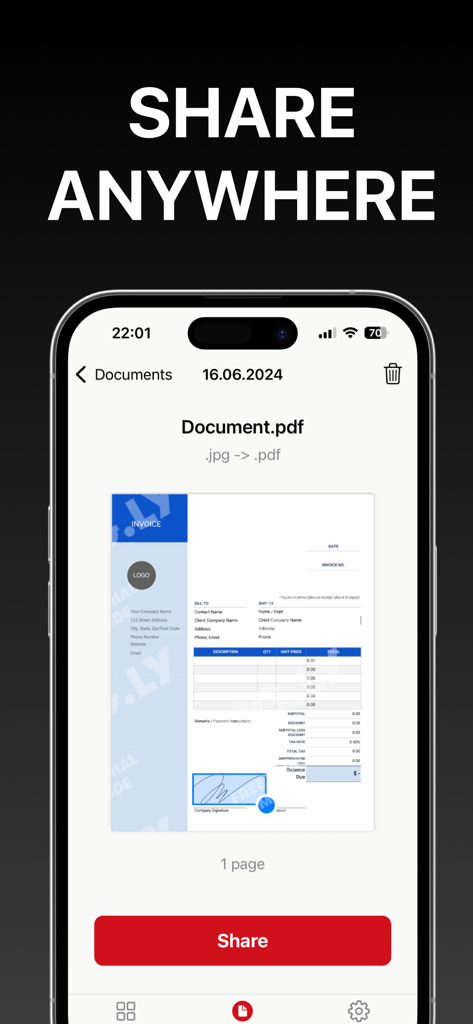
iPhoneのPDF Appのインターフェース。ドキュメントプレビューと、簡単なドキュメントエクスポートのための目立つ赤い共有ボタンが表示されています。

iPhoneのPDF Appのインターフェース。ドキュメントプレビューと、簡単なドキュメントエクスポートのための目立つ赤い共有ボタンが表示されています。

外出先でのワークフローをマスターする

このアプリを際立たせるツール、 57K+ 人のユーザーが選択.

✍️

インスタントデジタル署名

契約書や法的文書に数秒で署名できます。署名を一度作成すれば、どこにでも適用でき、プリンターなしで迅速に取引を完了できます。

🔄

多用途なファイル変換

画像、Word文書、スプレッドシートをプロフェッショナルなPDFに即座に変換できます。あらゆるドキュメントの写真を撮り、その場で高品質なファイルに変換できます。

📑

シームレスなドキュメント管理

複数のファイルを1つの整理されたPDFにマージし、コンテンツを簡単に編集できます。クライアントやチームにエクスポートする前に、レポートや領収書を完全に統合します。

アプリについて

について知っておくべきこと PDF App: Convert, Create, Sign.

説明

Introducing PDF App: Convert, Create, Sign – your all-in-one solution for seamless PDF management. Elevate your productivity with our powerful and intuitive tool. - Create PDFs with Ease: Effortlessly create professional PDF documents using pre-installed layouts. Import images from your gallery or snap new photos directly within the app. Customize and format your documents to perfection. - Convert with Versatility: Transform various file formats into PDF and vice versa. Whether it's a Word document, an image, or a spreadsheet, convert it to PDF with just a few taps. - Sign Documents Quickly: Create your signature and place it on any document with ease. Simplify your workflow and ensure your documents are signed and ready. - Edit Existing PDFs: Make corrections and updates to your existing PDF files with our easy-to-use editing tools. - Combine Documents: Merge multiple PDF files into a single document. Organize and consolidate your files for better management and accessibility. - Export Effortlessly: Export your PDFs quickly and efficiently. Share your documents via email, cloud services, or other applications directly from the app. Transform your PDF experience with PDF App: Convert, Create, Sign – the ultimate tool for creating, converting, signing, editing, and exporting PDFs. Download now and unlock the full potential of your documents! Information about the auto-renewal of subscription: - Payment will be charged to iTunes Account at confirmation of purchase; – Subscriptions are billed weekly, monthly, quarterly, or annually at the rate based on the subscription plan - Subscription automatically renews unless auto-renew is turned off at least 24 hours before the end of the current period; - The account will be charged for renewal within 24 hours before the end of the current period. The cost depends on the selected plan; - Subscriptions may be managed by the user, and auto-renewal may be turned off by going to the user’s Account Settings after purchase; Privacy Policy: https://minimodev.com/pdf_app/privacy Terms of Use: https://minimodev.com/pdf_app/terms For any questions or inquiries, please get in touch: support@minimodev.com

最新バージョン

1.0.6

サイズ

72.8 MB

リリース日

2024年6月26日

ワークフローを簡素化する準備はできましたか?

iPhoneを強力なモバイルオフィスに変えた57,000人以上の機敏なプロフェッショナルに加わりましょう。今すぐダウンロードして、数秒でドキュメントを作成、署名、変換しましょう。

ダウンロード: App Store

App information, icons, screenshots, and descriptions displayed on this page are sourced from the Apple App Store and are the property of their respective developers. Download estimates and rankings are based on MWM's proprietary models and may not reflect actual figures. This page is provided for informational and analytical purposes only.

Believe this page infringes your intellectual property? File a dispute