
このページはアプリまたはその開発者の公式ページではなく、情報提供および論評を目的として作成された独立した編集出版物です。明示的に別段の記載がない限り、アプリおよびその開発者は、MWM、Apple、Google Play、アプリのパブリッシャー、またはアプリの開発者と提携、承認、後援、認可、またはその他の公式的な関係はなく、このページのいかなる内容も、アプリがMWMのサービスを使用して開発されたことを意味するものではありません。すべての商標、ロゴ、スクリーンショット、その他のコンテンツはそれぞれの所有者の財産です。

PDF Converter & Scan Editor
書類を数秒で簡単に変換、整理、保護しましょう。外出先で領収書をデジタル化する場合でも、プロフェッショナルなレポートを送信する場合でも、ペーパーレス化を最も簡単な方法で実現し、生産性を向上させましょう。
ダウンロード
552K+ユーザー評価
評価数
300開発元
カテゴリ
Productivity対応言語
1最新バージョン
1.4サイズ
25.9 MBリリース日
2024年1月31日ワークフローを数秒で効率化
iPhoneを強力なポータブルオフィスに変えましょう。書類を簡単に、安全にスキャン、変換、管理している550,000人以上のプロフェッショナルに加わりましょう。
インスタント写真からPDFへ
重いハードウェアは不要です。モバイルファーストな生活のために設計されたワンタップで、領収書、契約書、メモをプロフェッショナルなPDFに変換しましょう。
スマートファイル管理
デジタルな乱雑さをコントロールしましょう。書類を簡単に分類、名前変更、検索して、外出先でもビジネスを整理しましょう。
よくある質問
について知っておくべきこと PDF Converter & Scan Editor
PDF Converter & Scan Editorの主な機能は何ですか?
PDF Converter & Scan Editorは、ユーザーが書類をスキャンし、ファイル、画像、テキスト、ウェブページをクリーンで共有可能なPDFドキュメントに変換するのに役立ちます。プロフェッショナルなドキュメント管理のためのツールを提供します。
PDF Converter & Scan EditorでJPGおよびDOCファイルをPDFに変換できますか?
はい、PDF Converter & Scan EditorはJPGおよびDOCファイルをPDFに変換します。画像やドキュメントを含むさまざまな形式から高品質なPDFファイルを作成することをサポートしています。
PDF Converter & Scan Editorはドキュメントスキャンをどのように促進しますか?
PDF Converter & Scan Editorにはスマートドキュメントスキャナーが搭載されています。書類、レシート、メモをスキャンし、プロフェッショナルで共有可能なPDFファイルに簡単かつ迅速に変換します。
PDF Converter & Scan EditorはPDFドキュメントをマージする機能を提供しますか?
はい、PDF Converter & Scan Editorを使用すると、複数のPDFファイルを単一の整理されたドキュメントにマージできます。この機能は、アプリ内でのファイル管理を効率化します。
ユーザーはPDF Converter & Scan EditorでPDFファイルに署名を追加できますか?
はい、PDF Converter & Scan Editorでは、ユーザーはPDFファイルに署名を追加できます。この機能は、アプリケーション内で直接迅速な承認と確認をサポートします。
PDF Converter & Scan Editorのサブスクリプションの詳細を教えてください。
PDF Converter & Scan Editorは、無制限の機能アクセスを提供するために自動更新サブスクリプションを提供しています。支払いはiTunesアカウントを通じて請求され、自動更新はアカウント設定で管理できます。
PDF Converter & Scan Editorは無料で使用できますか?
PDF Converter & Scan Editorは、全機能へのアクセスを提供するために自動更新サブスクリプションを提供しています。提供されている場合、無料トライアル期間はサブスクリプション購入時に失効します。
以下のスクリーンショットと説明は、アプリの公式ストアリスティングから直接取得されたものであり、アプリ開発者の所有物です。
アプリストア
スクリーンショット
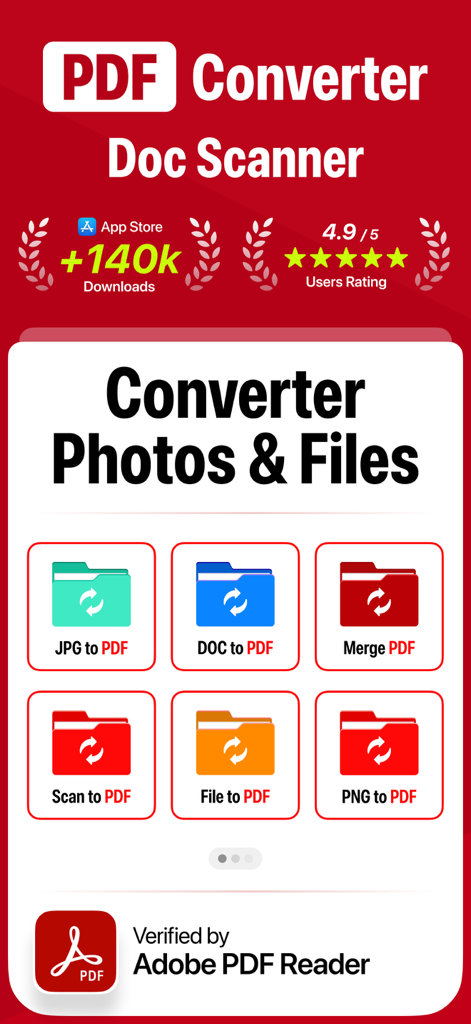
PDFコンバーターとドキュメントスキャナーのモバイルアプリインターフェース。ファイル変換機能が表示されています。
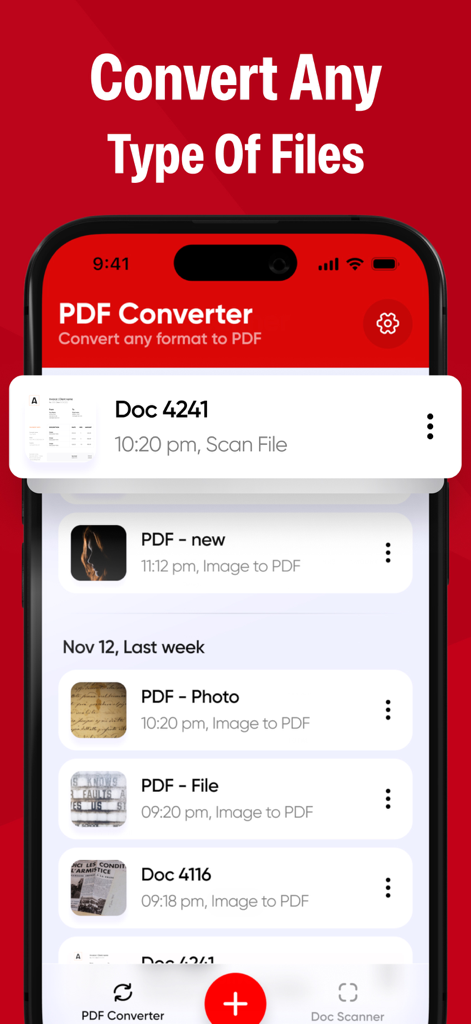
PDFコンバーターのモバイルアプリインターフェース。スキャンおよび変換されたドキュメントのリストが表示され、「あらゆる種類のファイルを変換」という見出しが付いています。
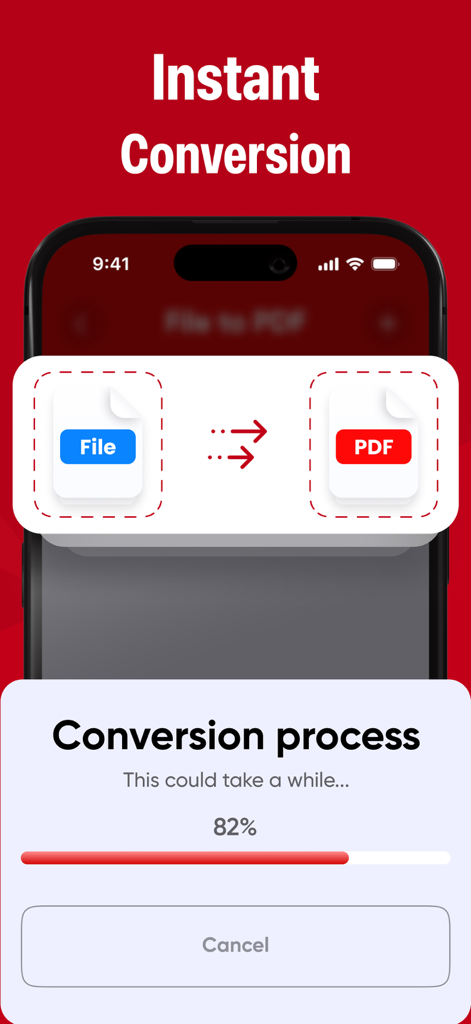
スマートフォンの画面に、進捗バーが82%で表示されたインスタントファイルからPDFへの変換プロセスが表示されています。
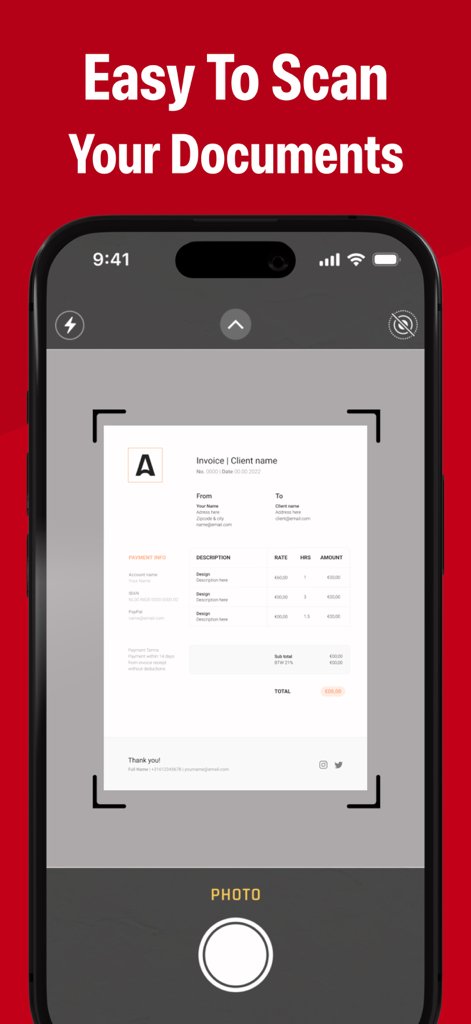
請求書ドキュメントをスキャンしてPDFに変換しているスマートフォンを表示するモバイルアプリインターフェース。
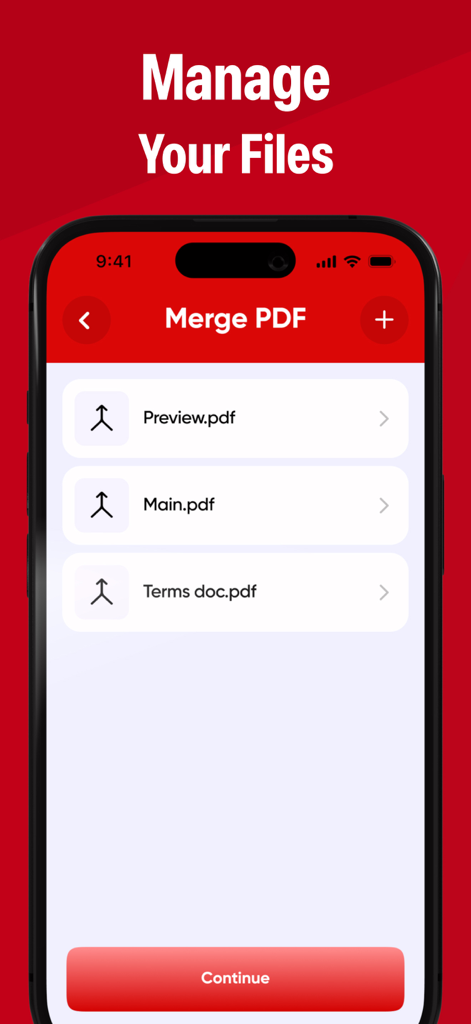
PDFコンバーターアプリのマージPDF機能を表示するスマートフォンの画面。結合準備ができたドキュメントのリストが表示されています。
説明
Download
類似アプリ
似た機能とユーザー体験を持つアプリ

PDF PRO Scan Image & Documents
Balzo srl

The PDF Scanner, PDF editor HQ
NEXT K.U.M. LTD

CamScanner - PDF Scanner App
INTSIG Information Co., Ltd

Adobe Scan: PDF & OCR Scanner
Adobe Inc.

WPS Office: PDF, Docs, Sheets
KINGSOFT OFFICE SOFTWARE CORPORATION LIMITED

iLovePDF - PDF Editor & Scan
ILOVEPDF S.L.

Scanner App: Genius Scan
The Grizzly Labs

Microsoft Lens: PDF Scanner
Microsoft Corporation

Clear Scan: Doc Scanner App
INDY MOBILE APP COMPANY LIMITED
このページはアプリまたはその開発者の公式ページではなく、情報提供および論評を目的として作成された独立した編集出版物です。明示的に別段の記載がない限り、アプリおよびその開発者は、MWM、Apple、Google Play、アプリのパブリッシャー、またはアプリの開発者と提携、承認、後援、認可、またはその他の公式的な関係はなく、このページのいかなる内容も、アプリがMWMのサービスを使用して開発されたことを意味するものではありません。すべての商標、ロゴ、スクリーンショット、その他のコンテンツはそれぞれの所有者の財産です。