PDF Doc Scanner: Scan Cloud

PDF Doc Scanner: Scan Cloud

ダウンロード: App Store
ロゴ: PDF Doc Scanner: Scan Cloud

PDFドキュメントスキャナー:Scan Cloud - 外出先でも安全にスキャン、署名、整理

iPhoneをパワフルなモバイルオフィスに変身させよう。高品質PDFをキャプチャし、デジタル署名を追加し、Face IDと暗号化されたクラウドストレージで機密文書を保護。

ダウンロード: App Store

開発元

SHARE YAZILIM LIMITED SIRKETI

カテゴリ

Utilities

ダウンロード

669K+

ユーザー評価

2.9/5

評価数

400

対応言語

23

あなたのオフィスを、再考する

このインターフェースを利用する 669K+ 人のユーザー.

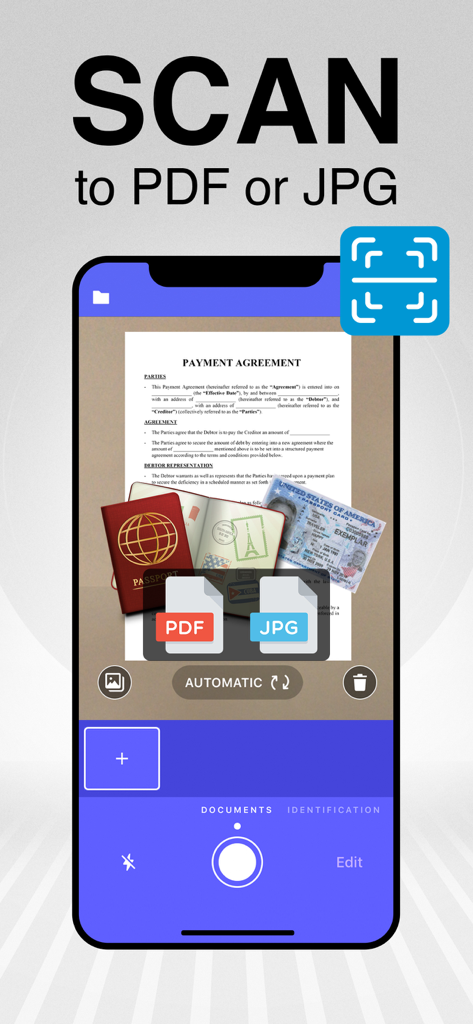
文書とパスポートをスキャンするScan CloudアプリのPDFまたはJPGスキャン機能を示すスマートフォン
文書とパスポートをスキャンするScan CloudアプリのPDFまたはJPGスキャン機能を示すスマートフォン

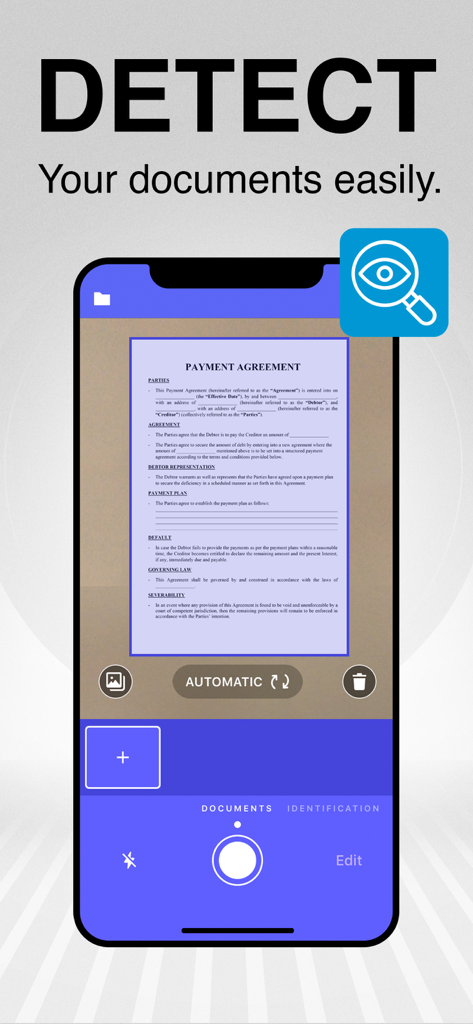
スキャン用に文書の自動境界検出を示すスマートフォンアプリのインターフェース
スキャン用に文書の自動境界検出を示すスマートフォンアプリのインターフェース

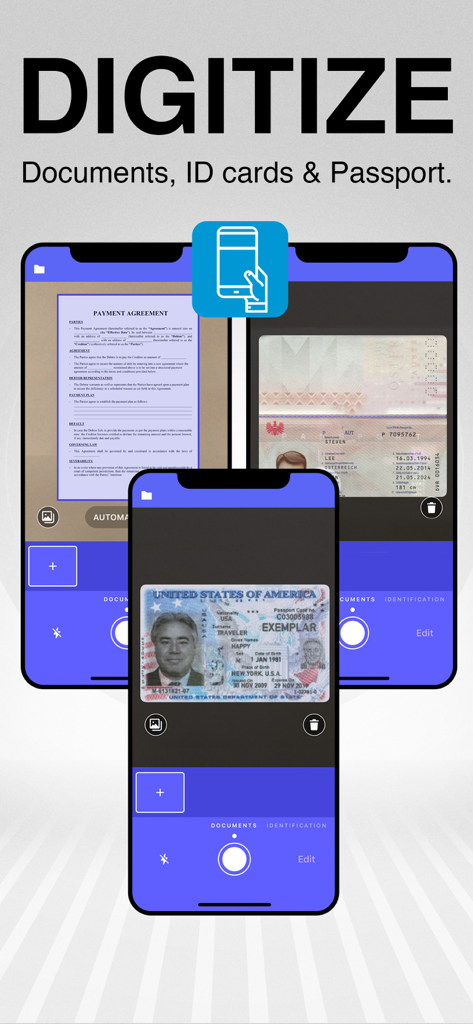
スマートフォンカメラを使用して物理的な文書や身分証明書をデジタル化する方法を示すモバイルアプリのインターフェース
スマートフォンカメラを使用して物理的な文書や身分証明書をデジタル化する方法を示すモバイルアプリのインターフェース

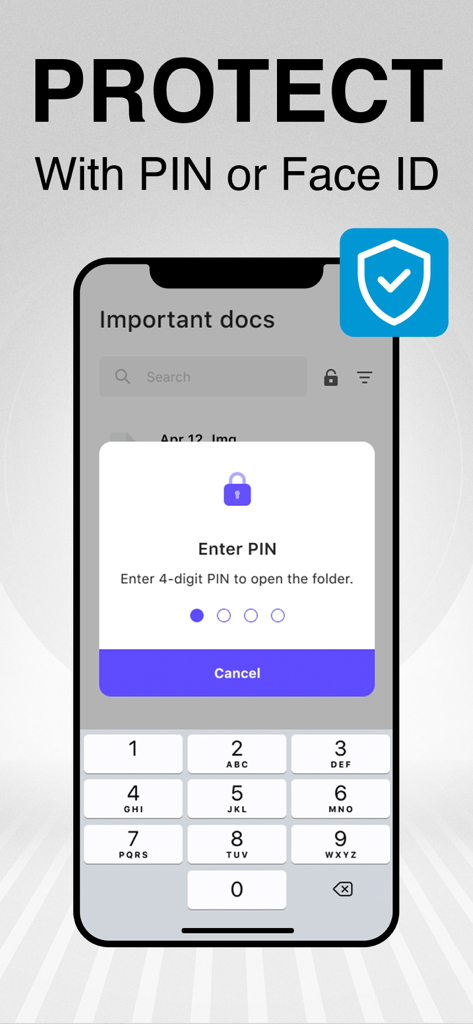
Scan Cloudでスキャンされた文書をPINまたはFace IDで保護
Scan Cloudでスキャンされた文書をPINまたはFace IDで保護

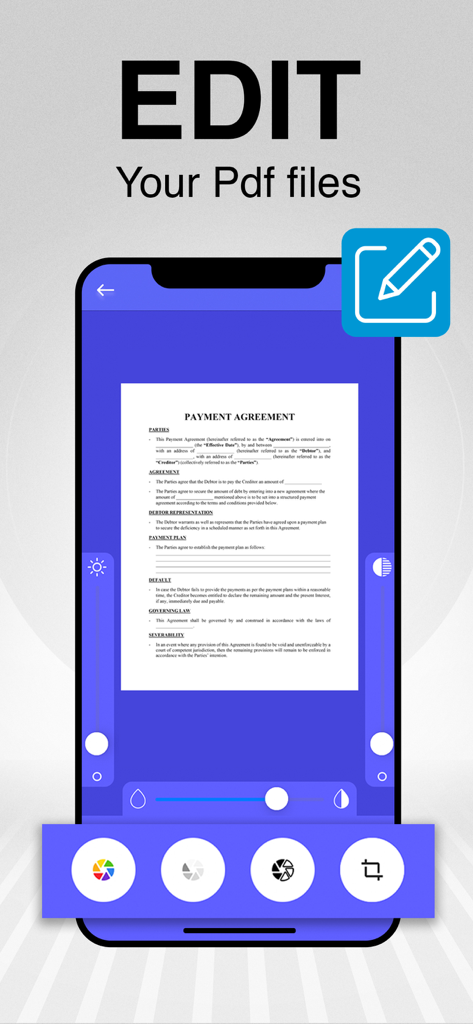
さまざまなデジタルツールで支払い合意書を編集している様子を示すモバイルアプリのインターフェース
さまざまなデジタルツールで支払い合意書を編集している様子を示すモバイルアプリのインターフェース

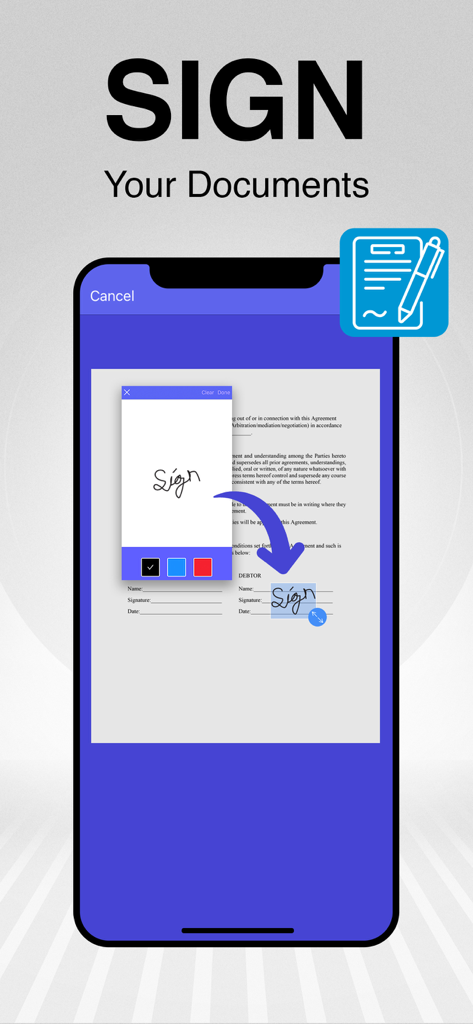
スキャンされたPDF文書にデジタル署名を追加する方法を示すモバイルアプリのインターフェース
スキャンされたPDF文書にデジタル署名を追加する方法を示すモバイルアプリのインターフェース

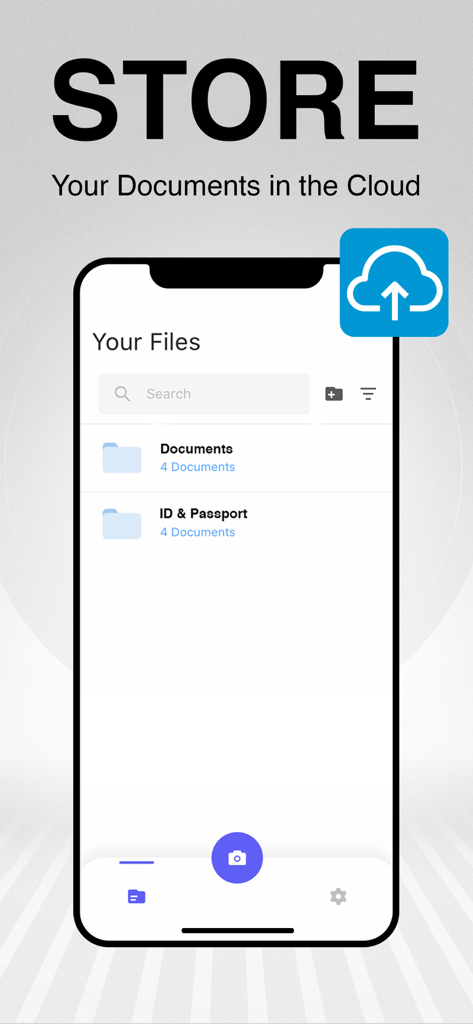
スキャンされた文書の整理されたフォルダとクラウドバックアップオプションを示すモバイルアプリのインターフェース
スキャンされた文書の整理されたフォルダとクラウドバックアップオプションを示すモバイルアプリのインターフェース

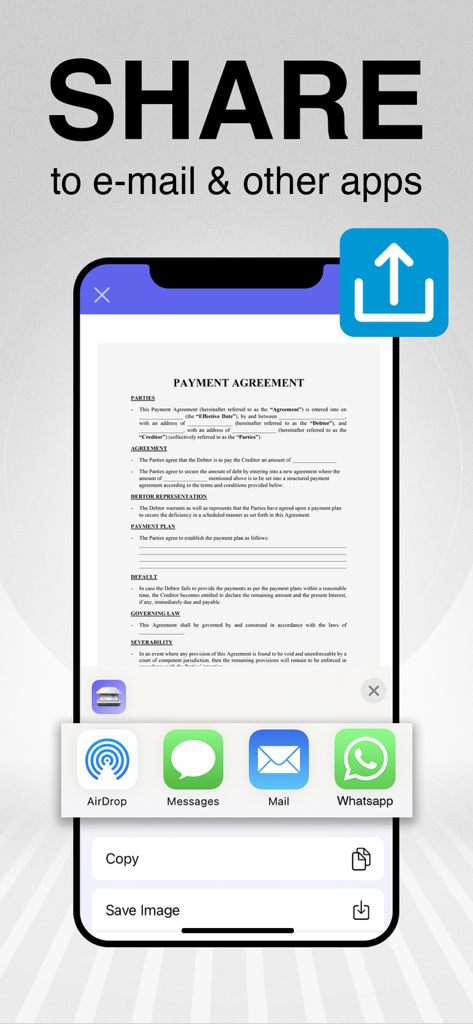
支払い合意書をメールやその他のメッセージングアプリ経由で共有する方法を示すスマートフォンの画面

支払い合意書をメールやその他のメッセージングアプリ経由で共有する方法を示すスマートフォンの画面

プロフェッショナルオフィスを、どこへでも

このアプリを際立たせるツール、 669K+ 人のユーザーが選択.

📄

スマート自動検出

自動境界検出とAI最適化で、高解像度文書を瞬時にキャプチャ。完璧でプロフェッショナルなスキャンを毎回実現。

✍️

統合電子署名

外出先で契約書やフォームを完成させよう。PDFに直接署名を追加し、プリンターなしで数秒でメール返信。

🔒

Face ID & クラウドセキュリティ

IDや税務書類などの機密文書をFace IDまたはPINロックで保護。プライベートデータはあなただけのために。

アプリについて

について知っておくべきこと PDF Doc Scanner: Scan Cloud.

説明

Are you looking for a pocket scanner to scan your documents?Two talented companies have developed an excellent utility app: Scan Cloud. Scan Cloud will be an integral part of your daily life. Scan anything you want, including invoices, documents, notepapers, fax pages, even books. Save your scanned files as PDF in multiple pages or JPG. Here are some of the great skills of Scan Cloud: - Scan, print, save and manage your documents easily and quickly! - Get high resolution scanned documents in PDF or JPG format. - Scan Cloud is a mobile scanning app that will turn your iOS device into a useful scanner. - Automatic shutter and border detection for any scannable object. - Use your phone camera as a scanner to scan your bills, notes, whiteboard meeting notes, business cards, certificates, etc. - Optimize your scanned documents without losing quality. - Group your documents into files and store them in the cloud. - Protect your documents with a PIN or Face ID and keep them secure! - Add your signature and sign documents. - Convert your scanned files into greyscale, black & white or color. - Share your documents as PDF or image via email. Explore Scan Cloud Premium: - Unlimited storage space on our secure server! - Unlimited editing option. - Lock your documents with a PIN code! We are offering in-app purchases and a 7-day free trial for the premium version of Scan Cloud! You can purchase a weekly subscription for a short-term trial. We recommend you to purchase a yearly subscription to enjoy the privileges of Scan Cloud Premium more. The cost will be charged to your iTunes account and it will vary from country to country. You will be able to see the fee amount before completing the purchase. Subscriptions with in-app purchases will be renewed according to the renewal scheme of the selected payment plan. To terminate automatic subscription renewal, you must deselect the automatic subscription renewal option at most 24 hours before your subscription expires. You can cancel your automatic subscription renewal at any time from your iTunes account settings. Where applicable, the privileges granted during the free trial period that have not been used will lose their validity at the time the user purchases a subscription of the related publication. Privacy Policy: http://scancloudapp.com/ScanCloud-Privacy-Policy.pdf Terms & Conditions: http://scancloudapp.com/ScanCloudTermsOfUse.pdf

最新バージョン

2.1

サイズ

62.0 MB

リリース日

2020年4月27日

ポケットサイズのオフィスが待っています

Face IDとクラウドストレージで文書をスキャン、署名、保護する669,000人以上のプロフェッショナルに加わろう。7日間の無料トライアルを開始して、今日からペーパーレスに。

ダウンロード: App Store

App information, icons, screenshots, and descriptions displayed on this page are sourced from the Apple App Store and are the property of their respective developers. Download estimates and rankings are based on MWM's proprietary models and may not reflect actual figures. This page is provided for informational and analytical purposes only.

Believe this page infringes your intellectual property? File a dispute