PDF Editor : Document Reader
ダウンロード: App Store

このページはアプリまたはその開発者の公式ページではなく、情報提供および論評を目的として作成された独立した編集出版物です。明示的に別段の記載がない限り、アプリおよびその開発者は、MWM、Apple、Google Play、アプリのパブリッシャー、またはアプリの開発者と提携、承認、後援、認可、またはその他の公式的な関係はなく、このページのいかなる内容も、アプリがMWMのサービスを使用して開発されたことを意味するものではありません。すべての商標、ロゴ、スクリーンショット、その他のコンテンツはそれぞれの所有者の財産です。

ロゴ: PDF Editor : Document Reader
ダウンロード: App Store

PDF Editor : Document Reader

プリンターを探すのはもうやめましょう。iPhoneまたはiPadから直接、文書をスキャン、署名、編集、結合できます。外出中の忙しいプロフェッショナルや学生にとって、書類を処理する最も速く、最も信頼性の高い方法です。

主要数値

ダウンロード

98K+

ユーザー評価

4.7/5

評価数

2K+

開発元

Maxima Apps

カテゴリ

Business

対応言語

9

最新バージョン

2.9.6

サイズ

114.0 MB

リリース日

2021年1月30日
機能

完全なモバイルオフィススイート

プリンターやスキャナーを探すのはやめましょう。どこからでも文書を編集、署名、管理するために必要なすべてのプロフェッショナルツールを入手できます。

その場で署名&記入

iPhoneまたはiPadから直接、契約書に署名したり、プロフェッショナルなフォームに記入したりして、取引を迅速に完了させましょう。

プログレードのモバイルスキャン

内蔵のライブテキスト認識を使用して、カメラで物理的な書類を即座に高品質のPDFに変換します。

以下のスクリーンショットと説明は、アプリの公式ストアリスティングから直接取得されたものであり、アプリ開発者の所有物です。

アプリストア

スクリーンショット
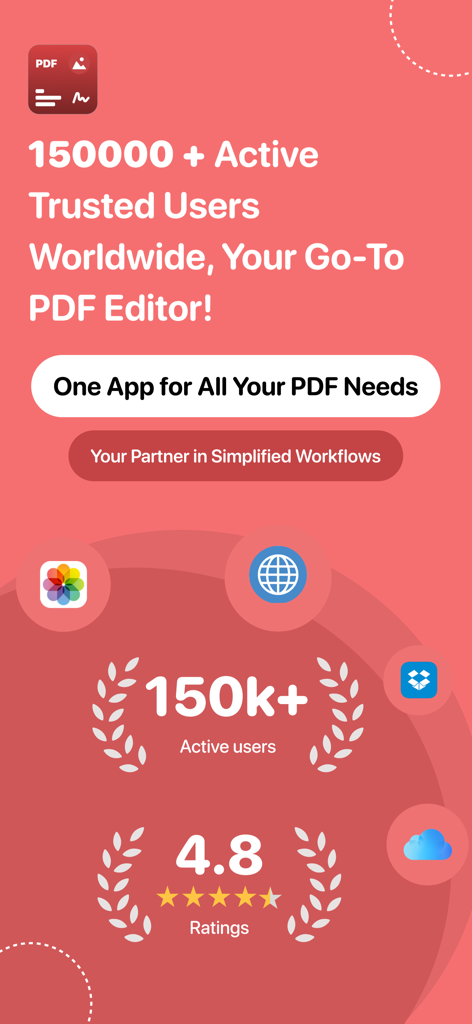
PDF Editor : Document Reader - PDFエディターアプリのプロモーション画面、アクティブユーザー150,000人、評価4.8つ星を表示
PDFエディターアプリのプロモーション画面、アクティブユーザー150,000人、評価4.8つ星を表示

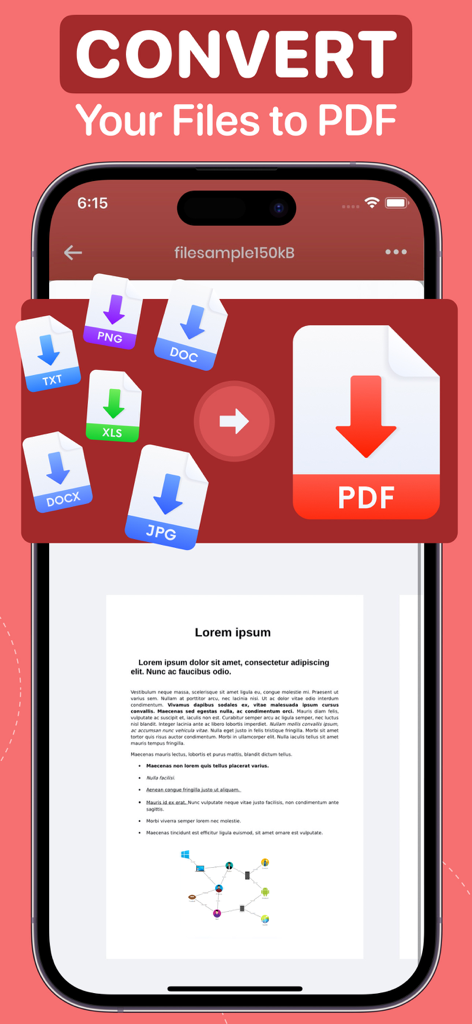
PDF Editor : Document Reader - PNG DOC TXT XLS JPGファイルをPDFドキュメントに変換するモバイルアプリ画面
PNG DOC TXT XLS JPGファイルをPDFドキュメントに変換するモバイルアプリ画面

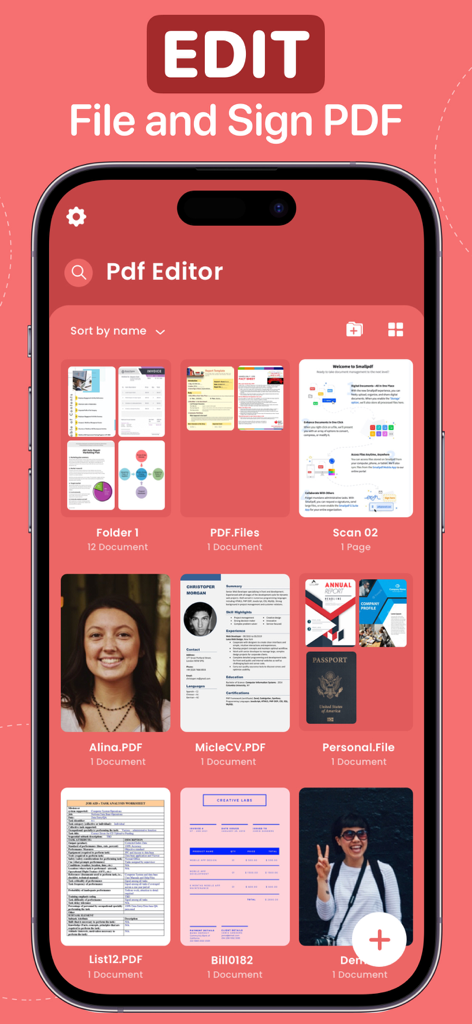
PDF Editor : Document Reader - 文書管理用のさまざまなファイルとフォルダーを表示するPDFエディターアプリインターフェイス
文書管理用のさまざまなファイルとフォルダーを表示するPDFエディターアプリインターフェイス

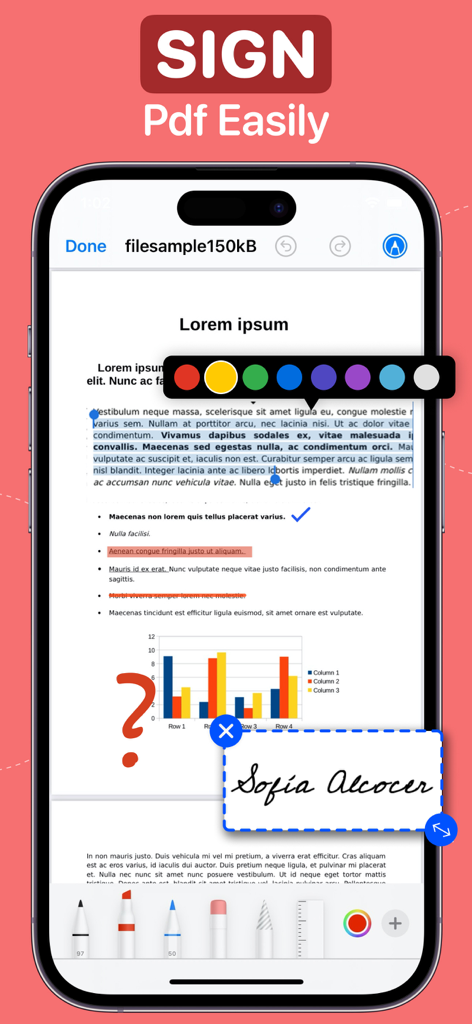
PDF Editor : Document Reader - デジタル署名と注釈ツールが文書に適用されたPDFエディターアプリが表示されているiPhoneインターフェイス
デジタル署名と注釈ツールが文書に適用されたPDFエディターアプリが表示されているiPhoneインターフェイス

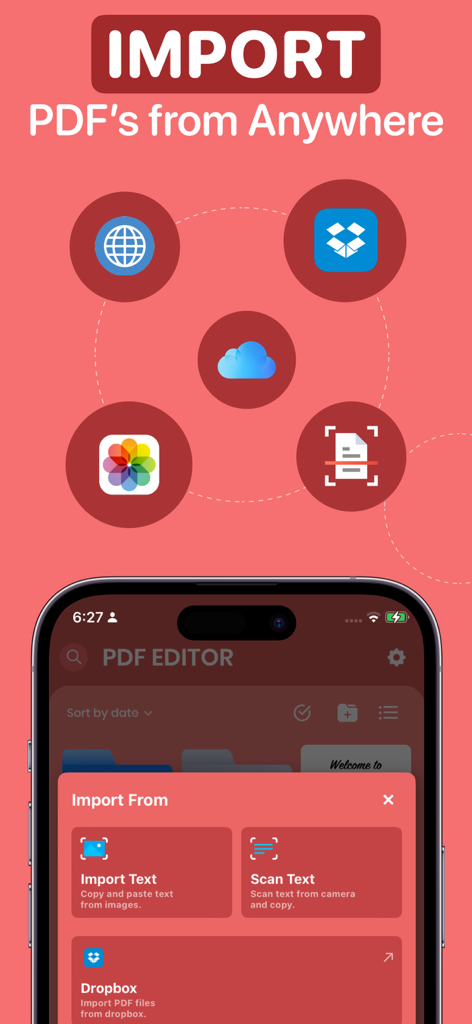
PDF Editor : Document Reader - クラウドストレージやスキャンからの文書インポートオプションを示すPDFエディターアプリインターフェイス
クラウドストレージやスキャンからの文書インポートオプションを示すPDFエディターアプリインターフェイス

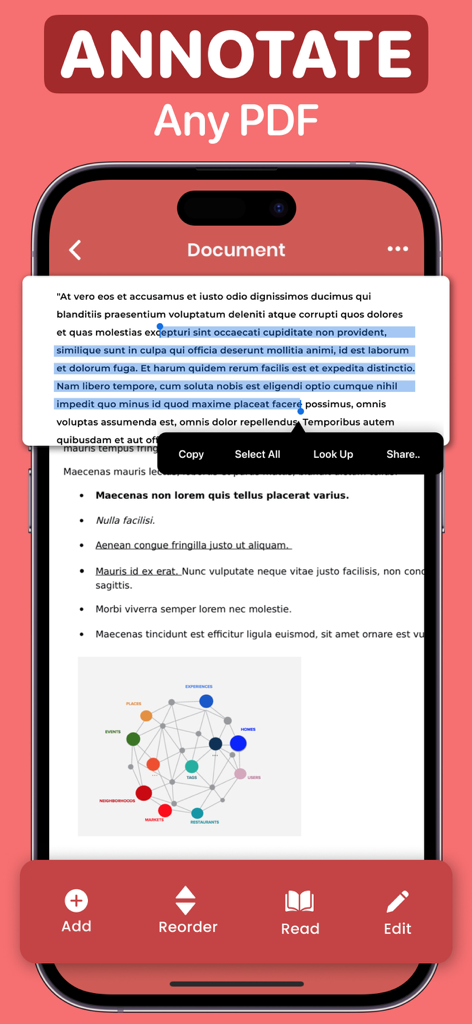
PDF Editor : Document Reader - テキストがハイライトされ、コピーおよび共有用のコンテキストメニューが表示されているPDFドキュメントのモバイルアプリインターフェイス
テキストがハイライトされ、コピーおよび共有用のコンテキストメニューが表示されているPDFドキュメントのモバイルアプリインターフェイス

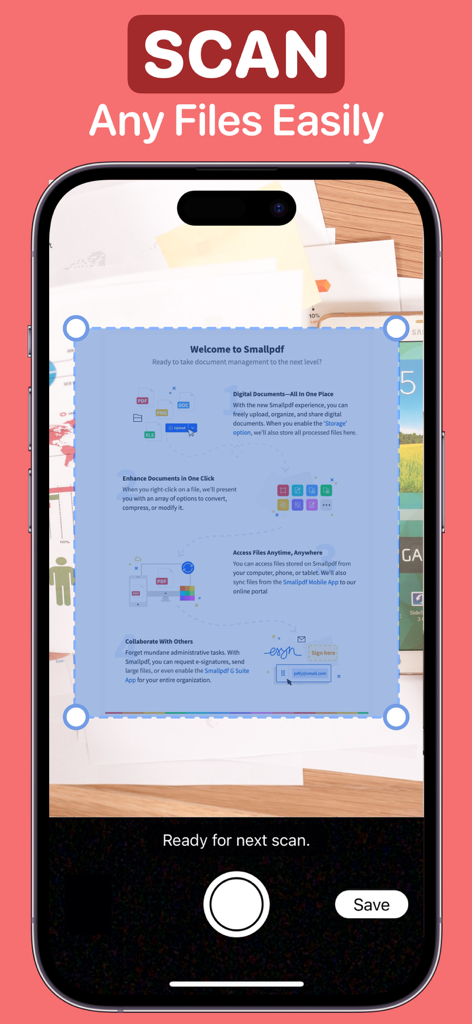
PDF Editor : Document Reader - PDFエディターアプリのドキュメントスキャンインターフェイスを示すiPhone画面
PDFエディターアプリのドキュメントスキャンインターフェイスを示すiPhone画面

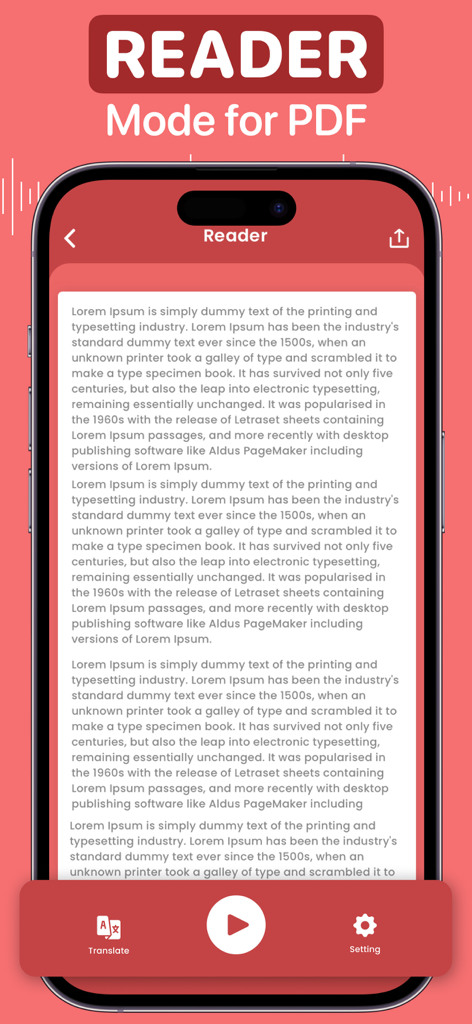
PDF Editor : Document Reader - テキスト読み上げおよび翻訳ツールを備えたPDFリーダーモードのモバイルアプリインターフェイス
テキスト読み上げおよび翻訳ツールを備えたPDFリーダーモードのモバイルアプリインターフェイス

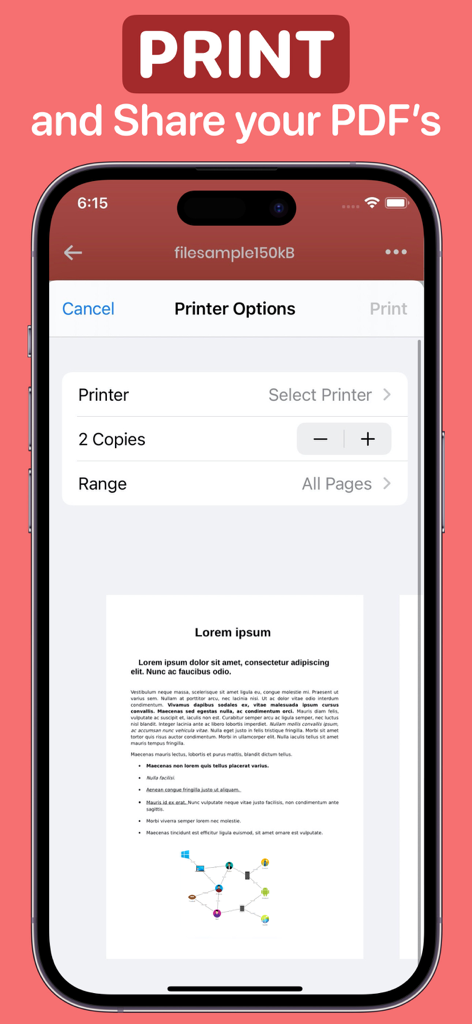
PDF Editor : Document Reader - PDFエディターアプリ内のプリンター設定と文書プレビューを表示するiPhone画面

PDFエディターアプリ内のプリンター設定と文書プレビューを表示するiPhone画面

説明

PDF EDITOR As one of the quickest ways to create a PDF from a document, the PDF Editor lets you make updates, sign, and share your document with others. You can save all of your documents in one place and sign, edit, convert, and annotate a pdf file as you see fit. Alternatively, you may scan and annotate the whole document or import it, make adjustments, and then share it with others. Forget about PDF editors and the hassle of generating signatures with stamps and dates! Now you can get a free PDF converter and editor for your notes and writings. This App has all the tools you need - • Import all the files you wish to convert from Files/iCloud, Web pages, Gallery, and Google Drive. Rename, and share; locate the files-all in just a single application. • Sign, draw, stamp, icon, magnify, date, and text functions are accessible for all imported and created files. • Live text scanning or import text from an image. • Incorporate your name, date, phone, email, and signature into a sample form. • Edit the sample and the blank document. • Scan the document and share it with others. • Merge multiple files into a single document. • Arrange the files in the document according to what you need. • Transform documents into text and then that text into speech to get the desired effect. • Sign and save your signature along with your stamps & icons to keep it secure for all your files. • Print all your files directly from the App. Now you don't have to worry about complex software or mobile access to signature programs anymore. You have a single application that can do everything. It's free to use, so why wait? Download the PDF Editor now! SUBSCRIPTION PRICING & TERMS You can be a premium user with auto-renewing subscription options: $4.99 / Month $29.99 / Year - Payment will be charged to your iTunes Account at confirmation of purchase. - Subscription automatically renews unless auto-renew is turned off for at least 24 hours before the end of the current period. - Account will be charged for renewal within 24 hours before the end of the current period at the cost of the chosen package. - The user may manage subscriptions, and auto-renewal may be turned off by going to the user's Account Settings after purchase - No cancellation of the current subscription is allowed during the active subscription period - Any unused portion of a free trial period, if offered, will be forfeited when the user purchases a subscription to that publication. Prices are equal to the value that "Apple's App Store Matrix" determines is the equivalent of the subscription price in $USD. Privacy Policy: maximaapps.com/policy/privacy_policy.html Terms of Use: maximaapps.com/policy/terms_of_use.html Contact us: If you have any issues or ideas, please get in touch with us via the App or send us an email at feedback@maximaapps.com We believe feedback is always effective! Your feedback is greatly appreciated!

Download

ダウンロード: App Store

このページはアプリまたはその開発者の公式ページではなく、情報提供および論評を目的として作成された独立した編集出版物です。明示的に別段の記載がない限り、アプリおよびその開発者は、MWM、Apple、Google Play、アプリのパブリッシャー、またはアプリの開発者と提携、承認、後援、認可、またはその他の公式的な関係はなく、このページのいかなる内容も、アプリがMWMのサービスを使用して開発されたことを意味するものではありません。すべての商標、ロゴ、スクリーンショット、その他のコンテンツはそれぞれの所有者の財産です。








