PDF Editor : Text to Speech
ダウンロード: App Store

このページはアプリまたはその開発者の公式ページではなく、情報提供および論評を目的として作成された独立した編集出版物です。明示的に別段の記載がない限り、アプリおよびその開発者は、MWM、Apple、Google Play、アプリのパブリッシャー、またはアプリの開発者と提携、承認、後援、認可、またはその他の公式的な関係はなく、このページのいかなる内容も、アプリがMWMのサービスを使用して開発されたことを意味するものではありません。すべての商標、ロゴ、スクリーンショット、その他のコンテンツはそれぞれの所有者の財産です。

ロゴ: PDF Editor : Text to Speech
ダウンロード: App Store

PDF Editor : Text to Speech

あらゆるドキュメントを高画質のPDFに変換し、外出先で署名し、テキストを音声に変換してどこでも聞くことができます。ファイルを保護し、サブスクリプションで10万本の植樹にご協力ください。

主要数値

ダウンロード

2K+

ユーザー評価

1.0/5

評価数

0

開発元

MD AZIZUR RAHMAN

カテゴリ

Business

対応言語

2

最新バージョン

1.5.7

サイズ

100.0 MB

リリース日

2021年10月3日
機能

ドキュメントを行動に変えましょう

サブスクリプションごとに、より緑豊かな地球に貢献しながら、PDFをスキャン、署名、聞くためのオールインワンモバイルツールキット。

移動中に聞く

あらゆるPDFを高画質のオーディオに変換します。通勤中や運動中に「読む」ことを望む多忙な専門家や学生に最適です。

スキャン、署名、保護

デスクトップスキャナーを置き換えましょう。HDドキュメントをキャプチャし、プロフェッショナルなデジタル署名を適用し、組み込みの暗号化で機密ファイルを保護します。

以下のスクリーンショットと説明は、アプリの公式ストアリスティングから直接取得されたものであり、アプリ開発者の所有物です。

アプリストア

スクリーンショット
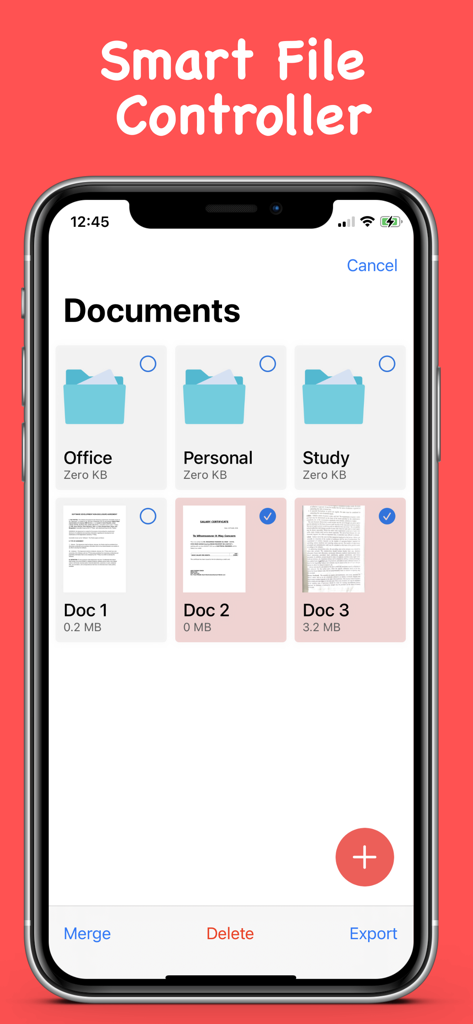
PDF Editor : Text to Speech - スマートファイルコントローラーの見出しの下にある整理されたドキュメントフォルダとファイルを示すモバイルアプリのインターフェース
スマートファイルコントローラーの見出しの下にある整理されたドキュメントフォルダとファイルを示すモバイルアプリのインターフェース

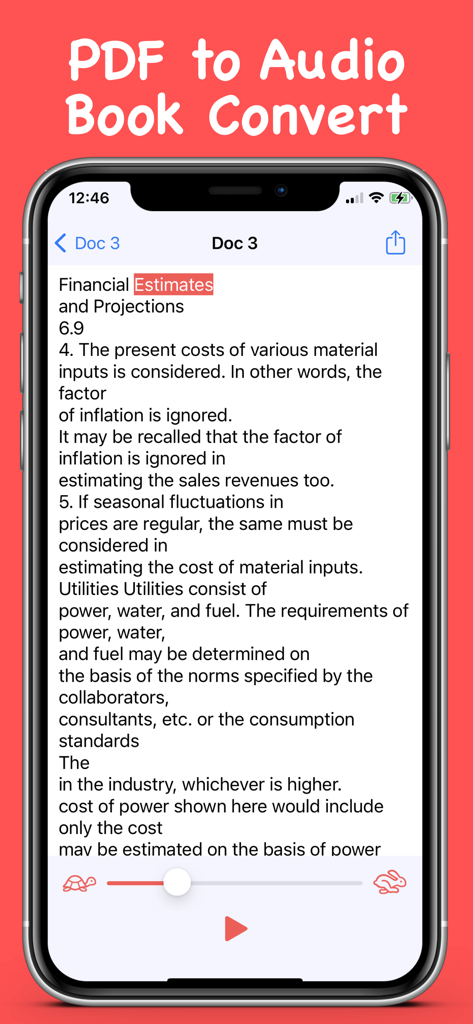
PDF Editor : Text to Speech - PDF EditorアプリでPDFからオーディオブックへの変換機能を示すiPhone画面。
PDF EditorアプリでPDFからオーディオブックへの変換機能を示すiPhone画面。

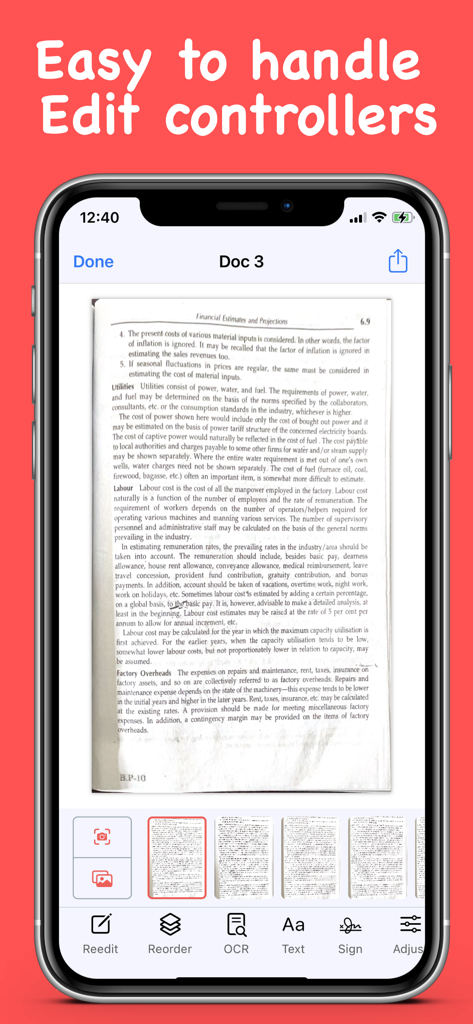
PDF Editor : Text to Speech - OCRやデジタル署名などのドキュメントスキャンおよび編集ツールを示すPDF EditorアプリのiPhoneスクリーンショット
OCRやデジタル署名などのドキュメントスキャンおよび編集ツールを示すPDF EditorアプリのiPhoneスクリーンショット

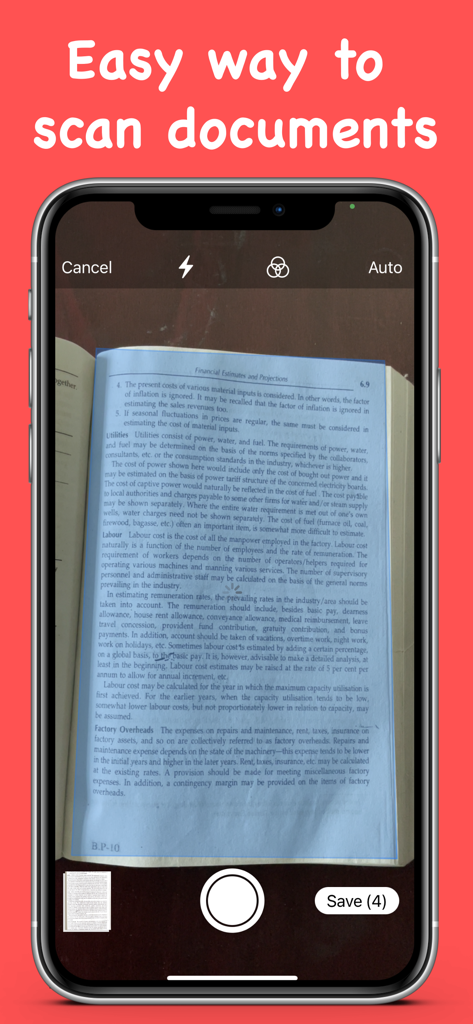
PDF Editor : Text to Speech - PDF Editorアプリのドキュメントスキャン機能を示すiPhone画面
PDF Editorアプリのドキュメントスキャン機能を示すiPhone画面

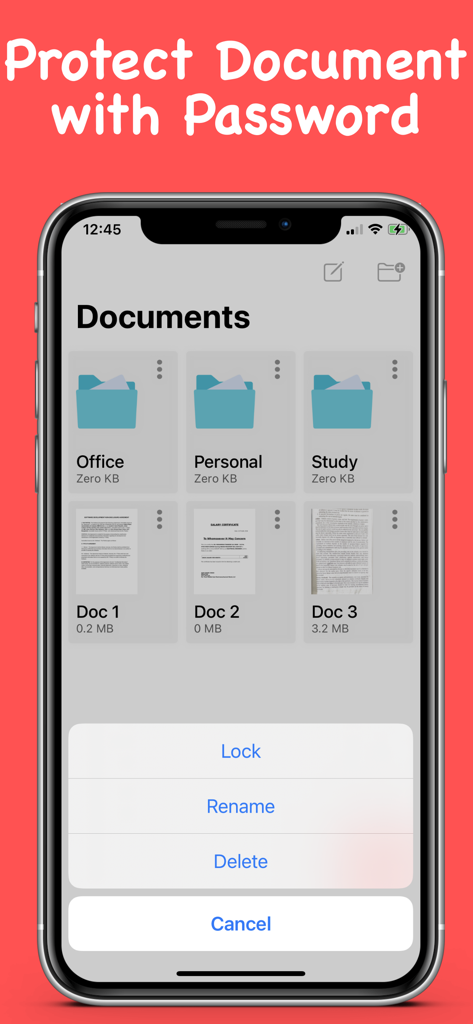
PDF Editor : Text to Speech - パスワード保護のためのロックオプションを強調するポップアップメニューが表示された、PDF Editorアプリのドキュメント管理画面を示すスマートフォン。
パスワード保護のためのロックオプションを強調するポップアップメニューが表示された、PDF Editorアプリのドキュメント管理画面を示すスマートフォン。

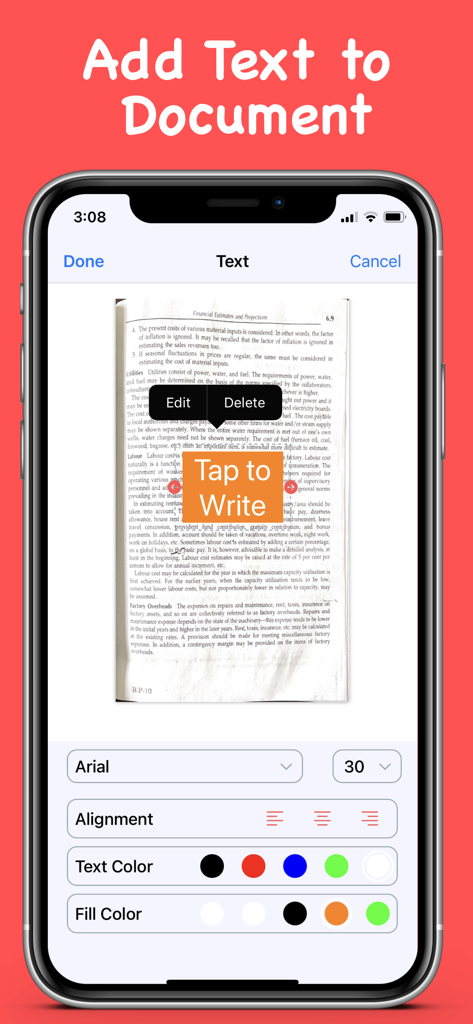
PDF Editor : Text to Speech - スキャンされたドキュメントにテキストを追加およびフォーマットするPDF Editorアプリの機能を示すiPhone画面
スキャンされたドキュメントにテキストを追加およびフォーマットするPDF Editorアプリの機能を示すiPhone画面

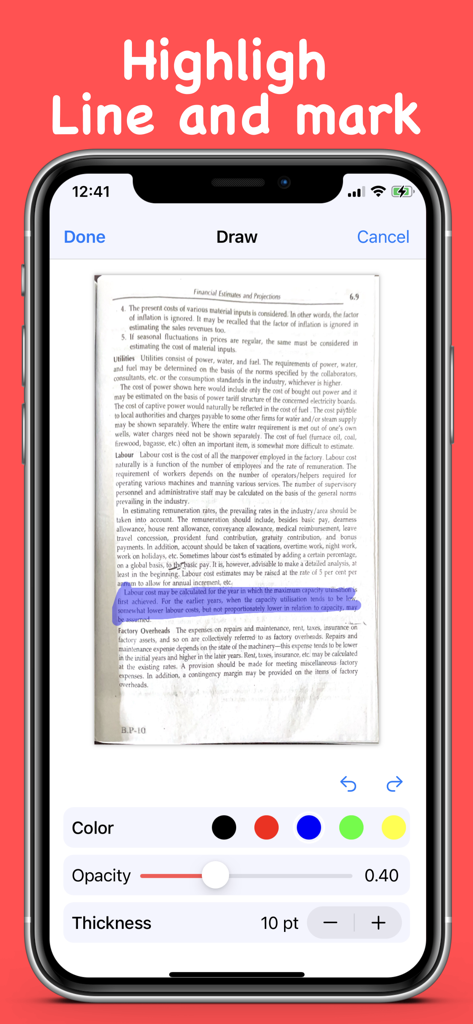
PDF Editor : Text to Speech - 色と透明度のコントロールを備えたPDFエディターアプリのハイライトおよびマーク機能を示すスマートフォンの画面

色と透明度のコントロールを備えたPDFエディターアプリのハイライトおよびマーク機能を示すスマートフォンの画面

説明

PDF Editor app will maximise your document management efficiency a mobile scanner for your smartphone, to change paper into PDF, while saving both time and storage. This app supports image processing and can transform, rotate, sharpen your images, for best document quality, combined with Scanner PDF's top edge OCR engine. Not only a printer app, but fast and easy scanner. Advanced scanner features: - PDF to Audio convert - Protected PDF (Lock pdf) - Merge PDF File - Sign documents in a few taps - OCR (convert any scan into text) -Text add - Save your scans in black and white, grayscale or color - Highlight the key points of your scans. - Scan to high-quality PDF - Multipage scanning - scan as many pages as you need - Automatic shutter and border detection for any scannable object - Modify, delete pages - Image processing engine that allows you to change contrast, enhance, sharpen for the perfect document quality! Subscription Subscribe for Premium features Subscription automatically renews for the same price and duration period as the original “One Month” package unless auto-renew is turned off at least 24-hours before the end of the current period Payment will be charged to iTunes Account at confirmation of purchase Subscriptions may be managed by the user and auto-renewal may be turned off by going to the user's Account Settings after purchase N:B: We start a campaign “Green World”, Initially we target 1,00,000 tree plant in our country after this campaign we can plant on your country also. We will plant a real tree on behalf of you for your subscription. It's continue every month if subscription on. Please Help Us to make this world Green. Privacy Policy https://sites.google.com/view/ecodoc-privacypolicy/home Terms of Services https://sites.google.com/view/ecodoctermsofservices/home

Download

ダウンロード: App Store

このページはアプリまたはその開発者の公式ページではなく、情報提供および論評を目的として作成された独立した編集出版物です。明示的に別段の記載がない限り、アプリおよびその開発者は、MWM、Apple、Google Play、アプリのパブリッシャー、またはアプリの開発者と提携、承認、後援、認可、またはその他の公式的な関係はなく、このページのいかなる内容も、アプリがMWMのサービスを使用して開発されたことを意味するものではありません。すべての商標、ロゴ、スクリーンショット、その他のコンテンツはそれぞれの所有者の財産です。








