
このページはアプリまたはその開発者の公式ページではなく、情報提供および論評を目的として作成された独立した編集出版物です。明示的に別段の記載がない限り、アプリおよびその開発者は、MWM、Apple、Google Play、アプリのパブリッシャー、またはアプリの開発者と提携、承認、後援、認可、またはその他の公式的な関係はなく、このページのいかなる内容も、アプリがMWMのサービスを使用して開発されたことを意味するものではありません。すべての商標、ロゴ、スクリーンショット、その他のコンテンツはそれぞれの所有者の財産です。

PDF Reader & PDF Editor
ドキュメントの編集、署名、管理を可能にする超高速ツールでワークフローを効率化しましょう。ノートに注釈を付ける学生であっても、取引を成立させる専門家であっても、iPhoneからあらゆるタスクを楽にこなせます。
ダウンロード
1M+ユーザー評価
評価数
4K+開発元
カテゴリ
Business対応言語
14最新バージョン
1.1.9サイズ
100.2 MBリリース日
2022年10月27日外出先でドキュメントをマスターする
デスクトップなしでドキュメントを読み取り、編集、整理する必要がある学生や専門家のために構築された究極のオールインワンPDFツールキット。
高度な注釈ツール
重要な洞察をハイライト表示し、下線付きでメモを取り、数秒で契約にプロフェッショナルな電子署名を追加できます。
強力なモバイル生産性
画像からPDFに変換したり、複数のレポートを1つに結合したり、ポケットオフィスから直接ドキュメントを分割したりできます。
よくある質問
について知っておくべきこと PDF Reader & PDF Editor
PDFリーダー&PDFエディターアプリの主な目的は何ですか?
PDFリーダー&PDFエディターアプリは、究極のPDFビューア、エディター、電子書籍リーダーとして機能し、ユーザーがPDFファイルを効率的に開く、読む、注釈を付ける、編集する、管理することができます。
PDFリーダー&PDFエディターアプリのサブスクリプション料金はいくらですか?
PDFリーダー&PDFエディターアプリは、月額9.99米ドル、または年額29.99米ドルです。年額プランには7日間の無料トライアルが含まれています。
PDFリーダー&PDFエディターで署名を追加したり、ドキュメントに注釈を付けたりできますか?
はい、PDFリーダー&PDFエディターアプリでは、電子署名を追加したり、段落をハイライトしたり、下線を引いたり、取り消し線を追加したり、PDFファイルに落書きしたりすることができます。
PDFリーダー&PDFエディターは画像からPDFへの変換をサポートしていますか?
はい、PDFリーダー&PDFエディターには、アプリケーション内で画像を直接PDFファイルに簡単に変換できるツールが含まれています。
PDFリーダー&PDFエディターは、ユーザーがPDFファイルをどのように管理するのに役立ちますか?
PDFリーダー&PDFエディターでは、ファイル名を基準にソート、サイズ、または変更時間で並べ替えることができます。また、PDFファイルの名前を変更、削除、お気に入りに追加、ロック、マージ、分割することもできます。
PDFリーダー&PDFエディターは、個人のユーザーデータを保存しますか?
いいえ、PDFリーダー&PDFエディターは、ユーザー情報や個人データを保存しないことを明示しており、ユーザーのプライバシーを保証しています。
PDFリーダー&PDFエディターアプリではダークモードが利用できますか?
はい、PDFリーダー&PDFエディターでは、ドキュメントの表示モードをライトモードとダークモードの間で切り替えるワンクリック機能が搭載されています。
PDFリーダー&PDFエディターはどのデバイスをサポートしていますか?
PDFリーダー&PDFエディターは、iPhoneとiPadの両方を含むすべてのAppleデバイスをサポートしており、プラットフォーム間で一貫したユーザーエクスペリエンスを提供します。
PDFリーダー&PDFエディターは、同期と共有のためにクラウドストレージサービスと連携できますか?
はい、PDFリーダー&PDFエディターは、Google Drive、Dropbox、Microsoft OneDriveなどの複数のクラウド共有ウェアとの同期をサポートしており、便利な共有と共同作業が可能です。
PDFリーダー&PDFエディターアプリは、その機能の無料トライアルを提供していますか?
はい、PDFリーダー&PDFエディターアプリは、年額サブスクリプションプランで7日間の無料トライアルを提供しています。
以下のスクリーンショットと説明は、アプリの公式ストアリスティングから直接取得されたものであり、アプリ開発者の所有物です。
アプリストア
スクリーンショット
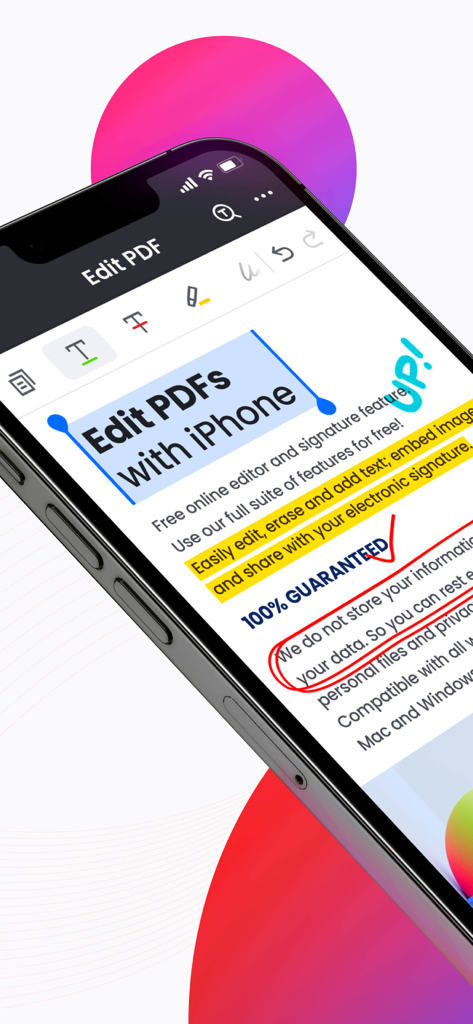
PDFリーダーアプリでPDF編集とテキストハイライトツールが表示されたiPhone画面
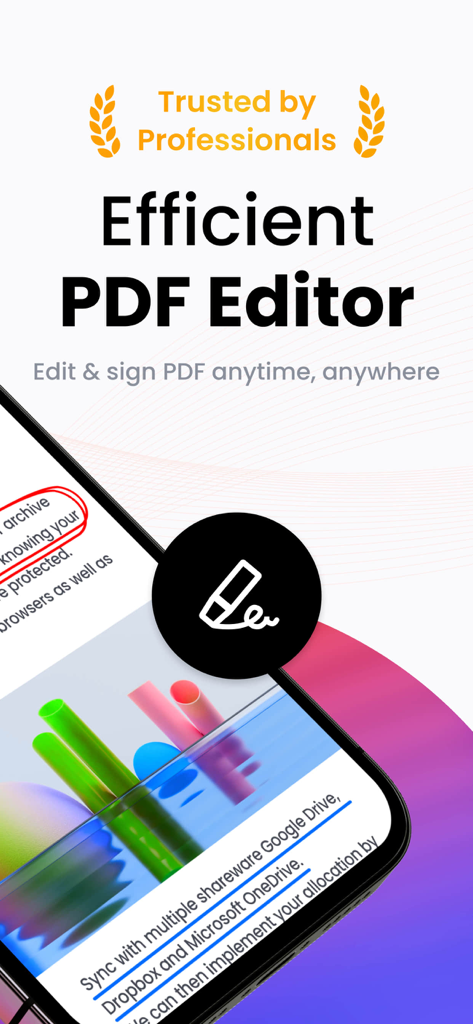
専門家向けのドキュメント編集と署名機能を強調したPDFリーダーおよびエディターのモバイルアプリのスクリーンショット
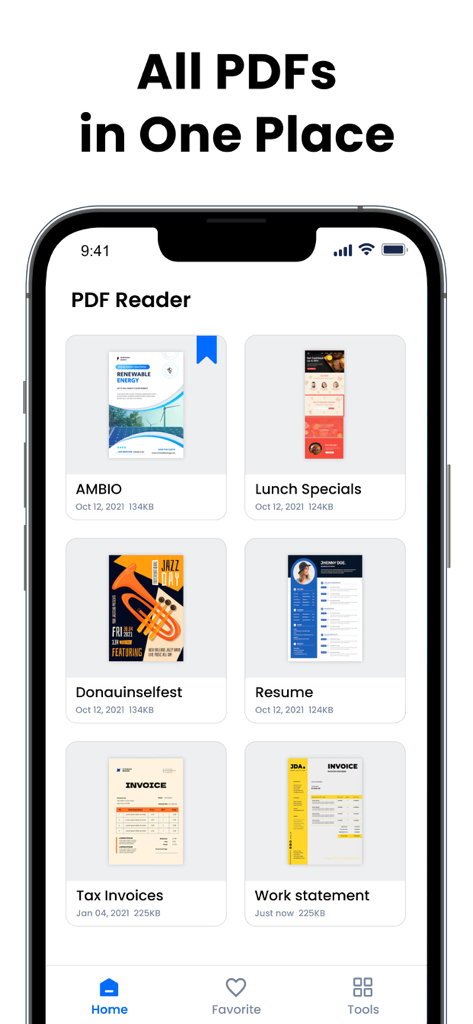
グリッドで整理されたデジタルドキュメントのコレクションを表示するPDFリーダーモバイルアプリのインターフェース
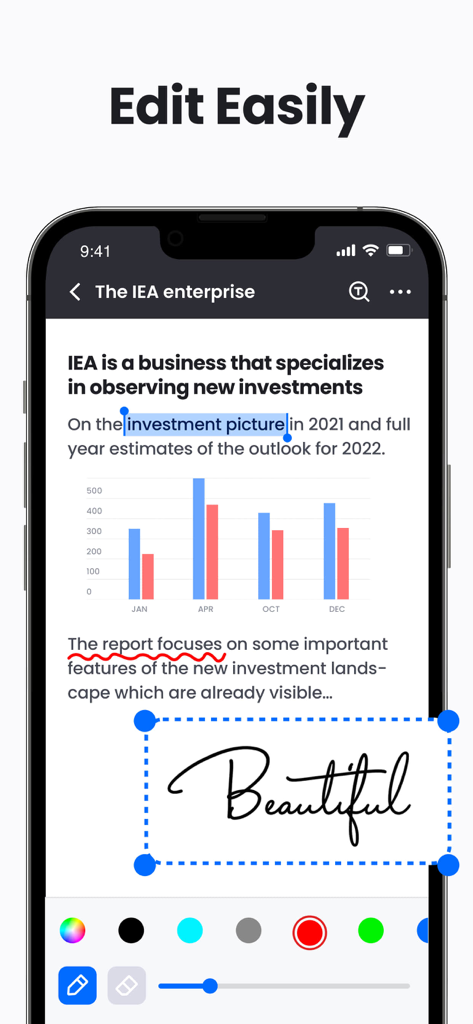
テキストハイライトと追加された署名が表示されたPDFドキュメントを示すiPhone画面
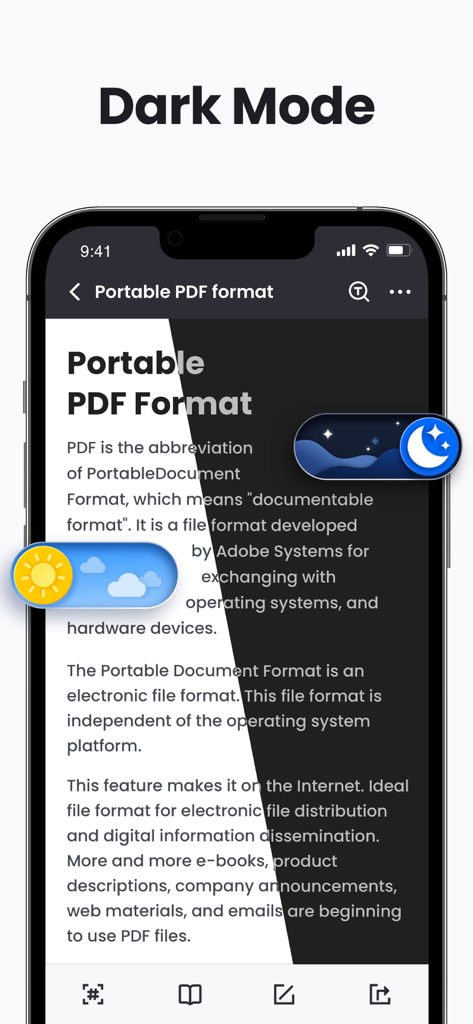
ライトモードとダークモードを示すスプリットスクリーンでPDFリーダーアプリを表示するスマートフォン
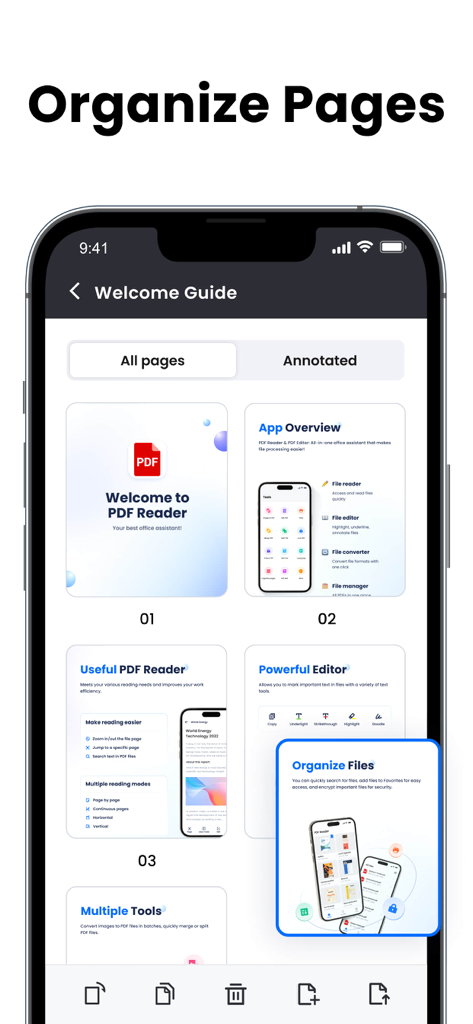
整理と編集のためのドキュメントページのグリッドを表示するモバイルアプリのインターフェース
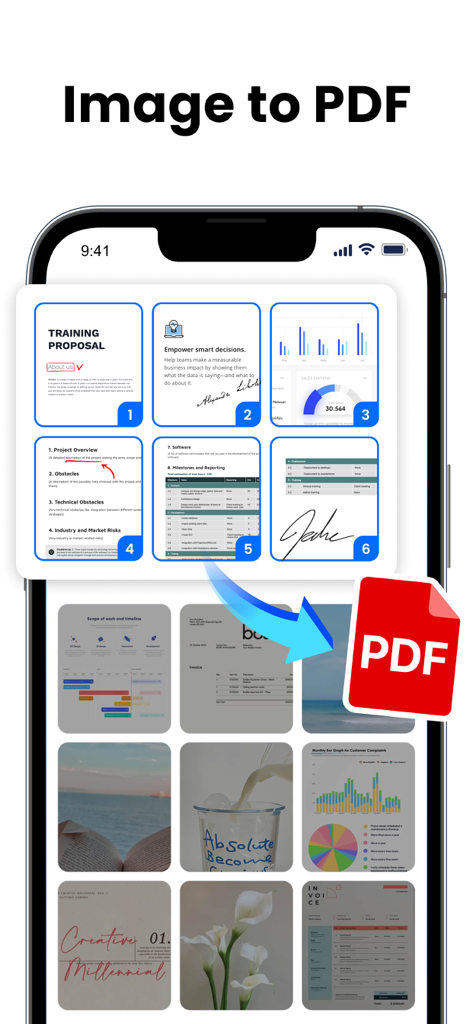
複数の画像やドキュメントをPDFファイルに変換する方法を示すモバイルアプリのインターフェース
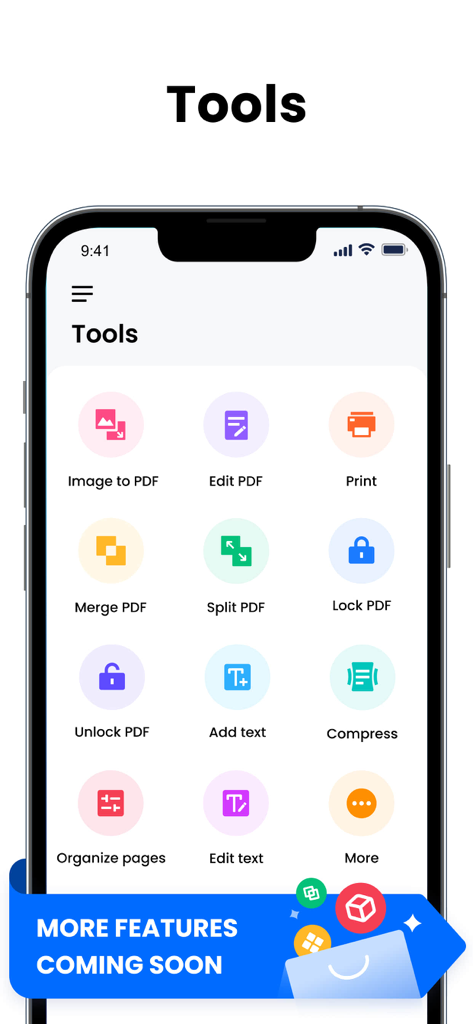
結合やロックなどのさまざまなPDFユーティリティツールを表示するスマートフォンの画面
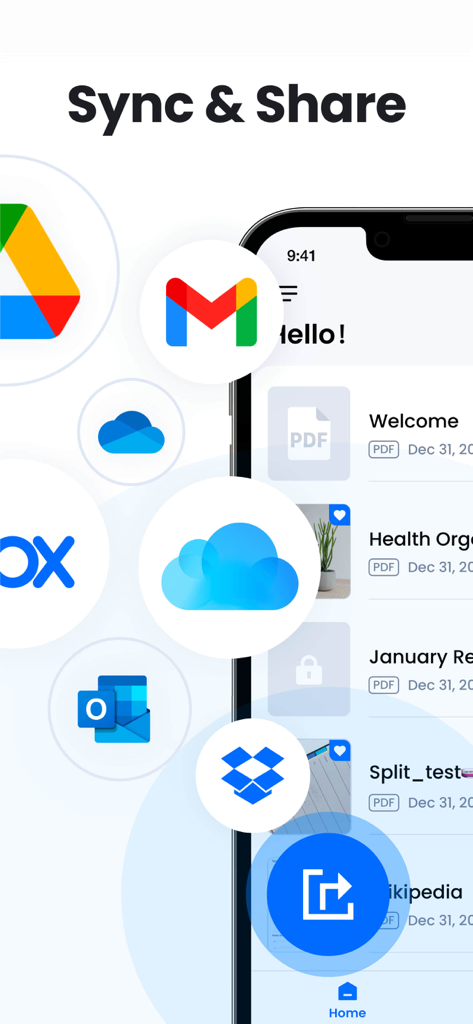
Google Drive、Gmail、Dropbox、Outlookのアイコンとともにクラウド同期および共有オプションを表示するPDFリーダーアプリのインターフェース
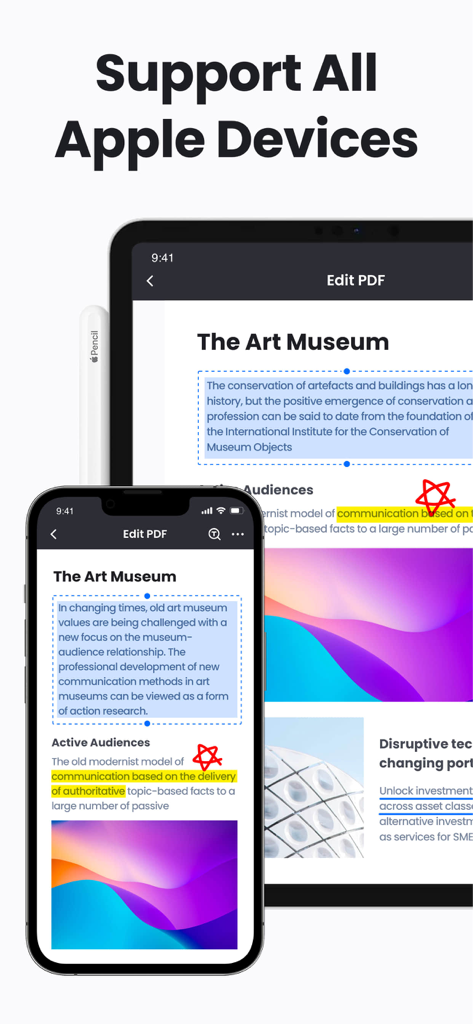
デバイス間の互換性を強調したiPhoneとiPadに表示されるPDFリーダーおよびエディターアプリのインターフェース。
説明
Download
類似アプリ
似た機能とユーザー体験を持つアプリ

PDF PRO Scan Image & Documents
Balzo srl

The PDF Scanner, PDF editor HQ
NEXT K.U.M. LTD

CamScanner - PDF Scanner App
INTSIG Information Co., Ltd

Adobe Scan: PDF & OCR Scanner
Adobe Inc.

WPS Office: PDF, Docs, Sheets
KINGSOFT OFFICE SOFTWARE CORPORATION LIMITED

iLovePDF - PDF Editor & Scan
ILOVEPDF S.L.

Scanner App: Genius Scan
The Grizzly Labs

Microsoft Lens: PDF Scanner
Microsoft Corporation

Clear Scan: Doc Scanner App
INDY MOBILE APP COMPANY LIMITED
このページはアプリまたはその開発者の公式ページではなく、情報提供および論評を目的として作成された独立した編集出版物です。明示的に別段の記載がない限り、アプリおよびその開発者は、MWM、Apple、Google Play、アプリのパブリッシャー、またはアプリの開発者と提携、承認、後援、認可、またはその他の公式的な関係はなく、このページのいかなる内容も、アプリがMWMのサービスを使用して開発されたことを意味するものではありません。すべての商標、ロゴ、スクリーンショット、その他のコンテンツはそれぞれの所有者の財産です。