
このページはアプリまたはその開発者の公式ページではなく、情報提供および論評を目的として作成された独立した編集出版物です。明示的に別段の記載がない限り、アプリおよびその開発者は、MWM、Apple、Google Play、アプリのパブリッシャー、またはアプリの開発者と提携、承認、後援、認可、またはその他の公式的な関係はなく、このページのいかなる内容も、アプリがMWMのサービスを使用して開発されたことを意味するものではありません。すべての商標、ロゴ、スクリーンショット、その他のコンテンツはそれぞれの所有者の財産です。


ダウンロード
75k+ユーザー評価
評価数
42開発元
カテゴリ
Business対応言語
1最新バージョン
1.1.5サイズ
80.1 MBリリース日
2024年12月21日忙しいプロフェッショナル向けモバイルドキュメント管理ソリューション
PDF Reader - Scanner アプリの主要機能分析
高度な文書スキャン
物理的な書類、レシート、契約書、メモなどをデジタル化し、マルチページPDFまたはJPGとして保存できます。これにより、外出先でも効率的な文書管理が可能です。
高精度なテキスト抽出
スキャンした画像やPDFからテキストを抽出し、編集および検索可能なコンテンツに変換します。OCR技術により、文書からの情報活用が大幅に向上します。
直感的なPDF編集
PDFファイル内のテキストや画像を直接編集できます。誤字脱字の修正、段落の追加、画像の回転など、迅速かつ柔軟な文書の調整が可能です。
容易な画像PDF変換
複数の画像ファイル(PNG、JPG、TIFF、GIF)から高品質なPDFを作成できます。これにより、写真やスクリーンショットをプロフェッショナルな文書として統合できます。
柔軟なページ管理
PDFファイル内のページを自由に整理できます。ページの追加、削除、抽出、回転、結合、分割、並べ替えなど、文書構造を効率的に管理できます。
シームレスな文書共有
スキャンした文書を電子メールで簡単に共有し、クラウドサービスにアップロードできます。これにより、連絡先との迅速なファイル交換や、どこからでもファイルへのアクセスが可能です。
よくある質問
について知っておくべきこと PDF Reader - Scanner app
Can the PDF Reader - Scanner app scan documents into PDFs?
Yes, the PDF Reader - Scanner app scans documents, receipts, contracts, notes, and books into multipage PDFs or JPGs. It serves all your document needs directly from your device.
How do I convert images to PDF using the PDF Reader - Scanner app?
The PDF Reader - Scanner app creates PDF files from multiple images (PNG, JPG, TIFF, GIF). Select images within the app to easily and safely convert them into new PDF documents.
Does the PDF Reader - Scanner app include OCR for text extraction?
Yes, the PDF Reader - Scanner app uses OCR Technology to extract text from PDFs, Word documents, and images. It converts scanned text into editable and searchable content for enhanced productivity.
Can I edit text directly within a PDF using the PDF Reader - Scanner app?
Yes, the PDF Reader - Scanner app's PDF editor allows direct editing of text and images. You can fix typos, add paragraphs, or rotate images to customize your PDF documents.
Is it possible to print documents from my iPhone or iPad with the PDF Reader - Scanner app?
Yes, the PDF Reader - Scanner app enables direct printing of documents and photos from your iPhone or iPad. Adjust print sizes, page counts, and orientations easily before printing.
How can I share files using the PDF Reader - Scanner app?
The PDF Reader - Scanner app allows sharing unlimited files via email and with contacts. It also supports cloud compatibility for uploading scans, with options for attachments or direct links.
What document organization features does the PDF Reader - Scanner app offer?
The PDF Reader - Scanner app organizes PDFs by enabling users to add, delete, extract, rotate, merge, split, crop, and rearrange pages. Insert new pages or remove unnecessary ones.
What file types can the PDF Reader - Scanner app print from iPhone and iPad?
The PDF Reader - Scanner app prints PDF, Word DOC, Excel XLS, PowerPoint PPT, Photoshop PSD, JPEG, PNG, BMP, TIFF, and GIF files directly from your iPhone or iPad.
Where can I find the Privacy Policy for the PDF Reader - Scanner app?
The Privacy Policy for the PDF Reader - Scanner app is located at https://sites.google.com/view/technestitservices/pdf-reader-scanner-app/privacy-policy. Acceptance of this policy occurs upon app usage.
What are the Terms of Use for the PDF Reader - Scanner app?
The Terms of Use for the PDF Reader - Scanner app are available at https://sites.google.com/view/technestitservices/pdf-reader-scanner-app/terms-of-use. Users agree to these terms by using the application.
以下のスクリーンショットと説明は、アプリの公式ストアリスティングから直接取得されたものであり、アプリ開発者の所有物です。
アプリストア
スクリーンショット
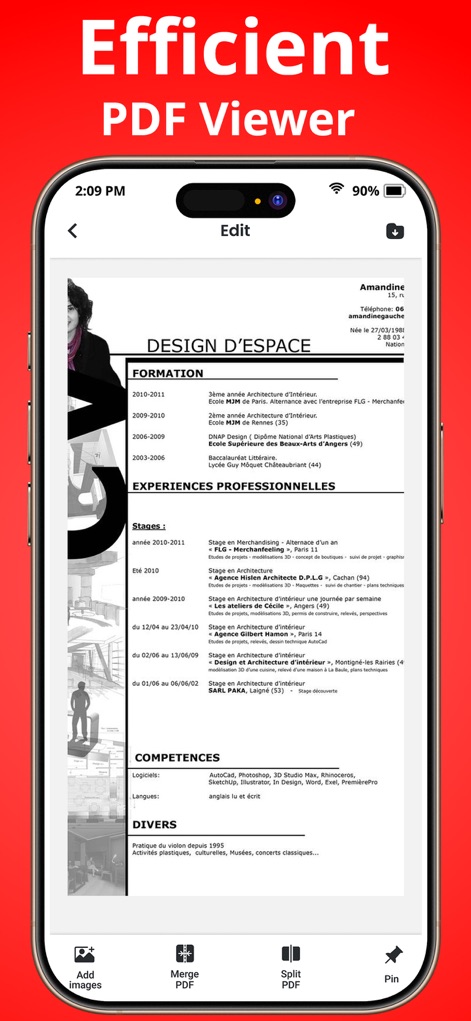
このアプリは、詳細なPDFドキュメントをクリアに表示し、PDFの結合や分割、画像の追加といった編集機能を提供します。
効率的なPDF閲覧
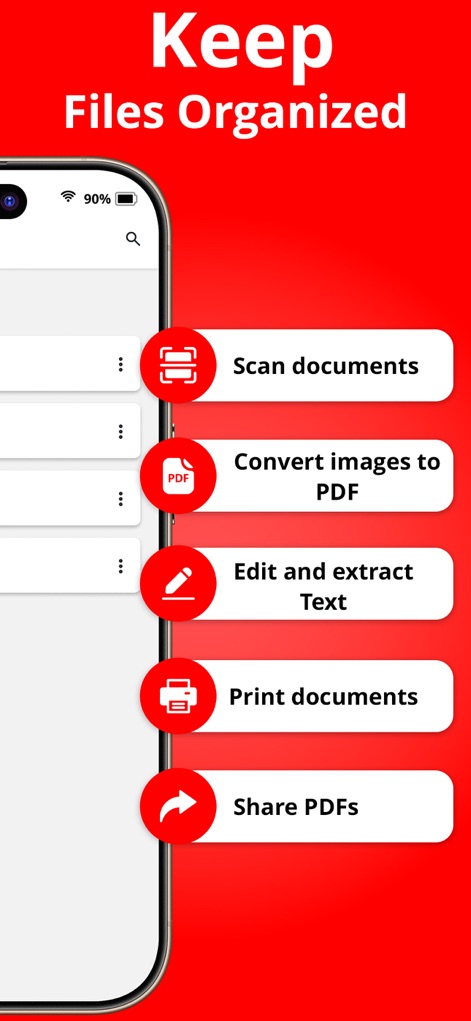
主要な機能を一覧で表示し、ユーザーはドキュメントのスキャンや画像のPDF変換を通じてファイルを効率的に管理できます。
ファイルを整理
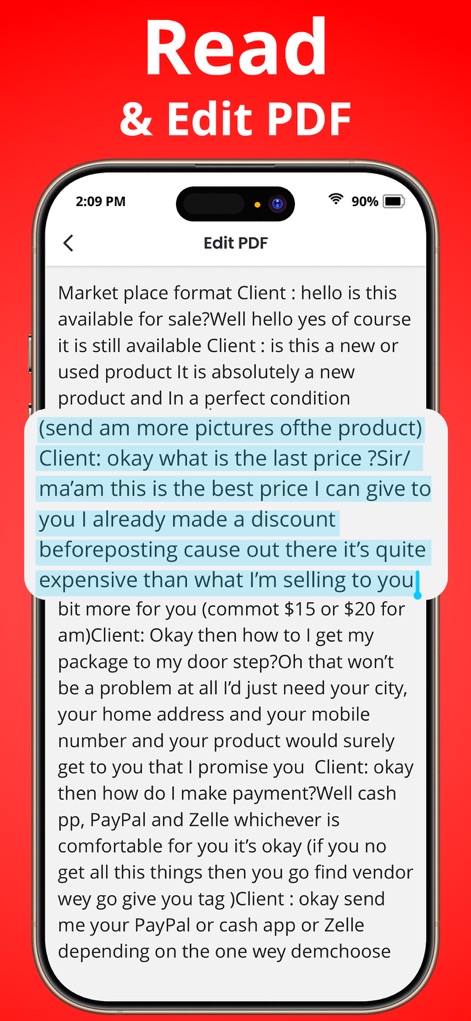
このアプリは、PDFドキュメントのテキストコンテンツを読みやすく表示し、重要な箇所をハイライトしてテキストを直接編集することが可能です。
PDFの閲覧・編集
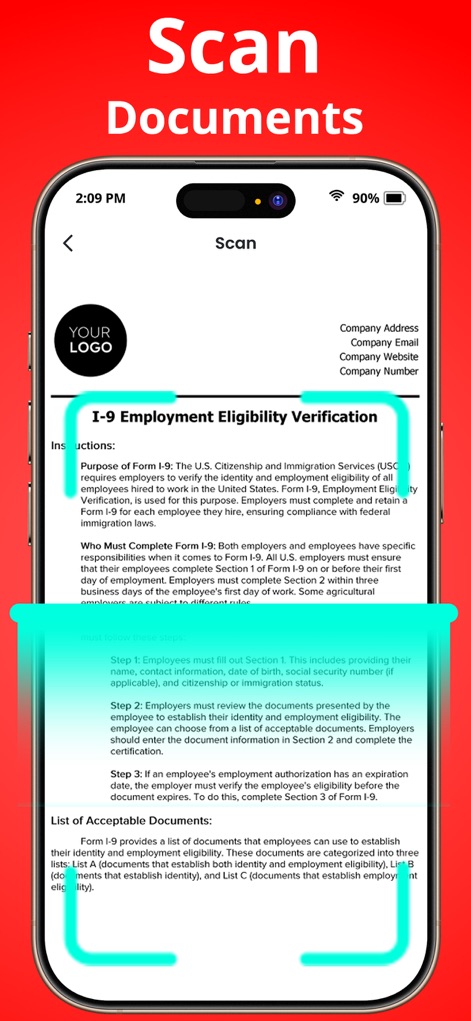
本ツールは、物理的なドキュメントをデジタル化するスキャン機能を提供し、調整可能なガイドフレームにより正確な範囲指定をサポートします。
ドキュメントをスキャン
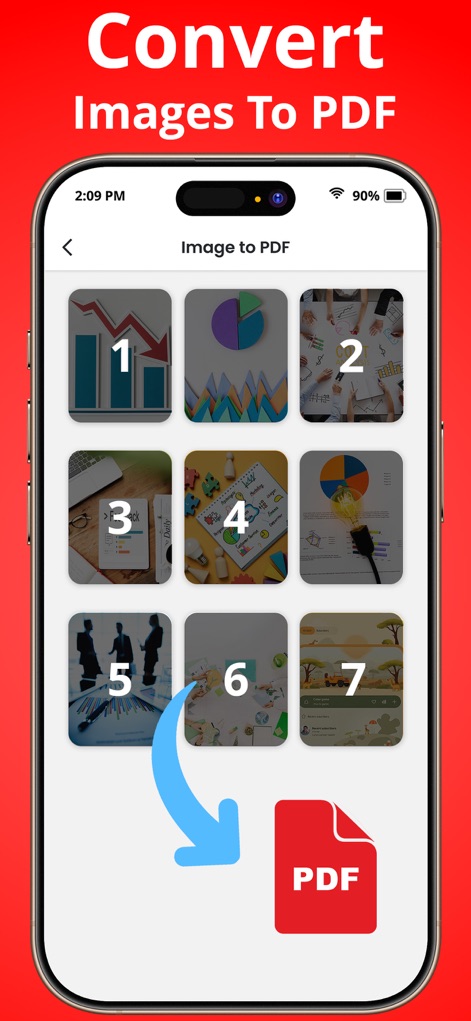
ユーザーは複数の画像を選択して簡単にPDFファイルへ変換でき、この機能により視覚情報を効率的にデジタル文書化できます。
画像をPDFに変換
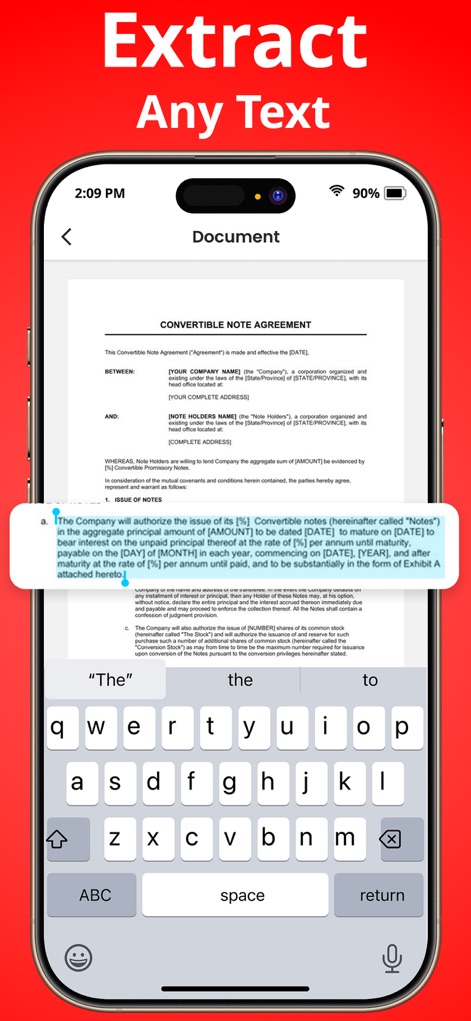
このアプリは、ドキュメントから任意のテキストを抽出するOCR技術を提供し、抽出されたテキストはすぐにキーボードで編集することが可能です。
テキストを抽出
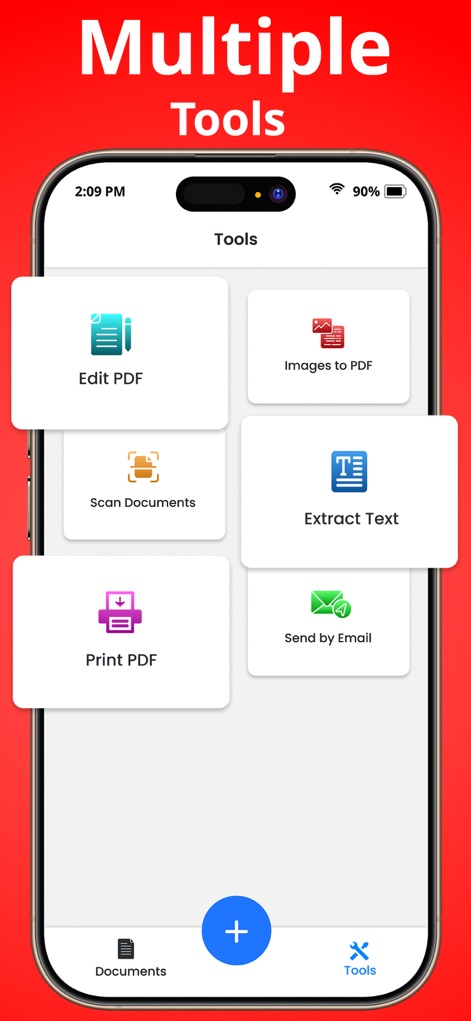
ユーザーはPDF編集や画像からPDFへの変換など、主要な機能へすぐにアクセスでき、直感的なボタンレイアウトで作業効率が向上します。
多機能ツール群
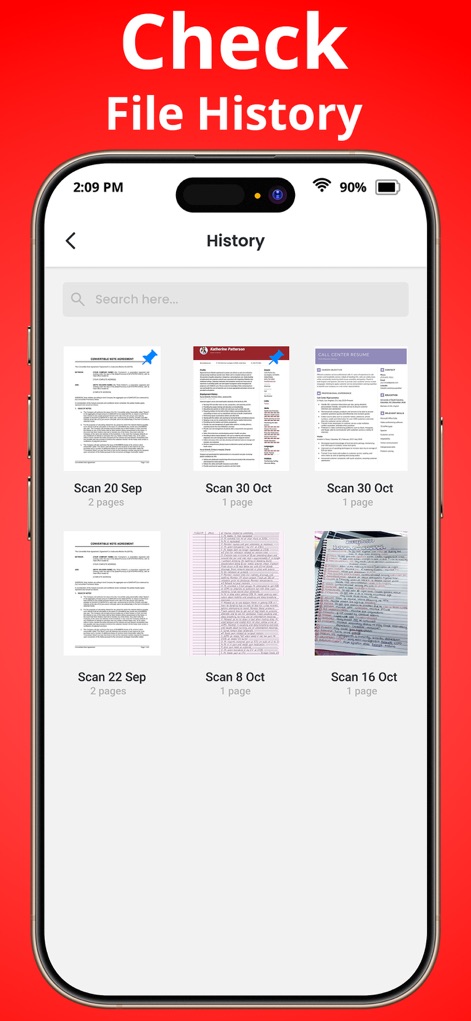
このツールは、過去に処理したドキュメントの履歴を一覧で表示し、各ファイルの詳細なプレビューや日付情報を提供します。
ファイル履歴を確認
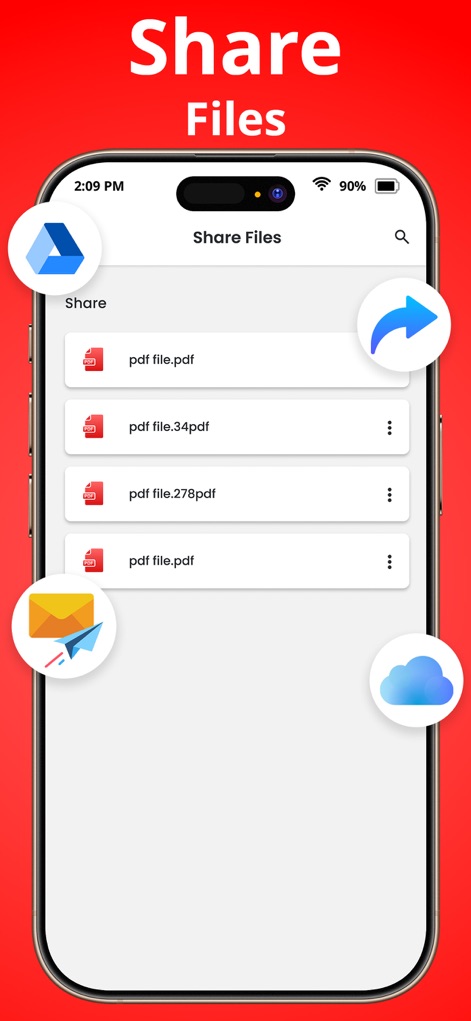
ユーザーは生成されたPDFファイルを簡単に共有でき、メール送信やクラウドサービスへのアップロードといった複数の共有オプションが利用可能です。
ファイルを共有
説明
Download
類似アプリ
似た機能とユーザー体験を持つアプリ

PDF PRO Scan Image & Documents
Balzo srl

The PDF Scanner, PDF editor HQ
NEXT K.U.M. LTD

CamScanner - PDF Scanner App
INTSIG Information Co., Ltd

Adobe Scan: PDF & OCR Scanner
Adobe Inc.

WPS Office: PDF, Docs, Sheets
KINGSOFT OFFICE SOFTWARE CORPORATION LIMITED

iLovePDF - PDF Editor & Scan
ILOVEPDF S.L.

Scanner App: Genius Scan
The Grizzly Labs

Microsoft Lens: PDF Scanner
Microsoft Corporation

Clear Scan: Doc Scanner App
INDY MOBILE APP COMPANY LIMITED
このページはアプリまたはその開発者の公式ページではなく、情報提供および論評を目的として作成された独立した編集出版物です。明示的に別段の記載がない限り、アプリおよびその開発者は、MWM、Apple、Google Play、アプリのパブリッシャー、またはアプリの開発者と提携、承認、後援、認可、またはその他の公式的な関係はなく、このページのいかなる内容も、アプリがMWMのサービスを使用して開発されたことを意味するものではありません。すべての商標、ロゴ、スクリーンショット、その他のコンテンツはそれぞれの所有者の財産です。