Pixaki 4 Pro

Pixaki 4 Pro

ダウンロード: App Store
ロゴ: Pixaki 4 Pro

Pixaki 4 Pro: iPadでデスクトップクラスのピクセルアートとアニメーションを

インディーゲーム開発者やデジタルアーティスト向けの究極のスタジオ。ソファからデスクまで、ギャップを埋めるプロフェッショナルなワークフローで、ピクセルパーフェクトなスプライト、アイソメトリックな世界、複雑なアニメーションを作成しましょう。

ダウンロード: App Store

開発元

Rizer Creative Ltd

カテゴリ

Graphics & Design

ダウンロード

105K+

ユーザー評価

4.0/5

評価数

300

対応言語

1

ピクセルパーフェクトな精度

このインターフェースを利用する 105K+ 人のユーザー.

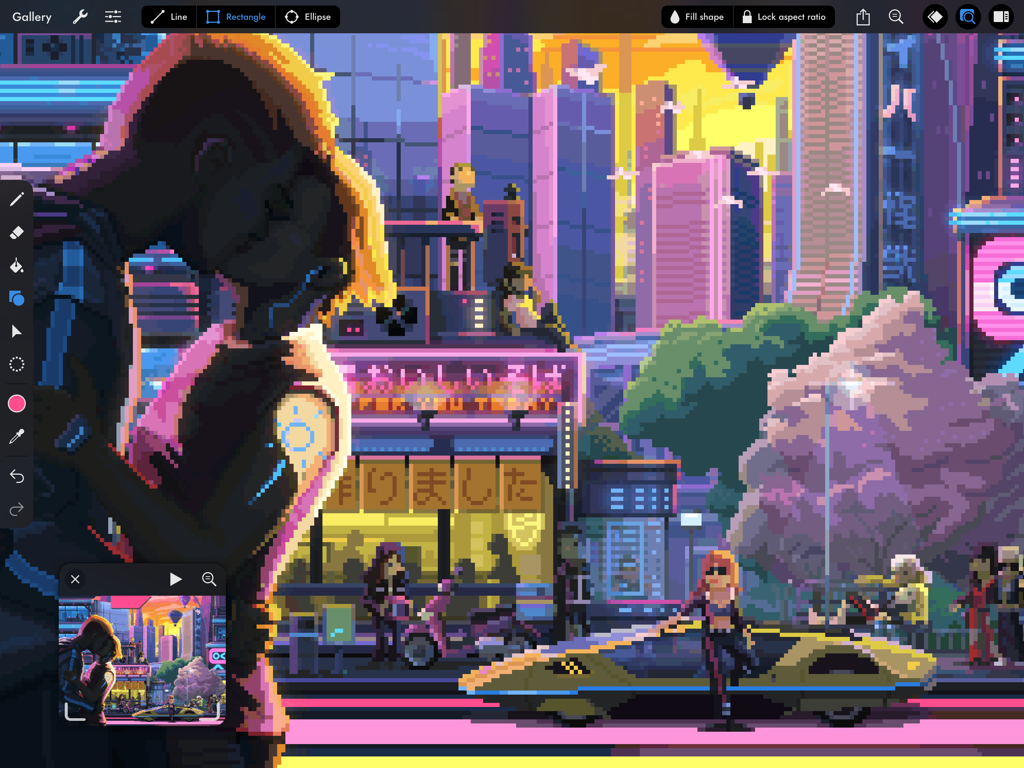
Pixaki 4 Pro iPadインターフェース内の詳細なサイバーパンク都市のピクセルアートイラスト
Pixaki 4 Pro iPadインターフェース内の詳細なサイバーパンク都市のピクセルアートイラスト

Pixaki 4 ProアプリインターフェースがiPadに表示され、詳細なピクセルアートの都市景観とアニメーションタイムラインを示しています

Pixaki 4 ProアプリインターフェースがiPadに表示され、詳細なピクセルアートの都市景観とアニメーションタイムラインを示しています

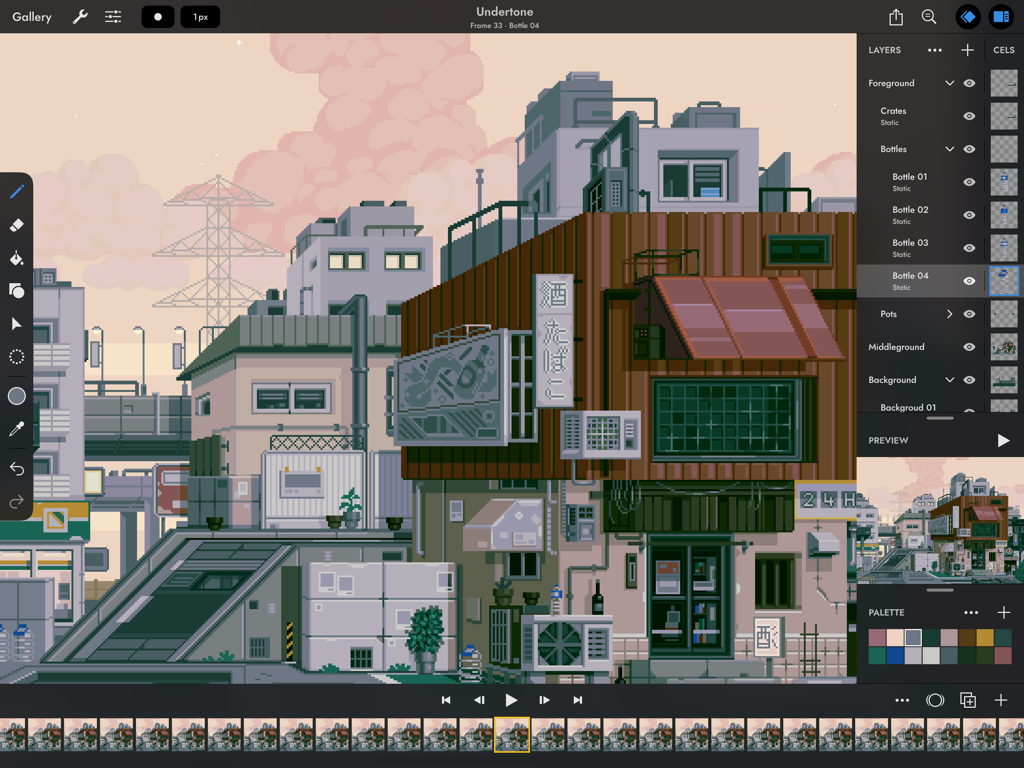
Pixaki 4 Proアプリインターフェースに、女の子と黒猫のピクセルアートイラストが表示されています
Pixaki 4 Proアプリインターフェースに、女の子と黒猫のピクセルアートイラストが表示されています

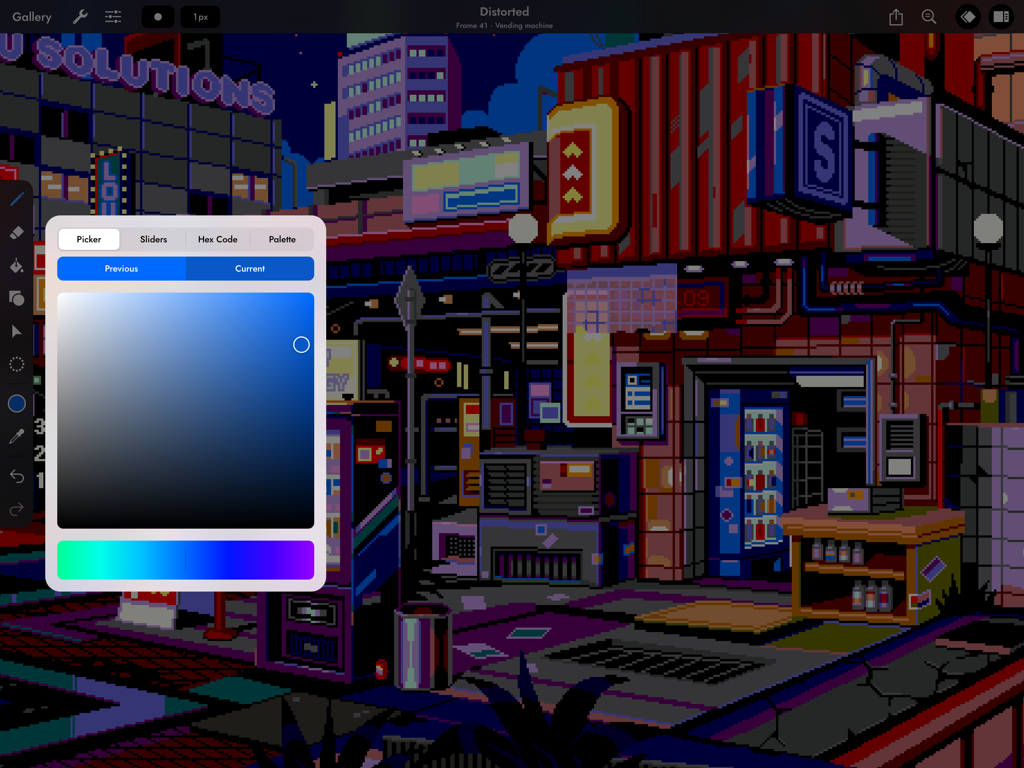
Pixaki 4 Proのカラーピッカーツールを使用したiPad上のサイバーパンクピクセルアート都市のシーン。
Pixaki 4 Proのカラーピッカーツールを使用したiPad上のサイバーパンクピクセルアート都市のシーン。

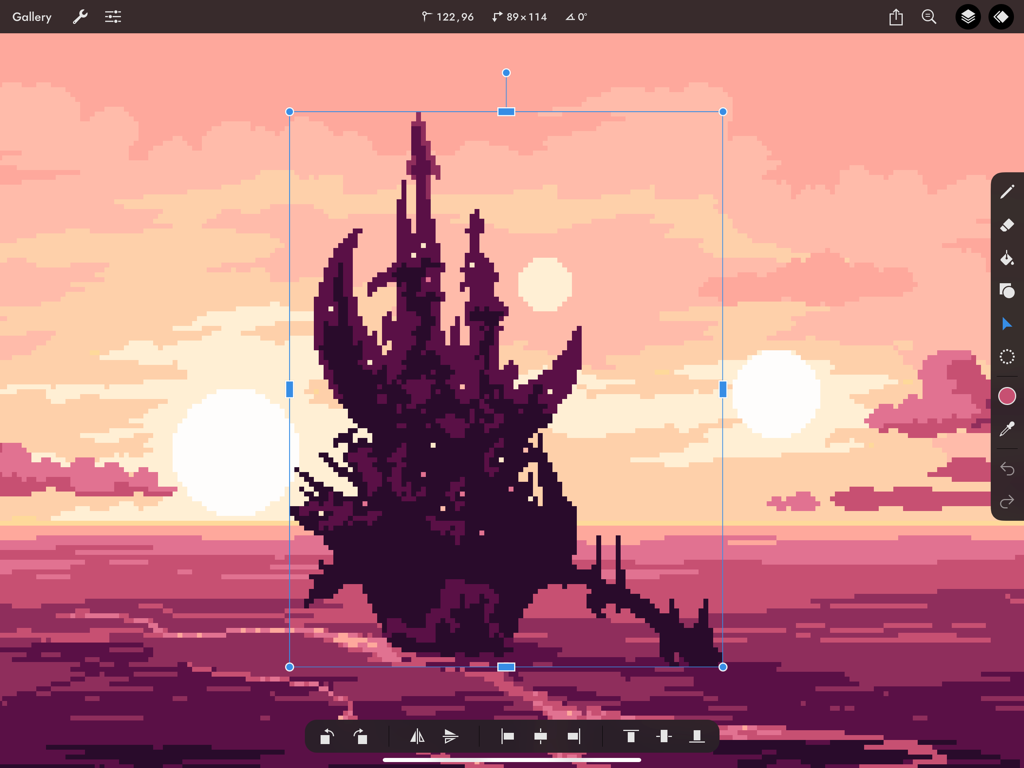
ピンクの夕日の背景に対してiPad上のPixaki 4 Proの変形ツールを使用してリサイズされている暗いピクセルアートの城。
ピンクの夕日の背景に対してiPad上のPixaki 4 Proの変形ツールを使用してリサイズされている暗いピクセルアートの城。

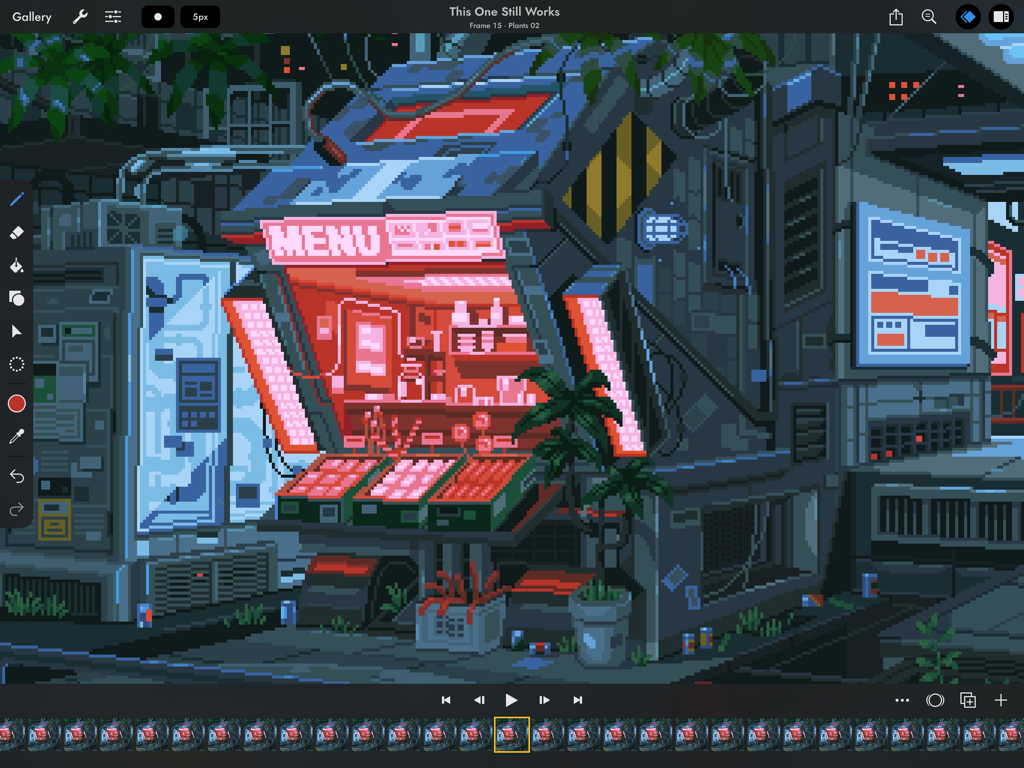
Pixaki 4 Proのピクセルアートアニメーションインターフェース。サイバーパンクの店舗が特徴です

Pixaki 4 Proのピクセルアートアニメーションインターフェース。サイバーパンクの店舗が特徴です

プログレードのピクセルアートをどこでも

このアプリを際立たせるツール、 105K+ 人のユーザーが選択.

✏️

ピクセルパーフェクトな描画

モダンなゲームデザインに合わせた、スマートなピクセルパーフェクトペイントと専用のアイソメトリック線ツールで、完璧にクリーンなラインを作成します。

🎞️

高度なアニメーションレイヤー

スクラブ可能なタイムライン、フレーム間の共有レイヤー、スムーズなトランジションのためのプロフェッショナルなオニオンスキンニングで、複雑な動きをマスターしましょう。

📂

デスクトップクラスの統合

ネイティブのAsepriteおよびPhotoshopサポート、さらにゲームエンジン用のカスタムスプライトシートエクスポートにより、デバイス間を簡単に移動できます。

アプリについて

について知っておくべきこと Pixaki 4 Pro.

説明

Pixaki is the best pixel art app for iPad. It packs a whole load of features into a clean, modern interface, and it works great with Apple Pencil. So now you can make game sprites on the couch, animated backgrounds on your commute, or music videos in the park. DRAWING • Pixel perfect painting mode automatically removes double pixels when doing line art. • Round, square, and matrix dither brushes. • Line tool, which can be locked to isometric angles. • Rectangle and ellipse tools. LAYERS OF ANIMATION • Layers are shared across the whole project, which means every layer has its own timeline. • Static image layers for background and foreground elements that are the same on every frame. • 18 layer blend modes. • Rename layers. • Reorder layers and frames by using drag and drop. • Scrubbable timeline. • Advanced onion skin options. • Select multiple layers or frames at once to quickly make bulk adjustments. • Use high resolution reference layers to pixel over your sketches and photos. COLOR • Four color selection modes: a square picker with an infinitely scrolling hue slider, sliders for HSB and RGB, hex code input, and the project palette. • Eyedropper to sample any color from the canvas. • Bucket fill, with contiguous or discontiguous options. • Color replace across the whole project. SELECTION • Freehand, rectangular, and color selection. • Use the active selection as a mask. • Cut or copy the selected pixels and paste them to any app that supports pasting images. TRANSFORM • Move without needing to select. Position the image on or off the canvas without clipping. • Scale uniformly up and down, or squash and stretch. • Rotate by any angle. • Flip horizontally and vertically. IMPORT & EXPORT • Import any static image, or a GIF. • Import and export Aseprite documents (requires iPadOS 13 ore newer). • Import and export Photoshop documents (PSDs). • Use magnification when sharing to upscale without the results looking blurry. • Export as a single image or image sequence as PNG, TIFF, or JPEG-2000. • Export animated images as GIF or APNG. • Export QuickTime movies with H264 or HEVC codecs. • Export as a sprite sheet, with configurable columns. Screenshot artwork by Genuine Human, waneella, Chelsea Faust, and rachels_ham. Find out more at pixaki.com.

最新バージョン

4.6

サイズ

29.4 MB

リリース日

2020年12月18日

ピクセルパーフェクトなワークフローをマスターしよう

何千人ものプロクリエイターやインディー開発者に加わり、iPadで次世代のゲームを構築しましょう。今すぐPixaki 4 Proをダウンロードしてください。

ダウンロード: App Store

App information, icons, screenshots, and descriptions displayed on this page are sourced from the Apple App Store and are the property of their respective developers. Download estimates and rankings are based on MWM's proprietary models and may not reflect actual figures. This page is provided for informational and analytical purposes only.

Believe this page infringes your intellectual property? File a dispute