Pro-face Remote HMI
Pro-face Remote HMI
ダウンロード: App Store

このページはアプリまたはその開発者の公式ページではなく、情報提供および論評を目的として作成された独立した編集出版物です。明示的に別段の記載がない限り、アプリおよびその開発者は、MWM、Apple、Google Play、アプリのパブリッシャー、またはアプリの開発者と提携、承認、後援、認可、またはその他の公式的な関係はなく、このページのいかなる内容も、アプリがMWMのサービスを使用して開発されたことを意味するものではありません。すべての商標、ロゴ、スクリーンショット、その他のコンテンツはそれぞれの所有者の財産です。


ロゴ: Pro-face Remote HMI
ダウンロード: App Store

Pro-face Remote HMI

稼働時間を最大化し、不要な移動をなくします。工場内のどこからでも、プロフェッショナルグレードのセキュリティと安全性で複数のHMI画面を監視、トラブルシューティング、管理できます。

主要数値

ダウンロード

68K+

ユーザー評価

1.0/5

評価数

0

開発元

SCHNEIDER ELECTRICJAPAN HOLDINGS LTD.

カテゴリ

Productivity

対応言語

2

最新バージョン

1.70.000

サイズ

4.8 MB

リリース日

2013年2月15日
機能

産業オペレーションを最適化

Pro-face Remote HMIは、工場フロアとモバイルデバイスの間のギャップを埋め、リアルタイムの機械管理、ダウンタイムの削減、および安全基準の向上を可能にします。

リアルタイムリモート監視

工場内のどこからでも、iPhoneまたはiPadから直接、機械の状態とアラームを監視することで、広大な施設内を移動する不要な手間を省きます。

プロアクティブなトラブルシューティング

機械に到着する前に、機器エラーの根本原因を特定し、適切なツールを持参して、クリティカルなダウンタイムを最小限に抑えることができます。

以下のスクリーンショットと説明は、アプリの公式ストアリスティングから直接取得されたものであり、アプリ開発者の所有物です。

アプリストア

スクリーンショット
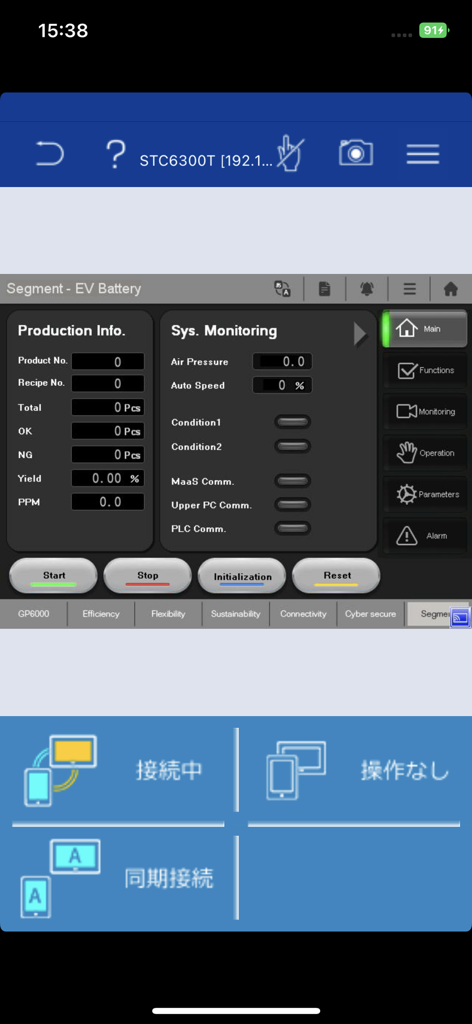
Pro-face Remote HMI - Pro-face Remote HMIアプリのインターフェース。EVバッテリー生産監視ダッシュボードにシステムデータと制御ボタンが表示されている様子。
Pro-face Remote HMIアプリのインターフェース。EVバッテリー生産監視ダッシュボードにシステムデータと制御ボタンが表示されている様子。

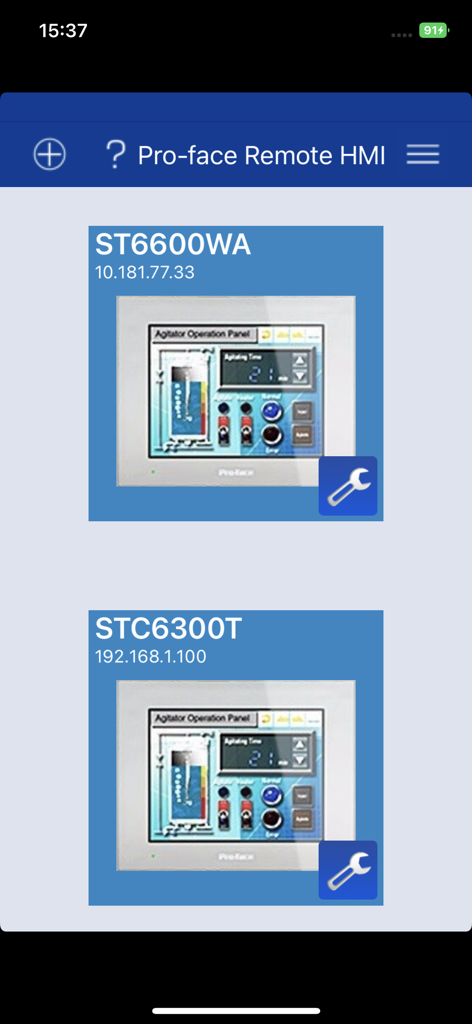
Pro-face Remote HMI - Pro-face Remote HMIダッシュボード。接続された産業機械インターフェースのリストが表示されている様子。
Pro-face Remote HMIダッシュボード。接続された産業機械インターフェースのリストが表示されている様子。

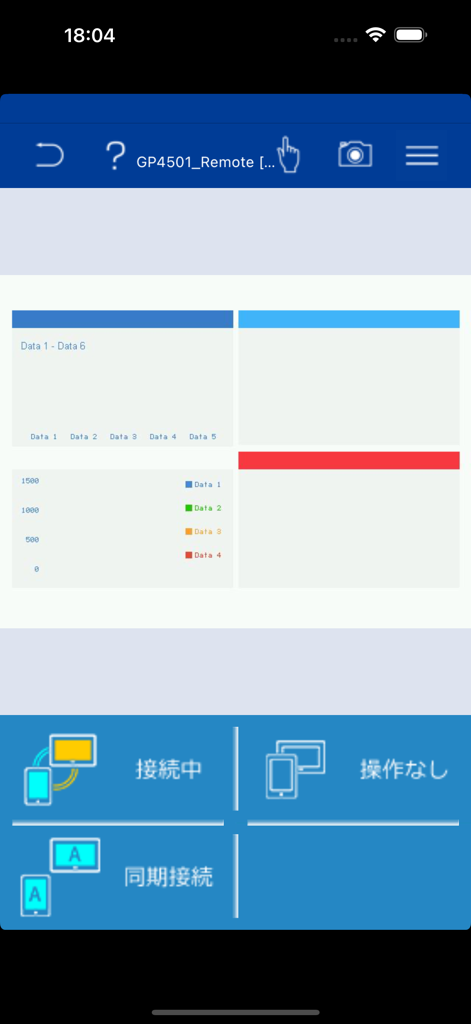
Pro-face Remote HMI - Pro-face Remote HMIアプリのインターフェース。産業データチャートとリモート監視ステータスが表示されている様子。
Pro-face Remote HMIアプリのインターフェース。産業データチャートとリモート監視ステータスが表示されている様子。

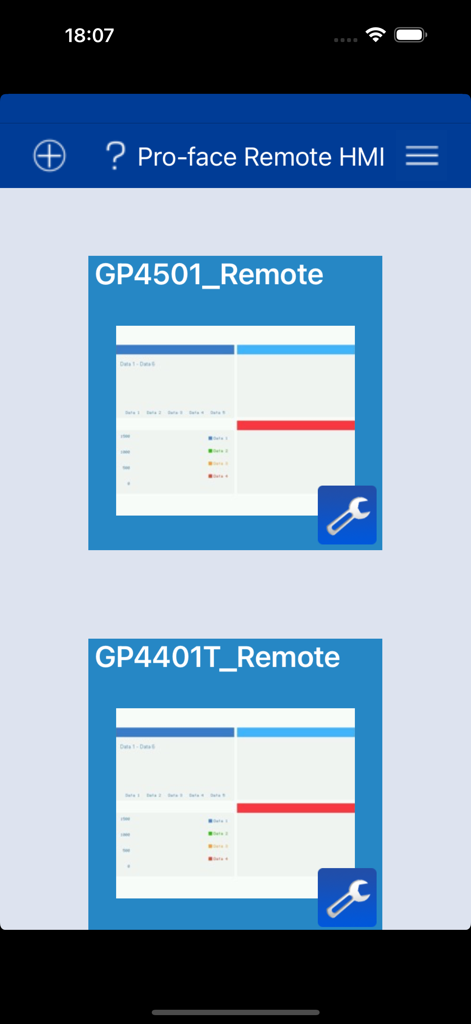
Pro-face Remote HMI - Pro-face Remote HMIアプリのインターフェース。接続された産業制御ユニットのリストが表示されている様子。

Pro-face Remote HMIアプリのインターフェース。接続された産業制御ユニットのリストが表示されている様子。

説明

==================================================== Pro-face Remote HMI Price Revision! ==================================================== Pro-face Remote HMI software allows operators to check status of HMI screens on multiple applications remotely, and assist HMI operation as a sub-display of HMI unit connected with iPhone, iPad and iPod touch. - Quick 3 steps to use Pro-face Remote HMI 1. Prepare Wireless Router and connect to HMI. 2. Adjust GP application in GP-Pro EX and transfer it to HMI. 3. Download and install Pro-face Remote HMI in iPhone, iPad and iPod touch. Application: - Monitoring Anywhere of Large/Long Equipment Using the remote monitoring and operation functions, actions that previously required multiple staff for a large-sized machine or long-distance application can be easily accomplished by fewer operators. - Troubleshooting before running to troubled machine You can confirm possible causes of errors to prepare for necessary actions and tools before running down to the point of the problem. - Efficiently and effectively monitor machines on the factory floor Pro-face Remote HMI allows you to check machines and equipment for alarms, operating status, and other information using iPhone, iPad and iPod touch from anywhere on the factory floor. Features: - Synchronized or Asynchronized Monitoring Pro-face Remote HMI lets you switch communication modes to monitor status. - Touch Exclusive Control Setting the monopolize touch function prevents unexpected operational misuses caused by redundant operation. Operation is re-enabled a preset time after Pro-face Remote HMI or the GP unit on the equipment has been operated. - Remote Status Icon A local operator can check the status of remote connection and touch monopoly of HMI server or remote client on a HMI screen for safer operation. - Screen Shortcut Images or texts of machines to monitor can be registered as shortcuts to easily jump from one HMI to another among multiple applications, for various working environments, such as in an office or manufacturing site. - Limitation - Supported HMI Editor for HMI Server: GP-Pro EX Ver. 3.1 or later - Refer to the GP-Pro EX manual for models (servers) that support the Pro-face Remote HMI feature. - Text and picture for which Blink is set in the server are not displayed in blinking in the client. - Reverse Display in 16 Level Monochrome color mode is not supported. - Touch operation in the Asynchronous Mode is available only for the functions that allow you to check display, such as "Screen Change", "Previous Screen", "Scroll" of [Switch/Lamp] and so on. When "Multifunction" mode is set, however, touch operation is disabled. - In Asynchronous Mode, neither a user window nor a system keypad can be displayed. - When the version is upgraded to iOS7 or later, the already saved password is reset. Enter the correct password again for connection. At the same time, the entered password is saved.

Download

ダウンロード: App Store

このページはアプリまたはその開発者の公式ページではなく、情報提供および論評を目的として作成された独立した編集出版物です。明示的に別段の記載がない限り、アプリおよびその開発者は、MWM、Apple、Google Play、アプリのパブリッシャー、またはアプリの開発者と提携、承認、後援、認可、またはその他の公式的な関係はなく、このページのいかなる内容も、アプリがMWMのサービスを使用して開発されたことを意味するものではありません。すべての商標、ロゴ、スクリーンショット、その他のコンテンツはそれぞれの所有者の財産です。








