QuickNotes X: Notes, AI & PDF
ダウンロード: App Store

このページはアプリまたはその開発者の公式ページではなく、情報提供および論評を目的として作成された独立した編集出版物です。明示的に別段の記載がない限り、アプリおよびその開発者は、MWM、Apple、Google Play、アプリのパブリッシャー、またはアプリの開発者と提携、承認、後援、認可、またはその他の公式的な関係はなく、このページのいかなる内容も、アプリがMWMのサービスを使用して開発されたことを意味するものではありません。すべての商標、ロゴ、スクリーンショット、その他のコンテンツはそれぞれの所有者の財産です。


ロゴ: QuickNotes X: Notes, AI & PDF
ダウンロード: App Store

QuickNotes X: Notes, AI & PDF

カスタムベクターインクによる自然な手書きを体験し、録音内容をメモに同期させ、すべてのAppleデバイスで安全かつ無制限のフォルダーを使用して生活を整理しましょう。

主要数値

ダウンロード

1M+

ユーザー評価

4.3/5

評価数

8K+

開発元

Alessandro Sassi

カテゴリ

Productivity

対応言語

9

最新バージョン

5.4.7

サイズ

350.8 MB

リリース日

2015年7月25日
機能

デジタルワークスペースをアップグレード

QuickNotes Xは、手書きの自然な感覚と強力な整理機能を組み合わせ、Appleのエコシステム向けに特別に設計されており、物理的なノートに代わる存在となります。

音声同期ノート作成

筆記中に講義や会議を録音できます。メモ内の単語をタップするだけで、その瞬間に何が話されていたかを正確に聞くことができ、詳細を見逃すことはありません。

自然なベクターインクとAIツール

カスタムエンジンによる遅延のない正確な手書きを体験してください。MLを活用した図形認識や、STEM、音楽、プロフェッショナルなプランニングのための専用テンプレートを使用できます。

以下のスクリーンショットと説明は、アプリの公式ストアリスティングから直接取得されたものであり、アプリ開発者の所有物です。

アプリストア

スクリーンショット
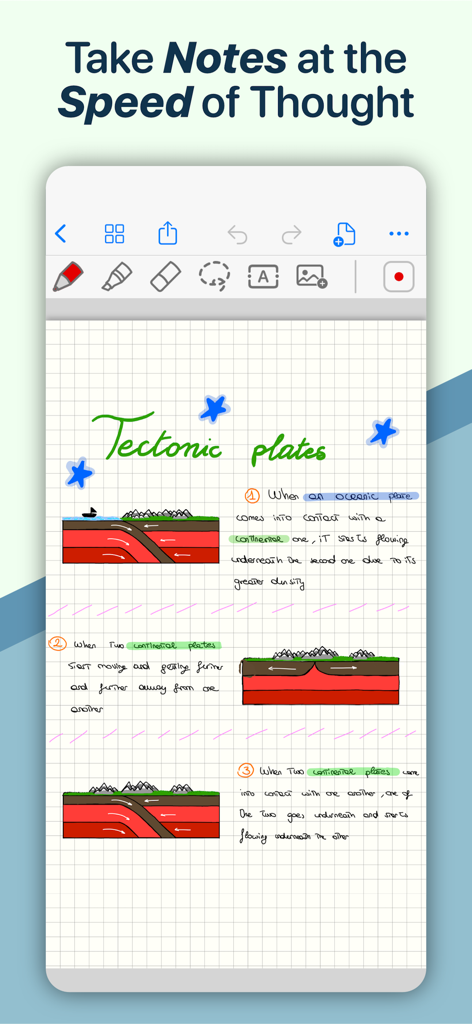
QuickNotes X: Notes, AI & PDF - 方眼紙にプレートテクトニクスに関する手書きの科学ノートと図が表示されている、QuickNotes Xアプリのデジタルノートページ。
方眼紙にプレートテクトニクスに関する手書きの科学ノートと図が表示されている、QuickNotes Xアプリのデジタルノートページ。

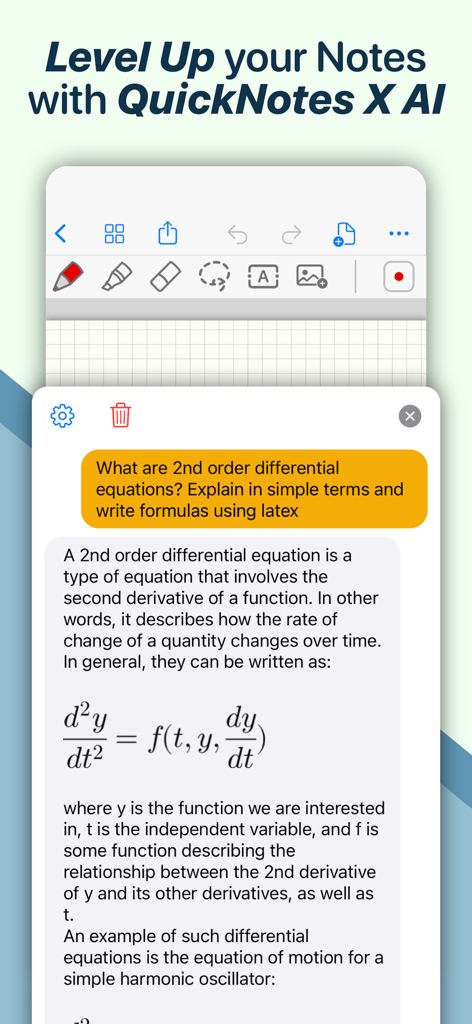
QuickNotes X: Notes, AI & PDF - チャットインターフェースでLaTeX数式を使用して2階微分方程式を説明するQuickNotes X AIアシスタント。
チャットインターフェースでLaTeX数式を使用して2階微分方程式を説明するQuickNotes X AIアシスタント。

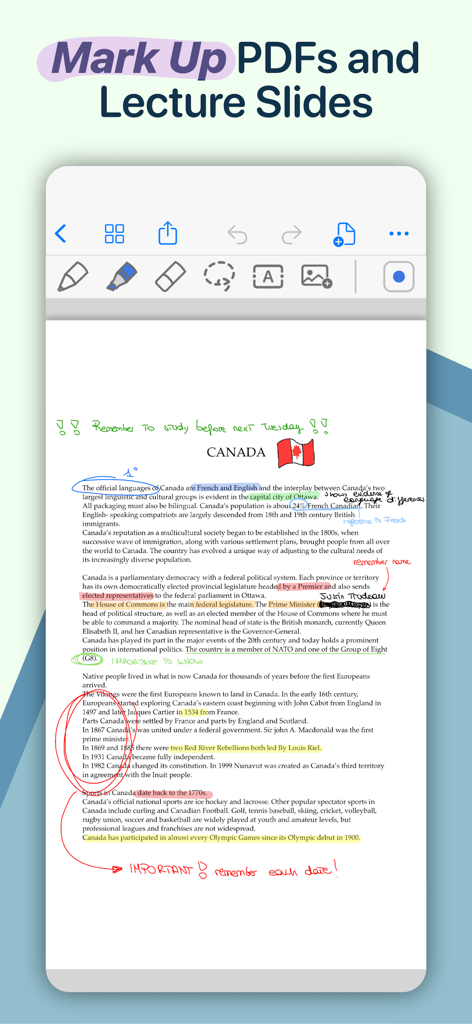
QuickNotes X: Notes, AI & PDF - カラフルなハイライト、手書きの丸、テキスト注釈が含まれるカナダに関するPDFを表示したデジタルノート作成インターフェース。
カラフルなハイライト、手書きの丸、テキスト注釈が含まれるカナダに関するPDFを表示したデジタルノート作成インターフェース。

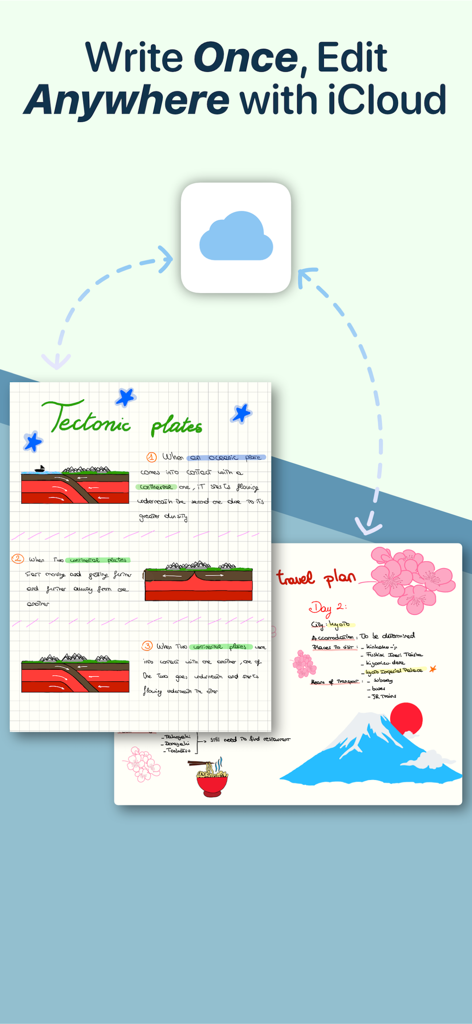
QuickNotes X: Notes, AI & PDF - iCloud経由で同期された、プレートテクトニクスに関するデジタル手書きメモと旅行プランを表示するQuickNotes Xアプリのインターフェース。
iCloud経由で同期された、プレートテクトニクスに関するデジタル手書きメモと旅行プランを表示するQuickNotes Xアプリのインターフェース。

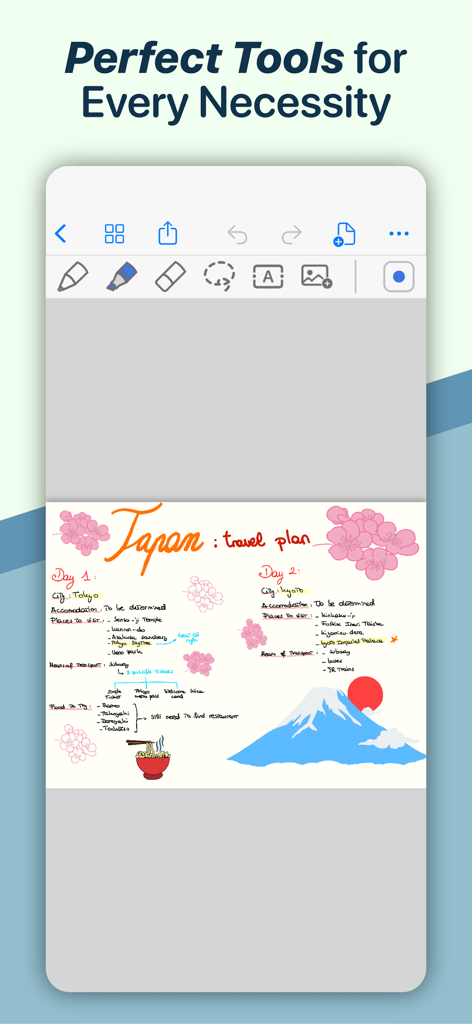
QuickNotes X: Notes, AI & PDF - 手書きやイラストが描かれた、日本向けのカラフルなデジタル旅行プランを表示するQuickNotes Xモバイルアプリ。
手書きやイラストが描かれた、日本向けのカラフルなデジタル旅行プランを表示するQuickNotes Xモバイルアプリ。

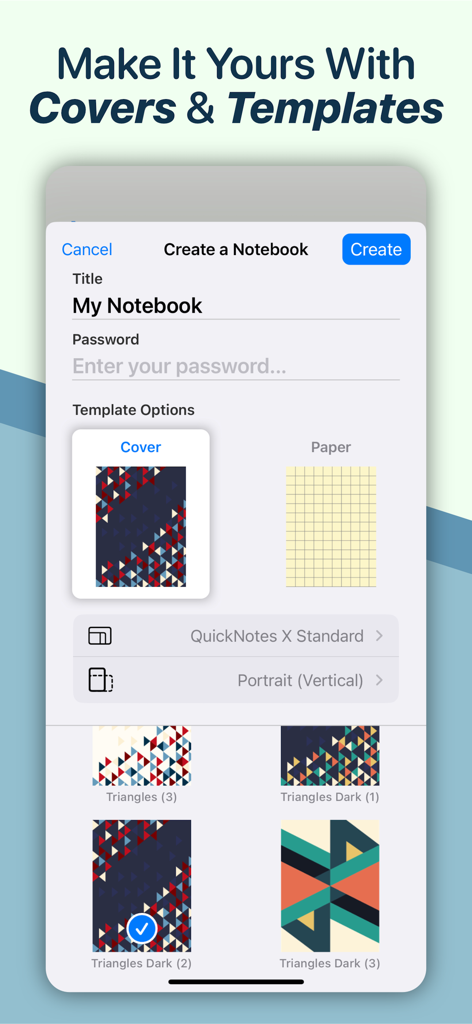
QuickNotes X: Notes, AI & PDF - タイトル、パスワード、カスタム幾何学カバーのオプションを備えた、新しいノートブックを作成するためのQuickNotes Xアプリ画面。
タイトル、パスワード、カスタム幾何学カバーのオプションを備えた、新しいノートブックを作成するためのQuickNotes Xアプリ画面。

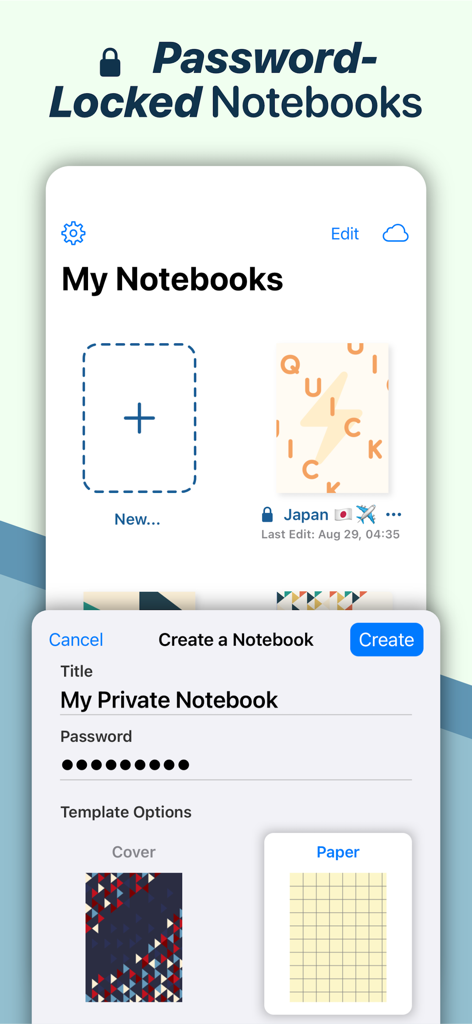
QuickNotes X: Notes, AI & PDF - カスタムカバーと用紙テンプレートを使用してパスワード保護されたプライベートノートを作成する方法を示すQuickNotes Xのインターフェース。
カスタムカバーと用紙テンプレートを使用してパスワード保護されたプライベートノートを作成する方法を示すQuickNotes Xのインターフェース。

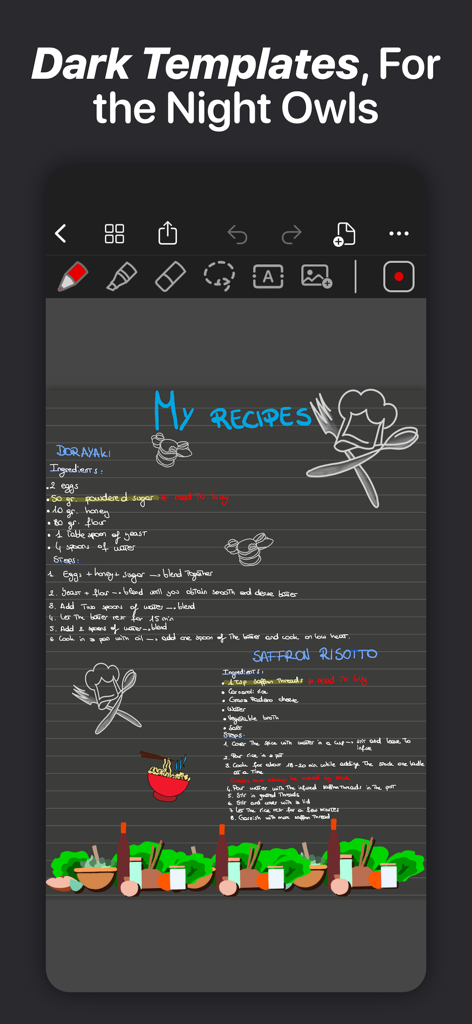
QuickNotes X: Notes, AI & PDF - QuickNotes Xのダークモードテンプレート上の手書きレシピとイラスト。

QuickNotes Xのダークモードテンプレート上の手書きレシピとイラスト。

説明

ESCAPE THE LIMITS OF PHYSICAL PAPER • Experience a fluid, precise and natural note taking experience powered by the unparalleled performance of QuickNotes X custom vector ink engine; • Choose your drawing style with numerous included tools, such as fountain and ballpoint pen; • Freely customize your stroke color as well as line thickness and pressure sensitivity; • Record and play back lectures with Voice Recording: your writing will be synced to the audio! • Draw perfect shapes and straight lines thanks to automatic, ML-powered shape recognition; • Move, resize, rotate and zoom your handwriting to take notes like a pro; • Never run out of paper: swipe to the next page and a new page will be created if needed! • Take perfect notes with your Apple Pencil, Logitech Crayon or other capacitive styluses. ORGANIZE & PROTECT YOUR THOUGHTS • Never lose your notes again thanks to the powerful organization provided by QuickNotes X; • Create Notebooks to organize your notes; • Add unlimited Folders & Subfolders to group your Notebooks; • Lock individual Notebooks and Folders with a Password to protect your thoughts from prying eyes; • Unlock protected notebooks using Face ID, Touch ID or by entering your Password; • Rearrange your Notebooks and Folders however you like to make sure they are always in the correct order. SEAMLESSLY SYNC TO ALL YOUR DEVICES • Seamlessly back up & sync your notebooks and folders to all your devices thanks to iCloud; • Write once, edit anywhere: when iCloud Sync is active all your content is automatically available on all your devices; • Use the native Mac app to view your notes on the bigger screen and edit them right on your computer. MARK UP & WRITE ON PDFs, SLIDES AND MORE • Import and edit PDFs, PowerPoint presentations more; • Annotate documents on your device with all the tools available, including fountain & ballpoint pen, highlighter and shape recognition; • Open notes and documents side-by-side on your iPad for maximum flexibility; • Quickly export your notes as images, PDF or QuickNotes X Documents for easy sharing ENDLESS CUSTOMIZATION FOR YOUR CREATIVITY • Create an unlimited number of presets for stroke color and line thickness to always have the right one ready at your fingertips; • Choose between Dual or Single Bar Mode to take notes with the maximum level of flexibility and customizability; • Choose to erase entire strokes on only some parts thanks to the new Precision and Whole Stroke Erasers; • Use the Lasso tool to cut, copy, paste or delete groups of strokes or entire pages; • Customize the look of your Notebooks and Folders by choosing from more than 80 options; • Make each notebook cover yours: the Notebook cover is now fully editable so you can draw on it! • Choose the right paper template for your Notebooks, such as Blank Paper, Cornell Paper, Chemistry Paper, Engineering Grid Paper, Music Paper and more! TYPE AND WRITE ANYWHERE • Add Text Boxes anywhere in a page to start typing, with plenty of customization options for color, font style and size, available right at your fingertips in the new Tool Bar; • Move, rotate and scale text boxes to never run out of space; • Combine handwritten notes with typed content and annotate or highlight key words in your Text Boxes; AND THERE IS EVEN MORE! • Swipe left or right to quickly move to the previous or next page in the notebook; • Quickly jump to any page in the Notebook by using the Notes List menu in the Note Editor; • Customize any new page you create thanks to the new "New Page" menu in the Editor; • Create a QuickNotebook to always have a fresh new page when you open the app; • Changing the paper template for a single page or the entire Notebook is only one tap away; QuickNotes X: Note-Taking, Made Easy. Website: https://www.quicknotesx.com Twitter: @QuickNotesX Instagram: @quicknotesx ----------- Privacy Policy: https://www.quicknotesx.com/privacy Terms of Use: https://www.apple.com/legal/internet-services/itunes/dev/stdeula

Download

ダウンロード: App Store

このページはアプリまたはその開発者の公式ページではなく、情報提供および論評を目的として作成された独立した編集出版物です。明示的に別段の記載がない限り、アプリおよびその開発者は、MWM、Apple、Google Play、アプリのパブリッシャー、またはアプリの開発者と提携、承認、後援、認可、またはその他の公式的な関係はなく、このページのいかなる内容も、アプリがMWMのサービスを使用して開発されたことを意味するものではありません。すべての商標、ロゴ、スクリーンショット、その他のコンテンツはそれぞれの所有者の財産です。








