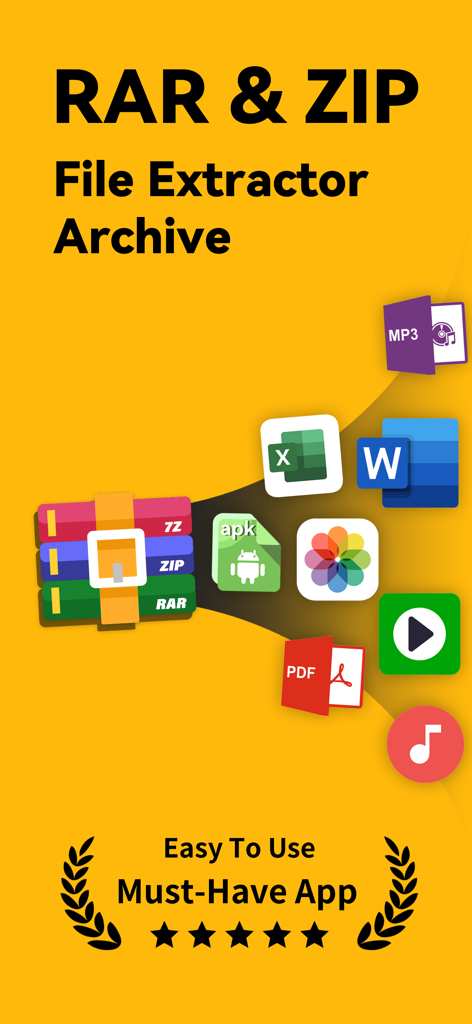
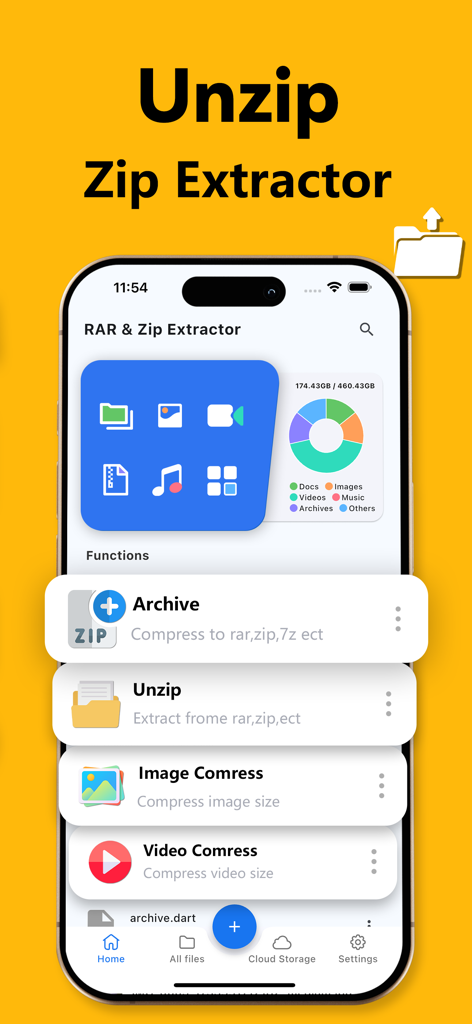
RAR & Zip Extractor - Unzip 7z is a powerful and versatile tool for compressing, extracting, and managing a wide range of compressed files. It allows you to handle formats like ZIP, RAR, 7Z, TAR, GZIP, and more, including multi-volume archives, with ease. Whether you're working with WinRAR, iRAR, or Zarchiver formats, this app delivers a seamless experience for casual and advanced users alike.
Key Features
1. Comprehensive Archive Extraction:
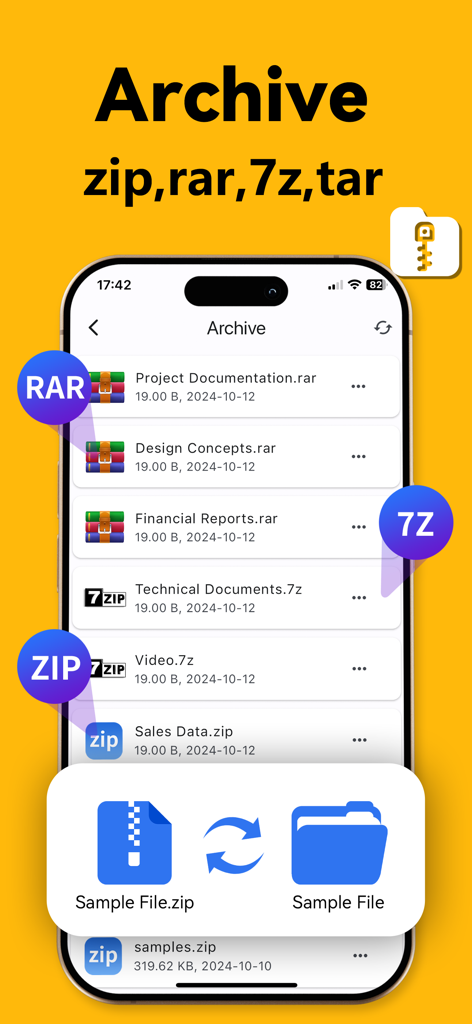
Supports popular formats including ZIP, RAR, 7Z, TAR, TGZ, TBZ, TXZ, TAR.XZ, TAR.BZ2, TAR.GZ, and multi-volume archives. Effortlessly extract files with integrated RAR, ZIP, and 7z tools.
2. Advanced File Compression:
Compress files into ZIP, RAR, or 7z formats to save storage and enable fast sharing.
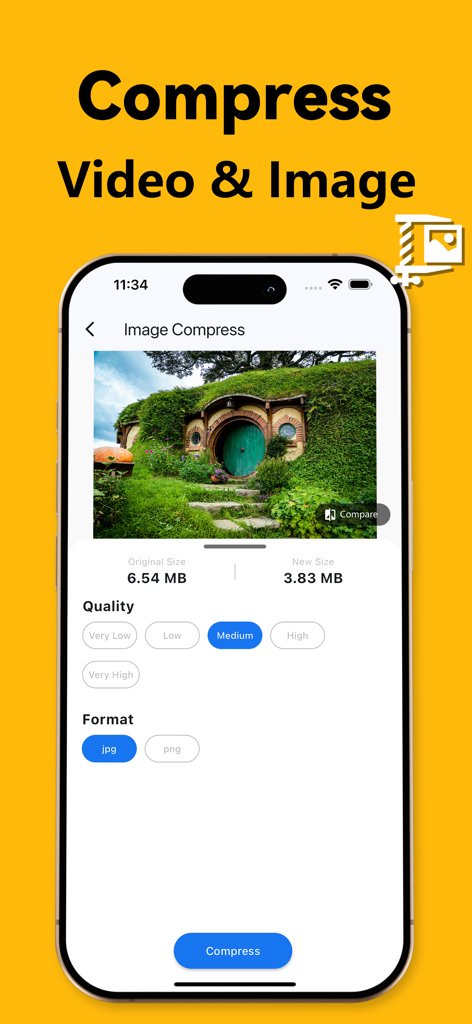
3. Image Compression and Decompression: Compress and extract image files efficiently, preserving quality and compatibility.
4. Video Compression and Decompression:
Handle video files in various formats, optimizing storage without sacrificing quality.
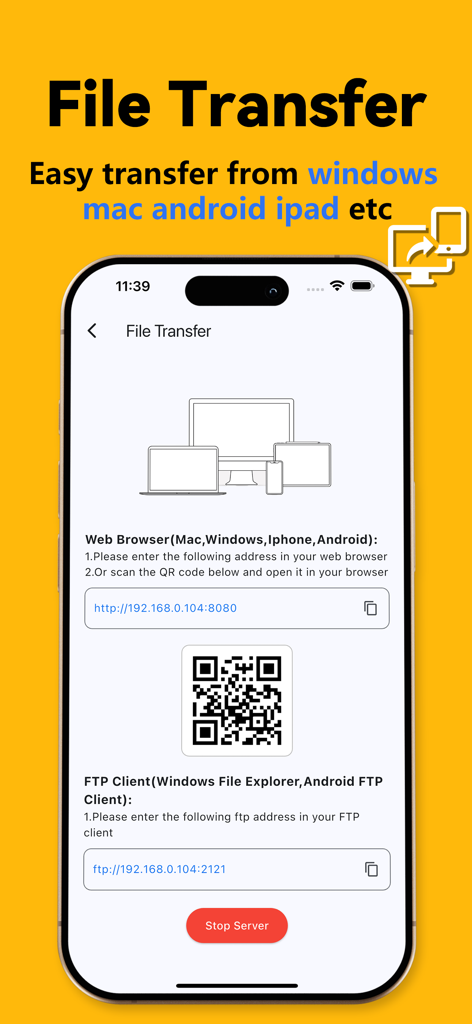
5. WiFi File Transfer:
Transfer files wirelessly between devices with ease.
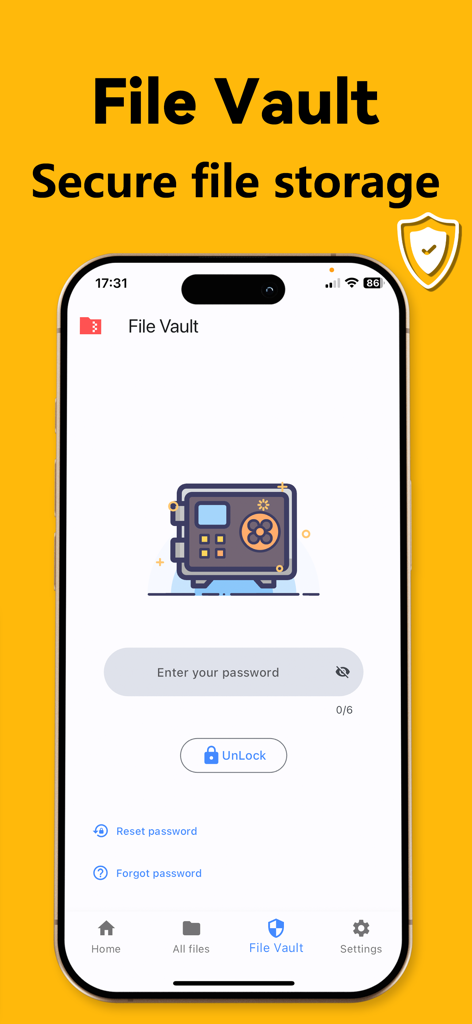
6. Secure File Vault:
Protect sensitive files with password encryption.
7. Built-in Media Player:
Play audio and video files in formats like MP4, MP3, AVI, MKV, FLV, WMA, MOV, WAV, and RMVB.
8. Text Document Reader:
Read documents and ebooks in formats like TXT, EPUB, and CHM.
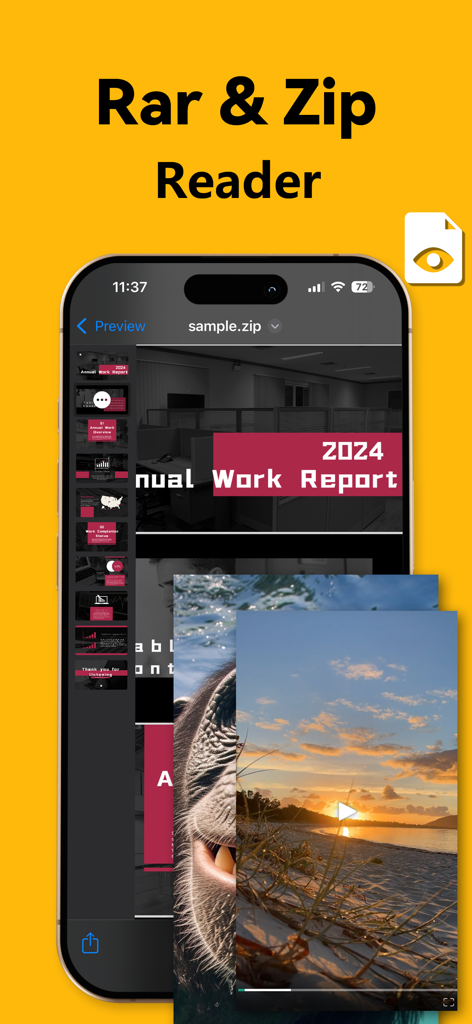
9. Instant File Preview:
Preview archive contents, including RAR and APK files, without full extraction.
10. Integrated File Viewer:
Open files in formats like DOC, XLSX, PPT, TXT, RTF, Pages, JPG, GIF, and PNG directly in the app.
11. File Hiding:
Hide private files to prevent unauthorized access.
12. Automatic File Categorization: Organize files by type for faster navigation.
13. Storage Analysis by File Type:
Get insights into storage usage with detailed breakdowns by file type.
14. Mobile File Import:
Import files from your device seamlessly for better management.
15. File Management Features:
- Create new folders
- Cache files and clean cache
- Rename and delete files
- Sort files by name, date, size, or type
- Add photos and videos from the gallery
- Import files from other apps
- Password-protect files
- Copy or move files to new locations
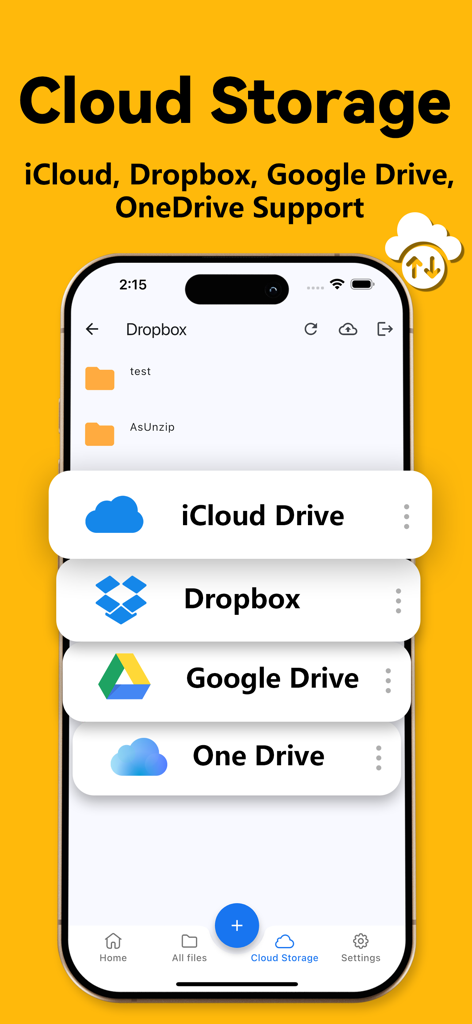
16. Cloud Storage Support:
Seamlessly connect and manage files from Dropbox and Google Drive.
Easily upload, download, and sync files between your device and cloud storage platforms.
Upgrade to Premium
Unlock additional features, including support for more archive formats and the ability to preview archive contents without extracting them.
Weekly Subscription: Free for the first 3 days, then $9.99 per week, cancel anytime.
Yearly Subscription: $39.9 per year.
Payment will be charged to your iTunes account once you confirm your purchase. You can manage or cancel your subscription through your iTunes settings. Your account will be charged for renewal 24 hours before the current subscription period ends. Make sure to cancel at least 24 hours before the renewal date if you wish to stop automatic renewal. Please note that policies may differ in specific regions such as Germany, Israel, South Africa, and Turkey, and for those, you should refer to Apple's official subscription guidelines.
Privacy Policy: https://anios-app.web.app/policy/
Terms of Use: https://anios-app.web.app/terms/