
This page is not an official page of the app or its developer, but an independent editorial publication created for informational and commentary purposes. Unless expressly stated otherwise, neither the app nor its developer is affiliated with, endorsed by, sponsored by, authorized by, or otherwise officially connected with MWM, Apple, Google Play, the app publisher, or the app's developer, and nothing on this page implies that the app was developed using MWM's services. Any trademarks, logos, screenshots, and other content remain the property of their respective owners.


Remote Lens
Elevate your photography with instant connection and zero sign-ups. Master time-lapses with a built-in intervalometer and geotag every shot automatically—all without ever creating an account.
Downloads
0User Rating
Total Ratings
0Publisher
Category
Photo & VideoLocales
4Latest Version
1.3.4Size
4.6 MBFirst Released
Jul 16, 2025Optimize Your Photography Workflow
Professional-grade utilities for Canon mirrorless users who value privacy, precision, and a seamless shooting experience—with absolutely no account required.
Zero-Account Setup
Skip the tedious registration and data-sharing. Connect your Canon R or M series camera instantly and start capturing without any digital friction.
Precision GPS Tagging
Never forget a location. Automatically embed your iPhone's location data into your raw files, perfect for scouting and documenting your travels.
The following screenshots and description are sourced directly from the app's official store listing and are the property of the app developer.
App Store
Screenshots
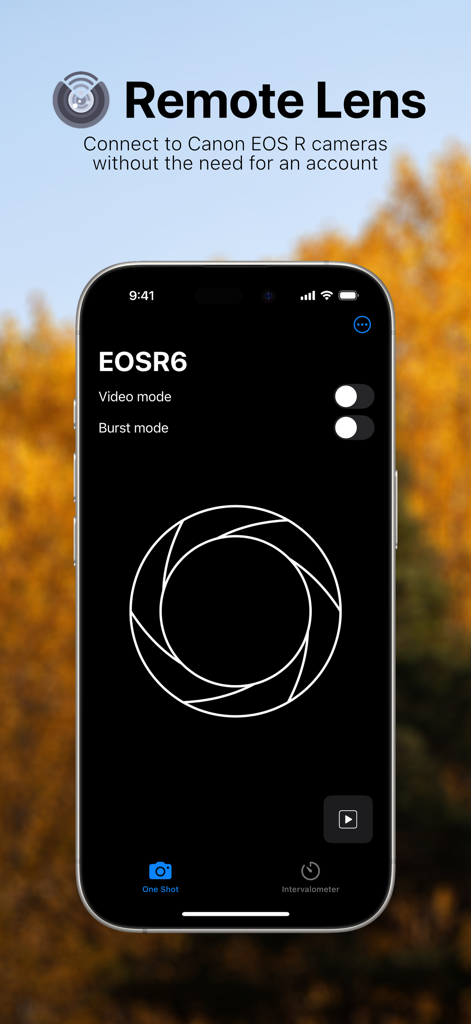
Remote Lens app interface showing camera controls for a Canon EOS R6 including video and burst mode toggles
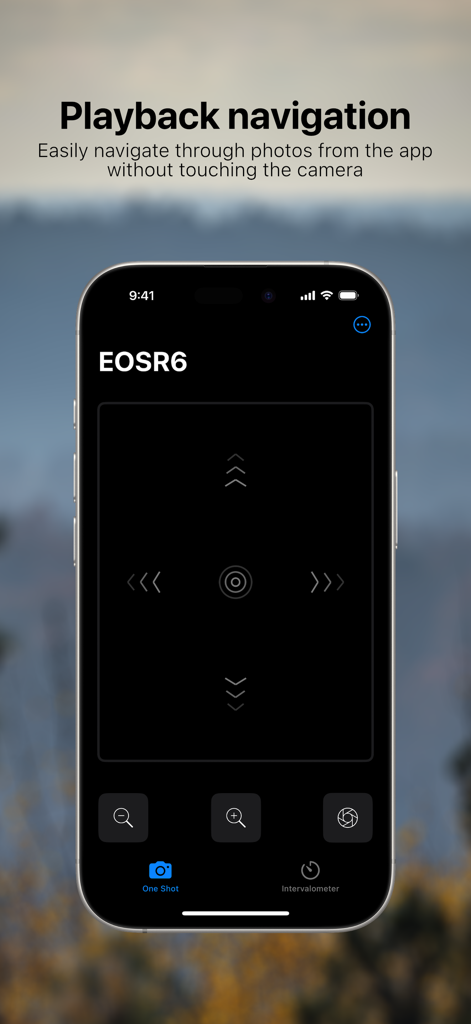
Remote Lens app interface on iPhone showing wireless playback navigation controls for a Canon camera
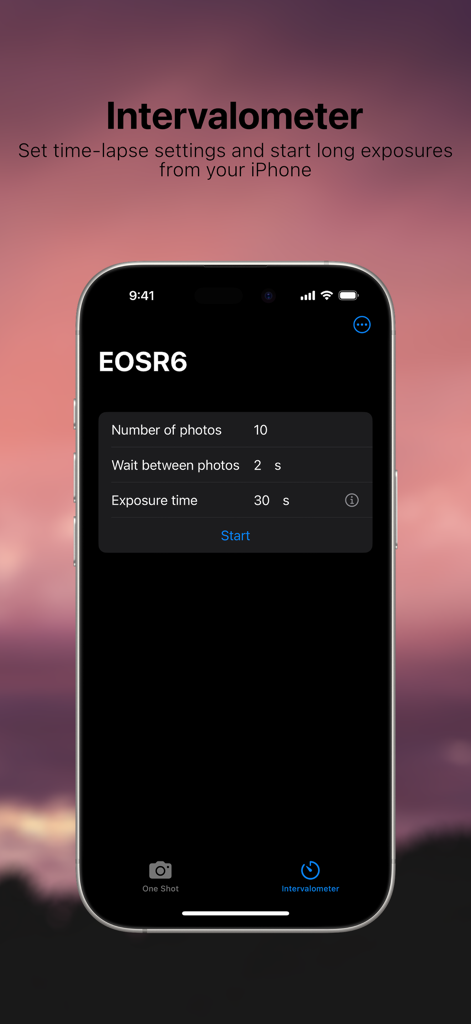
Remote Lens app intervalometer interface showing time-lapse and long exposure settings for a Canon EOS R6 camera
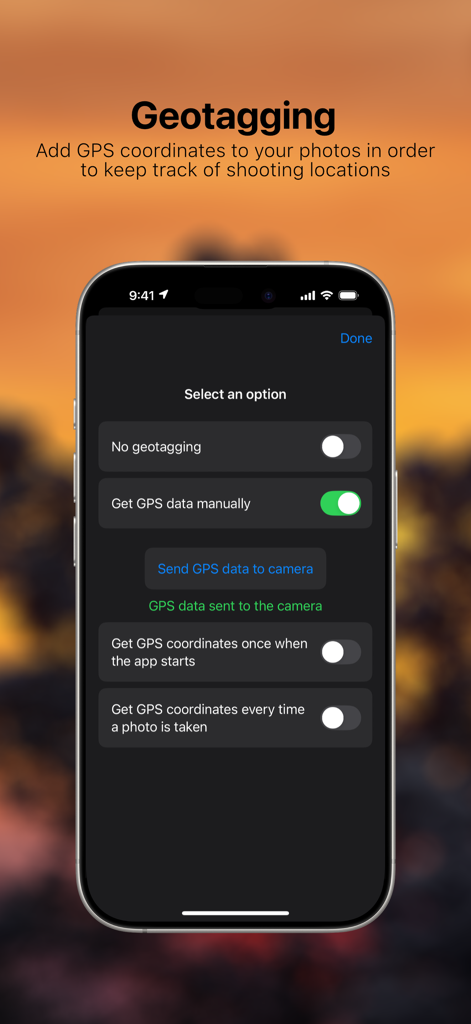
Screenshot of the Remote Lens app showing GPS geotagging settings for Canon cameras
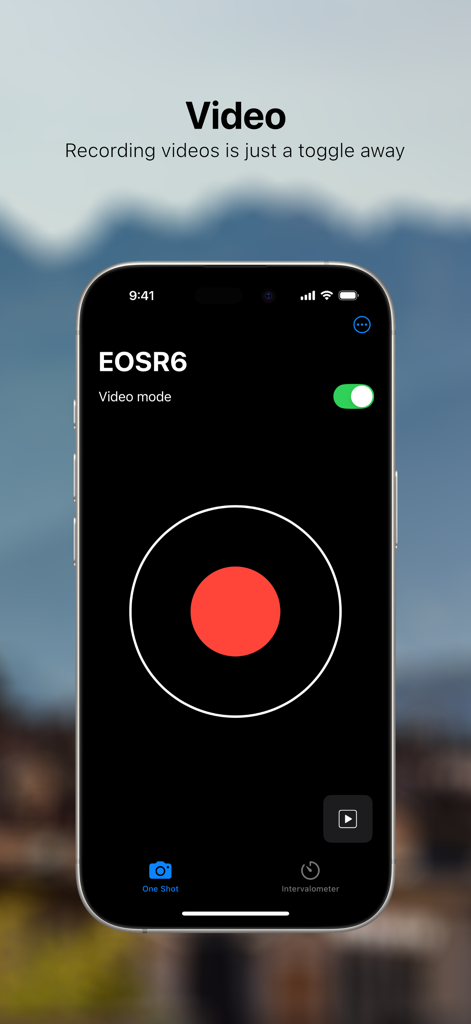
Remote Lens app interface showing video recording mode for a Canon EOS R6 camera with a large red record button.
Description
Download
More Like This
Top-ranked apps in the same category

CapCut: Photo & Video Editor
BYTEDANCE PTE. LTD.

Instagram, Inc.

YouTube
Google LLC

Canva: AI Video & Photo Editor
Canva Pty Ltd

Meta AI - Vibes & AI Glasses
Meta Platforms, Inc.

Snapchat
Snap, Inc.

快手
Beijing Kwai Technology Co., Ltd.

Edits: Video Editor
Instagram, Inc.

Meitu- AI Photo & Video Editor
Xiamen Meitu Technology Co., Ltd.
This page is not an official page of the app or its developer, but an independent editorial publication created for informational and commentary purposes. Unless expressly stated otherwise, neither the app nor its developer is affiliated with, endorsed by, sponsored by, authorized by, or otherwise officially connected with MWM, Apple, Google Play, the app publisher, or the app's developer, and nothing on this page implies that the app was developed using MWM's services. Any trademarks, logos, screenshots, and other content remain the property of their respective owners.