Scanner - Edit PDF & documents
ダウンロード: App Store

このページはアプリまたはその開発者の公式ページではなく、情報提供および論評を目的として作成された独立した編集出版物です。明示的に別段の記載がない限り、アプリおよびその開発者は、MWM、Apple、Google Play、アプリのパブリッシャー、またはアプリの開発者と提携、承認、後援、認可、またはその他の公式的な関係はなく、このページのいかなる内容も、アプリがMWMのサービスを使用して開発されたことを意味するものではありません。すべての商標、ロゴ、スクリーンショット、その他のコンテンツはそれぞれの所有者の財産です。


ロゴ: Scanner - Edit PDF & documents
ダウンロード: App Store

Scanner - Edit PDF & documents

あなたのiPhoneは、紙の山を飲み込む高機能なオフィスに変貌する。

主要数値

ダウンロード

2.5M+

ユーザー評価

4.7/5

評価数

11.7K

開発元

AppRover

カテゴリ

Business

対応言語

15

最新バージョン

1.13.02

サイズ

23.8 MB

リリース日

2019年1月27日
機能

モバイルドキュメント管理を革新する主要機能の評価

アプリケーション「Scanner - Edit PDF & documents」の主要機能分析

ドキュメント編集・署名機能

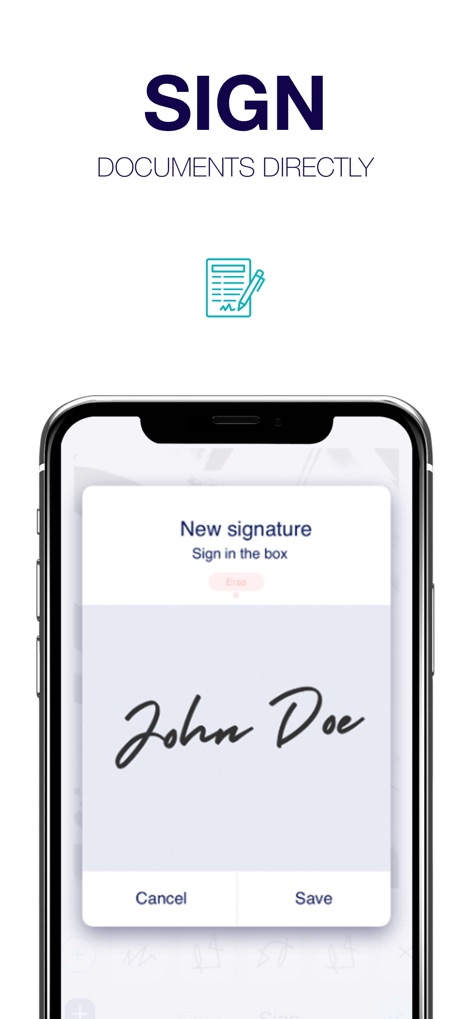
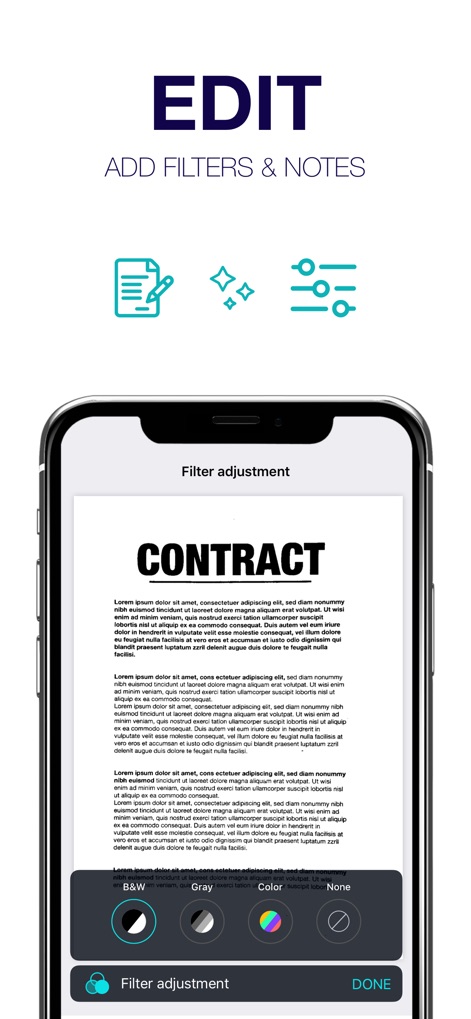
電子署名、注釈追加、ページのトリミングや回転により、デジタル文書を直接修正・承認できます。

高精度スキャン機能

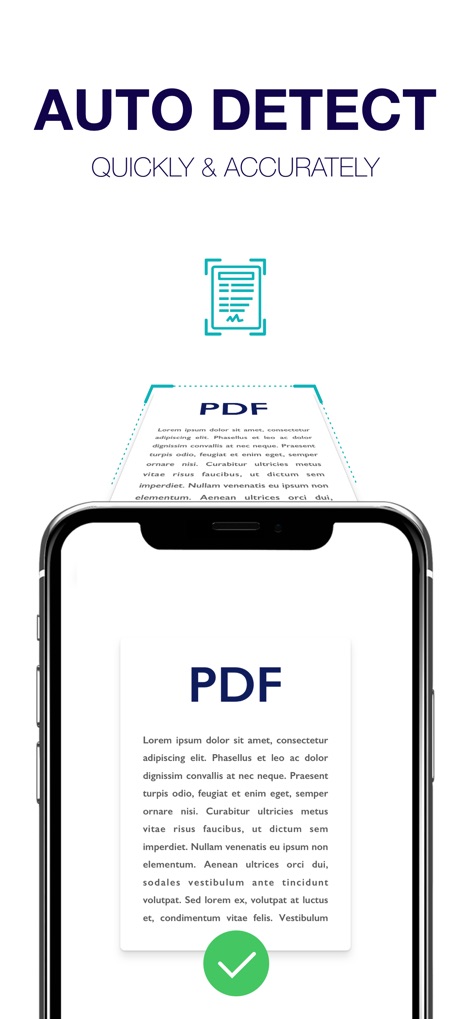
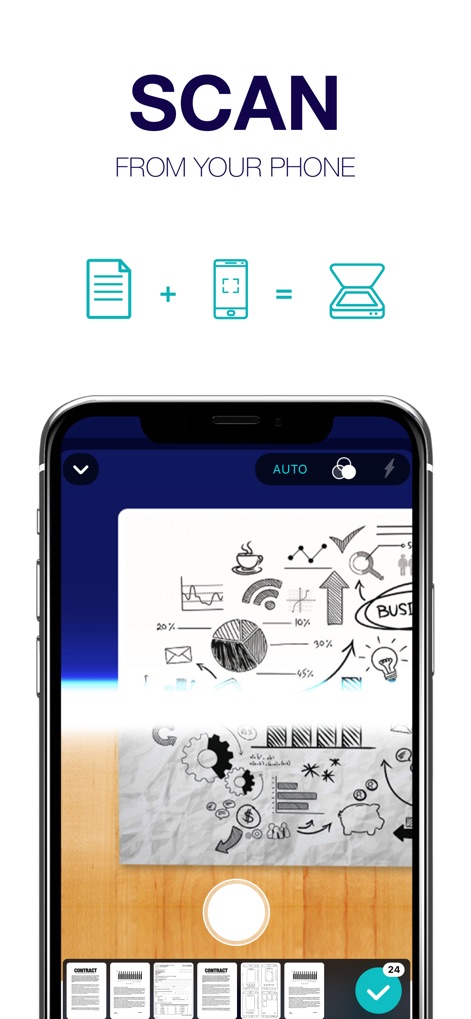
自動検出やフラッシュ機能を用いて、契約書、レシート、名刺など様々な種類の文書を高精度にデジタル化し、紙媒体の管理負担を軽減します。

クラウド連携と共有

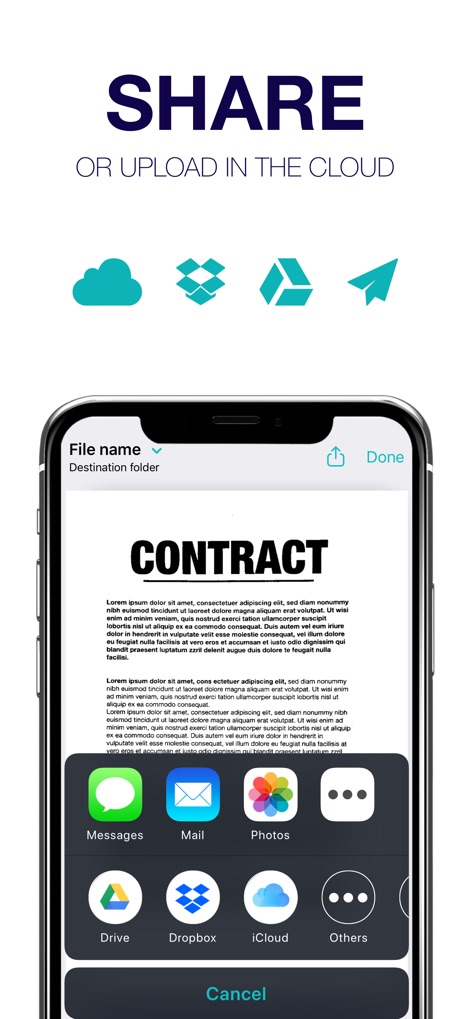
iCloud、Dropbox、Google Driveなどの主要なクラウドサービスへ直接保存でき、スキャンしたファイルをメールやメッセージで迅速に共有できます。

以下のスクリーンショットと説明は、アプリの公式ストアリスティングから直接取得されたものであり、アプリ開発者の所有物です。

アプリストア

スクリーンショット
Scanner - Edit PDF & documents - null

Scanner - Edit PDF & documents - null

Scanner - Edit PDF & documents - null

Scanner - Edit PDF & documents - null

Scanner - Edit PDF & documents - null

Scanner - Edit PDF & documents - null

Scanner - Edit PDF & documents - null

説明

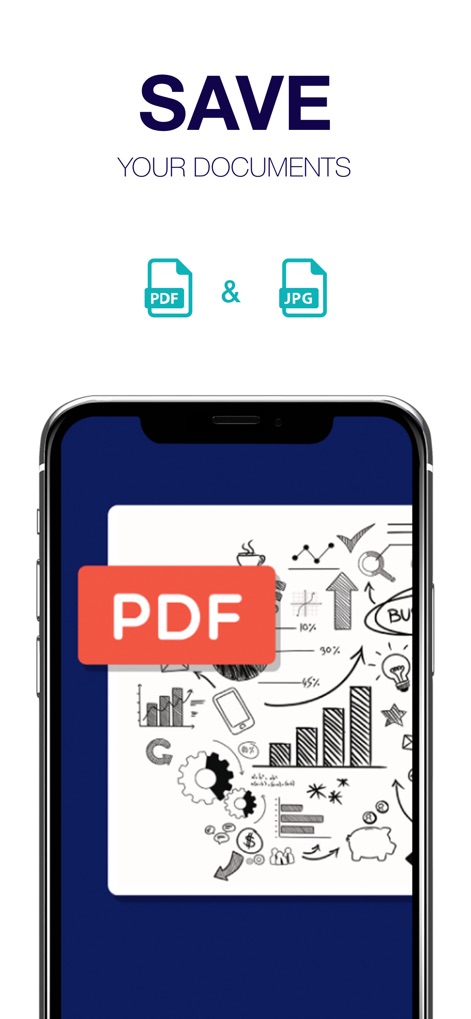
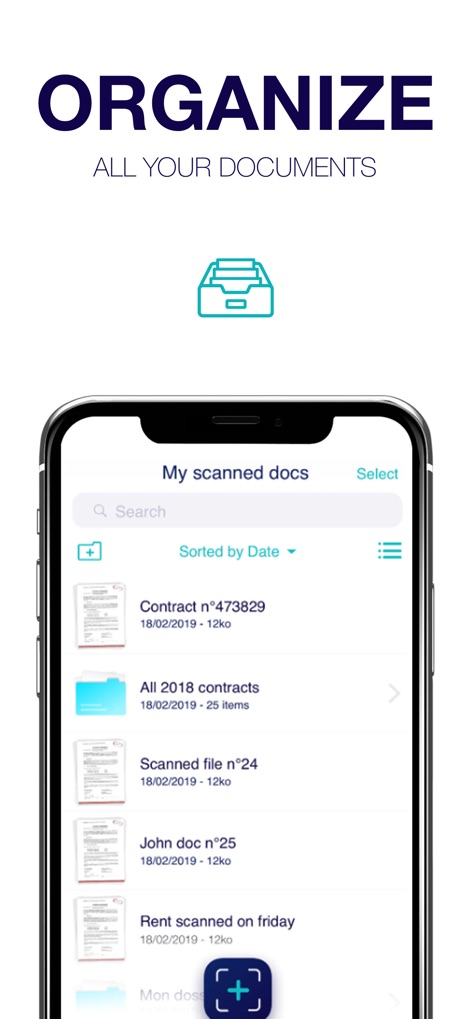
A Scanner App to easily scan, convert in PDF instantly, save and quickly send by email any file from your device. Scanner is your indispensable tool to organize your business and home life from your device with simplicity and quality. Scan business contracts, receipts, book pages, notes, business cards, identity papers, notes and thousands of documents. Scan is your indispensable tool to organize your business and home life from your device with simplicity and quality. Scan business contracts, receipts, book pages, notes, business cards, identity papers, notes and thousand of documents. One app merging all scan functions in you hand: Gain time with Scan. This useful app is able to scan what you want thanks to the auto detection and integrated flash tool. You can convert and merge many files in one pdf document with an high quality. Indispensable for official and business documents, the edition function lets you take notes on the pages, E-sign and paraph any files from your mobile. Manage all your scanned files or imported files with folders, search and organize functions, directly in the app. Contracts for business to sign and send, textbooks to forward to your colleagues, identity card to provide...All these tasks become easy and quick to do. Scan, sign, save and share anything, anywhere from your iOS device with Scan ! MAIN FEATURES: SCAN it: Auto detection tool to optimize what you want to scan Scan anything, anywhere thanks to an integrated flash tool Import a picture from your iPhone or iPad device Choose the file size between universal formats: A4, A5... EDIT it: Use filters to optimize your document: black and white, grey levels or magic filter (Premium version) Add one or many notes (Premium version) to your scanned pages E-sign and paraph function Edit each pages of your file : Trimming, rotation, contrast and luminosity SAVE & SHARE it: Choose a name and the format you need: pdf in high resolution or jpeg Share files by text messages or emails Save scan on your local library, iCloud, Dropbox, Google Drive… PERSONALIZE YOUR LOCAL LIBRARY: Edit, replace, share, rename and delete your files anytime Create and organize your folders Find easily any scanned file thanks to the research and organize functions Import other files from iCloud, Drive, Dropbox The premium subscriptions allows you to make unlimited scans (instead of 2 scans per day in the free version). Privacy Policy & Terms of Service: http://approver-studio.com/products/scanner/tos Don’t hesitate to contact our team at: support-scanner@approver-studio.com

Download

ダウンロード: App Store

このページはアプリまたはその開発者の公式ページではなく、情報提供および論評を目的として作成された独立した編集出版物です。明示的に別段の記載がない限り、アプリおよびその開発者は、MWM、Apple、Google Play、アプリのパブリッシャー、またはアプリの開発者と提携、承認、後援、認可、またはその他の公式的な関係はなく、このページのいかなる内容も、アプリがMWMのサービスを使用して開発されたことを意味するものではありません。すべての商標、ロゴ、スクリーンショット、その他のコンテンツはそれぞれの所有者の財産です。