
このページはアプリまたはその開発者の公式ページではなく、情報提供および論評を目的として作成された独立した編集出版物です。明示的に別段の記載がない限り、アプリおよびその開発者は、MWM、Apple、Google Play、アプリのパブリッシャー、またはアプリの開発者と提携、承認、後援、認可、またはその他の公式的な関係はなく、このページのいかなる内容も、アプリがMWMのサービスを使用して開発されたことを意味するものではありません。すべての商標、ロゴ、スクリーンショット、その他のコンテンツはそれぞれの所有者の財産です。

Scanner Translator ترجمه مترجم
手書きのメモを簡単にスキャンし、120以上の言語にドキュメントを翻訳し、高度なAI要約と安全な電子署名でワークフローを合理化します。
ダウンロード
10M+ユーザー評価
評価数
615K+開発元
カテゴリ
Business対応言語
34最新バージョン
2.5サイズ
131.4 MBリリース日
2019年2月7日あらゆるドキュメントを行動可能なデータに変える
学生や専門家向けの究極のAI搭載アシスタント。インテリジェントなOCR、インスタント翻訳、安全な電子署名でペーパーレス化しましょう。
手書き文字を編集可能なテキストに
高精度のAI OCRテクノロジーで、ぐちゃぐちゃな講義メモや印刷されたページを検索可能でプロフェッショナルなドキュメントに変換します。
インスタント120+言語翻訳
言語の壁を瞬時に打ち破ります。元のレイアウトとフォーマットを維持しながら、PDF、書籍、複雑なドキュメントを翻訳します。
よくある質問
について知っておくべきこと Scanner Translator ترجمه مترجم
Scanner Translator アプリでスキャンできるドキュメントの種類は何ですか?
Scanner Translator アプリは、ドキュメント、画像、書籍、シート、PDF をスキャンします。これらすべての種類の高度なスキャン機能を提供し、テキストまたは画像に変換します。
Scanner Translator は、翻訳のためにいくつの言語をサポートしていますか?
Scanner Translator アプリは、120 を超える言語への翻訳をサポートしています。AI 機能を使用して、ドキュメント、書籍、PDF、画像を翻訳し、手書き文字と印刷文字の両方に対応します。
Scanner Translator は、手書きのメモを編集可能なテキストに変換できますか?
はい、Scanner Translator は、写真や手書きのメモを完全に編集可能なドキュメントに変換します。この機能により、ユーザーは物理的な書き込みを正確にデジタル化できます。
Scanner Translator アプリにはどのような AI 機能がありますか?
Scanner Translator は、テキストの要約、質問への回答、ファイルの変換、編集、マージ、削除、検索、置換、データ抽出、テキスト校正などの高度な AI 機能を提供し、120 を超える言語をサポートしています。
ユーザーは Scanner Translator アプリ内でファイルをどのように保護できますか?
ユーザーは、透かしの追加、アクセス管理、iCloud または Google Drive へのアップロード、パスキーによるアプリの保護により、Scanner Translator アプリでファイルを保護できます。
Scanner Translator は、ユーザーがドキュメントに電子署名することを許可していますか?
はい、Scanner Translator を使用すると、ユーザーは公式ドキュメントに簡単に署名して送信できます。このアプリは、署名トランザクション、ドキュメント、PDF の完全な機能を提供します。
Scanner Translator アプリのサブスクリプションオプションは何ですか?
Scanner Translator は、35.99 ドル(3 日間の体験付き)の 12 か月サブスクリプション、19.99 ドル(3 日間の体験付き)の 1 か月サブスクリプション、3.49 ドル(3 日間のトライアル付き)の 1 週間サブスクリプションを提供しています。
Scanner Translator アプリの無料トライアルをキャンセルするにはどうすればよいですか?
ユーザーは、iTunes アカウント設定で自動更新をオフにすることで、いつでも無料トライアルまたはサブスクリプションをキャンセルできます。請求を避けるためには、期間終了の 24 時間前までにこれを行う必要があります。
Scanner Translator はドキュメントをどのように管理しますか?
Scanner Translator は、スマートドキュメント管理を提供し、ユーザーはいつでもファイルを保存、エクスポート、共有、または削除できます。包括的なファイル管理とストレージ機能が含まれています。
Scanner Translator アプリはテキストを読み上げることができますか?
はい、Scanner Translator アプリはテキストを読み上げることができます。この機能は、翻訳、一般テキスト、画像、書籍で利用でき、アクセシビリティを向上させます。
以下のスクリーンショットと説明は、アプリの公式ストアリスティングから直接取得されたものであり、アプリ開発者の所有物です。
アプリストア
スクリーンショット
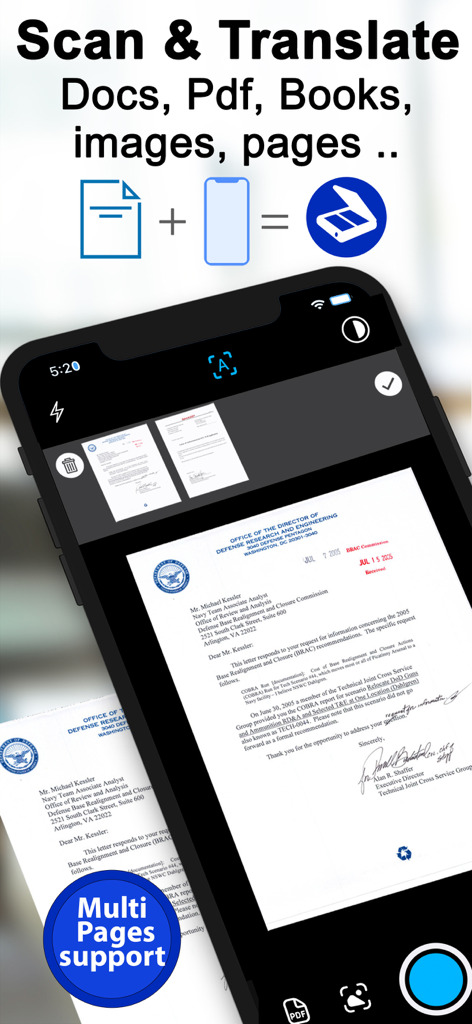
複数ページドキュメントのスキャンと翻訳機能を示すモバイルアプリインターフェース
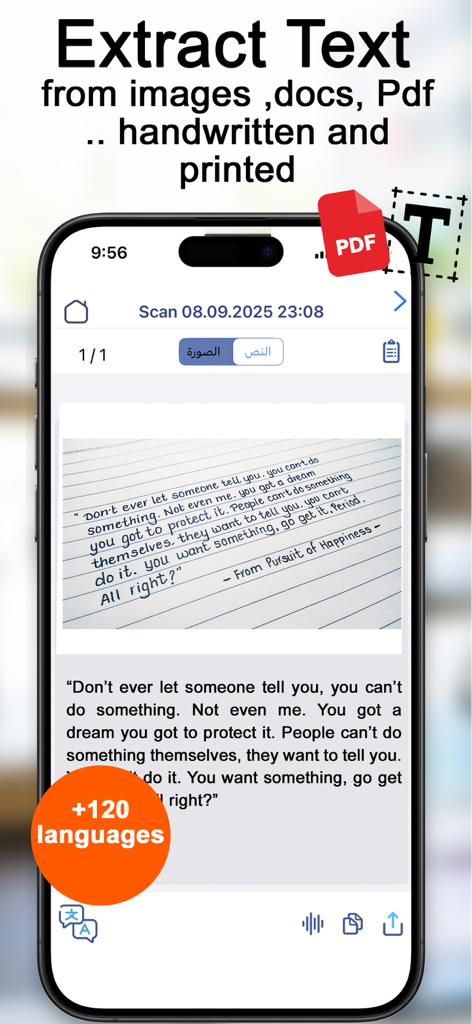
手書きメモから編集可能なデジタルテキストを抽出するスマートフォンアプリ
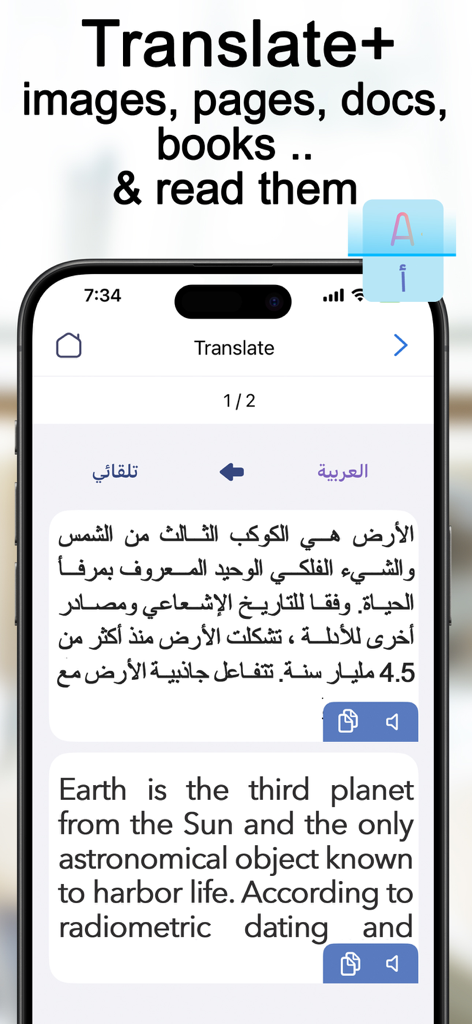
Scanner Translatorアプリで、アラビア語から英語へのテキスト翻訳を表示
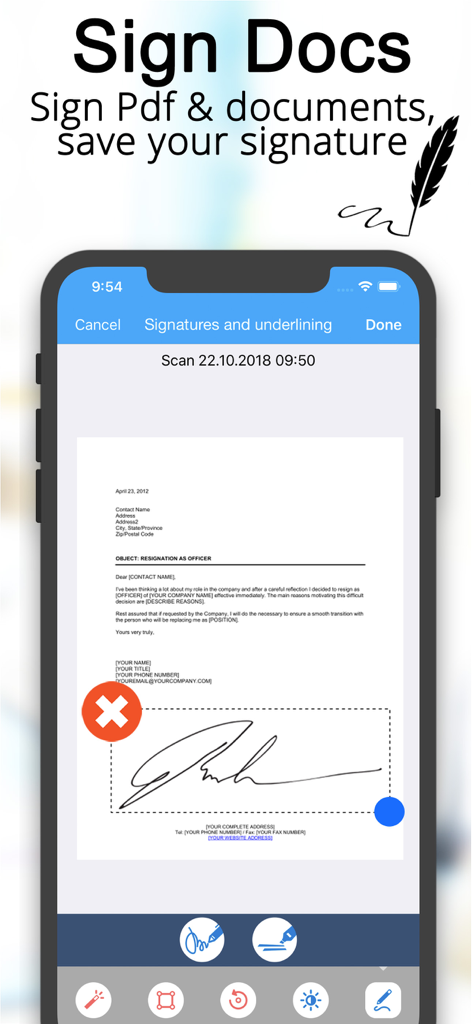
ドキュメント署名の署名と保存のためのScanner Translatorアプリの電子署名インターフェース
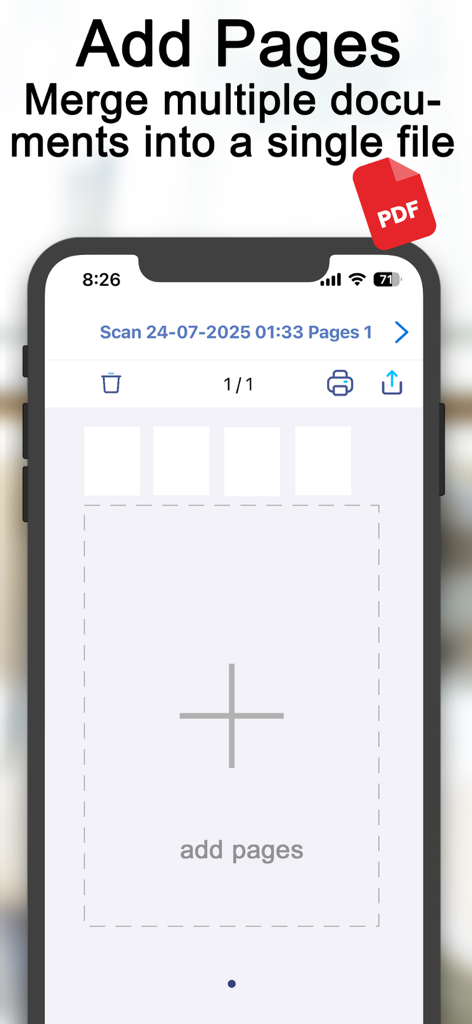
Scanner Translatorアプリで、ページの追加とドキュメントのマージ機能を示すスマートフォンインターフェース
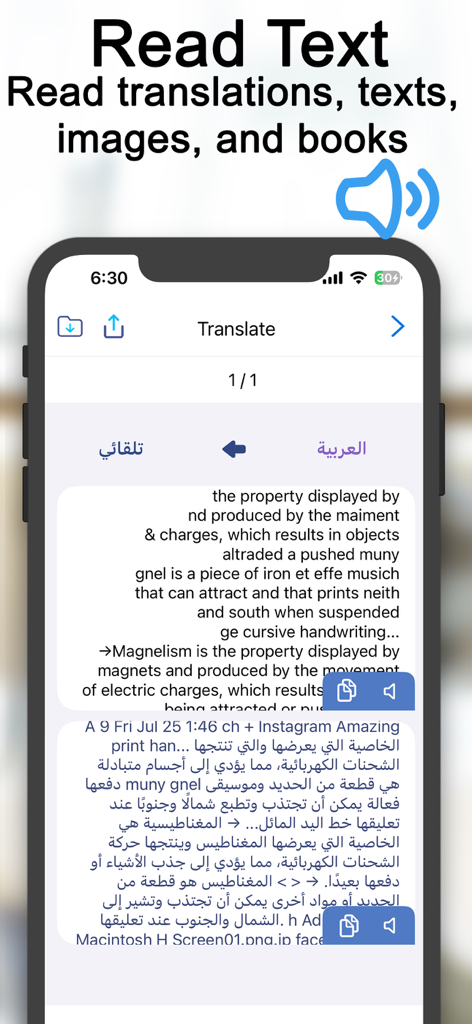
Scanner Translatorアプリのインターフェースで、英語とアラビア語の翻訳のテキスト読み上げ機能を表示
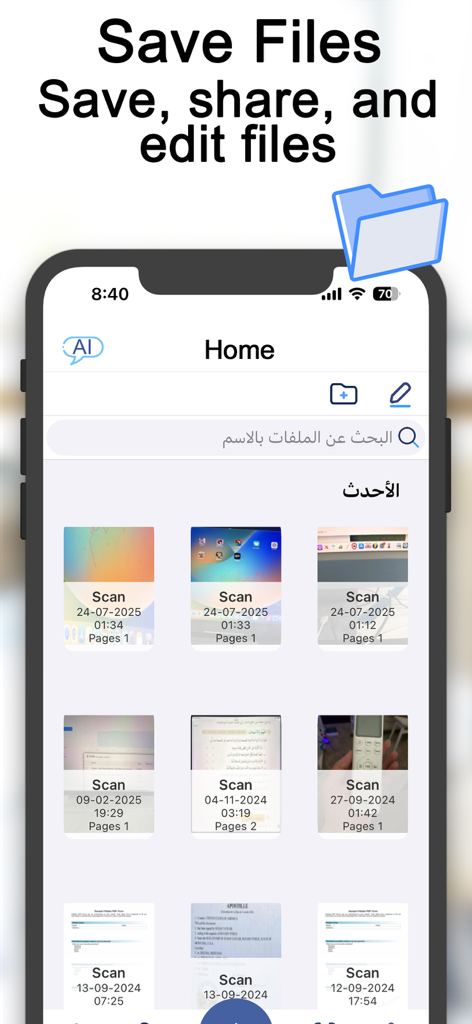
Scanner Translatorアプリのホーム画面で、保存されたドキュメントのグリッドとファイル管理機能を表示
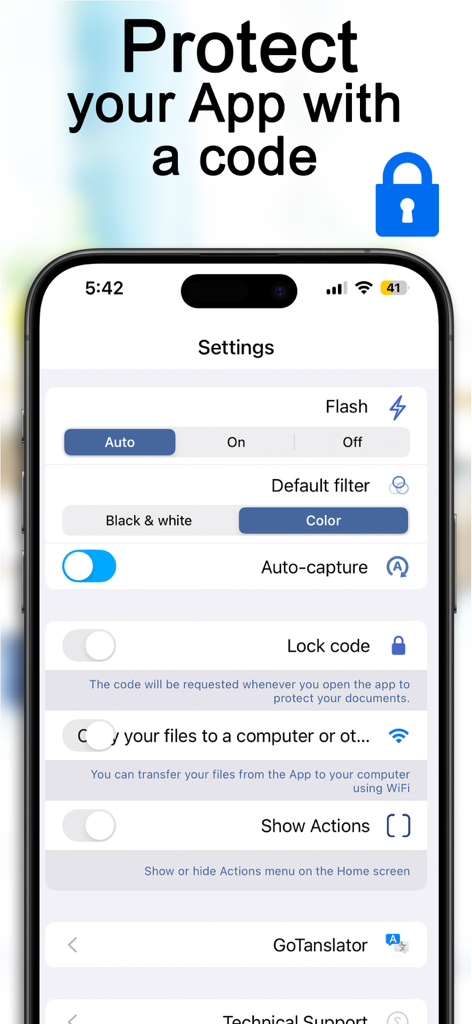
Scanner Translatorアプリの設定メニューで、ロックコード機能とドキュメント保護オプションを表示
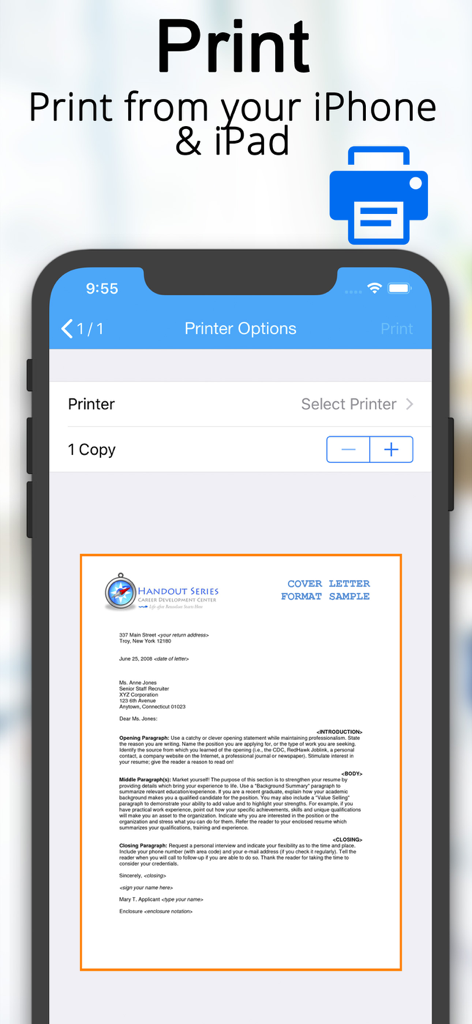
Scanner Translatorアプリのインターフェースで、iPhone上のモバイルドキュメント印刷オプションとカバーレタープレビューを表示
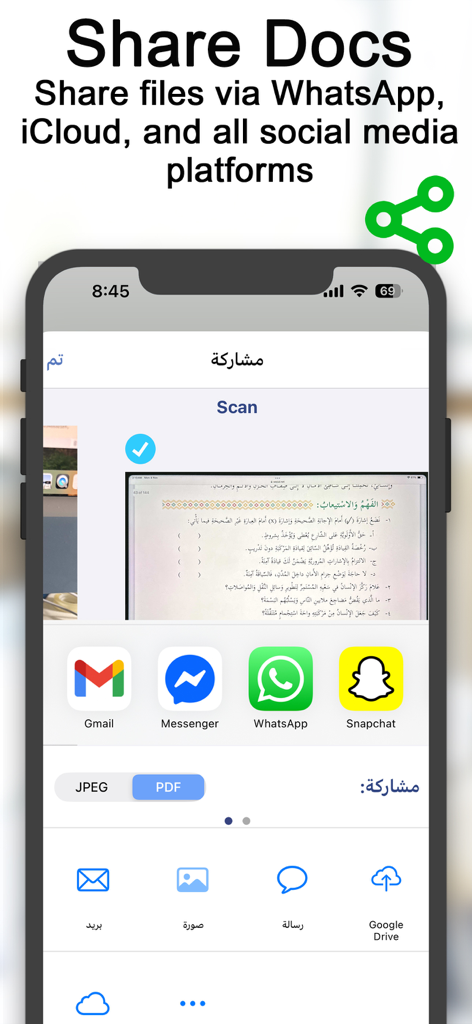
Scanner Translatorアプリの画面で、WhatsApp、Gmail、クラウドストレージのドキュメント共有オプションを表示
説明
Download
類似アプリ
似た機能とユーザー体験を持つアプリ

PDF PRO Scan Image & Documents
Balzo srl

The PDF Scanner, PDF editor HQ
NEXT K.U.M. LTD

CamScanner - PDF Scanner App
INTSIG Information Co., Ltd

Adobe Scan: PDF & OCR Scanner
Adobe Inc.

WPS Office: PDF, Docs, Sheets
KINGSOFT OFFICE SOFTWARE CORPORATION LIMITED

iLovePDF - PDF Editor & Scan
ILOVEPDF S.L.

Scanner App: Genius Scan
The Grizzly Labs

Microsoft Lens: PDF Scanner
Microsoft Corporation

Clear Scan: Doc Scanner App
INDY MOBILE APP COMPANY LIMITED
このページはアプリまたはその開発者の公式ページではなく、情報提供および論評を目的として作成された独立した編集出版物です。明示的に別段の記載がない限り、アプリおよびその開発者は、MWM、Apple、Google Play、アプリのパブリッシャー、またはアプリの開発者と提携、承認、後援、認可、またはその他の公式的な関係はなく、このページのいかなる内容も、アプリがMWMのサービスを使用して開発されたことを意味するものではありません。すべての商標、ロゴ、スクリーンショット、その他のコンテンツはそれぞれの所有者の財産です。