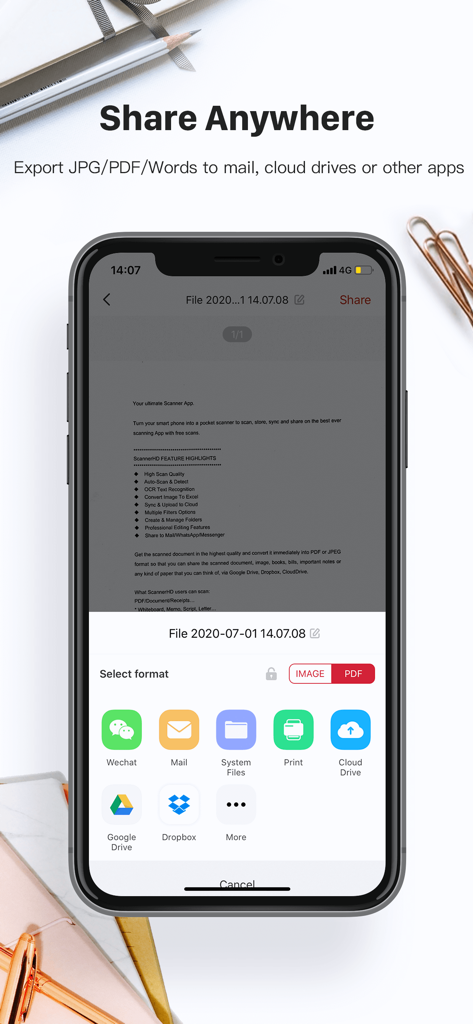
Google DriveやDropboxなどのクラウドサービスへのドキュメントエクスポートオプションが表示されているScannerHD Proアプリインターフェイス
説明
ScannerHD Pro is the best scanning app with hassle free work that saves a huge amount of both time and money. So get this amazing mini pocket scanner app now in your smartphones and get the scanning done from any part of the world and send the scanned image to any person at any location.
* High Scan Quality
* OCR Text Recognition
* Sync & Auto-upload
* Create & Manage Folders
* Sync & Auto-upload
* Cloud Storage/Space
* OCR Text Recognition
ScannerHD Pro users scan and manage
* Bill, Invoice, Contract, Tax Roll, Business Card…
* Whiteboard, Memo, Script, Letter…
* Blackboard, Note, PPT, Book, Article…
* Credential, Certificate, Identity Documents
3rd Party Cloud Storage Services Supported:
- CloudDrive, Google Drive, Dropbox, Evernote(soon)
Now convert your smart phone into a mini pocket scanner and enjoy the high quality image in your device within just one touch with the best ever scanning mobile app ScannerHD Pro - Scanner to scan PDF.
“ScannerHD Pro” is a must for every person be it a school student, college student, business person or lawyer, office clerks, or any other person.
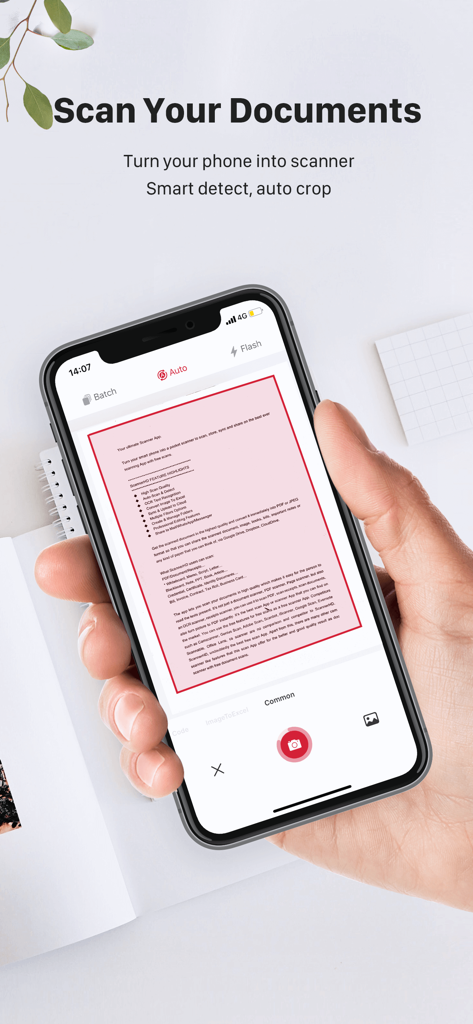
The app lets you scan your photographs and documents in high quality which makes it easy for the person to read the texts present. The app automatically detects the corner of the file that you want to scan for better quality along with you can also crop the part of the document that you want to scan.
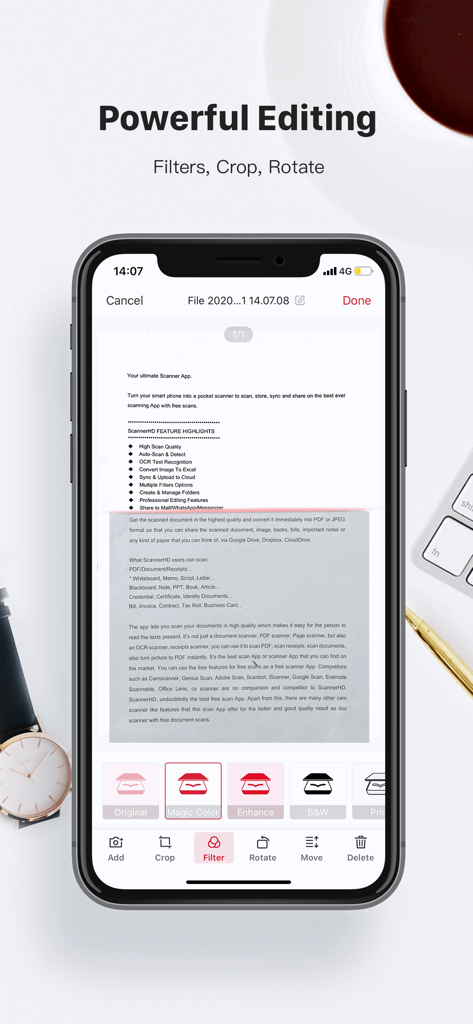
Share the files immediately over mail, Dropbox, CloudDrive, Google Drive, or via link to enjoy the joy of scanning. ScannerHD Pro allows the user to convert the scanned document to JPEG format or PDF format. You can even print the scanned document or image over air print. The app also offers various professional editing features even after saving the images along with various multiple filters.
*************
- Automatic document edge detection and perspective correction
- Extremely Fast Processing
- Professional quality results with multiple filter options: enhance, B&W, Print, Grayscale,
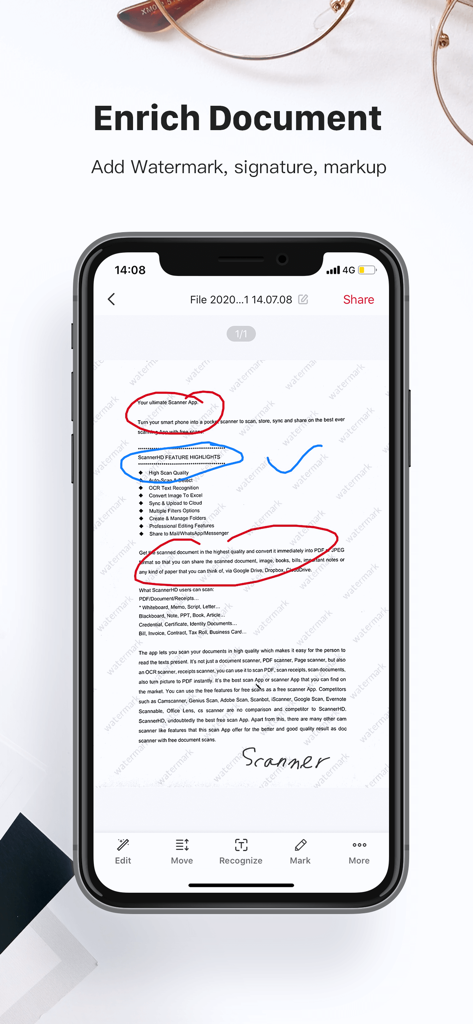
- Flexible editing, able to edit file after save
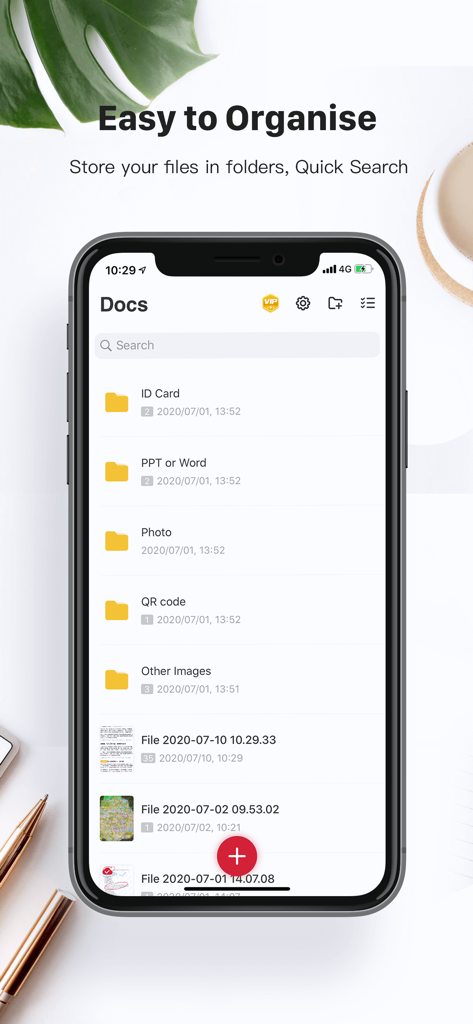
- Easily create and manage folders
- Document naming, storage inside the app
- Adding or Deleting one page or the whole document
- Page reordering after adding or deleting
- Set page sizes for PDF (Letter, Legal, A4, and more)
- Email specific pages or whole document
- Print PDF file via Cloud Print
- Open PDFs or JPEGs in other apps such as Dropbox, Google Drive, Evernote, etc. to send to clouds
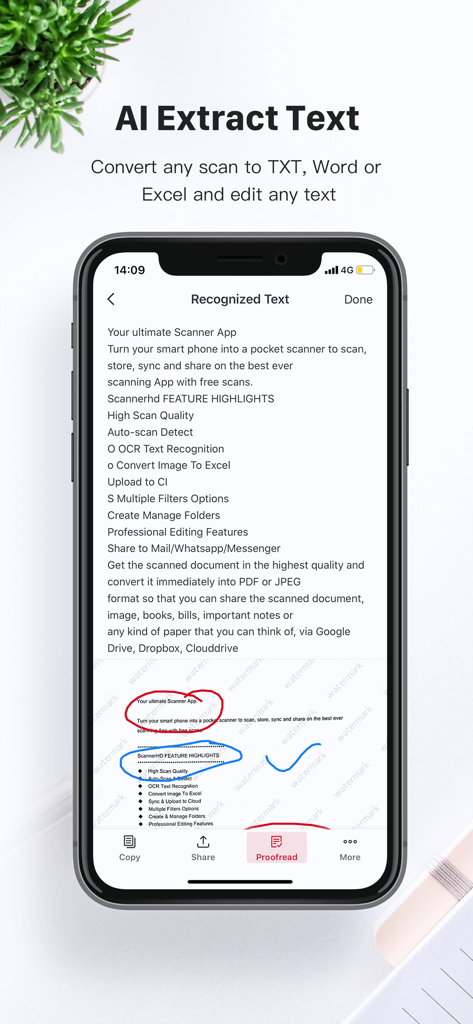
- Extract Texts from image OCR ,transfer images to texts so you can search, edit or share
- Tiny app size
ScannerHD PRO Auto Renewal Product Description:
1. Payment: The automatic renewal items includes “monthly subscription VIP” and “yearly subscription VIP".
2. Subscription price: “monthly subscription VIP” is $4.99 per month, “yearly subscription VIP" is $39.99 per year. After confirming the purchase, you will deduct the fee from your Apple iTunes account, first subscription, free trial for the first 7 days, and cancellation of the subscription during the trial period will be exempt from deduction.
3. Renewal membership: 24 hours before the expiration of your membership, Apple will automatically deduct the charge from your iTunes account, and the validity period will be automatically extended by one cycle.
4. Cancellation of Renewal: If you need to cancel the automatic renewal, please turn it off in "iOS-Account Settings" 24 hours before the expiration date.
5. Privacy Policy:https://scanner.hithink.com/#/privacyPolicy
6. Terms of Use: https://scanner.hithink.com/website/termsofservice
7. Auto Renewal Product Agreement: https://scanner.hithink.com/website/auto_renewal_policy/index.html
*************
Say Hello
*************
We’d love to hear your feedback: scanner@hithink.com
Follow us on Twitter: https://twitter.com/ScannerHD1
Like us on Facebook: https://www.facebook.com/ScannerHDoffcial/
Follow us on Instagram: https://www.instagram.com/scannerhdpro/
Website: https://scanner.hithink.com