
このページはアプリまたはその開発者の公式ページではなく、情報提供および論評を目的として作成された独立した編集出版物です。明示的に別段の記載がない限り、アプリおよびその開発者は、MWM、Apple、Google Play、アプリのパブリッシャー、またはアプリの開発者と提携、承認、後援、認可、またはその他の公式的な関係はなく、このページのいかなる内容も、アプリがMWMのサービスを使用して開発されたことを意味するものではありません。すべての商標、ロゴ、スクリーンショット、その他のコンテンツはそれぞれの所有者の財産です。


Screen Mirroring: LetsView
携帯電話、タブレット、またはPCをHDですべての画面にシームレスにキャストします。仕事、ゲーム、エンターテイメントのために、無料かつ無制限のミラーリングでエコシステムの壁を打ち破りましょう。
ダウンロード
4M+ユーザー評価
評価数
1K+開発元
カテゴリ
Utilities対応言語
8最新バージョン
1.5.5サイズ
121.1 MBリリース日
2019年10月15日小さい画面から解放されよう
お持ちのすべてのデバイスで動作するプログレードのミラーリングを体験してください。広告なし、制限なし、仕事と遊びのためのシームレスな高解細接続だけです。
真のクロスプラットフォームの自由
iPhoneまたはiPadをWindowsまたはMacコンピューターに簡単にミラーリングできます。単一のエコシステムに限定されることなく、映画、プレゼンテーション、またはライブストリームのための遅延のないキャストを体験してください。
あなたの新しい生産性ハック
モバイルデバイスをPCのセカンドモニターまたはリモートキーボードにすることで、ワークフローを向上させます。デジタルワークスペースを最大化したいリモートワーカーや学生のマルチタスクに最適です。
よくある質問
について知っておくべきこと Screen Mirroring: LetsView
Screen Mirroring: LetsViewとは何ですか?
LetsViewは、スマートフォン、タブレット、またはコンピューターの画面をテレビ、PC、またはMacにキャストする画面ミラーリングアプリケーションです。さまざまなデバイスをサポートし、コミュニケーションやエンターテイメントの機能を提供します。
LetsViewは異なるデバイス間での画面ミラーリングをサポートしていますか?
はい、LetsViewは、携帯電話とPC、携帯電話とテレビ、PC/タブレットとテレビ間のクロスプラットフォーム画面ミラーリングを可能にします。PCからPCへのミラーリングもサポートしています。
LetsViewを使用して、スマートフォンでPCを制御できますか?
はい、LetsViewを使用すると、スマートフォンからPCを制御できます。接続後、スマートフォンはコンピューター画面の疑似キーボードまたはマウスとして機能します。
Screen Mirroring: LetsViewはリモート画面ミラーリングを提供していますか?
はい、LetsViewはリモート画面ミラーリングを提供しています。この機能により、異なるネットワーク上のデバイスがリモートキャストコードを入力することで画面を共有できます。
LetsViewは、スマートフォンの画面をセカンダリモニターとして拡張できますか?
はい、LetsViewには「画面拡張」機能が搭載されています。これにより、スマートフォンをコンピューターのセカンダリモニターとして使用でき、スマートフォンでの補助的なタスクを可能にすることで生産性を向上させます。
Screen Mirroring: LetsViewはどのような追加機能を提供していますか?
はい、LetsViewは追加機能を提供しています。これらには、描画ツール、ホワイトボード、ドキュメントプレゼンテーション、画面キャプチャ、および携帯電話画面用の画面録画機能が含まれます。
LetsViewは無料かつ広告なしの画面ミラーリングアプリですか?
はい、LetsViewは広告がなく、中断のない無制限の使用を提供します。追加料金なしで高品質のHD画面ミラーリングとHD画面録画を提供します。
Screen Mirroring: LetsViewの主な用途は何ですか?
LetsViewは、家族のエンターテイメント、ビジネスプレゼンテーション、オンライン教育、ライブストリームゲームプレイなどの主な用途に使用されます。視覚体験を向上させ、コンテンツ共有を促進します。
Screen Mirroring: LetsViewを使用してデバイスを接続するにはどうすればよいですか?
LetsViewを使用したデバイスの接続は簡単です。直接接続、QRコード接続、またはパスキー接続を使用できます。自動検出のために、デバイスが同じWi-Fiネットワーク上にあることを確認してください。
以下のスクリーンショットと説明は、アプリの公式ストアリスティングから直接取得されたものであり、アプリ開発者の所有物です。
アプリストア
スクリーンショット
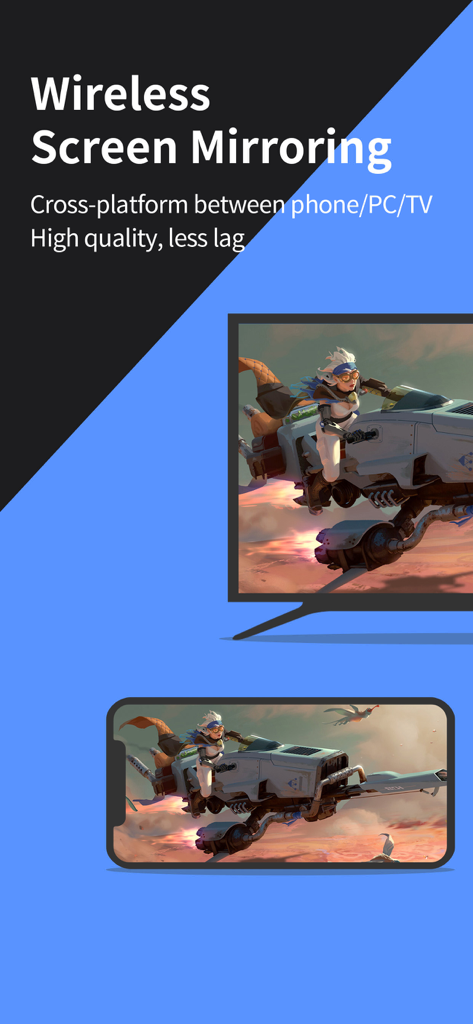
LetsViewを使用してスマートフォンからテレビへのワイヤレス画面ミラーリング、モバイルゲーム
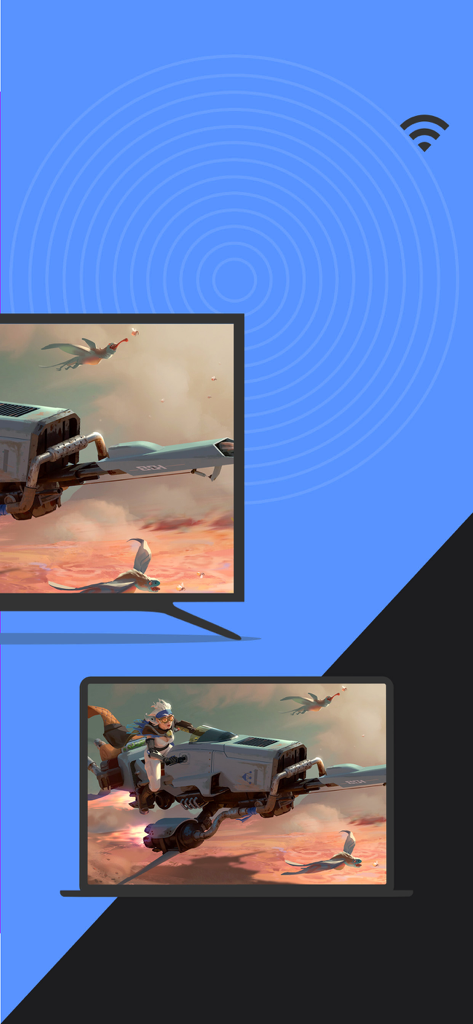
LetsViewアプリを使用したラップトップからテレビへのワイヤレス画面ミラーリング
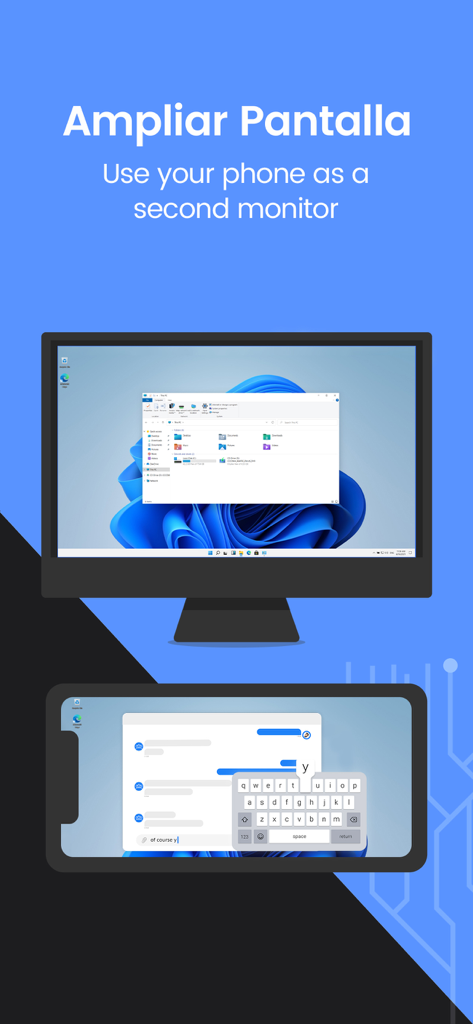
LetsViewを使用して携帯電話をコンピューターのセカンドモニターとして使用する
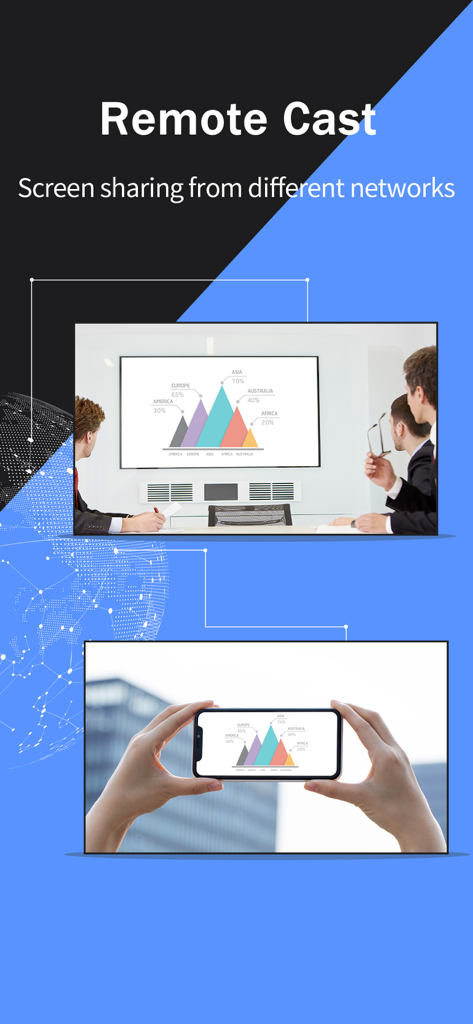
会議室の大画面にビジネスチャートをミラーリングするスマートフォンを示すLetsViewアプリのリモート画面キャスト機能
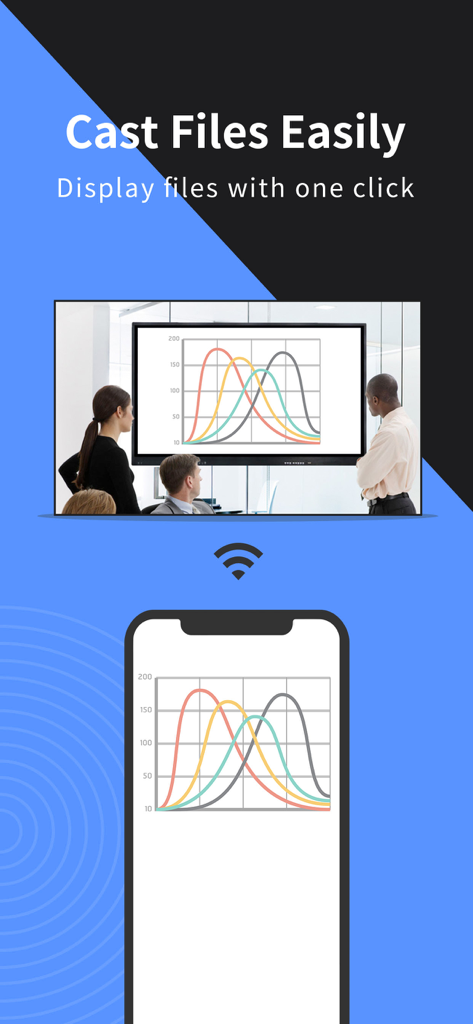
ビジネス会議室の大画面にスマートフォンからデータチャートをミラーリングするLetsViewアプリ
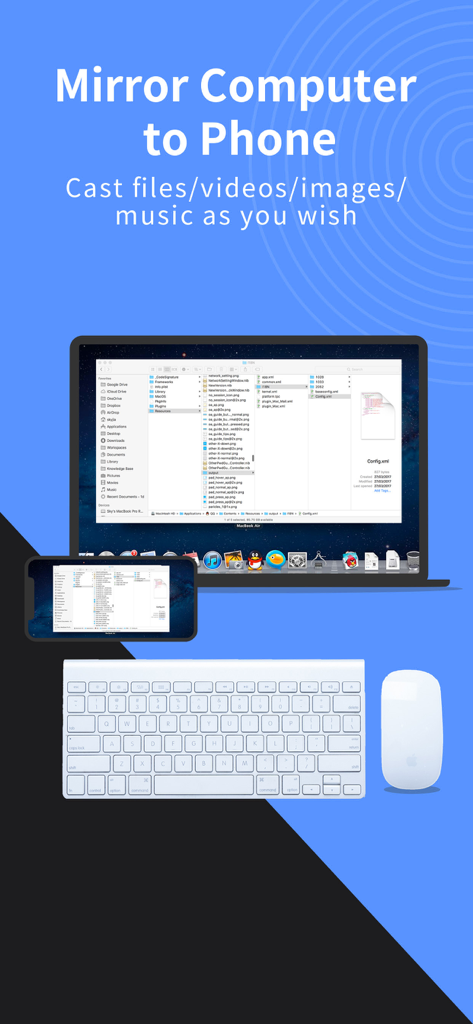
ワイヤレスキーボードとマウスと一緒にLetsViewアプリを使用してスマートフォンにミラーリングされるラップトップ画面
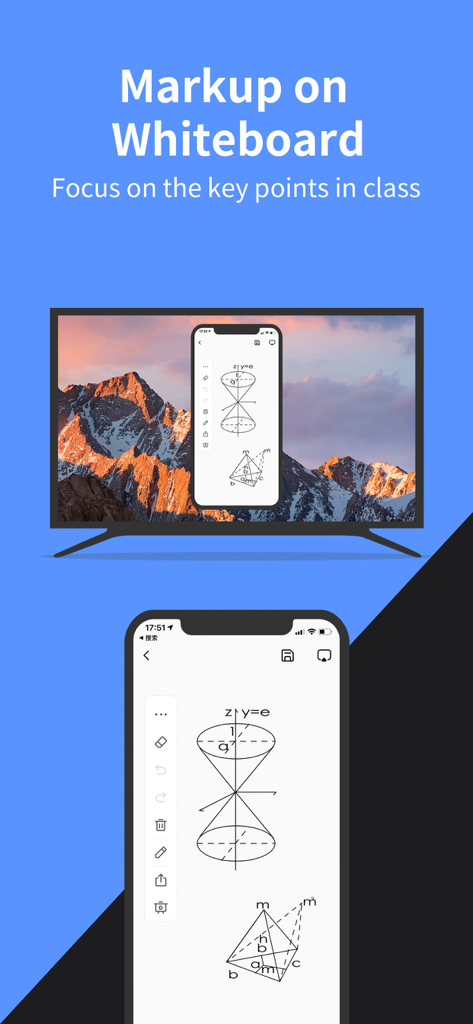
LetsViewアプリがテレビ画面に幾何学的図形のあるモバイルホワイトボードをミラーリングする
説明
Download
類似アプリ
似た機能とユーザー体験を持つアプリ

向日葵远程控制-Sunlogin remotecontrol
Shanghai best oray information s&t co.,ltd

UU远程-远程办公/游戏串流
Guangzhou NetEase Computer System Co.Ltd

AweSun Remote Desktop
AWERAY PTE. LTD.

AnyDesk Remote Desktop
AnyDesk Software GmbH

TeamViewer Remote Control
TeamViewer Germany GmbH

ToDesk远程控制
Hainan Youqu Technology Co., Ltd.

DeskIn Remote Desktop
ZULER TECHNOLOGY PTE. LTD.

Termius - Modern SSH Client
Termius Corporation

RealVNC Viewer: Remote Desktop
RealVNC Limited
このページはアプリまたはその開発者の公式ページではなく、情報提供および論評を目的として作成された独立した編集出版物です。明示的に別段の記載がない限り、アプリおよびその開発者は、MWM、Apple、Google Play、アプリのパブリッシャー、またはアプリの開発者と提携、承認、後援、認可、またはその他の公式的な関係はなく、このページのいかなる内容も、アプリがMWMのサービスを使用して開発されたことを意味するものではありません。すべての商標、ロゴ、スクリーンショット、その他のコンテンツはそれぞれの所有者の財産です。