Secret Photo Vault Lock Photos
ダウンロード: App Store

このページはアプリまたはその開発者の公式ページではなく、情報提供および論評を目的として作成された独立した編集出版物です。明示的に別段の記載がない限り、アプリおよびその開発者は、MWM、Apple、Google Play、アプリのパブリッシャー、またはアプリの開発者と提携、承認、後援、認可、またはその他の公式的な関係はなく、このページのいかなる内容も、アプリがMWMのサービスを使用して開発されたことを意味するものではありません。すべての商標、ロゴ、スクリーンショット、その他のコンテンツはそれぞれの所有者の財産です。


ロゴ: Secret Photo Vault Lock Photos
ダウンロード: App Store

Secret Photo Vault Lock Photos

あなたのプライベートは、見破られない城壁の向こうへ。このアプリは、デジタルライフのあらゆる痕跡を鉄壁の守りで包み込む。

主要数値

ダウンロード

1M+

ユーザー評価

4.7/5

評価数

296.7K

開発元

伟林 莫

カテゴリ

Photo & Video

対応言語

1

最新バージョン

8.3.8

サイズ

16.0 MB

リリース日

2011年7月18日
機能

高度なプライバシー保護と包括的なファイル管理を求めるユーザーのための詳細な評価。

「Secret Photo Vault Lock Photos」アプリ機能分析

偽アカウント機能

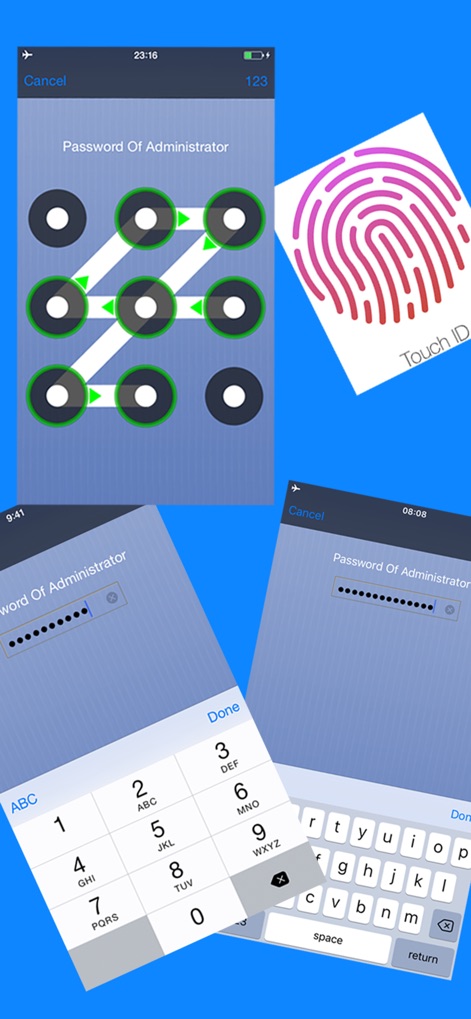
本アプリは、強制的なデータ開示に備え、デコイ(偽)アカウントを提供します。これにより、ユーザーは異なるパスワードを入力することで、管理者アカウントとは別のデータベースを表示させ、実際のプライベートファイルを隠蔽できます。

プライバシーを重視したローカルストレージ

本アプリ内のすべてのデータはユーザーのデバイスにのみ保存され、開発者がユーザーのプライバシーにアクセスしたり、データを外部に保存したりすることはありません。これにより、データ漏洩のリスクを最小限に抑え、最高のプライバシー保護を実現します。

包括的なファイル保護

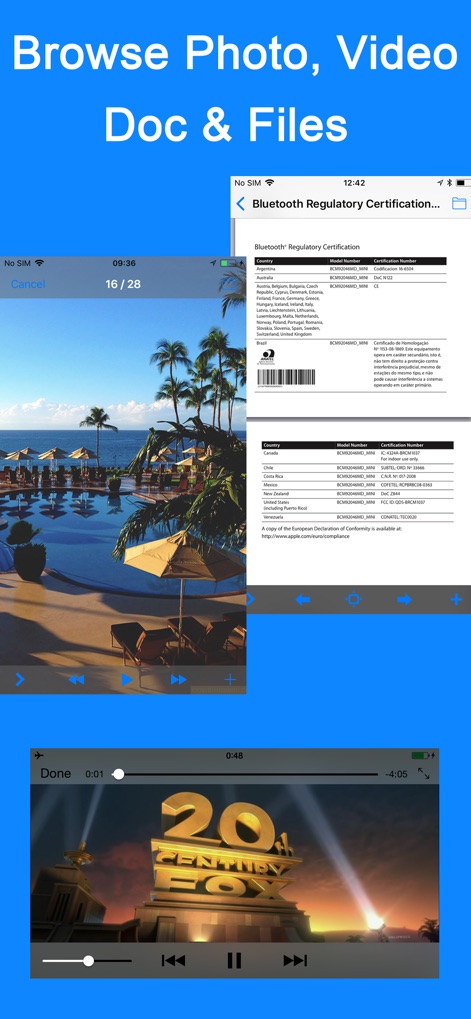
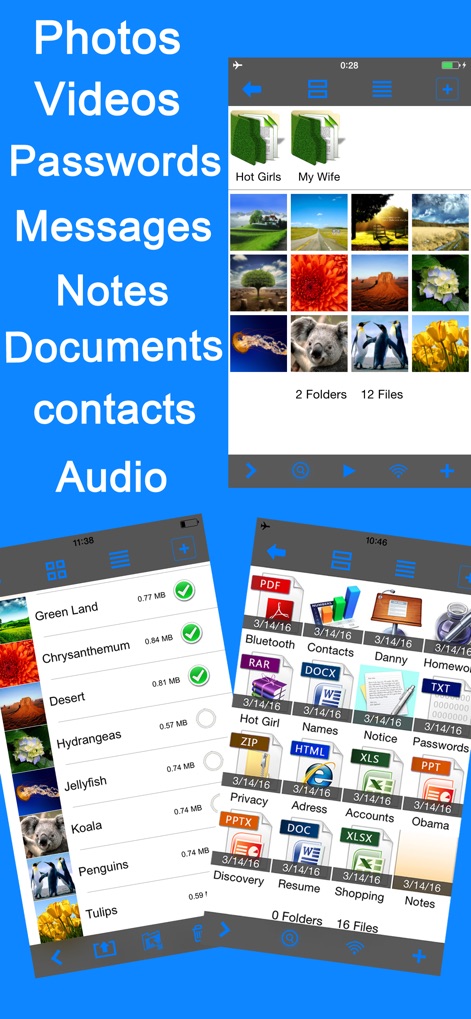
このアプリは、写真、ビデオ、テキストメッセージ、音声録音、メモ、ドキュメントなど、広範な種類のプライベートファイルを簡単にロックおよび管理できます。ユーザーはPDF、Word、Excelなど多様な形式のファイルを保存・閲覧することが可能です。

以下のスクリーンショットと説明は、アプリの公式ストアリスティングから直接取得されたものであり、アプリ開発者の所有物です。

アプリストア

スクリーンショット
Secret Photo Vault Lock Photos - null

Secret Photo Vault Lock Photos - null

Secret Photo Vault Lock Photos - null

Secret Photo Vault Lock Photos - null

Secret Photo Vault Lock Photos - null

Secret Photo Vault Lock Photos - null

説明

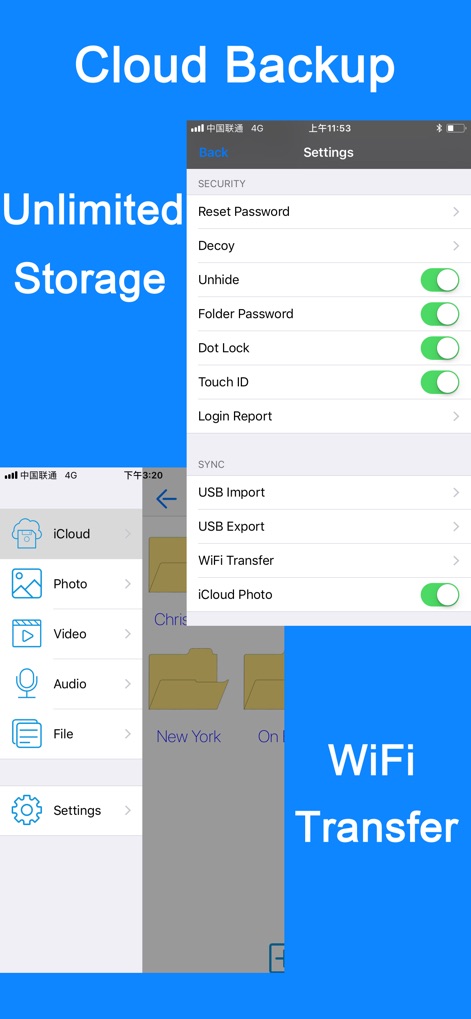
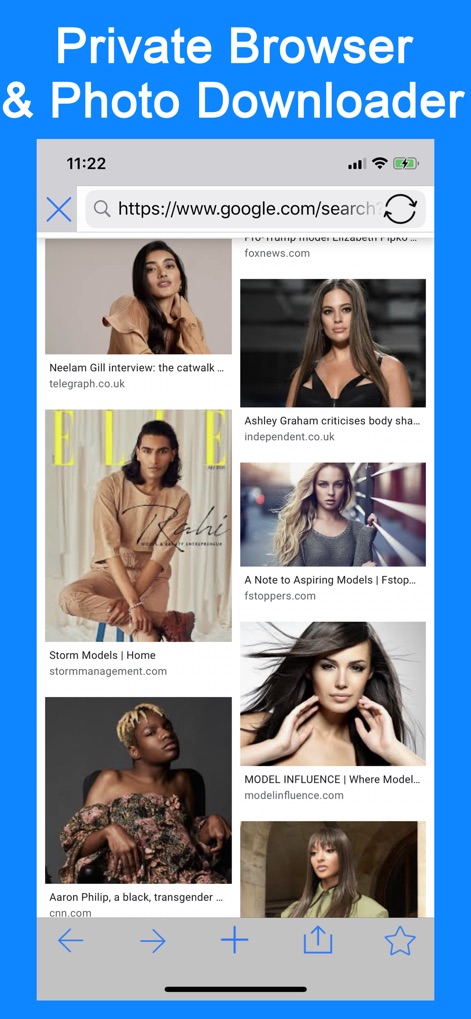
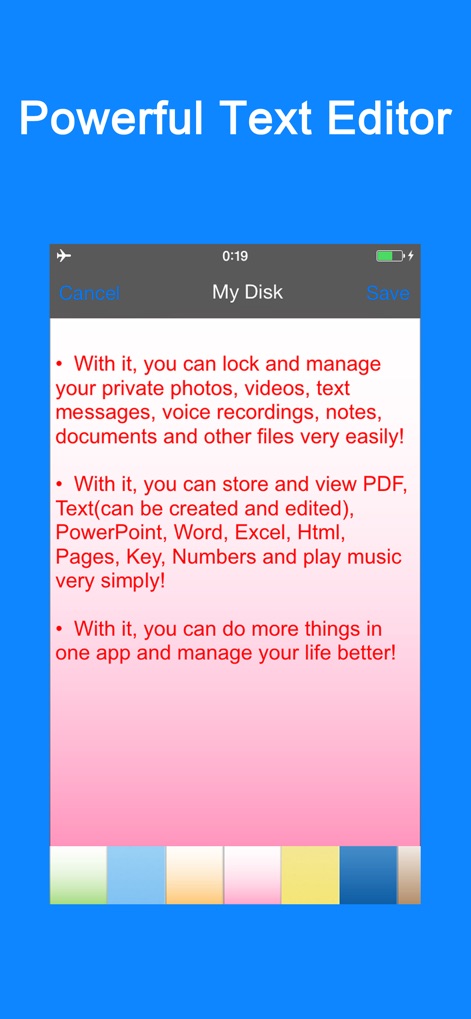
• With it, you can lock and manage your private photos, videos, text messages, voice recordings, notes, documents and other files very easily! • With it, you can store and view PDF, Text(can be created and edited), PowerPoint, Word, Excel, Html, Pages, Key, Numbers and play music very simply! • With it, you can do more things in one app and manage your life better! Manage Folders • Support subfolders • Hide folders • Create, Cut, Copy, Delete, Rename, Search folders • Multiple folders can be handled at a time Manage Files • Add photos, videos from computer, camera or photo library • Create audio files from recorder or computer • Create note of txt format or import any file from computer • Sort by Date, Type, Name, Size, Ascending or Descending(click again to switch) • Cut, Copy, Delete, Rename, Search, Hide files • Multiple files can be handled at a time Support Viewing many file formats • Photo: jpg, png, bmp, gif, tif, tiff, jpeg • Video: mov, mp4, m4v, mpv • Audio: mp3, aiff, wav • Document: pdf, doc, ppt, xls, txt, rtf, html, pages, key, numbers... Security • You can lock any category/user with passwords • With only one password, you can easily lock or unlock any folder • With the password of the current user, you can hide or show any folder/file • The Q&A for password resetting can be added or modified optionally Communicate with computer • Wi-Fi web access for download and upload. Support viewing files on browser and uploading multiple files at a time • USB Import/Export multiple files/folders from/to iTunes File Sharing • You can store any file you like, the importing files will be sorted automatically into 4 kinds: "Photo, Video, Audio, File" • The exporting files/folders will be merged into one folder called "Export" in iTunes. For security reason, they will be moved back to app once you stop exporting • Import/Export multiple files/folders from/to iTunes in current directory simply Manage users/categories and decoy users • Create, delete, edit users/categories or decoy users • Provide a public account to share your data between users/categories, you can see a public folder in each category/user • Provide decoy accounts to conceal your privacy for further protection. You can set passwords for Admin or the other users. If you are forced to open this app in some case, the decoy accounts for Admin is a good way to hide your real private files. Click Admin account and enter the decoy passwords, which will guide app to display your decoy database(different from Admin's) only. So you don't have to worry about snoopers. Metadata • File name, size, type, modify date, create date, duration Share • Send files/folders via email • Send photos via MMS • Export photos/videos to photo library • Export files/folders to computer • Multiple files/folders can be handled at a time More • Support, dot lock, password lock, Touch ID & Face ID • Two interface modes: Grid and Table • Photo Slide Show, support background music and transition mode • Support Pinch and Double Tap to zoom • You can slide to set the background images while recording sound and reset them for any audio file • LongPress to enter folder while editing in Grid View • Files/Folders can be transferred between users • Support continuous shooting • Support setting colorful background images for notes • Support Retina Display totally • Support sliding to view the next or previous one in “Picture, Audio, File” functions Note • All of your data in this app is stored only in your device. We don't access or store your privacy. Contact us • photovault@yeah.net; facebook.com/setnul; twitter.com/setnul • To help us improve, please leave a review here. Thank you very much!

Download

ダウンロード: App Store

このページはアプリまたはその開発者の公式ページではなく、情報提供および論評を目的として作成された独立した編集出版物です。明示的に別段の記載がない限り、アプリおよびその開発者は、MWM、Apple、Google Play、アプリのパブリッシャー、またはアプリの開発者と提携、承認、後援、認可、またはその他の公式的な関係はなく、このページのいかなる内容も、アプリがMWMのサービスを使用して開発されたことを意味するものではありません。すべての商標、ロゴ、スクリーンショット、その他のコンテンツはそれぞれの所有者の財産です。