Transform your iPhone or iPad into a dynamic spreadsheet workstation. spreadsheets Editor is the professional-grade app designed to seamlessly handle all your spreadsheet needs on the go. Whether you're crunching numbers, managing team projects, or tracking personal goals, our powerful features—including AI-powered table generation—will dramatically elevate your productivity.
Key Features: Your Essential Spreadsheet Toolkit
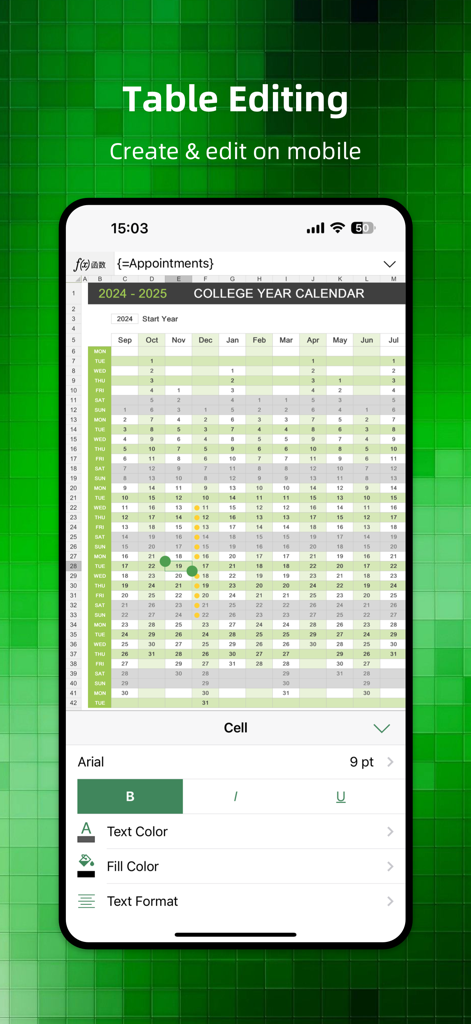
Full-Featured Spreadsheet Creation & Editing
-Universal Compatibility: Effortlessly create and edit new Spreadsheet documents, and view files in all major formats, including .xlsx, .xltx, and more.
-Intuitive Navigation: Easily switch between sheets, apply robust row/column filters, and control the display of individual sheets, rows, or columns.
-Precision Formatting: Select multiple cells, entires, or columns with ease. Freely adjust row heights, column widths, and quickly merge or split cells for optimal presentation.
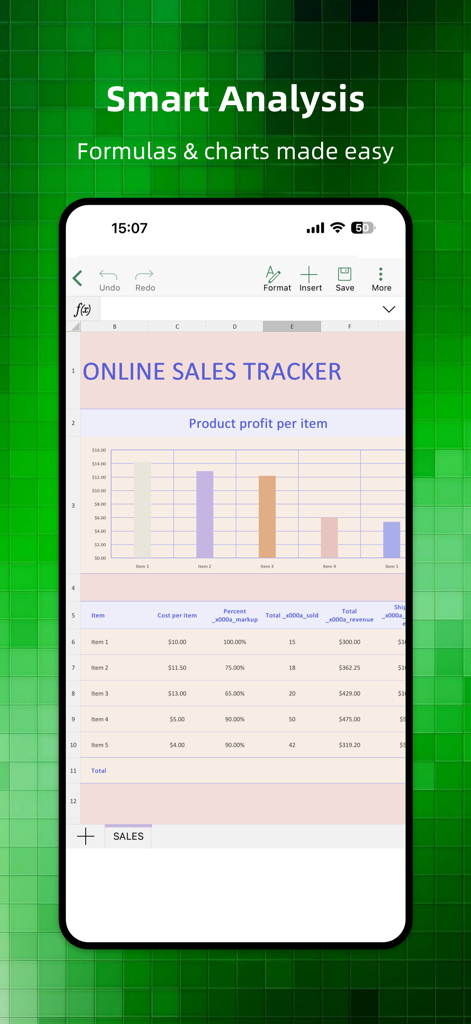
-Advanced Data Tools: Access and use essential Spreadsheet functions immediately, including SUM, AVERAGE, MAX, MIN, and many more for rapid data analysis.
-Visual Impact: Optimize your spreadsheets by inserting media (photos, music, videos) via the media browser, and utilize our library of editable shapes.
-Dynamic Charting: Insert stunning 2D and 3D charts—including bar, column, line, area, pie, and radar charts—to visualize your data effectively.
AI-Powered Intelligence & Templates
-AI Sheets Writing: Leverage your dedicated AI writing assistant to instantly generate customized table content and templates based on simple text prompts. Cut down manual creation time and boost your work efficiency.
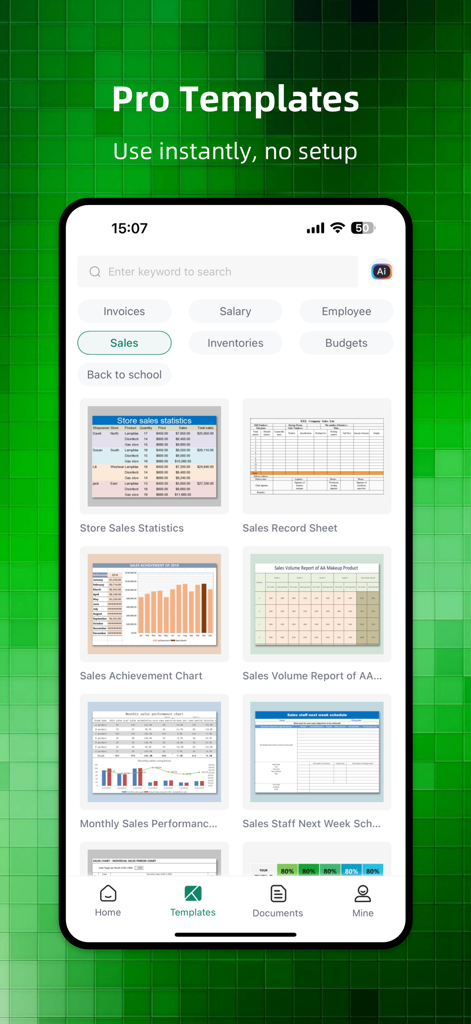
-Professional Templates: Access a rich library of exquisite, industry-specific templates. Simply select, edit, and use—simplifying everything from financial reporting to project planning.
Image-to-Spreadsheet Conversion
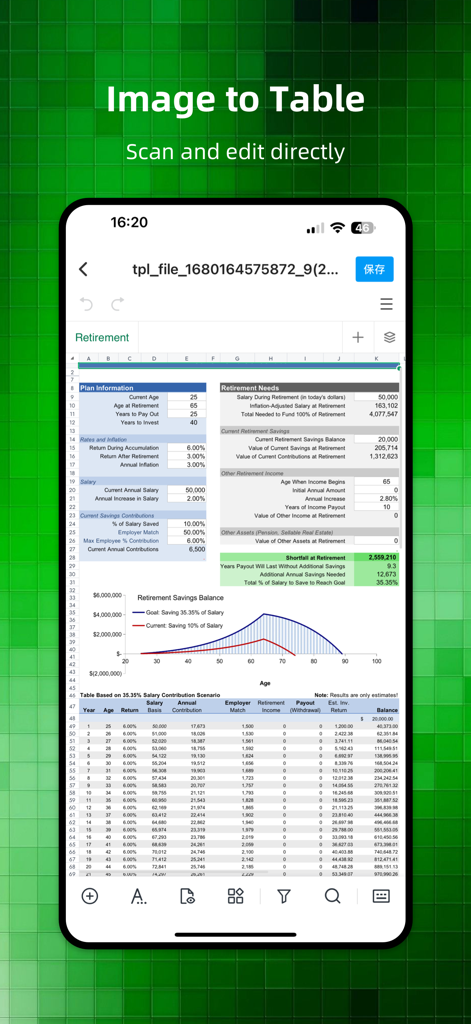
-Instant Digitization: Capture any physical paper table with your phone camera, and our Image to Sheets feature will intelligently recognize, convert, and format the data into a fully editable Excel spreadsheet.
-Phone Image Support: Convert existing images from your photo library directly into actionable spreadsheets.
Seamless Sharing & Export
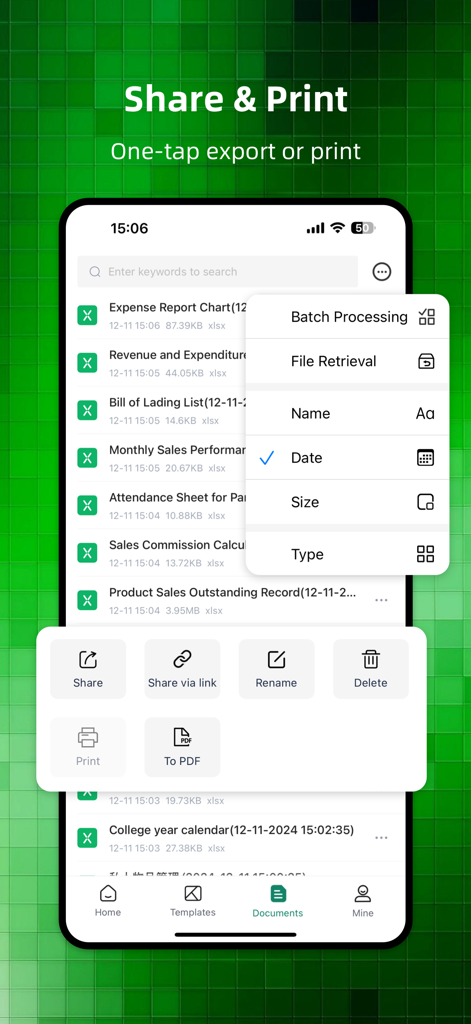
-Flexible Output: Generate long, scrollable images for easy social sharing, or convert your final tables into professional PDF format.
-Ready to Print: Access a comprehensive print preview and print your spreadsheets directly from your phone.
Use Cases: Spreadsheet Management Made Simple
Whether you’re in the office, classroom, or on the road, Sheets Editor is the only spreadsheet editor you need.
-Business: Manage complex data, track inventory, and report financials.
-Education: Organize student grades, assignments, and class schedules.
-Personal: Budgeting, expense tracking, and goal setting.
Download Sheets Editor today and unlock the full potential of your spreadsheets—powered by AI, wherever life takes you.
Subscription Instructions:
Subscription automatically renews unless auto-renew is turned off at least 24-hours before the end of the current period
Account will be charged for renewal within 24-hours prior to the end of the current period, and identify the cost of the renewal
Subscriptions may be managed by the user and auto-renewal may be turned off by going to the user’s Account
Privacy Policy: http://www.palmmob.cn/yinsi/aibiaoge/aibiaogeyinsiiosen.html
User Agreement: http://www.palmmob.cn/yinsi/aibiaoge/aibiaogeyonghuiosen.html