Storyist 4
Storyist 4
ダウンロード: App Store

このページはアプリまたはその開発者の公式ページではなく、情報提供および論評を目的として作成された独立した編集出版物です。明示的に別段の記載がない限り、アプリおよびその開発者は、MWM、Apple、Google Play、アプリのパブリッシャー、またはアプリの開発者と提携、承認、後援、認可、またはその他の公式的な関係はなく、このページのいかなる内容も、アプリがMWMのサービスを使用して開発されたことを意味するものではありません。すべての商標、ロゴ、スクリーンショット、その他のコンテンツはそれぞれの所有者の財産です。


ロゴ: Storyist 4
ダウンロード: App Store

Storyist 4

デジタルインデックスカードから提出可能な原稿まで、iPadとiPhoneを強力なクリエイティブ環境に変えます。サブスクリプション不要で、どこでも傑作の計画、執筆、改訂ができます。

主要数値

ダウンロード

25K+

ユーザー評価

4.3/5

評価数

700

開発元

Storyist Software

カテゴリ

Productivity

対応言語

3

最新バージョン

4.7

サイズ

21.0 MB

リリース日

2019年3月6日
機能

すべての章のためのプロフェッショナルツール

最初のプロットスケッチから提出可能な原稿まで、Storyist 4は外出先で傑作を完成させるために必要な構造化された環境を提供します。

業界標準のフォーマット

余白ではなく、ストーリーに集中しましょう。プロのエージェントやプロデューサーのガイドラインを満たすように、原稿や脚本を自動的にフォーマットします。

ビジュアルストーリーアーキテクチャ

色分けされたインデックスカードでプロットをマッピングしましょう。キャラクターや設定を整理して、物語の世界観を一貫性のある構造に保ちます。

以下のスクリーンショットと説明は、アプリの公式ストアリスティングから直接取得されたものであり、アプリ開発者の所有物です。

アプリストア

スクリーンショット
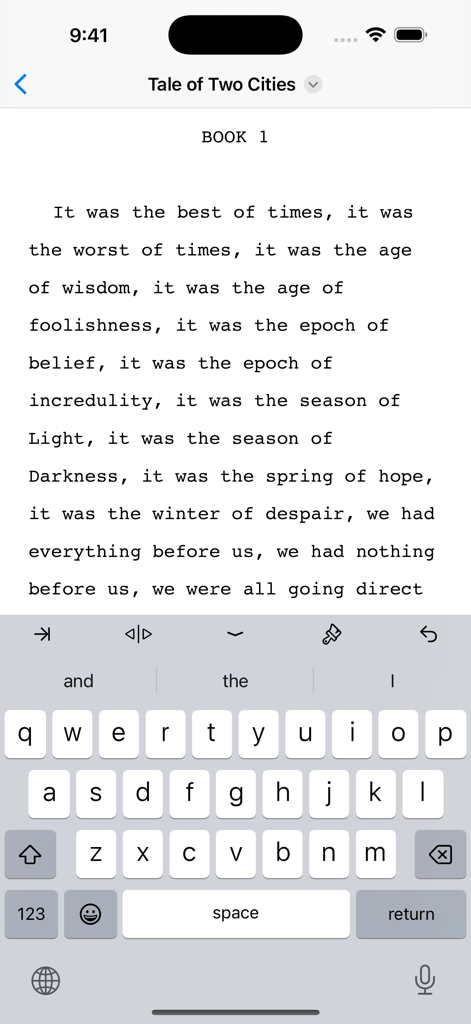
Storyist 4 - Storyist 4アプリのインターフェイス。iPhoneで小説の原稿が書かれている様子を表示
Storyist 4アプリのインターフェイス。iPhoneで小説の原稿が書かれている様子を表示

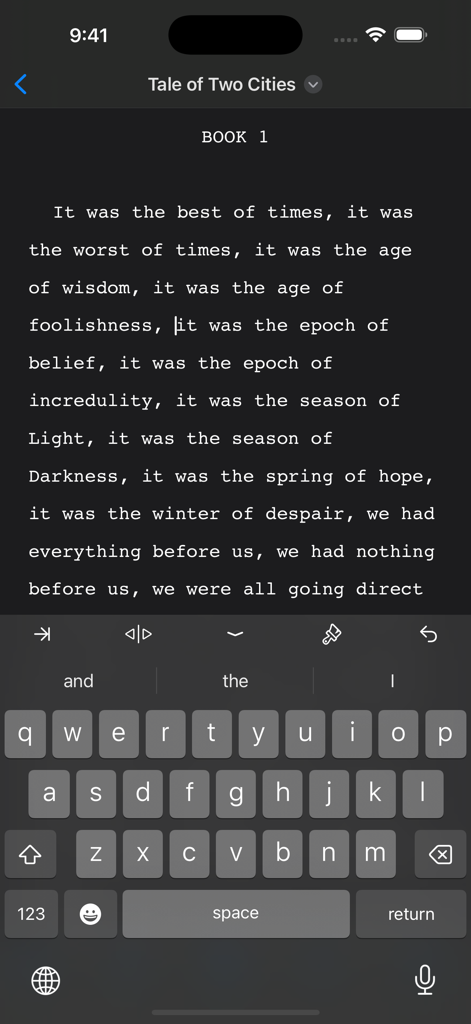
Storyist 4 - Storyist 4モバイルアプリのインターフェイス。iPhoneでダークモードの小説原稿エディタを表示
Storyist 4モバイルアプリのインターフェイス。iPhoneでダークモードの小説原稿エディタを表示

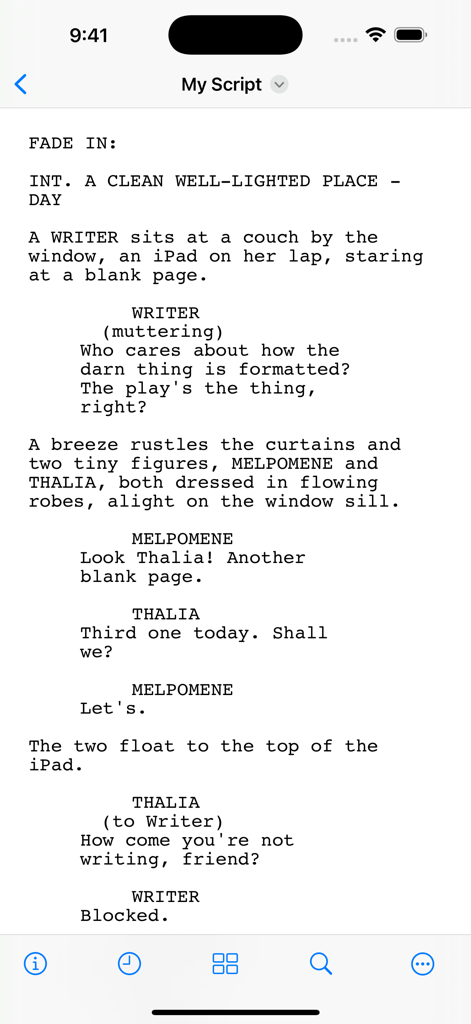
Storyist 4 - Storyist 4アプリのモバイル画面。プロフェッショナルにフォーマットされた脚本を表示
Storyist 4アプリのモバイル画面。プロフェッショナルにフォーマットされた脚本を表示

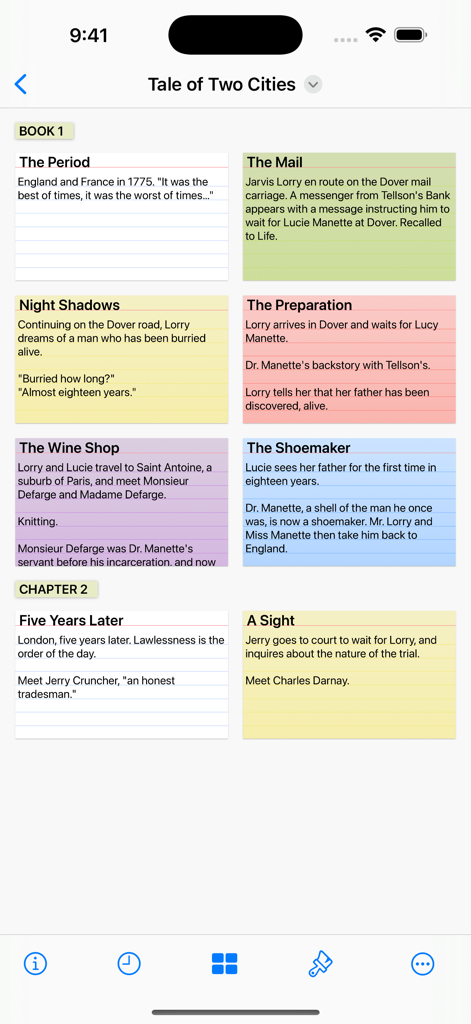
Storyist 4 - Storyist 4モバイルアプリのインターフェイス。ストーリーアウトライン用の色分けされたインデックスカードを備えたデジタルコルクボードを表示
Storyist 4モバイルアプリのインターフェイス。ストーリーアウトライン用の色分けされたインデックスカードを備えたデジタルコルクボードを表示

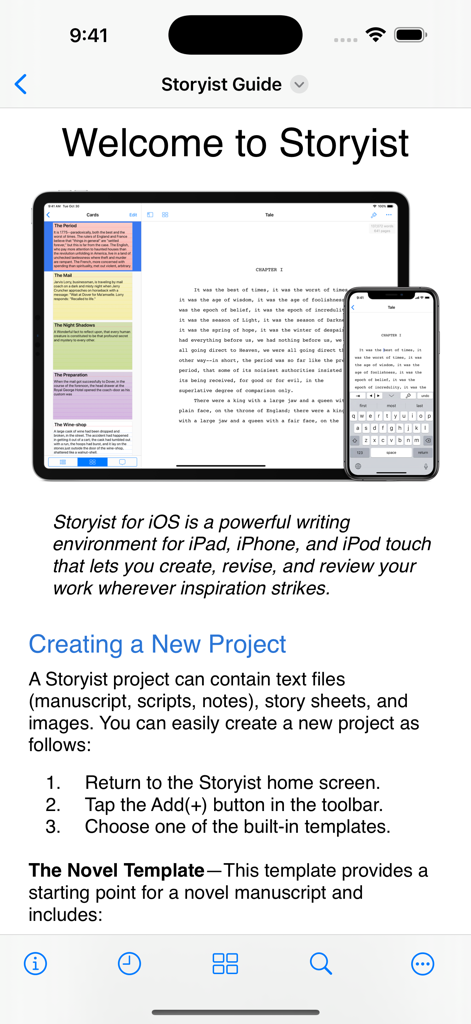
Storyist 4 - Storyist 4ウェルカム画面。iPadとiPhoneデバイスに原稿を表示

Storyist 4ウェルカム画面。iPadとiPhoneデバイスに原稿を表示

説明

Storyist is a powerful writing environment that lets you create, review, and revise your work wherever inspiration strikes. “If I could have only one screenwriting app on my iPad, Storyist would be it.” – Taz Goldstein, Hand Held Hollywood. “I'm currently traveling in Europe and am just now putting the finishing touches on the book that will be published in September. I'm using the Storyist app for my iPad Mini and it's sensational... a real godsend.” – Michael Brandman, Bestselling Author. With Storyist, you can: • Produce submission-ready manuscripts and screenplays. Storyist provides a rich text editor with support for comments, images, headers, footers, and style sheets so you can create properly formatted manuscripts and screenplays. And Storyist comes with manuscript and screenplay templates so you can focus on the writing, not the formatting. • Work with your story at a high level. Storyist lets you sketch out a story using index cards and then refine it with customizable plot, character, and setting sheets. When you're ready to put words on the page, Storyist can even display your index cards next to your manuscript as you write. • Review and revise on the go. Have a few minutes? Open Storyist and jot down a note, rewrite a few paragraphs, or annotate your manuscript with ideas for future changes. • Keep all your writing organized and accessible. Storyist organizes your novel manuscripts, screenplays, notes, and other project-related writing so you can access them with just a few taps. And the Files app support lets you store your projects where you want and edit them in place. Features at a Glance • Rich text editor with support for fonts, colors, comments, images, headers, footers, and style sheets. • Files interface with the ability to collaborate with other writers, browse version history, and sync with your favorite cloud storage service. • Automatic manuscript and screenplay formatting with familiar tab and return key shortcuts. • Color-coded index cards. • Customizable story sheets. • Easy import and export of text and images. • Support for Storyist for Mac, RTF, Plain Text, Fountain, and Final Draft FDX files. • Ability to export text files as PDF. • Wireless printing with AirPrint. • Courier Prime font for screenplays. Try Storyist 4 for free for 14 days. After the trial period ends, you can purchase Storyist 4 to continue using the editing features or use the app in reader mode for free. Upgrade pricing is available for customers who purchased Storyist 3 for iOS. No subscription required.

Download

ダウンロード: App Store

このページはアプリまたはその開発者の公式ページではなく、情報提供および論評を目的として作成された独立した編集出版物です。明示的に別段の記載がない限り、アプリおよびその開発者は、MWM、Apple、Google Play、アプリのパブリッシャー、またはアプリの開発者と提携、承認、後援、認可、またはその他の公式的な関係はなく、このページのいかなる内容も、アプリがMWMのサービスを使用して開発されたことを意味するものではありません。すべての商標、ロゴ、スクリーンショット、その他のコンテンツはそれぞれの所有者の財産です。








