Swift PDF Editor: Scan & Sign
ダウンロード: App Store

このページはアプリまたはその開発者の公式ページではなく、情報提供および論評を目的として作成された独立した編集出版物です。明示的に別段の記載がない限り、アプリおよびその開発者は、MWM、Apple、Google Play、アプリのパブリッシャー、またはアプリの開発者と提携、承認、後援、認可、またはその他の公式的な関係はなく、このページのいかなる内容も、アプリがMWMのサービスを使用して開発されたことを意味するものではありません。すべての商標、ロゴ、スクリーンショット、その他のコンテンツはそれぞれの所有者の財産です。

ロゴ: Swift PDF Editor: Scan & Sign
ダウンロード: App Store

Swift PDF Editor: Scan & Sign

外出先で書類をスキャン、編集、電子署名するための最速の方法。OCR、フォーム記入、スマート注釈ツールを備えた強力なPDFワークステーションにモバイルデバイスを変換します。現代のプロフェッショナル向けに設計されています。

主要数値

ダウンロード

102K+

ユーザー評価

4.2/5

評価数

1K+

開発元

APERO TECHNOLOGIES GROUP JOINT STOCK COMPANY

カテゴリ

Business

対応言語

8

最新バージョン

2.6.22

サイズ

220.3 MB

リリース日

2021年11月16日
機能

外出先での完全なPDFオフィス

かさばるハードウェアで時間を無駄にするのはやめましょう。究極のオールインワンモバイルツールキットで、数秒でプロフェッショナルな書類をスキャン、編集、署名できます。

インスタント電子署名

現場で契約を完了させましょう。署名を描画またはインポートして、数秒でプロフェッショナルなフォームに署名して送信できます。

プログレードスキャナー&OCR

スマート自動クロッピングでID、レシート、メモをデジタル化します。内蔵OCRを使用して、画像を編集可能なテキストに即座に変換します。

以下のスクリーンショットと説明は、アプリの公式ストアリスティングから直接取得されたものであり、アプリ開発者の所有物です。

アプリストア

スクリーンショット
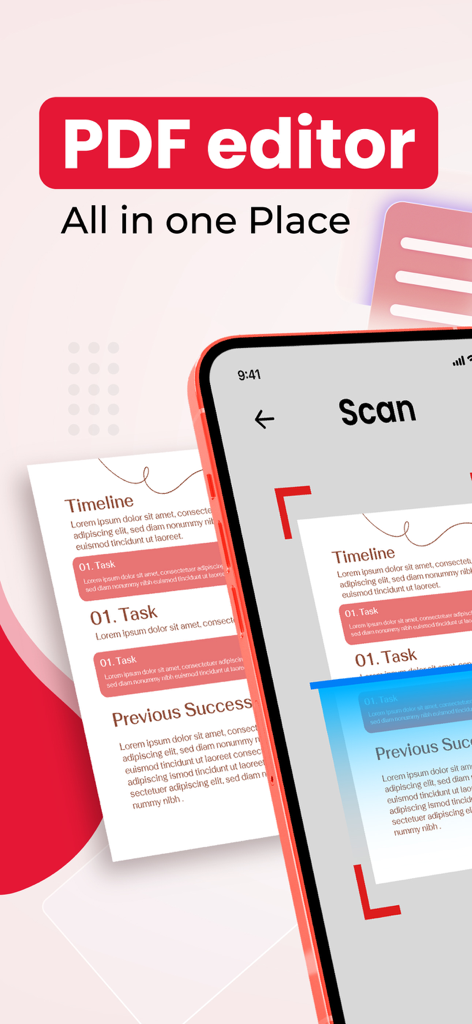
Swift PDF Editor: Scan & Sign - PDFエディターオールインワンプレイスというテキストが表示された紙のドキュメントをスキャンするためにSwift PDF Editorアプリを使用しているスマートフォン。
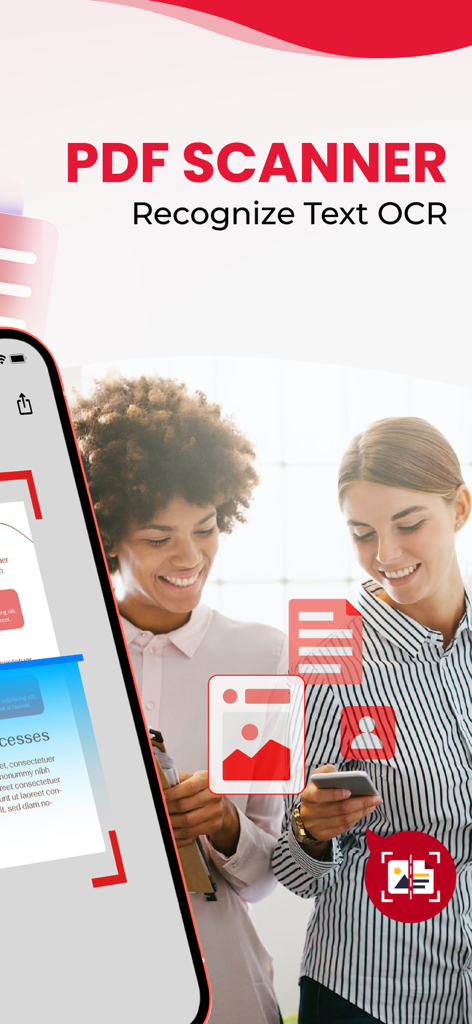
PDFエディターオールインワンプレイスというテキストが表示された紙のドキュメントをスキャンするためにSwift PDF Editorアプリを使用しているスマートフォン。

Swift PDF Editor: Scan & Sign - モダンなインターフェースを備えたPDFスキャナーとOCRテキスト認識機能を備えたモバイルアプリ画面。
モダンなインターフェースを備えたPDFスキャナーとOCRテキスト認識機能を備えたモバイルアプリ画面。

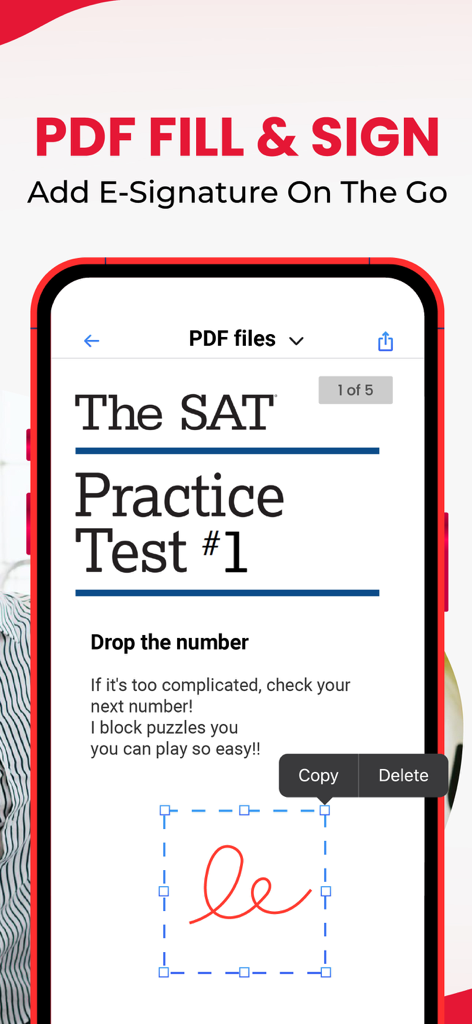
Swift PDF Editor: Scan & Sign - PDFドキュメントに電子署名を追加する方法を示すモバイルアプリインターフェース。
PDFドキュメントに電子署名を追加する方法を示すモバイルアプリインターフェース。

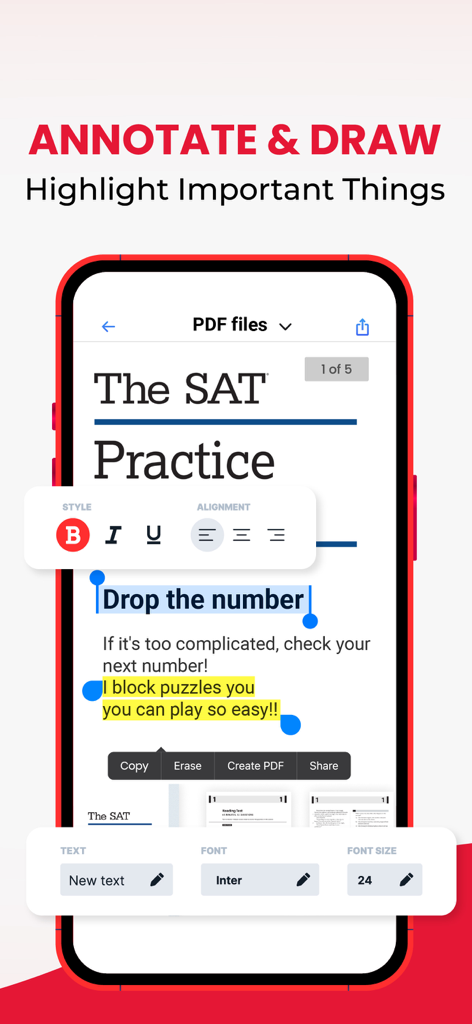
Swift PDF Editor: Scan & Sign - ドキュメント上の注釈描画およびハイライトツールを示すSwift PDF Editorアプリのインターフェース。
ドキュメント上の注釈描画およびハイライトツールを示すSwift PDF Editorアプリのインターフェース。

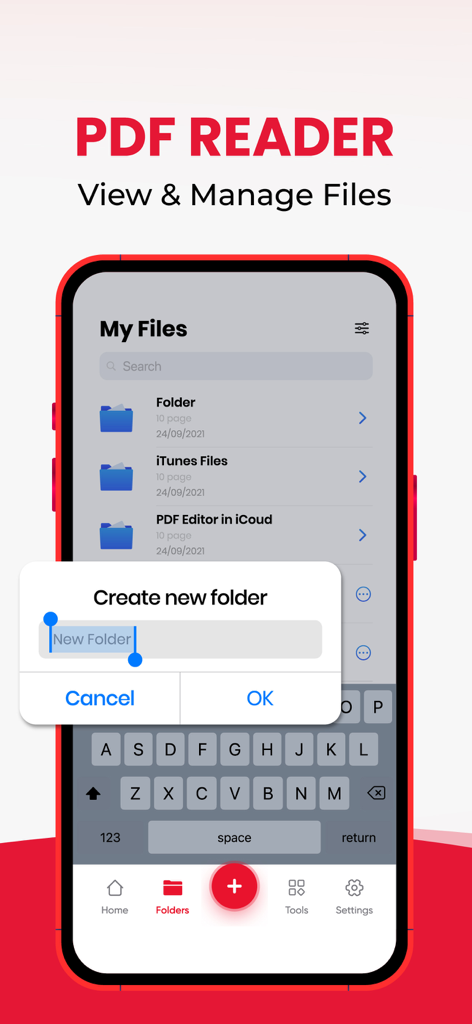
Swift PDF Editor: Scan & Sign - 複数のファイルをマージおよび抽出するためのドキュメントリストを表示するSwift PDF Editorアプリインターフェース。
複数のファイルをマージおよび抽出するためのドキュメントリストを表示するSwift PDF Editorアプリインターフェース。

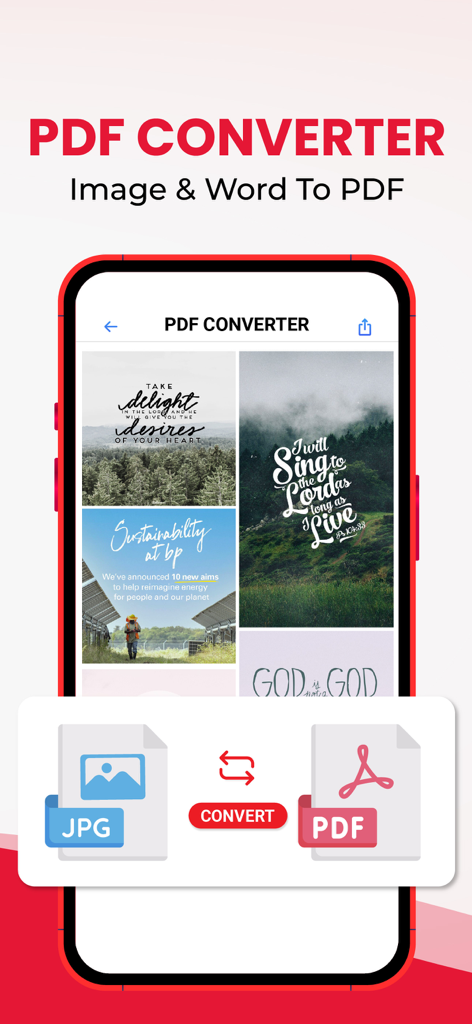
Swift PDF Editor: Scan & Sign - 画像からPDFへの変換機能を示すモバイルアプリインターフェース。

画像からPDFへの変換機能を示すモバイルアプリインターフェース。
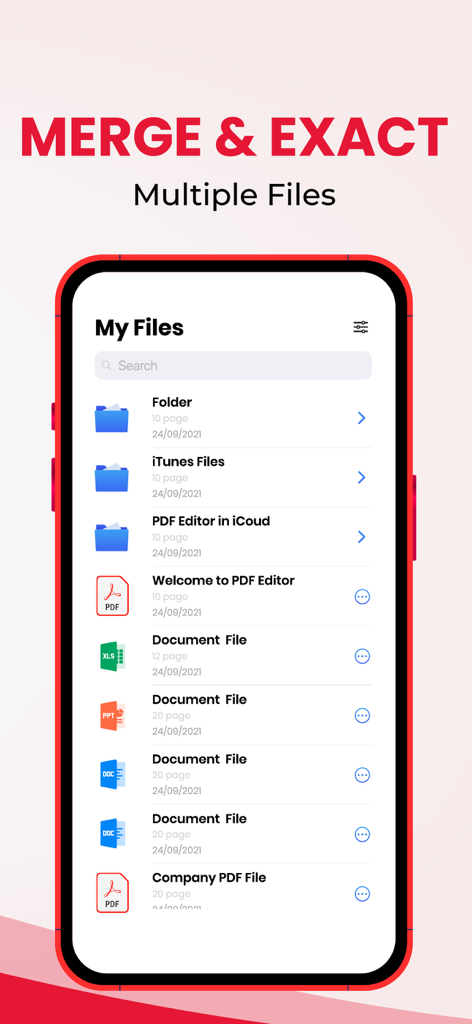
Swift PDF Editor: Scan & Sign - 複数のファイルをマージおよび抽出するためのドキュメントリストを表示するSwift PDF Editorアプリのインターフェース。

複数のファイルをマージおよび抽出するためのドキュメントリストを表示するSwift PDF Editorアプリのインターフェース。

説明

Swift PDF Editor: Scan & Sign – Your All-in-One PDF Solution Take control of your PDF documents with Swift PDF Editor. Whether you need to scan and edit PDF, sign, or convert files on the go, this powerful app has everything you need. It's the ultimate tool for managing PDFs efficiently, right from your mobile device. Features of Swift PDF Editor: 1. PDF Editor - Document Editor: - Edit and personalize your PDF documents effortlessly with this PDF editor free tool. - Add text, drawings, and images to your PDFs. - Insert hyperlinks and make your documents interactive. - Annotate with sticky notes, highlights, underlines, and strikethroughs. - Use red lines, arrows, and callouts to emphasize important information. - Reorganize PDF pages and optimize document layout for better flow. 2. PDF Signature - Fill and Sign: - Digitally edit PDF and sign forms with ease. - Draw or import your signature for seamless doc sign and completion of forms. - Add symbols and shapes to your documents. - Fill and sign forms and edit text directly within the PDF. Customize text size and color for a professional finish. 3. PDF Reader - PDF Viewer: - Easily access and navigate your PDF library using the powerful PDF editor. - Quickly search and view PDF files. - Scroll through documents smoothly and zoom in or out for better readability. - A simple, organized list of your PDFs for easy access. 4. Powerful PDF/Document/Photo Scanner - Scanner App (Convert to PDF/Text OCR): - Turn your physical documents into digital files using the scan and edit PDF feature. - Use your phone’s camera to scan sign PDF, documents, ID cards, business cards, and more. - Optimize scan quality with smart cropping and auto enhancement for clear, sharp images. - Extract text from images with OCR technology, converting photos into editable text using the document scanner and editor. 5. Images to PDF Converter: - Convert photos and scanned images into high-quality PDFs with the pdf converter pdf editor. - Import multiple images or scan paper documents and convert them into PDFs. - Resize, crop, and rotate images to optimize your PDF output. Why Choose Swift PDF Editor? - Comprehensive Editing: Modify text, images, and layouts with ease in the PDF editor. - Efficient Signing: Quickly edit sign PDF forms directly on your device with the pdf editor free. - Easy Scanning: Digitize documents with your camera and enhance image quality. - OCR Technology: Extract and edit text from images seamlessly. - Convenient Access: Easily manage and organize your PDF files with a simple interface. Swift PDF Editor is your all-in-one solution for scan sign PDF, editing, and converting. Try and simplify your document management, no matter where you are! Use it as a word to pdf converter, pdf converter pdf editor, and doc sign solution in one handy app! - Privacy policy: https://sites.google.com/view/swiftpdf-editor-privacy-policy/home - Term of use: https://sites.google.com/view/swiftpdf-editor-term-of-use/home

Download

ダウンロード: App Store

このページはアプリまたはその開発者の公式ページではなく、情報提供および論評を目的として作成された独立した編集出版物です。明示的に別段の記載がない限り、アプリおよびその開発者は、MWM、Apple、Google Play、アプリのパブリッシャー、またはアプリの開発者と提携、承認、後援、認可、またはその他の公式的な関係はなく、このページのいかなる内容も、アプリがMWMのサービスを使用して開発されたことを意味するものではありません。すべての商標、ロゴ、スクリーンショット、その他のコンテンツはそれぞれの所有者の財産です。








