Tap & Print: Smart Air Printer
ダウンロード: App Store

このページはアプリまたはその開発者の公式ページではなく、情報提供および論評を目的として作成された独立した編集出版物です。明示的に別段の記載がない限り、アプリおよびその開発者は、MWM、Apple、Google Play、アプリのパブリッシャー、またはアプリの開発者と提携、承認、後援、認可、またはその他の公式的な関係はなく、このページのいかなる内容も、アプリがMWMのサービスを使用して開発されたことを意味するものではありません。すべての商標、ロゴ、スクリーンショット、その他のコンテンツはそれぞれの所有者の財産です。

ロゴ: Tap & Print: Smart Air Printer
ダウンロード: App Store

Tap & Print: Smart Air Printer

ラップトップは不要。9,000以上のワイヤレスプリンターに即座に接続できます。契約書、学校の書類、写真など、プロレベルのコントロールとシームレスなクラウド連携をタップ一つで実現します。

主要数値

ダウンロード

3M+

ユーザー評価

3.9/5

評価数

3K+

開発元

Smart Mobile Apps FZCO

カテゴリ

Business

対応言語

6

最新バージョン

7.12

サイズ

193.5 MB

リリース日

2018年1月12日
機能

パワフルな印刷をシンプルに

学校の書類からプロフェッショナルな契約書まで、究極のモバイルファースト印刷&スキャントゥールキットですべてのドキュメントを管理できます。

ユニバーサルワイヤレス印刷

コンピューターなしで、HP、Epson、Canonなどの9,000以上のプリンターモデルにシームレスに接続できます。

高度なドキュメントコントロール

用紙サイズ、グレースケール、両面レイアウトなどのプロ設定で印刷ジョブを管理し、プロフェッショナルな結果を得ましょう。

以下のスクリーンショットと説明は、アプリの公式ストアリスティングから直接取得されたものであり、アプリ開発者の所有物です。

アプリストア

スクリーンショット
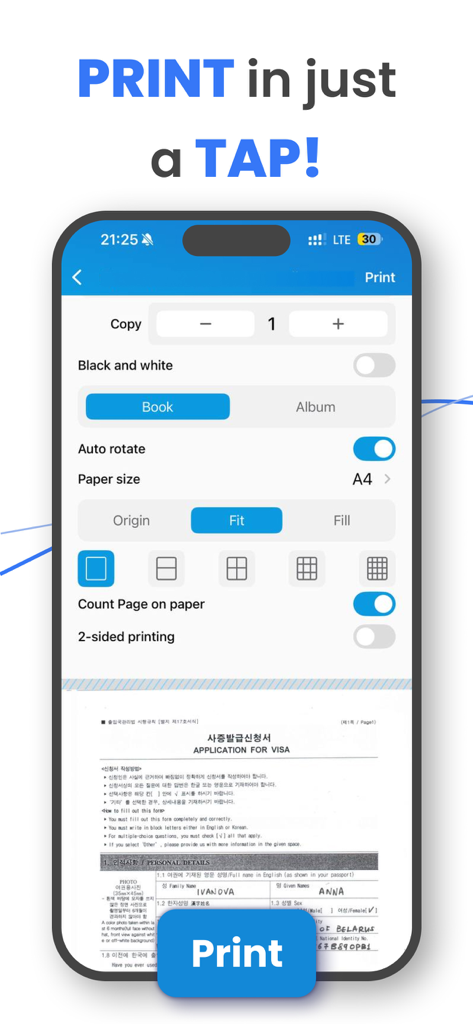
Tap & Print: Smart Air Printer - スマートフォンで高度な印刷設定とドキュメントプレビューを表示するモバイルアプリのインターフェイス
スマートフォンで高度な印刷設定とドキュメントプレビューを表示するモバイルアプリのインターフェイス

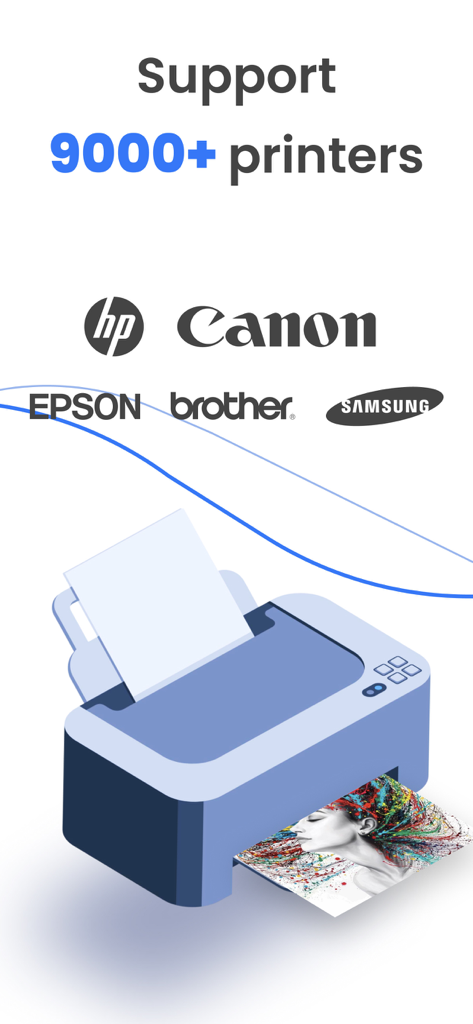
Tap & Print: Smart Air Printer - HP、Canon、Epsonを含む9,000以上のプリンターをサポートするTap and Printアプリのグラフィック
HP、Canon、Epsonを含む9,000以上のプリンターをサポートするTap and Printアプリのグラフィック

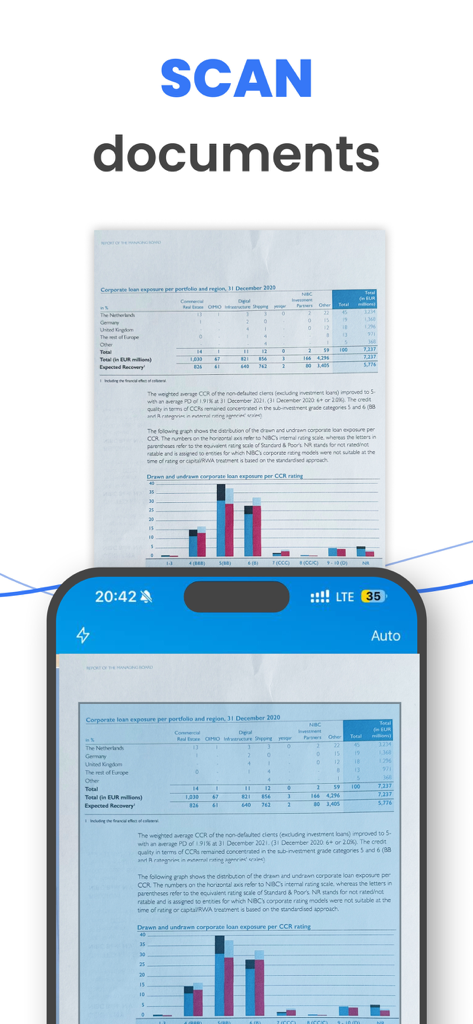
Tap & Print: Smart Air Printer - 財務レポートを表示するドキュメントスキャン機能を示すiPhone画面

財務レポートを表示するドキュメントスキャン機能を示すiPhone画面

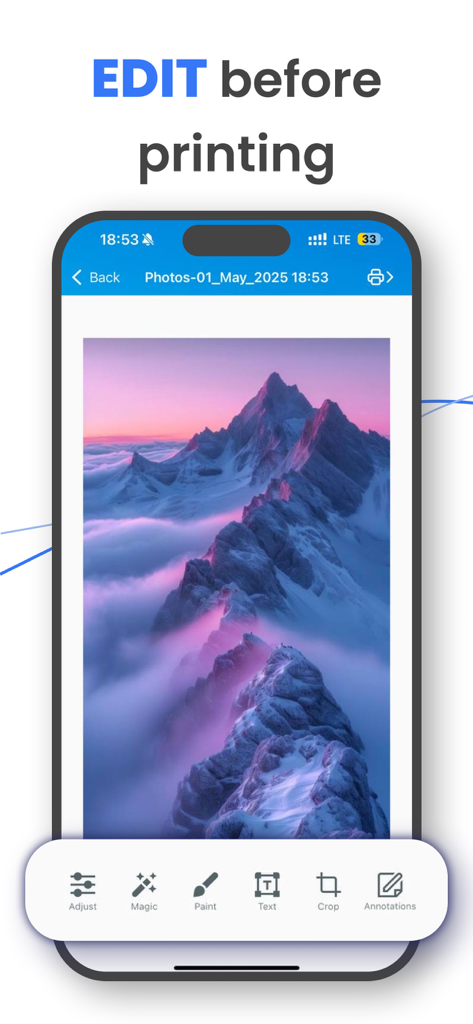
Tap & Print: Smart Air Printer - 印刷前にクロップや注釈などの写真編集ツールを表示するTap and Printアプリのインターフェイス
印刷前にクロップや注釈などの写真編集ツールを表示するTap and Printアプリのインターフェイス

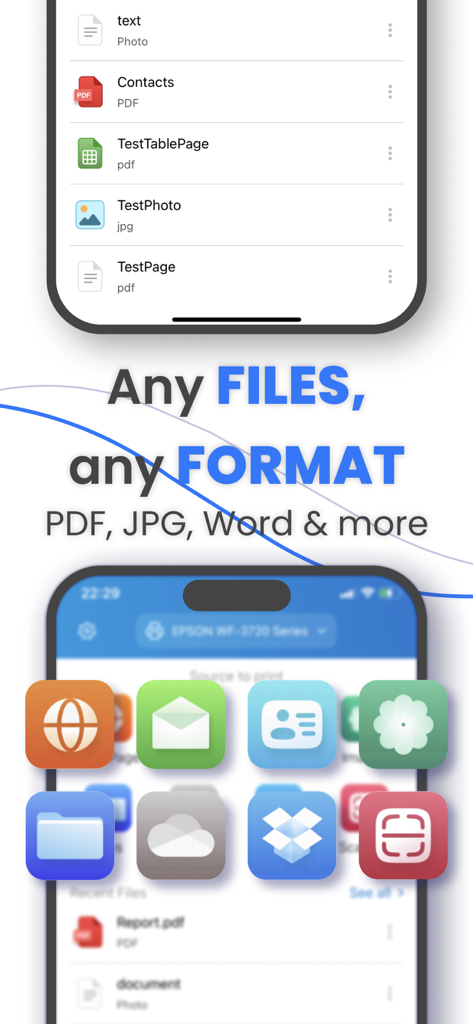
Tap & Print: Smart Air Printer - PDF、JPG、Wordなどの複数のファイル形式をサポートするTap and Printアプリの画面
PDF、JPG、Wordなどの複数のファイル形式をサポートするTap and Printアプリの画面

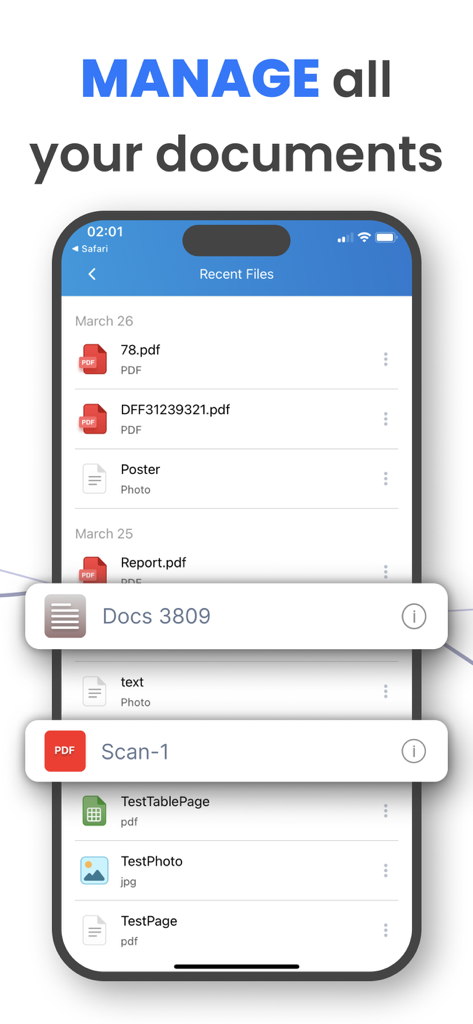
Tap & Print: Smart Air Printer - 「すべてのドキュメントを管理」という見出しが付いたTap and Printアプリの最近のファイルリストを表示するiPhone画面

「すべてのドキュメントを管理」という見出しが付いたTap and Printアプリの最近のファイルリストを表示するiPhone画面

説明

Tap & Print is your go-to app for seamless mobile printing and scanning. Supporting over 9,000 wireless printer models , it makes printing documents, photos, and web pages from your iPhone or iPad easier than ever. With advanced customization options and cloud integration, Tap & Print is perfect for students, professionals, and families alike. PRINT ANYTHING WITH EASE Print photos, documents, PDFs, Word files, Excel sheets, PowerPoint presentations, emails, and more—all with just a few taps. Whether you’re printing from your Camera Roll, clipboard, or cloud storage, Tap & Print supports over 30 file types and offers complete control over print settings like paper size, orientation, color, and borders. It’s the only app you’ll need for all your mobile printing needs. SCAN AND SHARE IN SECONDS Use the built-in scanner to digitize receipts, contracts, notes, or any document quickly. Once scanned, you can share or print your files instantly. With Tap & Print, going paperless has never been easier. ADVANCED FEATURES FOR EVERY USER Take full advantage of customizable options: Choose from a variety of paper sizes and types (Letter, Legal, A4, etc.). Print in vibrant color or grayscale for professional results. Opt for one- or two-sided printing, with or without borders. Cloud integration with iCloud, Google Drive, and Dropbox ensures your files are always accessible. Plus, convert high-quality PDFs, share files via email or social media, and stay productive on the go. SUBSCRIPTION DETAILS To unlock premium features like advanced printer and scanner functionality, a subscription is required. Subscriptions automatically renew unless canceled at least 24 hours before the end of the current billing period. Manage your subscription preferences directly through your iTunes Account Settings. Note: Only you can manage your subscriptions. As developers, we cannot cancel or renew them on your behalf. GET STARTED TODAY Tap & Print works with popular printer brands like Canon, HP, Epson, Brother, Xerox, and more —including any AirPrint-compatible device. Use the test print feature after installation to confirm compatibility with your printer. Make sure your iPhone or iPad is connected to the same Wi-Fi network as your printer for the best experience. WHY CHOOSE TAP & PRINT? Whether you’re printing photos, scanning documents, or managing work files, Tap & Print combines simplicity and power in one app. Designed for convenience, it empowers you to print and scan from anywhere, anytime. Download Tap & Print today and simplify your mobile printing experience! Note: *Make sure you’re connected to the same Wi-Fi network as your printer to use all the features of the printer app. **Before installing the app for iPhone and iPad, we recommend checking the list of AirPrint devices: https://support.apple.com/en-us/HT201311 AirDrop®, AirPrint®, Apple®, Apple logo®, iPad®, iPad Air®, iPad Pro®, iPhone®, App Store® are non-exhaustive list of Apple’s® registered trademarks in the U.S. and/or other countries and regions. Adobe, the Adobe logo, Acrobat, Adobe Premiere, After Effects, Behance, Creative Cloud, EchoSign, InDesign, Photoshop and Typekit are either registered trademarks or trademarks of Adobe Systems Incorporated in the United States and/or other countries. PRIVACY & TERMS Privacy Policy: http://smart-mobile-apps.com/privacy_policy.html Terms and Conditions: http://smart-mobile-apps.com/terms_conditions.html

Download

ダウンロード: App Store

このページはアプリまたはその開発者の公式ページではなく、情報提供および論評を目的として作成された独立した編集出版物です。明示的に別段の記載がない限り、アプリおよびその開発者は、MWM、Apple、Google Play、アプリのパブリッシャー、またはアプリの開発者と提携、承認、後援、認可、またはその他の公式的な関係はなく、このページのいかなる内容も、アプリがMWMのサービスを使用して開発されたことを意味するものではありません。すべての商標、ロゴ、スクリーンショット、その他のコンテンツはそれぞれの所有者の財産です。