
このページはアプリまたはその開発者の公式ページではなく、情報提供および論評を目的として作成された独立した編集出版物です。明示的に別段の記載がない限り、アプリおよびその開発者は、MWM、Apple、Google Play、アプリのパブリッシャー、またはアプリの開発者と提携、承認、後援、認可、またはその他の公式的な関係はなく、このページのいかなる内容も、アプリがMWMのサービスを使用して開発されたことを意味するものではありません。すべての商標、ロゴ、スクリーンショット、その他のコンテンツはそれぞれの所有者の財産です。


Tayasui Sketches School
若いクリエイターのためにデザインされた、超リアルで散らかりのない描画アプリ。お子様が想像力をiPad上で形にするために必要なプロフェッショナルツールを提供します。
ダウンロード
1M+ユーザー評価
評価数
21K+開発元
カテゴリ
Education対応言語
12最新バージョン
2.8サイズ
219.0 MBリリース日
2018年3月26日新進アーティストのためのクリエイティブスタジオ
集中、学習、そして散らかりのない創造性のためにデザインされたシンプルな環境で、プロレベルのツールをお子様に提供します。
超リアルなアートツール
水彩絵の具が自然に混ざり、マーカーがにじむ様子をご覧ください。掃除なしで本物の絵を描く満足感を子供たちに提供します。
シンプルで子供に優しいインターフェース
複雑なレイヤーや隠しメニューはありません。最初のストロークからデジタルアートをアクセスしやすく楽しくする、クリーンなキャンバスだけです。
よくある質問
について知っておくべきこと Tayasui Sketches School
Tayasui Sketches Schoolとは何ですか?
Tayasui Sketches Schoolは、Sketchesアプリの特別版です。若いオーディエンス向けに、iPad上でリアルな描画ツールを提供する、アクセスしやすいインターフェースを備えています。
Tayasui Sketches Schoolにはどのような描画ツールが含まれていますか?
Tayasui Sketches Schoolには、鉛筆、マーカー、水彩、アクリルブラシ、エアブラシ、テキスト、図形、消しゴム、カッター、ぼかしツール、定規など、20種類以上のリアルなツールが含まれています。
Tayasui Sketches SchoolはApple Pencilに対応していますか?
はい、Tayasui Sketches SchoolはApple Pencilを含む感圧スタイラスに対応しています。これにより、ユーザーはよりリアルなブラシ体験を得ることができ、筆圧、角度、幅が動きに合わせて変化します。
Tayasui Sketches Schoolで、ユーザーはどのように自分の描画を整理できますか?
Tayasui Sketches Schoolでは、ユーザーは自分の描画を簡単に整理できます。このアプリは、クリエイティブなプロジェクトを効率的に管理するための、美しくカスタマイズ可能なフォルダを提供します。
Tayasui Sketches Schoolに写真をインポートできますか?
はい、ユーザーはTayasui Sketches Schoolに写真をインポートできます。この機能により、外部画像をアプリの描画環境に直接統合できます。
Tayasui Sketches Schoolのサブスクリプションオプションは何ですか?
Tayasui Sketches Schoolでは、週次および年次のサブスクリプション期間を提供しています。これらのサブスクリプションにより、ユーザーはプレミアムアプリ機能にアクセスできます。
Tayasui Sketches Schoolのサブスクリプションの自動更新はどのように機能しますか?
Tayasui Sketches Schoolのサブスクリプションは自動的に更新されます。ユーザーは、現在の期間が終了する少なくとも24時間前に、iTunesアカウント設定で自動更新をオフにする必要があります。
Tayasui Sketches Schoolは無料トライアルを提供していますか?
はい、提供されている場合、Tayasui Sketches Schoolの無料トライアル期間の未使用部分は、ユーザーがサブスクリプションを購入すると失効します。
Tayasui Sketches Schoolの利用規約はどこで見られますか?
Tayasui Sketches Schoolの利用規約は、次のリンクからアクセスできます:https://www.apple.com/legal/internet-services/itunes/dev/stdeula/。このドキュメントには、アプリ使用に関する法的同意事項が記載されています。
Tayasui Sketches Schoolには定規ツールがありますか?
はい、Tayasui Sketches Schoolには、リストされている描画ツールの1つとして定規ツールが含まれています。このツールは、スクリーンショットに示されているように、アプリのインターフェースに表示されます。
Tayasui Sketches Schoolには選択またはカットツールがありますか?
はい、Tayasui Sketches Schoolにはカッターツールが用意されています。これにより、ユーザーは描画内の特定の領域を選択および操作して、編集やその他のクリエイティブな目的で使用できます。
以下のスクリーンショットと説明は、アプリの公式ストアリスティングから直接取得されたものであり、アプリ開発者の所有物です。
アプリストア
スクリーンショット
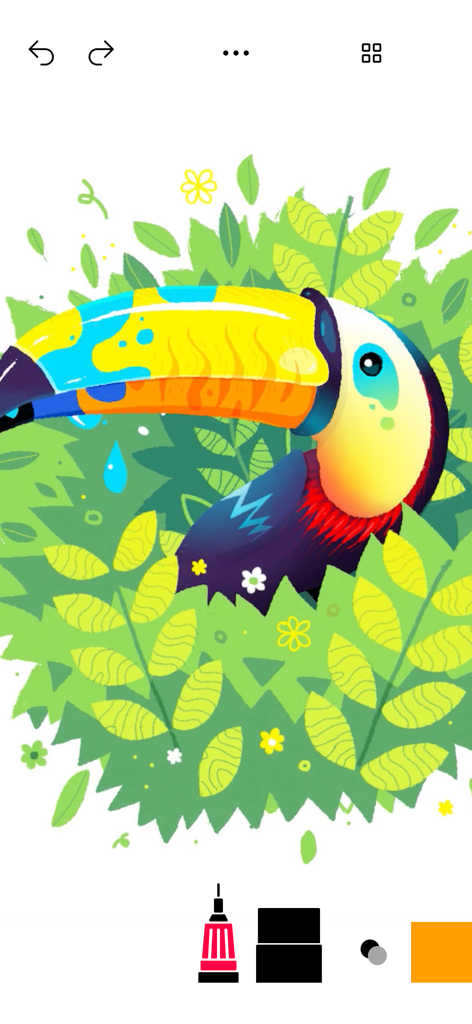
Tayasui Sketches Schoolで作成された、ジャングルにいるカラフルなオオハシのデジタルイラスト
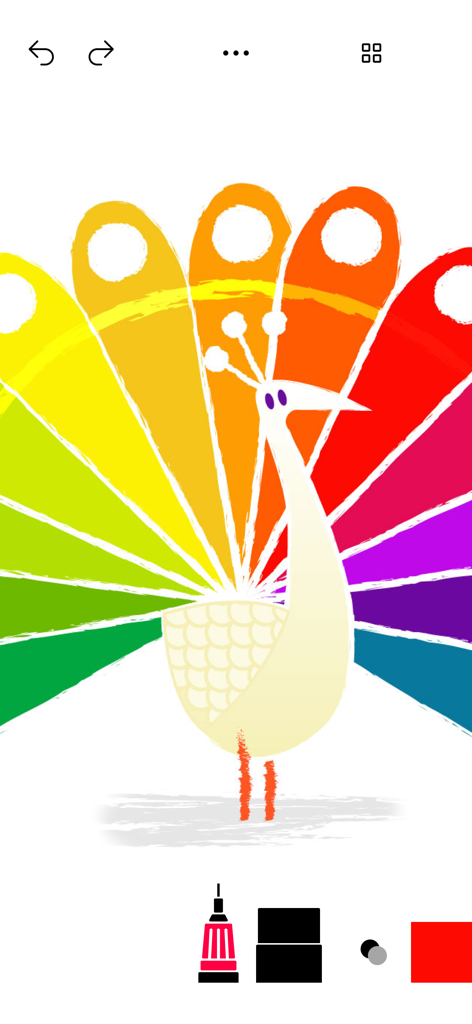
Tayasui Sketches Schoolアプリのデジタルアートツールで作成された、カラフルな虹色のクジャクの絵
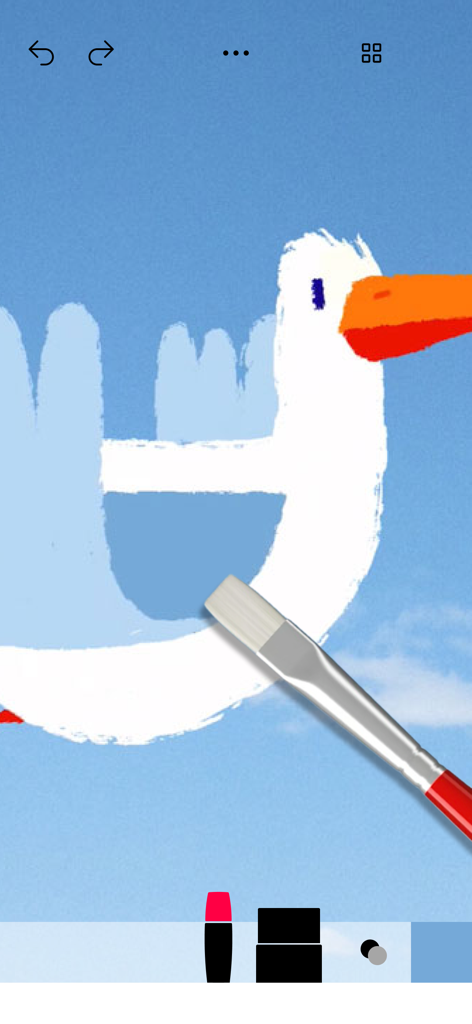
アプリのリアルなペイントブラシツールを使用して作成中の、オレンジ色のくちばしを持つ白い鳥のデジタル描画
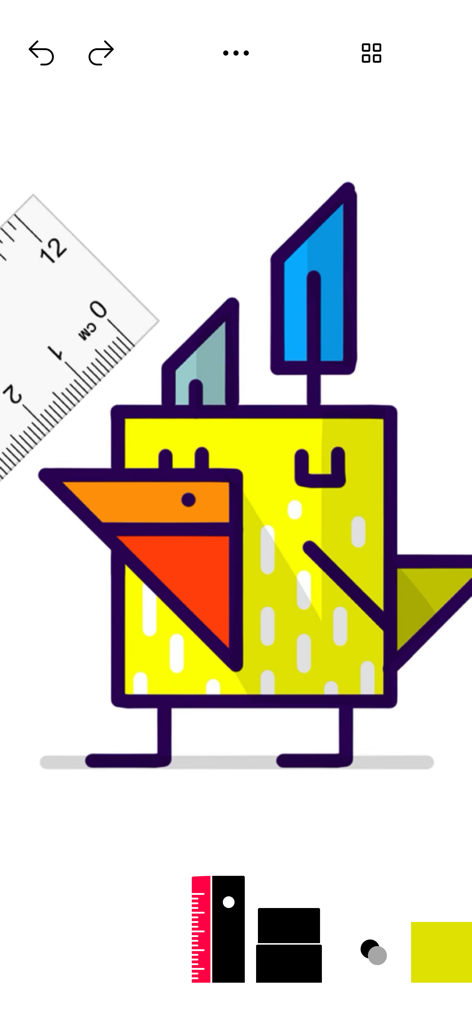
Tayasui Sketches Schoolのデジタルツールで作成された、カラフルな幾何学的な鳥の絵
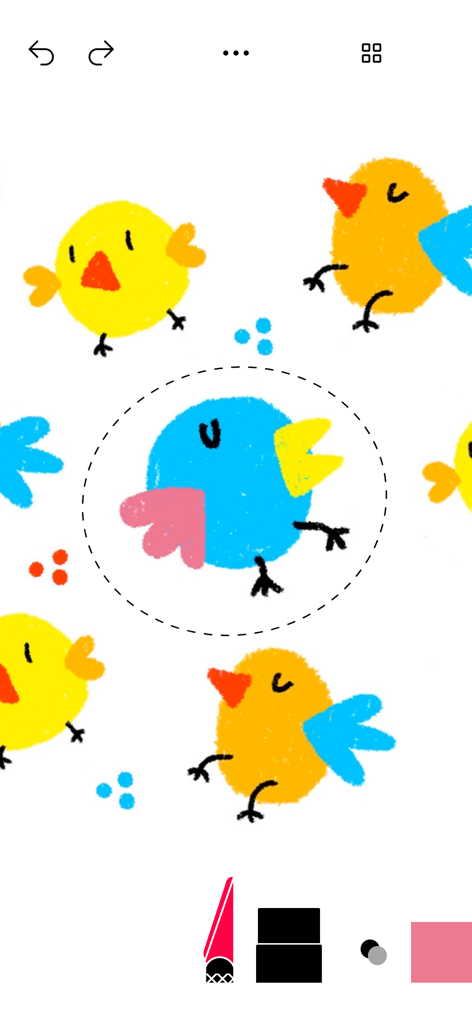
Tayasui Sketches Schoolアプリの選択ツールで編集中の、カラフルな鳥のデジタル描画
説明
Download
類似アプリ
似た機能とユーザー体験を持つアプリ

Sketchbook®
Sketchbook, Inc.

Mental Canvas Draw
Mental Canvas, Inc.

ibis Paint
ibis inc.

ibis Paint X
ibis inc.

Paper: Sketch, Draw & Create
Evernote Corporation

Adobe Fresco: Draw & Paint App
Adobe Inc.

Art Set 4
Lofopi Ltd

MediBang Paint – Drawing & Art
MediBang inc.

Tayasui Sketches
SKETCHES SRL
このページはアプリまたはその開発者の公式ページではなく、情報提供および論評を目的として作成された独立した編集出版物です。明示的に別段の記載がない限り、アプリおよびその開発者は、MWM、Apple、Google Play、アプリのパブリッシャー、またはアプリの開発者と提携、承認、後援、認可、またはその他の公式的な関係はなく、このページのいかなる内容も、アプリがMWMのサービスを使用して開発されたことを意味するものではありません。すべての商標、ロゴ、スクリーンショット、その他のコンテンツはそれぞれの所有者の財産です。