
このページはアプリまたはその開発者の公式ページではなく、情報提供および論評を目的として作成された独立した編集出版物です。明示的に別段の記載がない限り、アプリおよびその開発者は、MWM、Apple、Google Play、アプリのパブリッシャー、またはアプリの開発者と提携、承認、後援、認可、またはその他の公式的な関係はなく、このページのいかなる内容も、アプリがMWMのサービスを使用して開発されたことを意味するものではありません。すべての商標、ロゴ、スクリーンショット、その他のコンテンツはそれぞれの所有者の財産です。


VDIT - Video Maker & Editor
新進クリエイターのためのオールインワンエディター。AI自動キャプション、プロ仕様のキーフレーム、見事なフィルターで、Reels、Shorts、vlogをマスターしましょう—すべてウォーターマークなしで。
ダウンロード
1M+ユーザー評価
評価数
54K+開発元
カテゴリ
Photo & Video対応言語
13最新バージョン
3.6.2サイズ
281.8 MBリリース日
2020年3月9日際立つコンテンツを作成
VDITは、バイラルなReelsから美しいvlogまで、あなたのビジョンを高品質な現実に変えるために必要なAI搭載ツールとシネマティックエフェクトを提供します—ウォーターマークなしで。
AIによる効率化
自動キャプションを即座に生成し、ワンタップで背景を削除。編集にかける時間を減らし、創造にかける時間を増やしましょう。
プロのシネマティックスタイル
160種類以上の美しいフィルターを適用したり、独自のLUTをインポートして、ソーシャルフィード全体で一貫したハイエンドなルックを維持しましょう。
よくある質問
について知っておくべきこと VDIT - Video Maker & Editor
VDITは無料の動画編集アプリですか?
はい、VDITは強力なツールを備えた無料の動画編集アプリです。アプリ内購入またはサブスクリプションを通じて、プレミアム機能をお客様のペースで試すことができます。
VDITにはAI動画編集ツールはありますか?
はい、VDITにはAI自動キャプション、テンプレートからの自動動画作成、AIによるインスタント背景除去、移動オブジェクトの自動追跡などのスマートAI編集ツールが統合されています。
VDITで動画の背景を削除できますか?
はい、VDITのAIカットアウト機能を使用すると、インスタントに背景を削除できます。これにより、被写体を動画から簡単に分離できます。
VDITはテキスト読み上げ機能でナレーションを作成できますか?
はい、VDITにはテキストを自然な音声に変換するテキスト読み上げ(TTS)機能が組み込まれています。これにより、動画にナレーションコンテンツを効率的に追加できます。
VDITのエクスポート品質オプションは何ですか?
VDITは、24〜60 FPSでSD、HD、FHD、または4K解像度の高品質エクスポートをサポートしています。また、Reels、Shorts、TikTok、YouTubeなどのソーシャルメディアプラットフォーム向けのプリセットアスペクト比も提供しています。
VDITは編集済み動画からウォーターマークを削除しますか?
はい、VDITはエクスポートされた動画にウォーターマークを適用しません。ユーザーはアプリのブランド表示なしでコンテンツを共有できます。
VDITは動画プロジェクト用にロイヤリティフリーの音楽を提供していますか?
はい、VDITは400以上のロイヤリティフリーのBGMトラックと効果音を提供しています。また、動画からオーディオを抽出したり、ボイスレコーディングしたり、独自の音楽をインポートしたりすることもできます。
VDITでiPhoneとiPadの両方で動画を編集できますか?
はい、VDITではiPhoneとiPadデバイス間でシームレスな編集が可能です。タッチフレンドリーなインターフェース、元に戻す/やり直し機能、iPadのキーボードショートカットを使用してワークフローを強化できます。
VDITのプレミアム機能にはどうすればアクセスできますか?
VDIT PROは、月次または年次のサブスクリプションを通じて、すべてのプレミアム機能へのフルアクセスを提供します。ユーザーはアプリ内で直接サブスクライブできます。
VDIT PROサブスクリプションはいつでもキャンセルできますか?
はい、VDIT PROサブスクリプションはいつでもキャンセルできます。プレミアム機能は現在の請求期間が終了するまで有効であり、iTunesアカウント設定で自動更新をオフにできます。
VDITはオブジェクト追跡とモザイク効果を許可しますか?
はい、VDITは移動オブジェクトを追跡してぼかすモーションモザイクをサポートしています。この機能により、動画編集内でダイナミックなプライバシー効果やスタイリッシュな選択が可能になります。
VDITはどのようなトランジションを提供していますか?
VDITは、ブラックアウト、ディゾルブ、ローテートEXP、ホワイトアウトなどのさまざまなトランジションを提供しています。これらは、動画のシーンチェンジをダイナミックでプロフェッショナルに見せるのに役立ちます。
以下のスクリーンショットと説明は、アプリの公式ストアリスティングから直接取得されたものであり、アプリ開発者の所有物です。
アプリストア
スクリーンショット
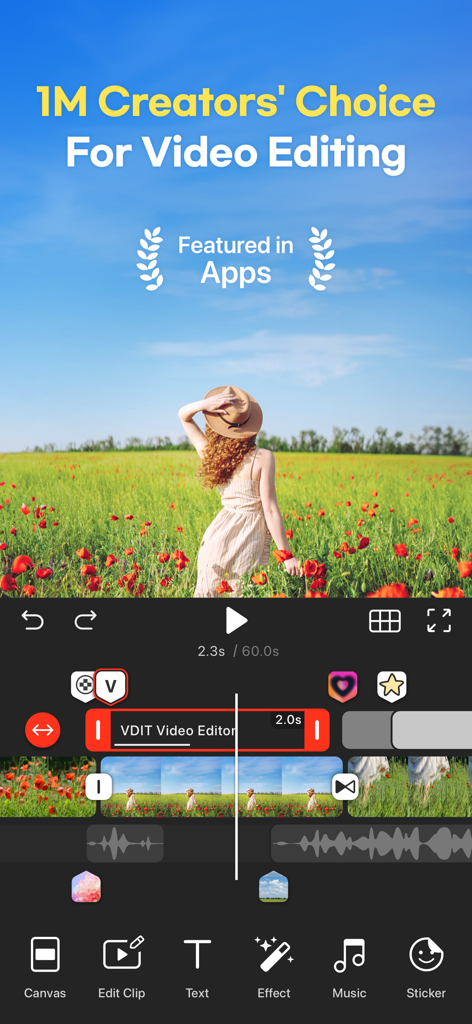
VDIT動画編集アプリのインターフェース。女性が咲いている野原にいる動画と、テキスト、音楽、エフェクトなどの編集ツールが表示されたモバイルワークスペースを示しています
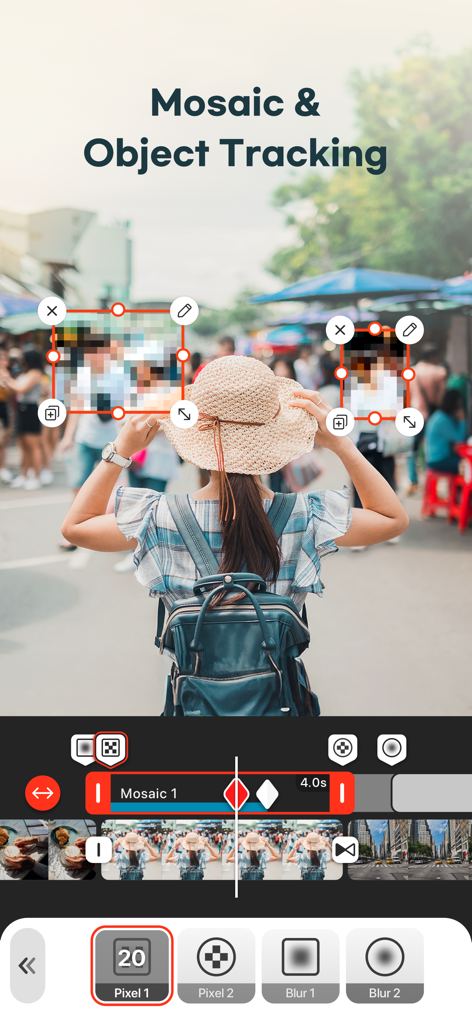
VDITアプリのインターフェース。動画の顔をぼかすためのモザイクとオブジェクト追跡機能を示しています
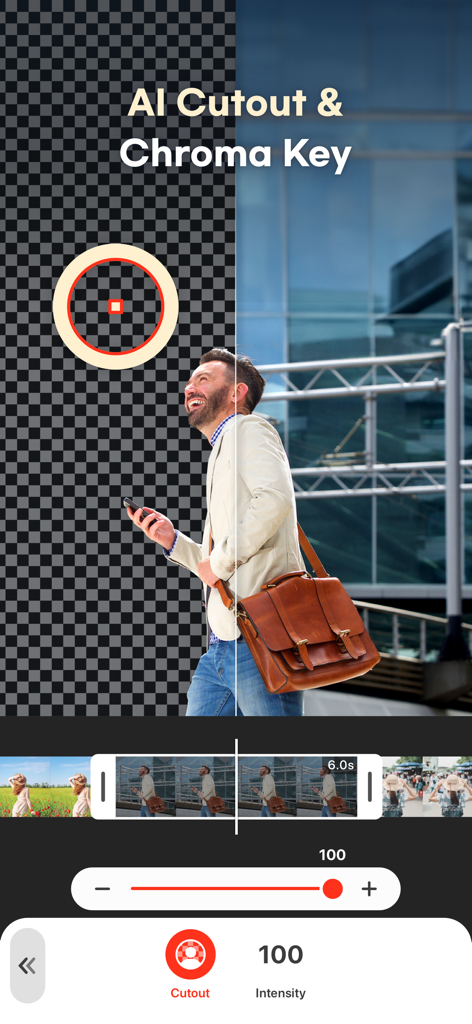
VDITアプリのインターフェース。AIによる切り抜きとクロマキー背景除去機能を示しています
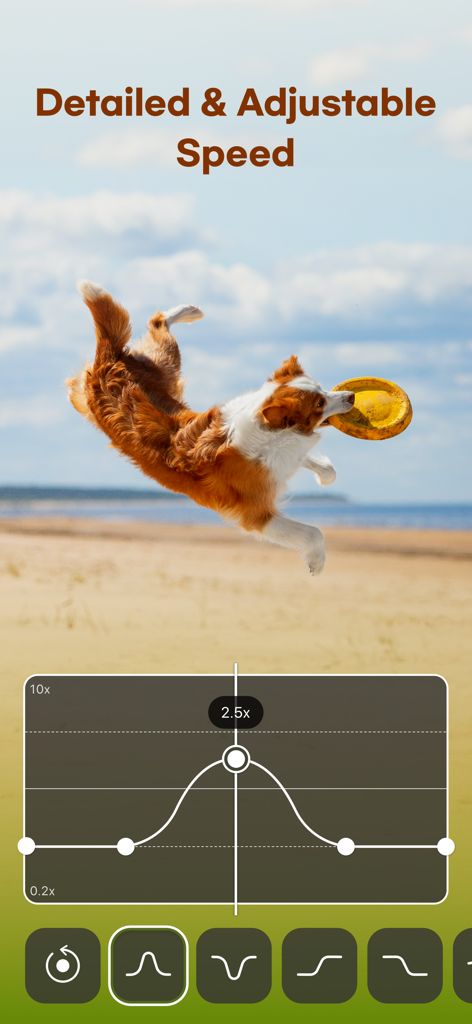
VDIT動画編集アプリのインターフェース。背景にはフリスビーをキャッチする犬がいる、詳細な速度調整カーブを示しています
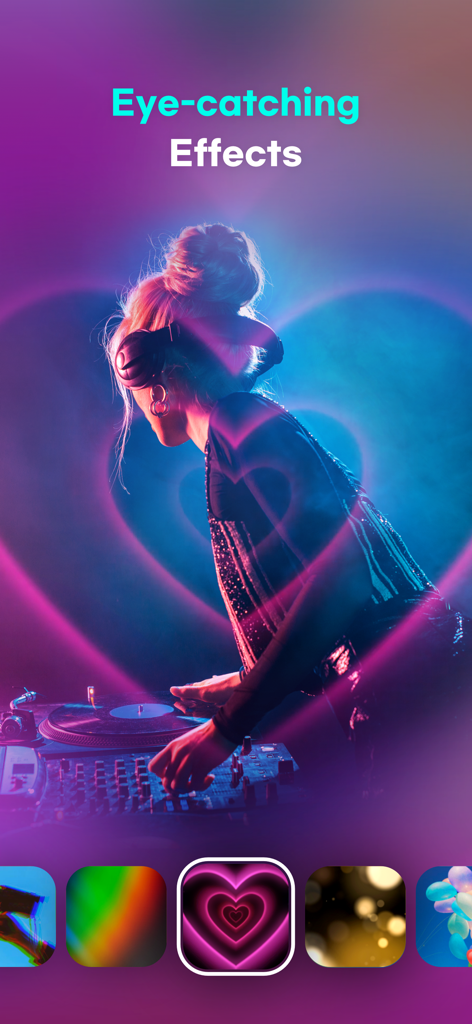
VDITアプリで、ピンクのハートのネオンエフェクトと美しいフィルターがかかったDJの写真。
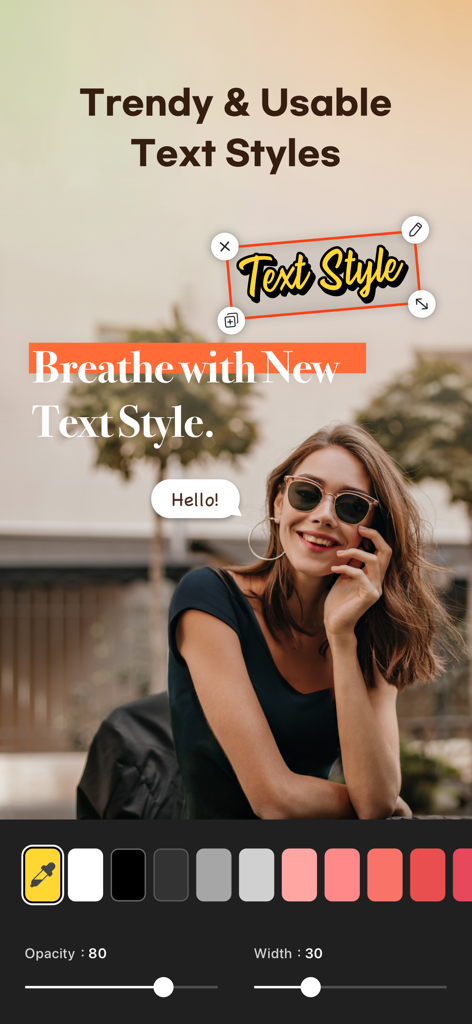


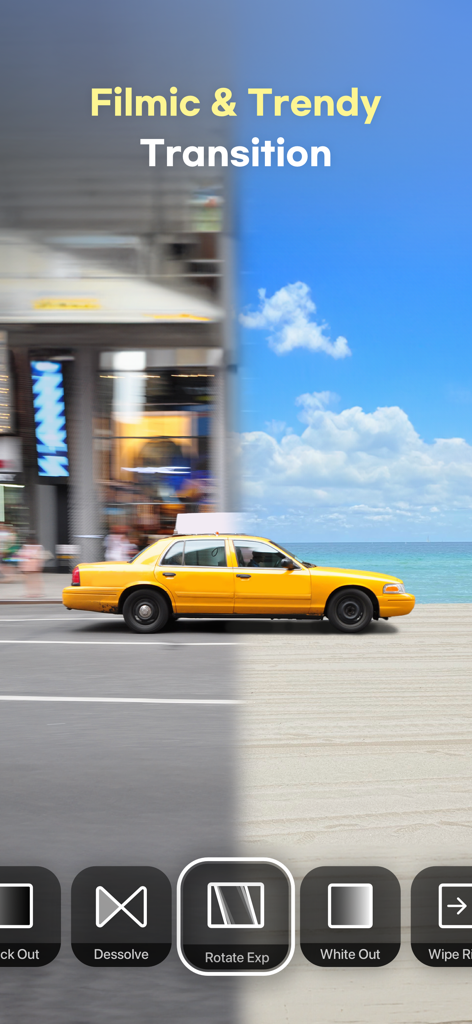
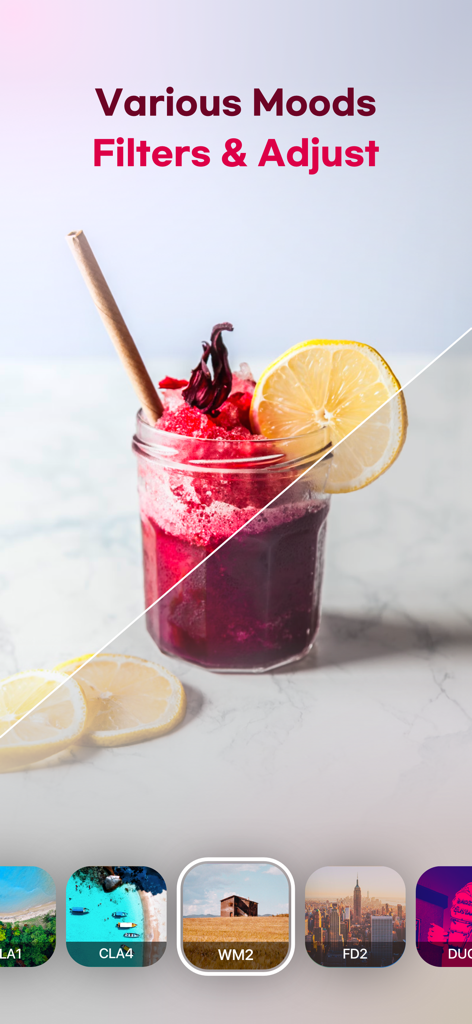
説明
Download
類似アプリ
似た機能とユーザー体験を持つアプリ

Edits: Video Editor
Instagram, Inc.

VLLO- Video Editor, Vlog Edits
vimosoft

YouCut - AI Video Editor
SHANTANU PTE. LTD.

必剪-B站官方出品
Shanghai Bilibili Animation Co.,Ltd

剪影 - 视频剪辑 & 卡点影集制作
Shanghai Jian Ji Software Technology Co., Ltd

Videoshop - Video Editor
Jajijujejo Inc.

Video Editor with Music・VidLab
Onelight Apps CY Ltd

Video Maker-movie maker&Editor
Changsha Fugui Bamboo Network Technology Co., Ltd.

一键水印-专业水印视频编辑大师
Chongqing tuanshui technology Co., Ltd.
このページはアプリまたはその開発者の公式ページではなく、情報提供および論評を目的として作成された独立した編集出版物です。明示的に別段の記載がない限り、アプリおよびその開発者は、MWM、Apple、Google Play、アプリのパブリッシャー、またはアプリの開発者と提携、承認、後援、認可、またはその他の公式的な関係はなく、このページのいかなる内容も、アプリがMWMのサービスを使用して開発されたことを意味するものではありません。すべての商標、ロゴ、スクリーンショット、その他のコンテンツはそれぞれの所有者の財産です。