
このページはアプリまたはその開発者の公式ページではなく、情報提供および論評を目的として作成された独立した編集出版物です。明示的に別段の記載がない限り、アプリおよびその開発者は、MWM、Apple、Google Play、アプリのパブリッシャー、またはアプリの開発者と提携、承認、後援、認可、またはその他の公式的な関係はなく、このページのいかなる内容も、アプリがMWMのサービスを使用して開発されたことを意味するものではありません。すべての商標、ロゴ、スクリーンショット、その他のコンテンツはそれぞれの所有者の財産です。


YouCut - AI Video Editor
AI自動キャプション、4Kエクスポート、プロツールで、TikTok、Reels、YouTube向け動画を簡単に編集。透かしやバナー広告なしで、純粋な創造性を発揮しましょう。
ダウンロード
4M+ユーザー評価
評価数
196K+開発元
カテゴリ
Photo & Video対応言語
18最新バージョン
1.26.1サイズ
136.0 MBリリース日
2022年7月17日プロ級コンテンツを簡単に
YouCutの高度なAIツールを使い、PCソフトの煩わしさなしに、生データをバイラル級の傑作に変える400万人以上のクリエイターに加わりましょう。
AIによる生産性向上
自動生成キャプション、ワンタップ背景除去、AI動画強化で、手作業の時間を数時間節約できます。
透かしなし、制限なし
あなたのブランドをプロフェッショナルに保ちましょう。邪魔なロゴやしつこい広告なしで、鮮やかな4K解像度で動画をエクスポートできます。
よくある質問
について知っておくべきこと YouCut - AI Video Editor
YouCutは、ソーシャルメディア向け動画編集において、ユーザーをどのように支援しますか?
YouCutは、YouTubeおよびその他のソーシャルメディアプラットフォーム向けのAI動画エディターおよびメーカーとして機能します。効率的な動画編集のために、音楽、AIエフェクト、キャプション、絵文字、テキスト読み上げなどのツールを提供しています。
YouCutは、編集済みの動画にウォーターマークを追加しますか?
いいえ、YouCutは動画にウォーターマークを追加しません。ウォーターマークなしの編集を提供し、ユーザーはブランド表示なしで動画を作成および共有できます。
YouCutは、ぼやけた動画や写真をHD品質に向上させることができますか?
はい、YouCutにはAI動画向上ツールが搭載されています。この機能は、ぼやけた動画や写真を復元し、高解像度品質に変換します。
YouCutには、動画編集用のAI機能がどのようなものがありますか?
YouCutには、AIアバター、AIキャプション、AI向上、AI切り抜きなど、いくつかのAI機能が統合されています。これらのツールは、ユーザーにとって複雑な編集タスクを効率化します。
YouCutで動画の速度を調整するにはどうすればよいですか?
YouCutは動画速度調整機能を提供しており、ユーザーは動画の速度を0.2倍から100倍まで調整できます。この機能は、早送りおよびスローモーションエフェクトの両方をサポートしています。
YouCutは、動画の自動キャプション生成を提供していますか?
はい、YouCutは自動キャプション機能を提供しています。動画の正確なキャプションを生成し、ソーシャルメディアプラットフォームのコンテンツのアクセシビリティを高めます。
YouCutを使用して、動画や写真の背景を削除することは可能ですか?
はい、YouCutではAIを使用してワンタップで背景を削除できます。背景色を変更したり、ぼかしたりするオプションも提供しています。
YouCut Pro Unlimitedのサブスクリプションオプションにはどのようなものがありますか?
YouCut Pro Unlimitedでは、すべての機能と有料素材にアクセスするための年間サブスクリプションを提供しています。買い切り型の支払いオプションも利用可能です。
ユーザーはYouCutアプリ内で動画から音楽を抽出できますか?
はい、YouCutでは動画から直接音楽を抽出できます。この機能は、包括的な音楽編集機能の一部です。
YouCutでサポートされている最大動画解像度はどのくらいですか?
YouCut - AI動画エディター&動画メーカーは、最大4Kの解像度をサポートしています。これにより、さまざまなプラットフォームで高品質な動画出力を保証します。
YouCutにはAIアートジェネレーター機能が含まれていますか?
はい、YouCutにはAIアートジェネレーターが含まれています。この機能は、写真をさまざまな芸術的なスタイルに変換します。
YouCutの利用規約とプライバシーポリシーはどこで見つけられますか?
YouCutの利用規約とプライバシーポリシーは、アプリの説明に記載されている直接リンクからアクセスできます。
以下のスクリーンショットと説明は、アプリの公式ストアリスティングから直接取得されたものであり、アプリ開発者の所有物です。
アプリストア
スクリーンショット
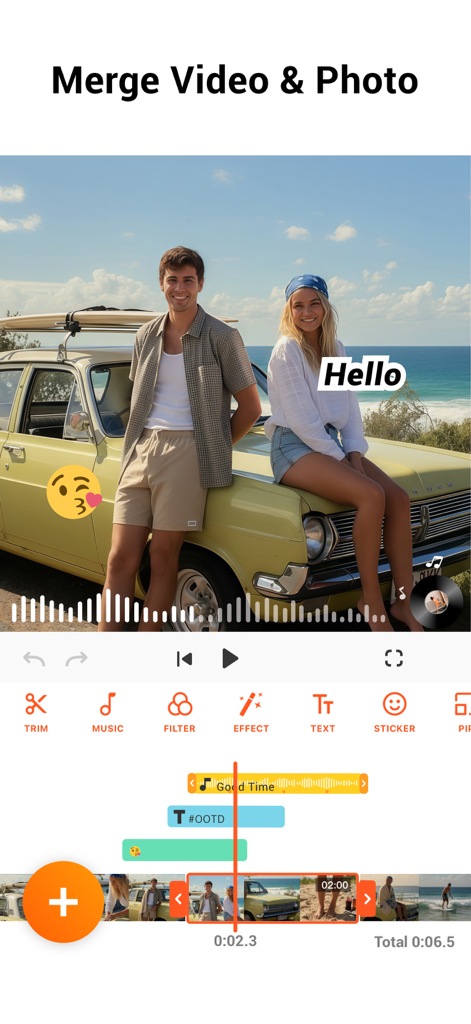
YouCutアプリのインターフェース。動画と写真の結合、音楽とテキストオーバーレイの表示
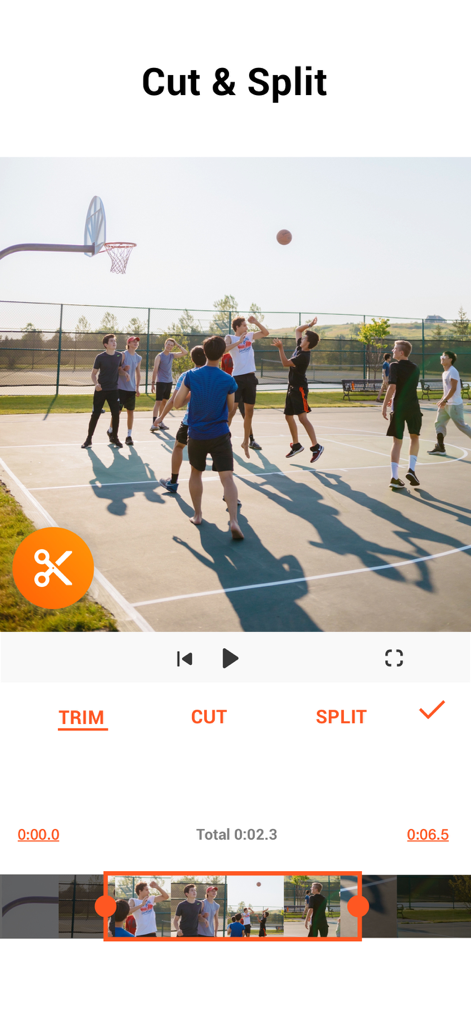
YouCutモバイルアプリの画面。バスケットボールのクリップの動画カットと分割オプションを表示
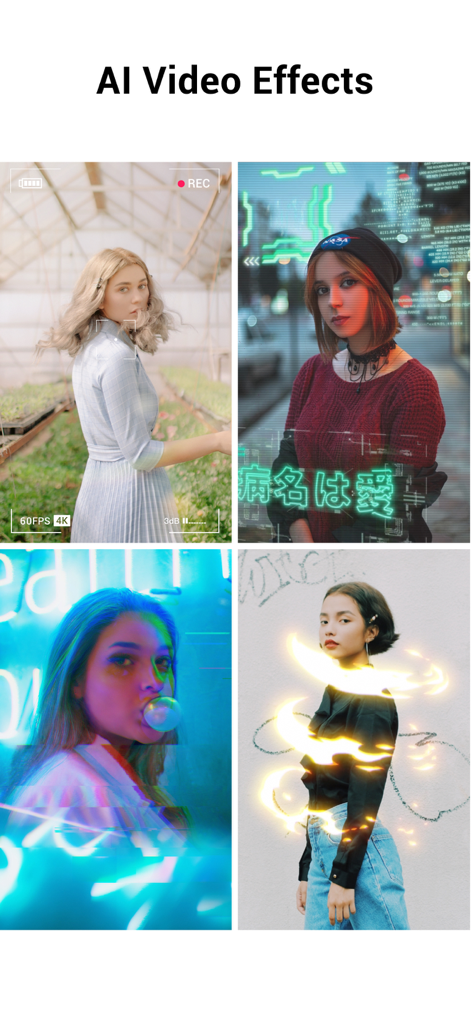
サイバーパンクオーバーレイやネオンライトトレイルなどのAIエフェクトを示す4つの異なるビデオクリップのコラージュ
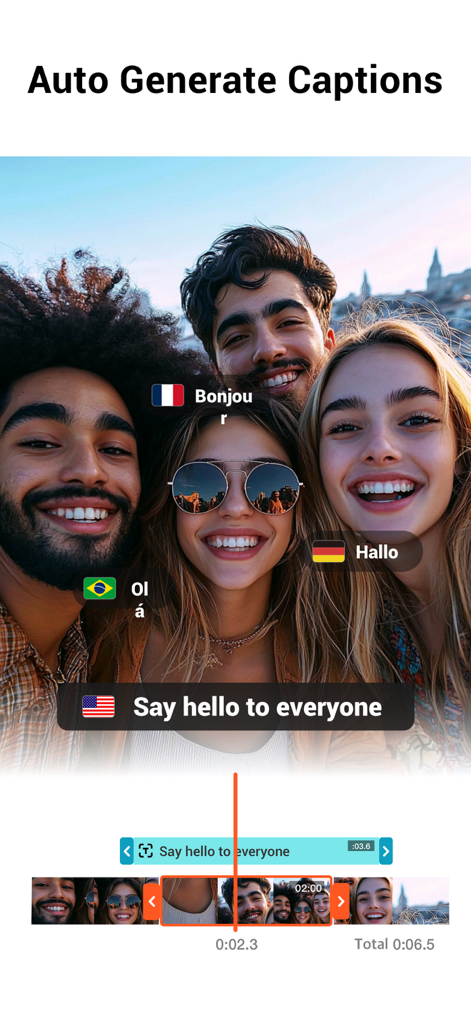
YouCutアプリで複数の言語の自動生成キャプションを示すグループビデオ
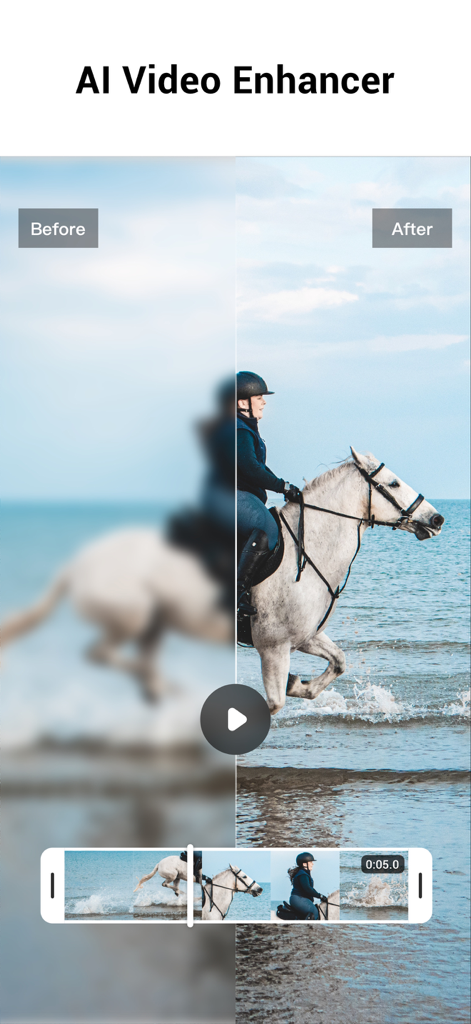
YouCut AI Video Enhancer機能を使用して、ぼやけたビデオがHD品質に復元されたビフォーアフター比較
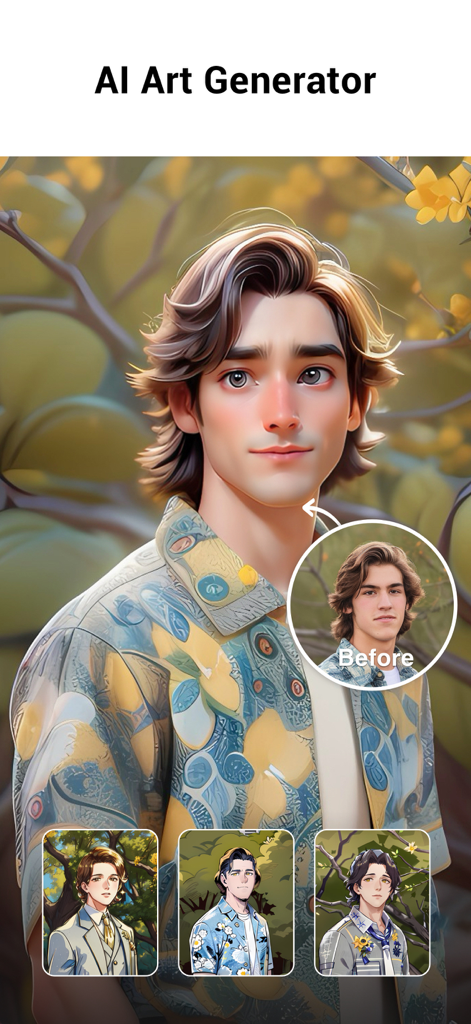
YouCut AI Art Generator機能。リアルな写真を様式化された漫画アバターに変換して表示
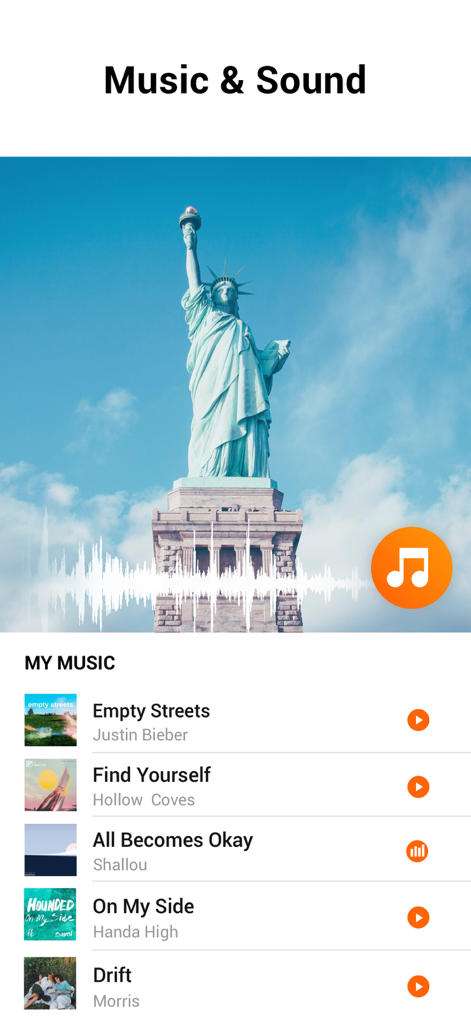
YouCut AI Video Editorのインターフェース。ビデオ用の音楽とサウンドライブラリを表示
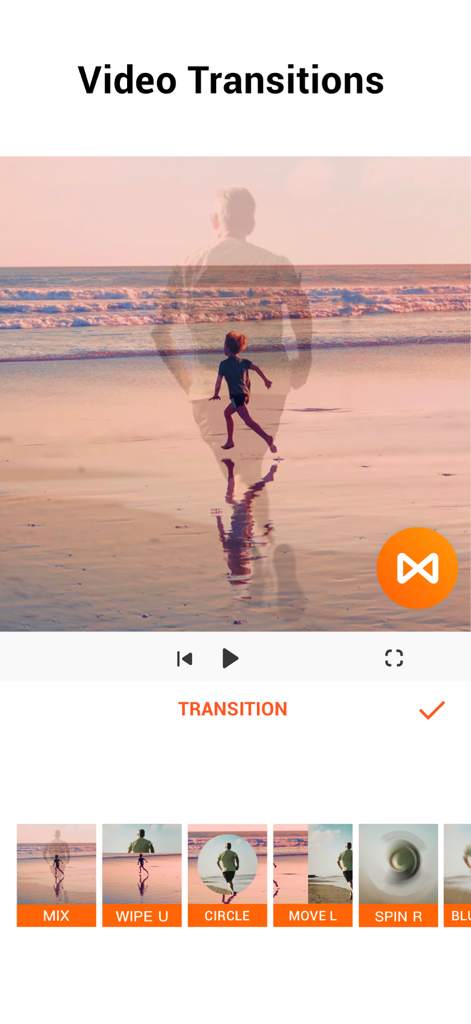
YouCutモバイルアプリのインターフェース。さまざまなビデオトランジションエフェクトを表示
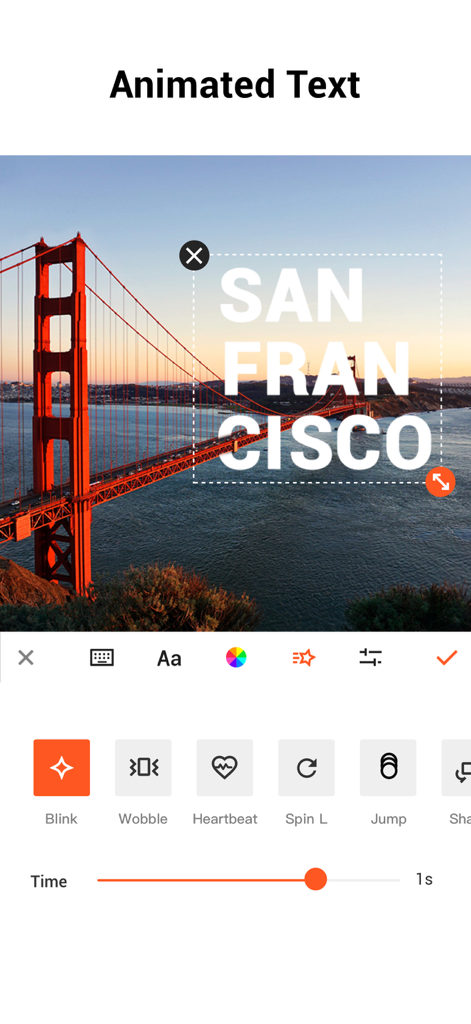
YouCutアプリのインターフェース。モバイルビデオ編集用のアニメーションテキストオプションを表示
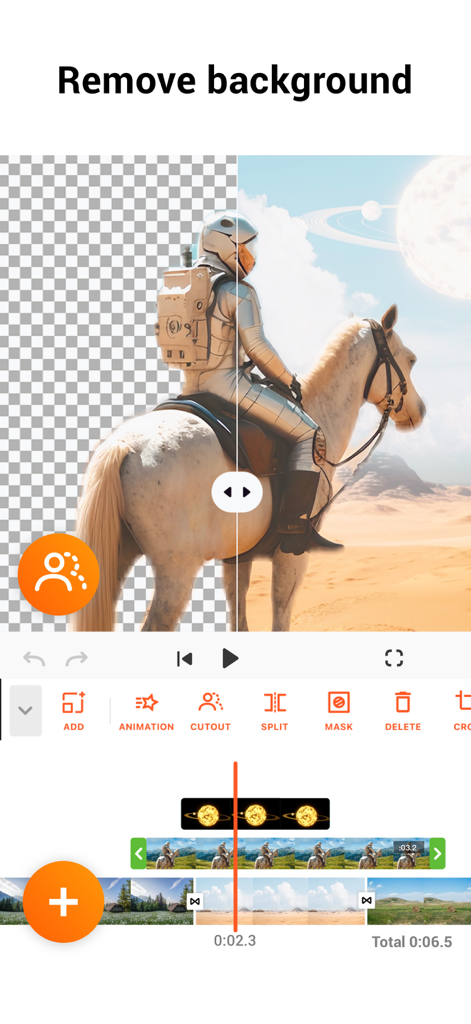
YouCut AI video editor background removal tool interface
説明
Download
類似アプリ
似た機能とユーザー体験を持つアプリ

Edits: Video Editor
Instagram, Inc.

VLLO- Video Editor, Vlog Edits
vimosoft

必剪-B站官方出品
Shanghai Bilibili Animation Co.,Ltd

剪影 - 视频剪辑 & 卡点影集制作
Shanghai Jian Ji Software Technology Co., Ltd

Videoshop - Video Editor
Jajijujejo Inc.

VDIT - Video Maker & Editor
ImgBase, Inc.

Video Editor with Music・VidLab
Onelight Apps CY Ltd

Video Maker-movie maker&Editor
Changsha Fugui Bamboo Network Technology Co., Ltd.

一键水印-专业水印视频编辑大师
Chongqing tuanshui technology Co., Ltd.
このページはアプリまたはその開発者の公式ページではなく、情報提供および論評を目的として作成された独立した編集出版物です。明示的に別段の記載がない限り、アプリおよびその開発者は、MWM、Apple、Google Play、アプリのパブリッシャー、またはアプリの開発者と提携、承認、後援、認可、またはその他の公式的な関係はなく、このページのいかなる内容も、アプリがMWMのサービスを使用して開発されたことを意味するものではありません。すべての商標、ロゴ、スクリーンショット、その他のコンテンツはそれぞれの所有者の財産です。