
このページはアプリまたはその開発者の公式ページではなく、情報提供および論評を目的として作成された独立した編集出版物です。明示的に別段の記載がない限り、アプリおよびその開発者は、MWM、Apple、Google Play、アプリのパブリッシャー、またはアプリの開発者と提携、承認、後援、認可、またはその他の公式的な関係はなく、このページのいかなる内容も、アプリがMWMのサービスを使用して開発されたことを意味するものではありません。すべての商標、ロゴ、スクリーンショット、その他のコンテンツはそれぞれの所有者の財産です。


vFlat Scan - PDF Scanner, OCR
紙の山を瞬時にデジタル化し、本という呪縛から解放された情報が、あなたの指先で踊り出す。vFlat Scanは、その魔法を可能にする。
ダウンロード
2.5M+ユーザー評価
評価数
140.5K開発元
カテゴリ
Productivity対応言語
25最新バージョン
1.33.2サイズ
231.1 MBリリース日
2020年11月22日学生、研究者、専門家向けの効率性と精度を高める主要機能の評価
vFlat Scan: 高度なドキュメントデジタル化機能分析
湾曲したページの平坦化
本の湾曲した表面を自動的に補正し、専門的なブックスキャナーで取り込んだかのような高品質なスキャン結果を実現します。
無料のテキスト認識(OCR)
スキャンした画像をテキストに変換する無料のテキスト認識機能を提供します。変換されたテキストはコピーして共有できます。
多様な形式でのエクスポート(PDF、JPG、TXT)
スキャンした画像をPDFファイル、画像ファイル(JPG)、およびテキストファイル(TXT)に変換できます。用途に応じたファイル形式で出力可能です。
自動キャプチャ
スキャン対象を認識し、ボタンを繰り返し押すことなく自動的にキャプチャします。これにより、多数のページや書類のスキャンが迅速かつ容易になります。
スキャンエリアの自動認識
書類や本のページの境界を自動的に認識します。手動でトリミングすることなく、あらゆる角度から明確なスキャン結果が得られます。
両ページキャプチャ
本の左右のページをワンクリックで同時にキャプチャし、自動的に分割して保存します。これにより、分厚い本のスキャンも迅速に行えます。
よくある質問
について知っておくべきこと vFlat Scan - PDF Scanner, OCR
What is vFlat Scan?
vFlat Scan is an ultra-convenient, lightning-fast, and high-quality scanning app. It offers features like auto-recognition of scan areas, automatic capturing, and the ability to flatten curved pages for clear results.
Does vFlat Scan automatically flatten curved pages?
Yes, vFlat Scan automatically straightens the curved surface of book pages. This feature ensures scans appear as if captured with a professional book scanner, providing high-quality results.
Can vFlat Scan convert images to text?
Yes, vFlat Scan provides free Text Recognition (OCR). This feature converts scanned images into editable text. Users can then easily copy and share the converted text with others.
What file formats does vFlat Scan support for export?
vFlat Scan allows users to export scanned images into multiple formats. It supports conversion to PDF files, JPG image files, and TXT text files, suitable for various purposes.
Does vFlat Scan collect personal information?
No, vFlat Scan does not collect personal information or scan data. The app's Terms of Use and Privacy Policy state that this data is only collected with explicit user consent.
How does vFlat Scan capture two-page spreads?
vFlat Scan features two-page capturing, which allows users to scan both left and right book pages simultaneously with a single click. The app then automatically divides and saves them.
Does vFlat Scan automatically detect scan areas?
Yes, vFlat Scan automatically recognizes the borders of documents or book pages. This eliminates the need for manual cropping and ensures users get clear-cut scan results from any angle.
What permissions are required for the vFlat Scan app?
vFlat Scan requires camera access to take document photos. Access permission for the Photo Library is optional and is needed only to save captured images.
Can vFlat Scan remove fingers from scanned documents?
Yes, vFlat Scan includes a specific feature designed to remove visible fingers from scanned documents. This functionality helps ensure the final scan results are clean and professional.
Is vFlat Scan recognized as a leading book scanner?
Yes, vFlat Scan was awarded "Best Book Scanner App" at the SensorTower APAC Awards 2024. This recognition highlights its capabilities as a premier book scanning application.
以下のスクリーンショットと説明は、アプリの公式ストアリスティングから直接取得されたものであり、アプリ開発者の所有物です。
アプリストア
スクリーンショット
本アプリは、SensorTower APAC Awards 2024で「ベストブックアプリ」として評価されており、その優れたスキャン機能と使いやすさが認められています。
受賞歴のあるスキャナー

読み取りやすい鮮明なテキストで、元の文書の内容を忠実に再現し、書籍「星の王子さま」のような複雑なレイアウトも正確にデジタル化します。
クリアなスキャン
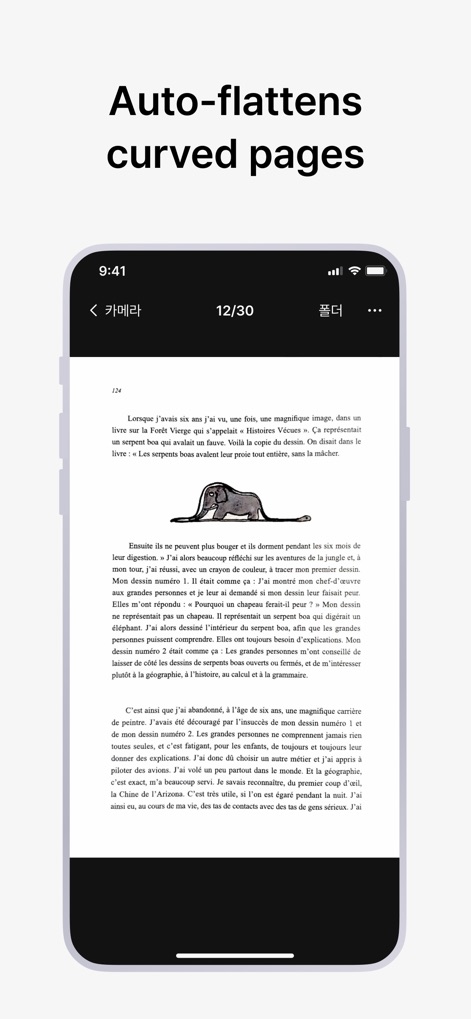
このアプリは、本の湾曲したページを自動で平坦化し、まるでプロのブックリーダーでスキャンしたかのように歪みのないクリアな画像を生成します。
曲面を自動補正
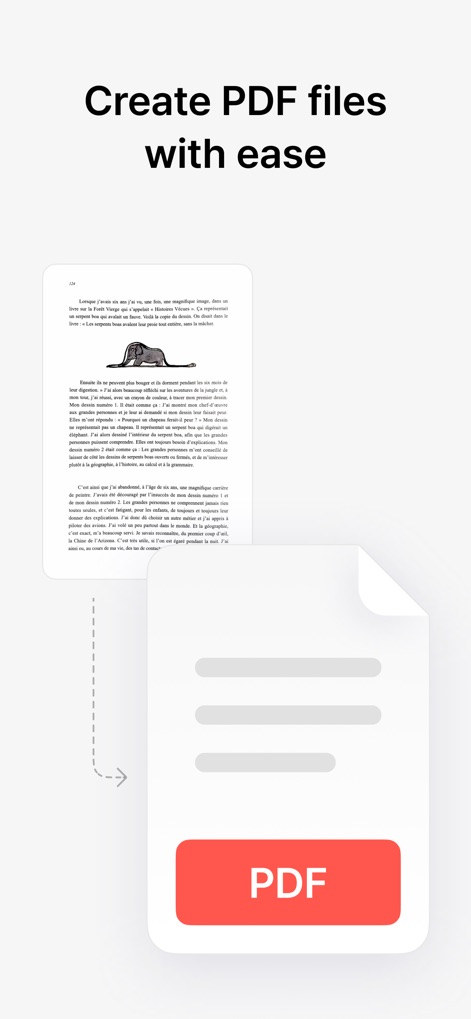
スキャンした画像を数ステップでPDFファイルに変換でき、視覚的に表現されたシンプルな変換フローにより、誰でも手軽に高品質なPDFドキュメントを作成できます。
PDFファイルを簡単に作成
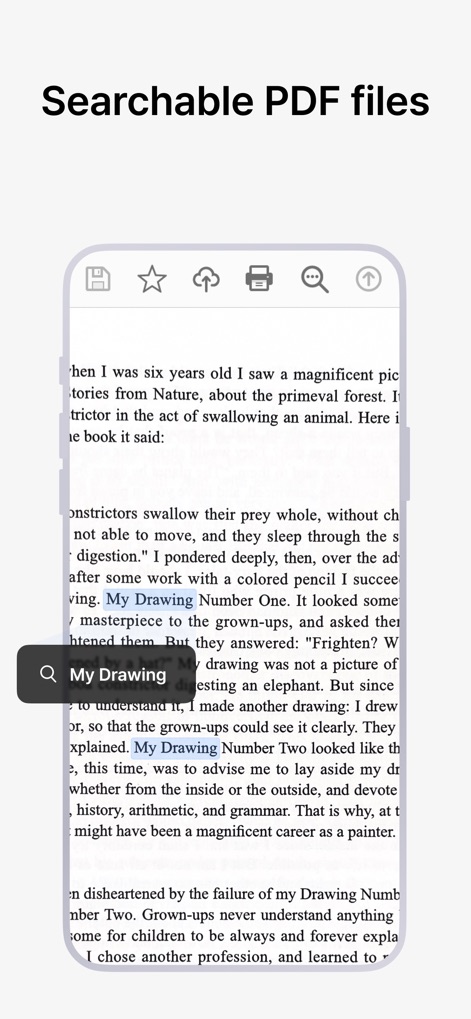
生成されたPDFはテキスト検索に対応しており、「My Drawing」のような特定のキーワードを瞬時に見つけてハイライト表示し、情報の特定とアクセスを容易にします。
検索可能なPDF
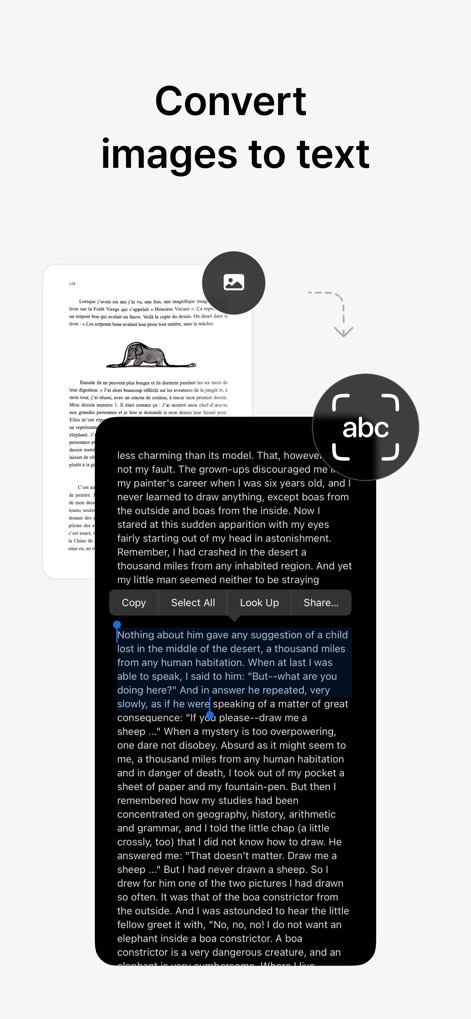
本アプリは、スキャンした画像からテキストを抽出するOCR機能を搭載しており、抽出されたテキストはコピー可能で、編集や共有を容易にします。
テキストに変換
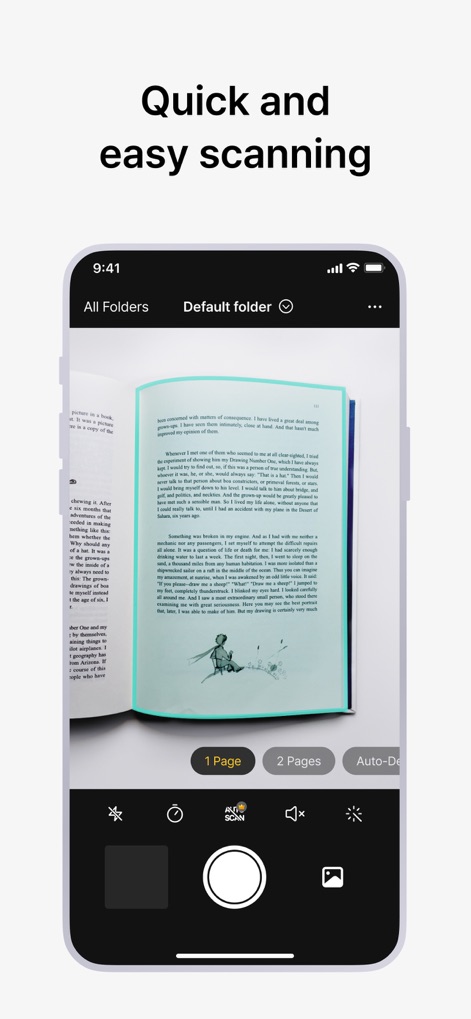
ユーザーは本のページを素早くスキャンでき、自動認識機能が最適なスキャン領域を正確に検出し、効率的なドキュメントキャプチャを実現します。
迅速なスキャン体験
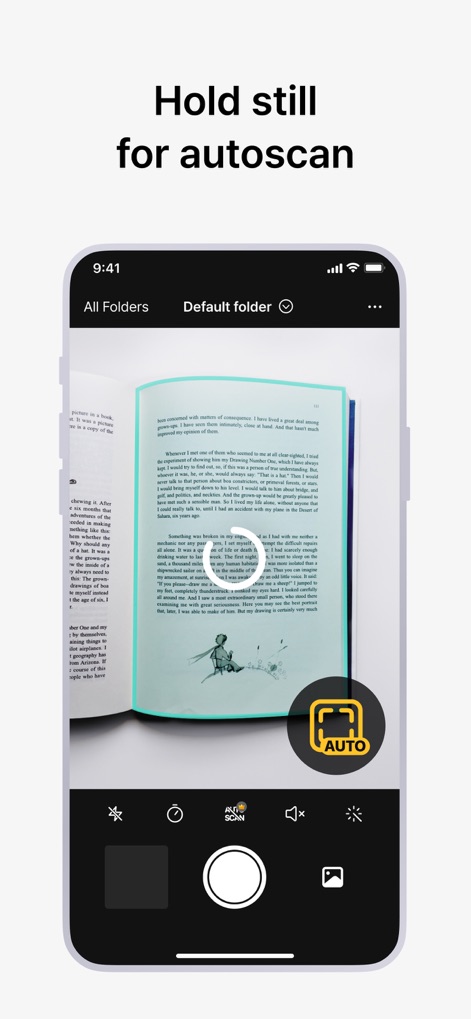
ユーザーはデバイスを静止させるだけで自動スキャンが開始され、「AUTO」ボタンと進行状況を示す円形のインジケーターにより、スムーズなキャプチャ体験を提供します。
オートスキャン機能

本アプリは、スキャン時に写り込んだ指を自動で除去し、矢印で示されるように除去前後の比較を通して、ユーザーはクリーンでプロフェッショナルなスキャン結果を得ることができます。
指の写り込みを削除
説明
Download
類似アプリ
似た機能とユーザー体験を持つアプリ

PDF PRO Scan Image & Documents
Balzo srl

The PDF Scanner, PDF editor HQ
NEXT K.U.M. LTD

CamScanner - PDF Scanner App
INTSIG Information Co., Ltd

Adobe Scan: PDF & OCR Scanner
Adobe Inc.

WPS Office: PDF, Docs, Sheets
KINGSOFT OFFICE SOFTWARE CORPORATION LIMITED

iLovePDF - PDF Editor & Scan
ILOVEPDF S.L.

Scanner App: Genius Scan
The Grizzly Labs

Microsoft Lens: PDF Scanner
Microsoft Corporation

Clear Scan: Doc Scanner App
INDY MOBILE APP COMPANY LIMITED
このページはアプリまたはその開発者の公式ページではなく、情報提供および論評を目的として作成された独立した編集出版物です。明示的に別段の記載がない限り、アプリおよびその開発者は、MWM、Apple、Google Play、アプリのパブリッシャー、またはアプリの開発者と提携、承認、後援、認可、またはその他の公式的な関係はなく、このページのいかなる内容も、アプリがMWMのサービスを使用して開発されたことを意味するものではありません。すべての商標、ロゴ、スクリーンショット、その他のコンテンツはそれぞれの所有者の財産です。