Video Buffer Action Camera
Download on App Store

This page is not an official page of the app or its developer, but an independent editorial publication created for informational and commentary purposes. Unless expressly stated otherwise, neither the app nor its developer is affiliated with, endorsed by, sponsored by, authorized by, or otherwise officially connected with MWM, Apple, Google Play, the app publisher, or the app's developer, and nothing on this page implies that the app was developed using MWM's services. Any trademarks, logos, screenshots, and other content remain the property of their respective owners.


Logo of Video Buffer Action Camera
Download on App Store

Video Buffer Action Camera

Never miss a goal, a trick, or a memory again. Save the last 100 seconds in 4K with a single tap, bypassing tedious editing and saving your iPhone storage.

Key Figures

Downloads

5K+

User Rating

4.5/5

Total Ratings

100

Publisher

michal bojanowicz

Category

Photo & Video

Locales

1

Latest Version

3.6.1

Size

26.8 MB

First Released

Jan 10, 2018
Features

Master Every Highlight Without the Effort

The smart utility for parents, coaches, and athletes to capture the past, save device storage, and skip the editing room.

Record What Just Happened

Capture the action up to 100 seconds before you press the button. Never miss a first goal, a trick, or a rare nature moment again.

End Digital Clutter

Save only the highlights in stunning 4K. Stop filming hours of empty footage and keep your device and iCloud storage clean.

The following screenshots and description are sourced directly from the app's official store listing and are the property of the app developer.

App Store

Screenshots
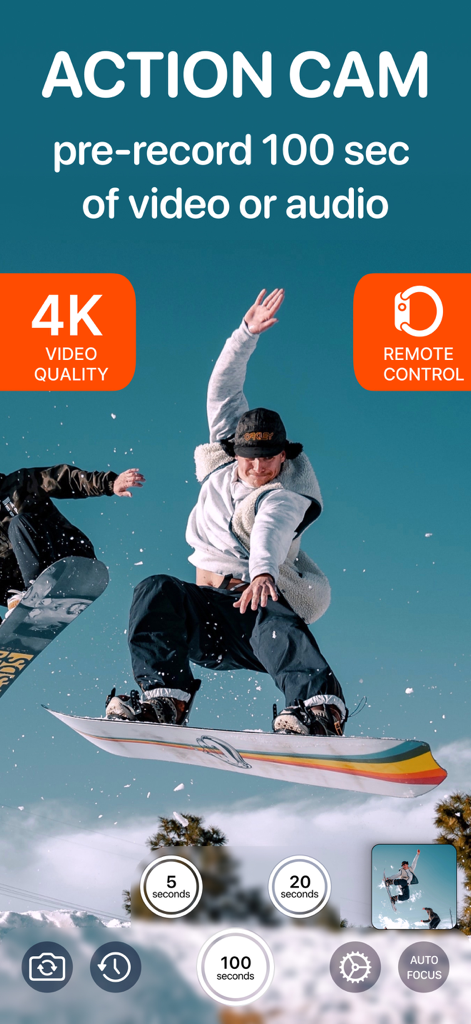
Video Buffer Action Camera - Video Buffer app interface showing a snowboarder jumping and 100 second pre-record options
Video Buffer app interface showing a snowboarder jumping and 100 second pre-record options

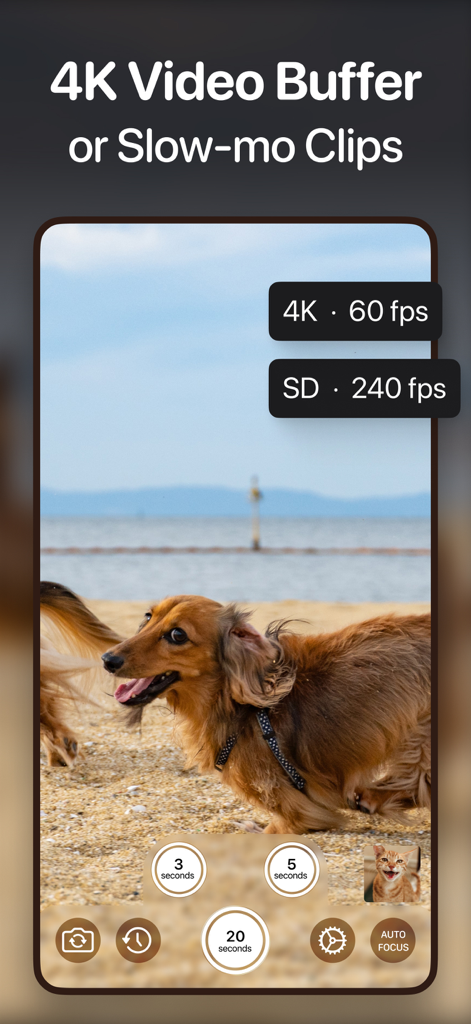
Video Buffer Action Camera - Recording interface of the Video Buffer Action Camera app featuring 4K resolution and slow motion settings
Recording interface of the Video Buffer Action Camera app featuring 4K resolution and slow motion settings

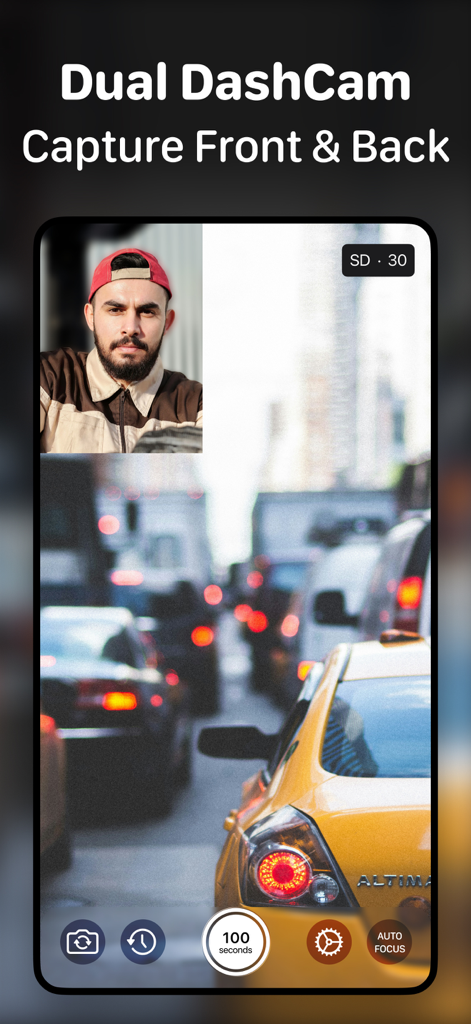
Video Buffer Action Camera - Video Buffer app interface showing dual dashcam mode recording front and back views simultaneously

Video Buffer app interface showing dual dashcam mode recording front and back views simultaneously
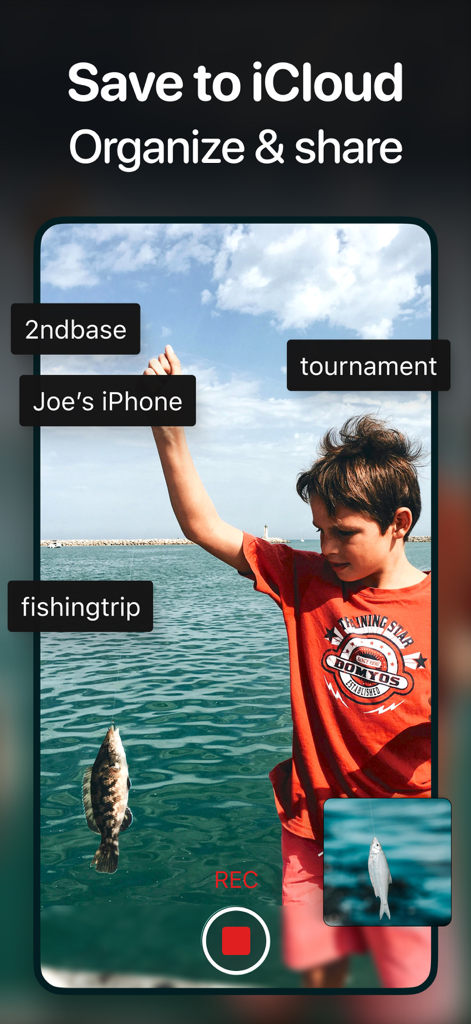
Video Buffer Action Camera - A young boy holding a fish on a fishing trip illustrating how to save and organize videos to iCloud
A young boy holding a fish on a fishing trip illustrating how to save and organize videos to iCloud

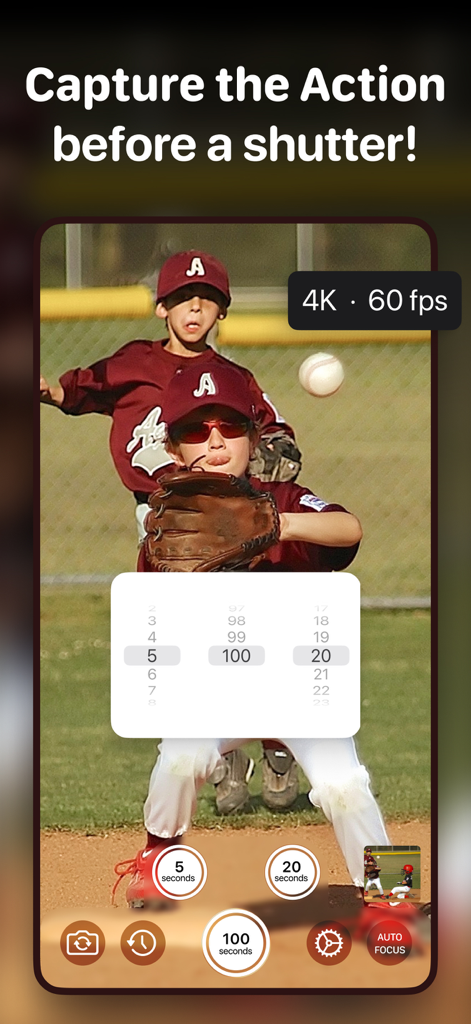
Video Buffer Action Camera - User interface of Video Buffer Action Camera app capturing a youth baseball game with adjustable buffer time settings and 4K resolution
User interface of Video Buffer Action Camera app capturing a youth baseball game with adjustable buffer time settings and 4K resolution

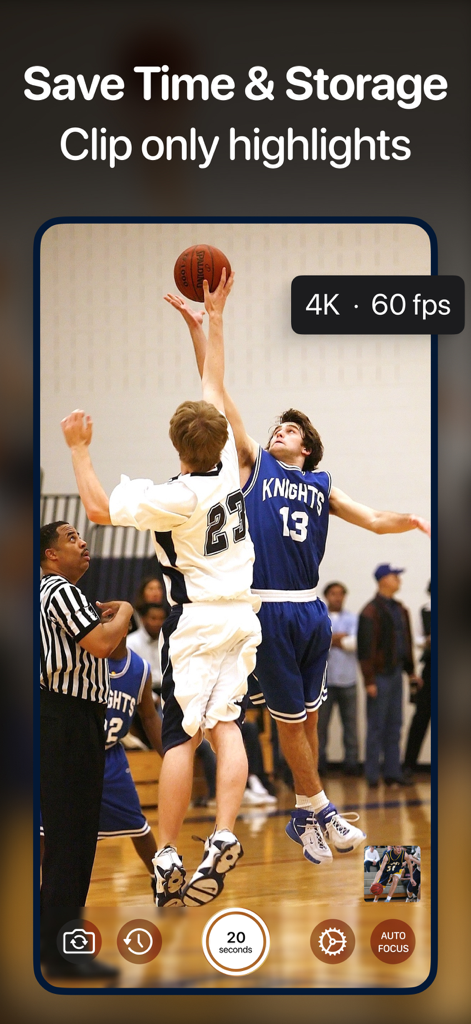
Video Buffer Action Camera - Screenshot of Video Buffer app capturing a high quality basketball game highlight with a 20 second buffer

Screenshot of Video Buffer app capturing a high quality basketball game highlight with a 20 second buffer

Video Buffer Action Camera - Screenshot of Video Buffer app capturing children blowing out birthday candles with DualCam mode enabled

Screenshot of Video Buffer app capturing children blowing out birthday candles with DualCam mode enabled

Video Buffer Action Camera - iPhone on a tripod using Video Buffer Action Camera to record a volleyball game with sports parent endorsement
iPhone on a tripod using Video Buffer Action Camera to record a volleyball game with sports parent endorsement

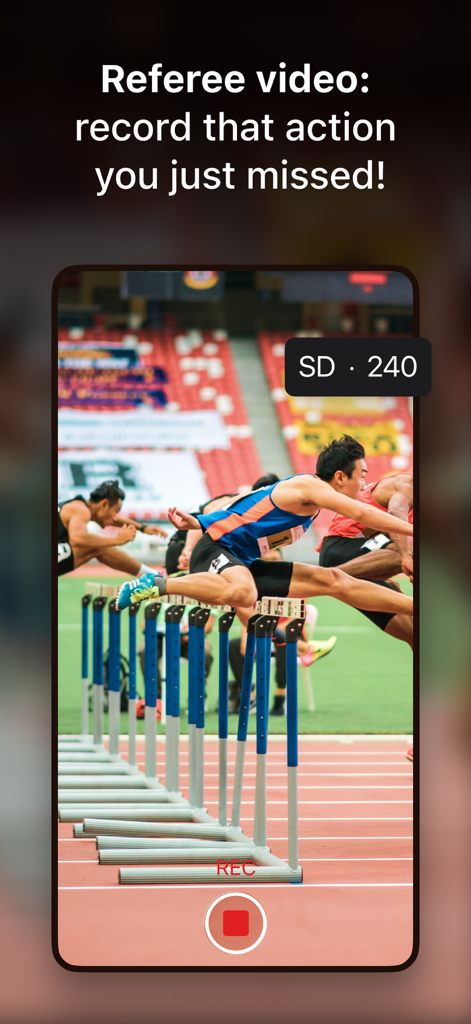
Video Buffer Action Camera - Video Buffer app recording a hurdle race for sports highlight capture
Video Buffer app recording a hurdle race for sports highlight capture

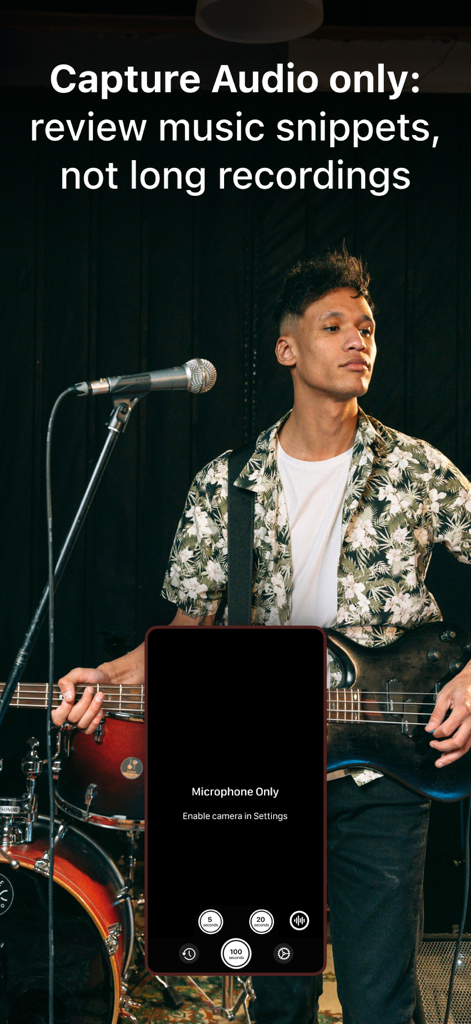
Video Buffer Action Camera - A musician playing guitar with a smartphone interface overlay showing the audio capture mode for recording music snippets.

A musician playing guitar with a smartphone interface overlay showing the audio capture mode for recording music snippets.

Description

Record the action that happened before the shutter! Save your device storage and skip the tedious post-game editing! Never miss a moment again! 4K video quality and Apple Watch as a remote! We're all used to pressing the record button and capturing life as it happens. But what if you could record things that already happened, pressing the button to catch the last few seconds? That's what makes Video Buffer so unique — you set the buffer time and hit the record when something interesting happens. You haven't missed a thing and saved your time and device storage! Video Buffer can be vital in all kinds of ways: Sports coaches and parents can use the app to record in-game highlight moments as they happen. Physical Education teachers could use buffered video footage to analyze performance and settle disputes between players. Sports officials and referees can review their decisions using a Buffer Camera as a video assistant. Drivers can use Video Buffer as a Dashcam, recording unexpected events on the road without overloading device memory storage. Skateboarders can capture only good lands and save time scrolling through many similar frames on the camera roll. Parents can catch their kids playing, making it easy to record that funny interaction that might otherwise be lost. Nature lovers can save time and storage while filming astonishing lightning flashes or waiting for the animal to appear or strike a funny pose. Video Buffer features include: - buffered video recording that ensures you'll never miss a moment - long buffer time, up to 100 seconds - 3 recording buttons, each with adjustable buffer time - DualCam Mode - record front and back camera footage simultaneously - option to capture only the buffer - the recording will end & save automatically - 4K video quality - custom video resolution and FPS (30-240) - portrait or landscape orientation - saving to iCloud or device folders with a custom prefix for the filenames - Apple Watch support — a remote on your wrist to make it easier than ever to hit that record button - Slow-motion support - gives sports and fitness trainers the best look at swing, ball movement, or technique. Note: Works only with some back cameras - set 240 FPS in Settings. If you've ever missed something because you couldn't hit a record in time, Video Buffer is the answer! Terms of use: https://www.apple.com/legal/internet-services/itunes/dev/stdeula

Download

Download on App Store

This page is not an official page of the app or its developer, but an independent editorial publication created for informational and commentary purposes. Unless expressly stated otherwise, neither the app nor its developer is affiliated with, endorsed by, sponsored by, authorized by, or otherwise officially connected with MWM, Apple, Google Play, the app publisher, or the app's developer, and nothing on this page implies that the app was developed using MWM's services. Any trademarks, logos, screenshots, and other content remain the property of their respective owners.








